
You've got a four-minute script due tonight, three browser tabs open, and one question that keeps getting more annoying the longer you stare at it, which text to speech for YouTube videos sounds right once the track runs past the demo sentence. The first ten seconds are easy to judge. The hard part is whether the voice keeps its rhythm across a full paragraph, handles your channel name without mangling it, and stays within a billing model you can live with after the third retake. That's why the tools below are judged on naturalness, language coverage, licensing, and how cleanly the voice fits into the editing workflow. For a broader market scan, this AI voice platform comparison guide is a useful companion, but the real test is still your own script.
Table of Contents
- 1. ElevenLabs
- 2. PlayHT
- 3. WellSaid Labs
- 4. Murf
- 5. Resemble AI
- 6. Speechify Studio
- 7. Descript Overdub
- 8. Amazon Polly
- 9. Google Cloud Text-to-Speech
- 10. OpenAI gpt-4o-mini-tts
- Top 10 Text-to-Speech Tools for YouTube Videos: Comparison Table
- Picking a Voice Stack That Holds Up Over Time
<a id="1-elevenlabs"></a>
1. ElevenLabs
ElevenLabs is one of the most creator-friendly choices when the voice has to carry the video. Its expressive neural voices, instant voice cloning, and automatic multilingual dubbing workflow make sense for channels that keep recurring characters or a consistent host identity. The web app, SDKs, and streaming API also fit a workflow where you keep adjusting chunks until the narration feels right. ElevenLabs is strong when you want the voice to sound like part of the storytelling, not like a utility layer.
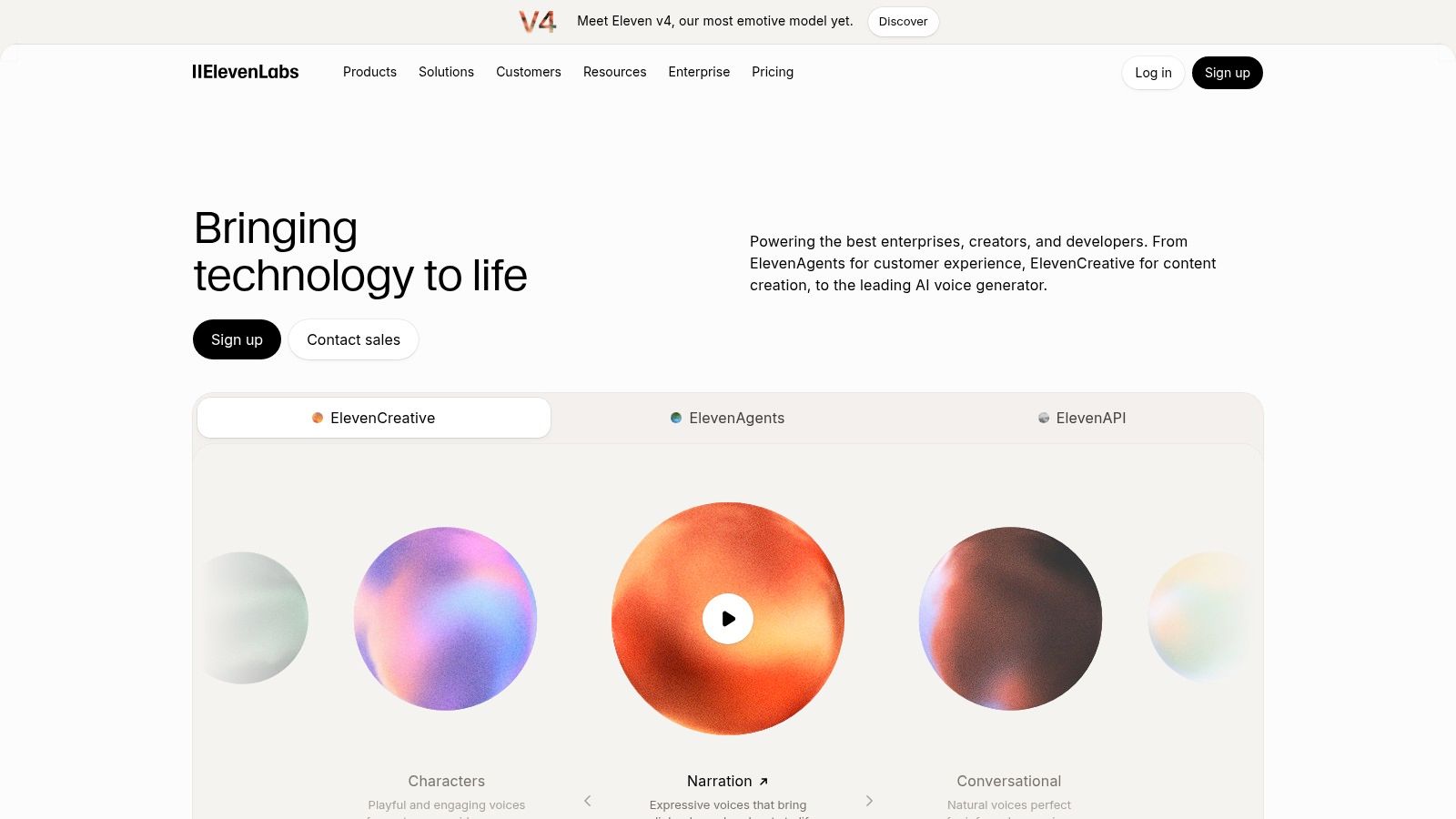
The trade-off is budget discipline. For long-form YouTube work, credit usage needs to be watched carefully, especially if you regenerate lines often or use dubbing on top of narration. That matters because the more you polish a scene, the more credits disappear, and the cost of indecision shows up fast.
<a id="where-elevenlabs-tends-to-win"></a>
Where ElevenLabs tends to win
It usually does best on emotion, character consistency, and the kind of narration that needs a little texture. If your channel depends on a repeat voice across episodes, that consistency is the main reason to keep it in the shortlist.
Practical rule: Use ElevenLabs when the narration is a core creative element, then budget for retakes before you start producing at scale.
<a id="2-playht"></a>
2. PlayHT
PlayHT is built for creators who want a large voice library and a fairly direct path from script to output. The appeal is simple, there are multiple model tiers, voice cloning with private slots, and a web studio plus REST API for faster production. That combination works well when you're iterating on shorts, explainers, or a recurring format and don't want the narration tool to slow the edit down. PlayHT fits the creator who values speed and flexibility over a highly opinionated studio workflow.
The catch is that PlayHT's pricing language can feel uneven across its pages, which makes planning harder than it should be. It also offers fewer built-in dubbing tools than specialized localization platforms, so if your channel lives on multilingual delivery, you may need extra steps or a separate tool. For single-language YouTube narration, though, it can still be a practical middle ground.
<a id="best-use-case-and-limitation"></a>
Best use case and limitation
PlayHT makes the most sense when you want multiple voice options, clone slots for recurring characters, and enough API support to batch your production. It's less convincing if your main need is polished localization with a tightly integrated dubbing stack.
For a creator view on how these trade-offs show up in practice, the ClipNova voiceover tools breakdown is a good reference point.
<a id="3-wellsaid-labs"></a>
3. WellSaid Labs
WellSaid Labs sounds like it was built for teams that care about clean delivery first and experimentation second. Its more than 240 curated voices, pronunciation tools, rewrite tools, team workspaces, Adobe integrations, and API make it a solid fit for channels that treat narration like part of a production pipeline rather than a one-off export. WellSaid Labs is the kind of tool you pick when you need dependable, brand-safe output and don't want a voice that veers into novelty.
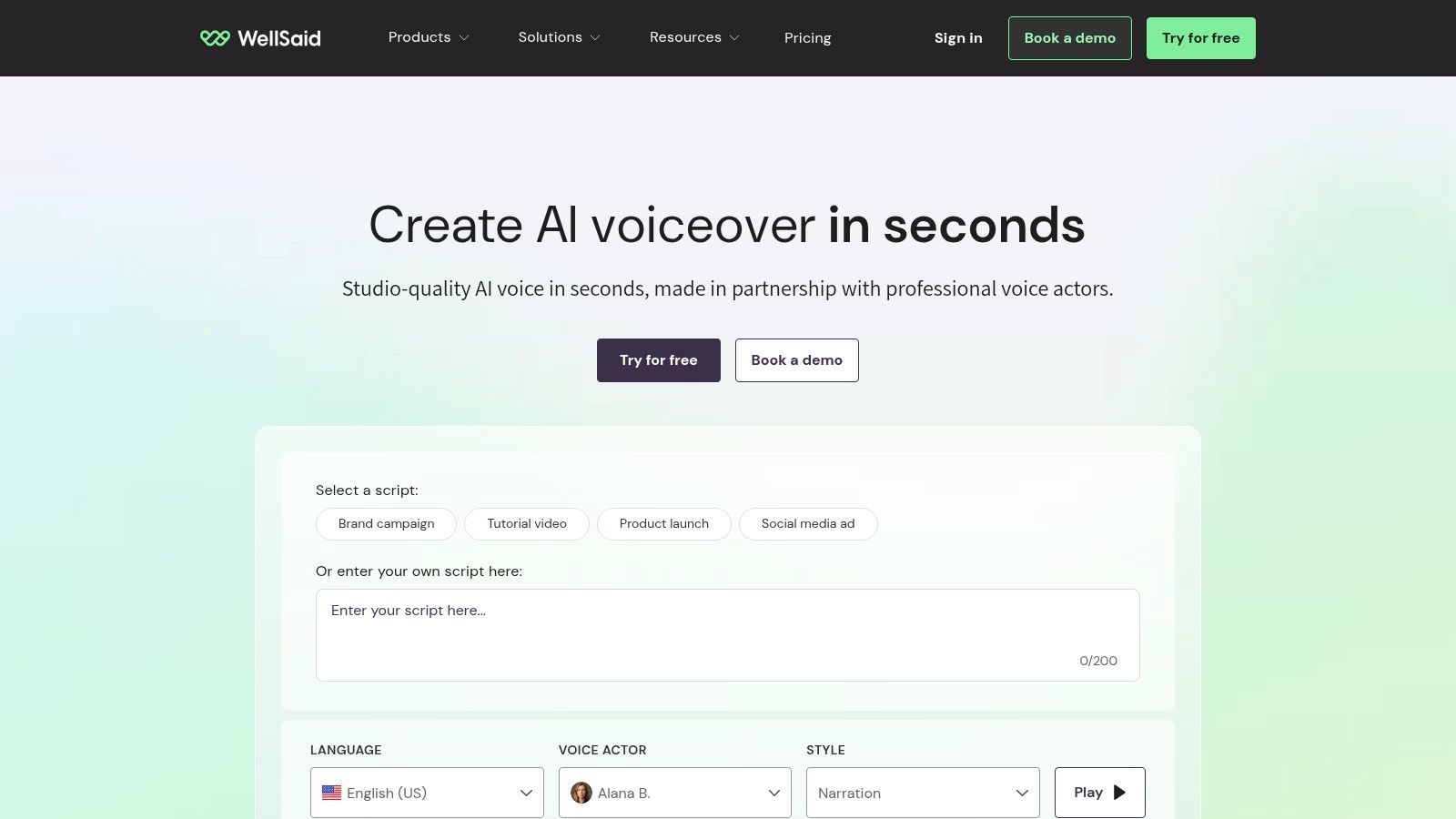
It's also one of the better options when you want to reduce retakes. The output is polished and consistent, which matters if you're narrating education, business commentary, or documentary-style scripts where the voice shouldn't compete with the material. The downside is that it offers fewer extreme or experimental voice styles than creator-first libraries, and its API and multilingual features sit on higher tiers.
<a id="what-it-feels-like-in-long-scripts"></a>
What it feels like in long scripts
WellSaid is less about dramatic performance and more about controlled delivery. That makes it useful for channels that want a clean, stable host voice across multiple uploads.
A voice that stays out of the way is often the right voice for a long explanatory video.
<a id="4-murf"></a>
4. Murf
Murf is a practical pick when you care about usage-based pricing and batch generation more than voice theatrics. It has a web studio, a streaming API, multiple models including Falcon, plus dubbing and translation endpoints. That mix makes it appealing for channels that publish often, because cost per unit starts to matter more than a single perfect render. Murf works well when the script output is repetitive enough that a predictable workflow beats a flashy one.
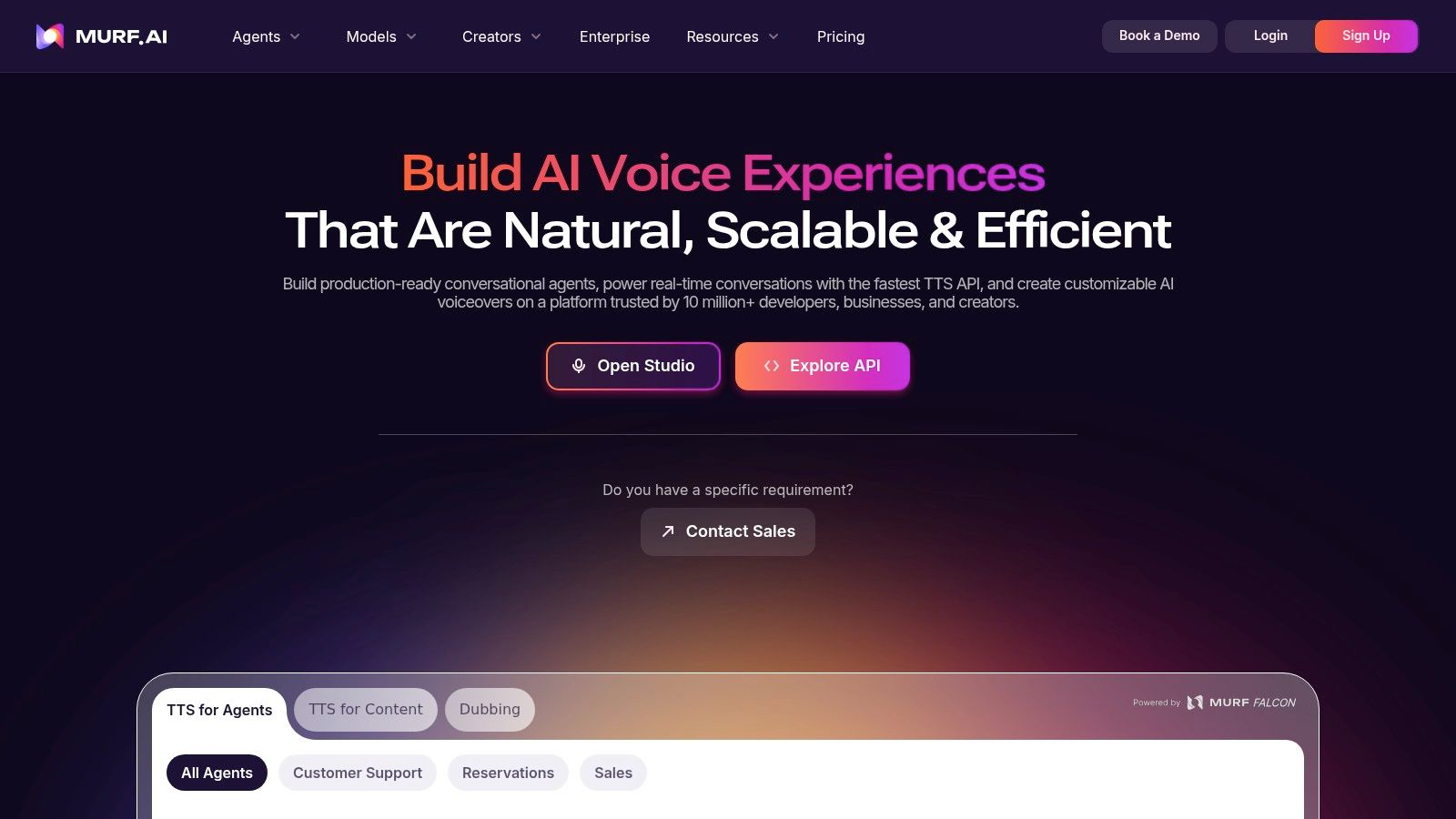
The main limitation is expressiveness. Voices can feel less vivid than what you get from top-tier creator-focused tools, and the sound can differ between models enough that you really do need to test before committing. If you are using it for long scripts, that testing step is not optional. A voice that looks good in the browser preview can still flatten out over a full narration.
<a id="why-cost-planning-matters-here"></a>
Why cost planning matters here
Murf is useful when cost per 1,000 characters is part of your actual production math. If you're publishing in batches or working with a repeatable format, that kind of predictability matters more than a glossy demo.
<a id="5-resemble-ai"></a>
5. Resemble AI
Resemble AI sits closer to the enterprise side of the map, which is exactly why some YouTube teams like it. It supports voice creation from text prompts or short samples, real-time generation, effects, multilingual support, and authenticity controls. That combination matters when the voice needs to be custom, governed, and defensible, especially for a brand-sensitive channel or a team with approval steps. Resemble AI is less about instant convenience and more about ownership and control.
The trade-off is that advanced pricing is sales-led, so it can take more effort to get a clear read on the final cost. It also isn't as simple to start with as a creator-first studio. For a solo creator, that complexity can feel like too much friction. For a company that wants custom voices plus safety controls, it can be exactly the right amount of structure.
<a id="where-it-makes-sense"></a>
Where it makes sense
Use Resemble AI when your priority is custom voice governance, not just a fast narration render. If the voice itself needs documentation, consistency, and authenticity controls, it earns its place.
Practical rule: Choose Resemble AI when you need a custom voice with stronger controls around identity, not when you just need a quick narrator for one upload.
<a id="6-speechify-studio"></a>
6. Speechify Studio
Speechify Studio tries to keep the whole narration stack in one web app. It combines TTS voiceovers, video dubbing, voice cloning, stock media, captions, and simple timeline editing, with studio credits shared across tools. Speechify Studio is convenient for creators who want to do enough editing, enough narration, and enough caption work without jumping between apps.
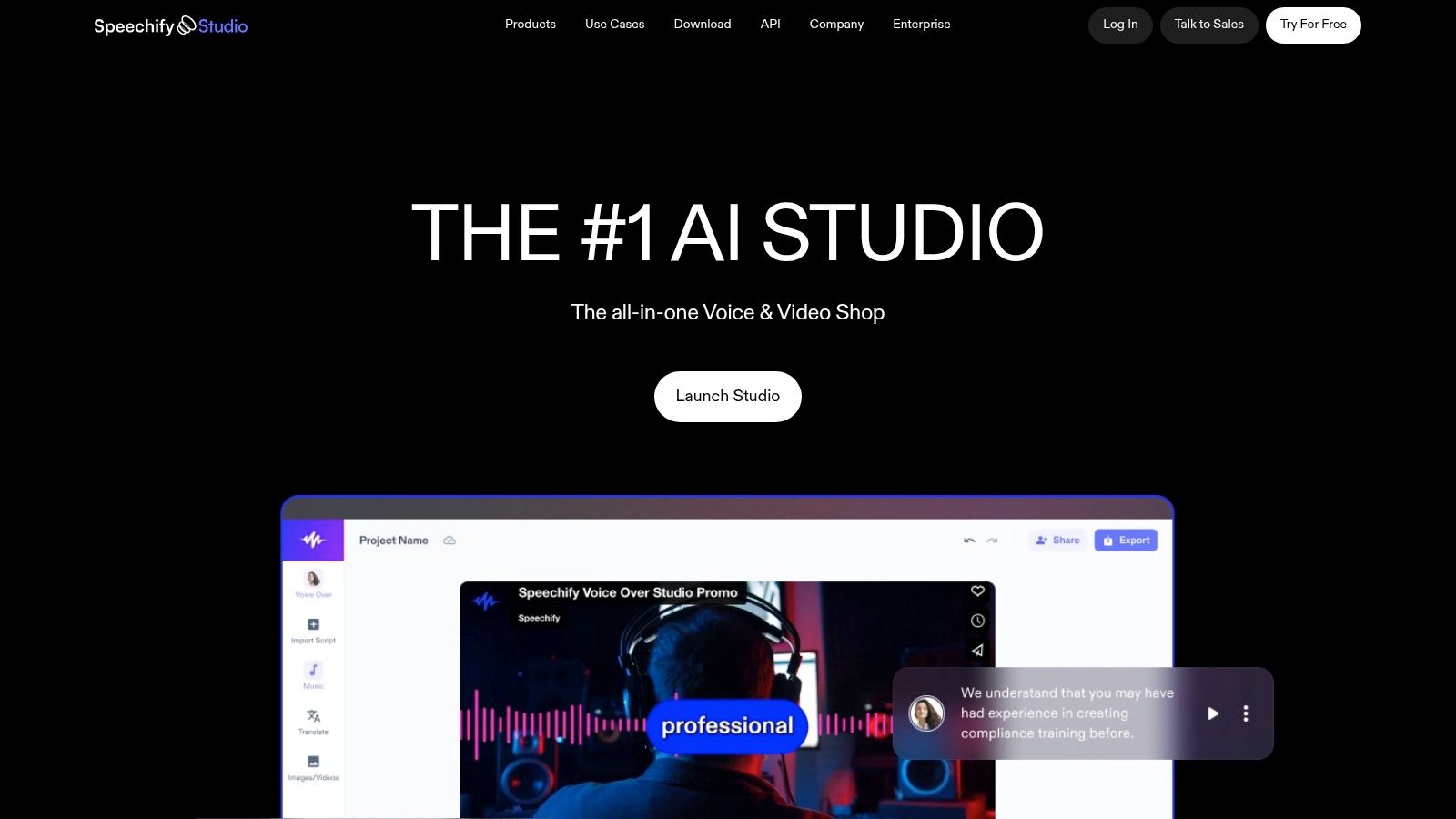
That convenience is real, but it comes with a narrower control surface than specialist TTS tools. If you want detailed prosody tuning, you may feel boxed in. The pricing also appears at checkout, which makes early comparison harder than it should be. Still, for narration plus light production, the workflow is straightforward.
If your channel leans on slides, explainers, or basic dubbing, the ClipNova explainer video guide is a good way to think about how voiceover and visuals should move together.
<a id="best-fit"></a>
Best fit
Speechify Studio is strongest when you want voice generation and basic production in one place. It's less compelling if you already have a separate editing stack and only need the narration engine.
<a id="7-descript-overdub"></a>
7. Descript Overdub
Descript's Overdub is the easiest choice when you already edit inside Descript and want narration to live inside the timeline. That matters more than people admit. If you're fixing a pickup line, changing a phrase, or generating a replacement sentence without leaving the project, the workflow stays tight and the edit gets done faster. Descript feels less like a separate voice tool and more like part of the video itself.
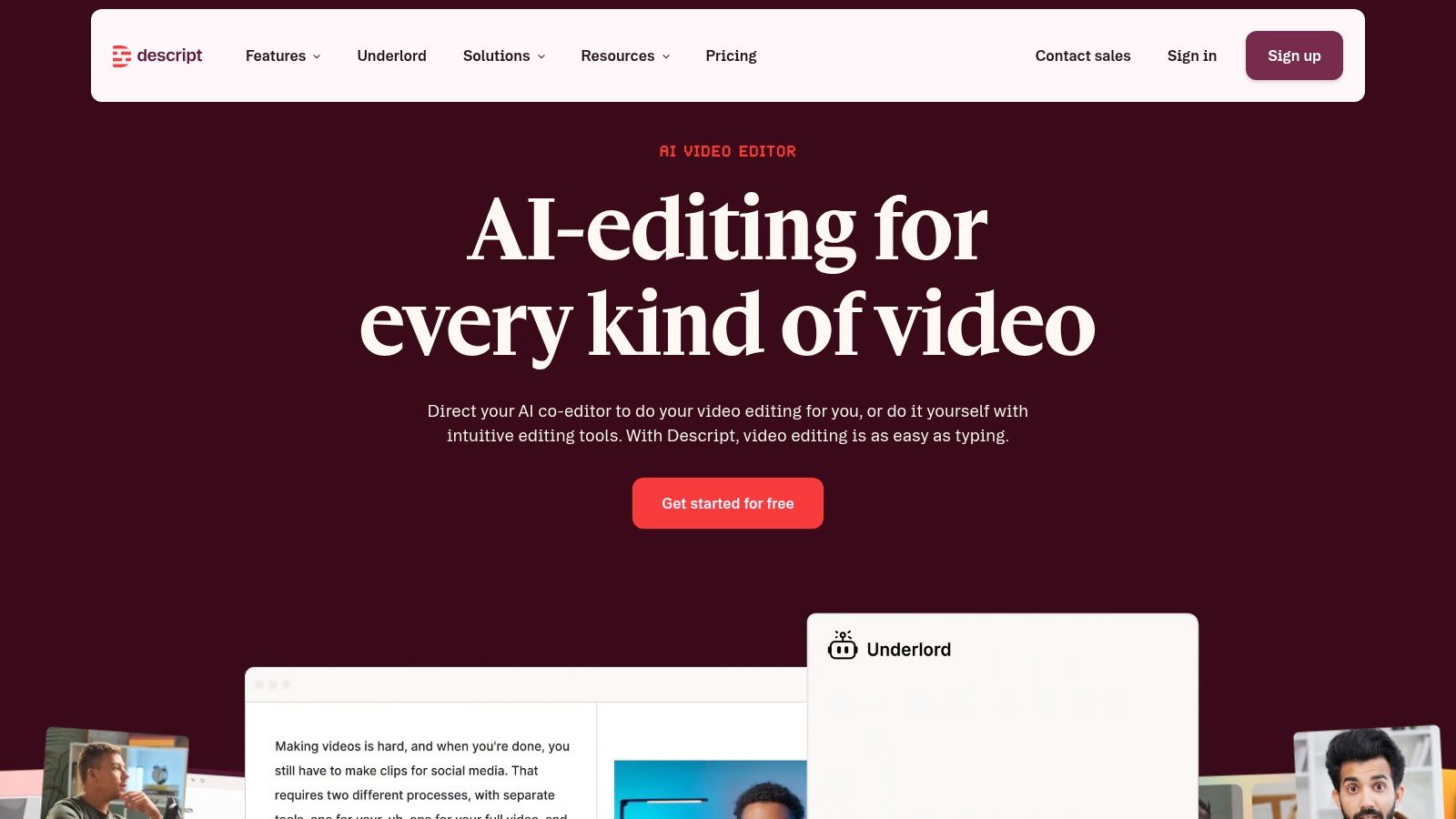
It also helps that Descript is built around text-based editing, speaker labeling, and studio-sound cleanup. That makes it especially useful for creators who want narration fixes without rebuilding the entire audio track. The downside is obvious if all you want is text to speech. It can be more tool than you need, and AI usage still needs watching on longer projects.
<a id="the-workflow-advantage"></a>
The workflow advantage
Overdub's biggest win is context. The voice lives where the video is being assembled, so small fixes stay small.
For caption-heavy workflows, the ClipNova captioning workflow guide is a useful companion read.
<a id="8-amazon-polly"></a>
8. Amazon Polly
Amazon Polly is the dependable infrastructure choice. It gives you Standard, Neural, Long-Form, and Generative voice engines, plus SSML and Speech Marks for caption or lip-sync workflows, with console and API access under per-character billing. Amazon Polly is strong for creators and teams who want predictable generation at scale and already think in terms of batch jobs or cloud pipelines.
The voice quality is reliable, but it's not the most expressive option on this list. Polly is more utility than personality, and that's fine if the channel needs consistency over performance. It also doesn't offer self-serve consumer voice cloning, so it's not the best fit for recurring character voices unless your workflow is built around script-first production rather than identity-first narration.
<a id="why-creators-still-use-it"></a>
Why creators still use it
Polly remains useful because the API is stable, the documentation is mature, and the billing model is easy to reason about. If you need a machine-readable voice layer that fits into AWS-based production, it's hard to ignore.
<a id="9-google-cloud-text-to-speech"></a>
9. Google Cloud Text-to-Speech
Google Cloud Text-to-Speech is the obvious pick when you already work inside Google Cloud or want a straightforward API-based narration stack. It offers WaveNet and Neural voices, SSML controls, REST and SDK integration, and usage-based billing that fits into cloud workflows. Google Cloud Text-to-Speech is practical for creators who care more about infrastructure consistency than about a flashy voice marketplace.
The main limitation is that it doesn't give you the same granular performance direction you get from creator-focused studios. It also doesn't provide instant self-serve voice cloning, so channels that need recurring character voices may find it less flexible. Still, for global availability and stable generation, it's a serious option.
<a id="where-it-fits"></a>
Where it fits
It works best when your YouTube production already passes through Google infrastructure or when you want per-character billing without a separate creative tool layered on top. If you only need narration, it's clean and practical.
<a id="10-openai-gpt-4o-mini-tts"></a>
10. OpenAI gpt-4o-mini-tts
OpenAI gpt-4o-mini-tts is attractive because it sits naturally beside script generation. If your workflow already uses the OpenAI API for outlining, drafting, or rewriting, adding speech into the same toolchain can reduce friction. OpenAI gpt-4o-mini-tts supports multiple built-in voices, token-based billing, and API integration that suits script-to-audio pipelines.
The catch is that the voice library is smaller than what dedicated TTS providers offer, and model snapshots or token pricing may force workflow updates. That means it can be efficient for short to medium videos, but less ideal if you want a big catalog of voice personalities or a highly stable long-term voice stack.
<a id="when-its-a-smart-shortcut"></a>
When it's a smart shortcut
Use it when you want a fast, API-first path from script to speech. It's especially useful if you'd rather keep your text and audio generation in the same system.
<a id="top-10-text-to-speech-tools-for-youtube-videos-comparison-table"></a>
Top 10 Text-to-Speech Tools for YouTube Videos: Comparison Table
| Tool | Core capabilities | Voice and workflow strengths | Best suited for | Pricing and value notes |
|---|---|---|---|---|
| ElevenLabs | TTS, voice cloning, multilingual dubbing, API | Expressive voices; tools for script segments and regenerations | Creators needing natural narration and recurring character voices | Credit-based plans; pay-as-you-go options |
| PlayHT | TTS, voice cloning, web studio, API | Large voice library; multiple clone slots | Frequent creators and teams scaling narration | Credit and plan details vary |
| WellSaid Labs | TTS, pronunciation tools, team workflows, API | Curated voices and consistent professional delivery | Teams prioritizing polished, brand-safe narration | Usage metered by downloaded minutes; some features require higher tiers |
| Murf | TTS studio, API, dubbing, translation | Multiple voice models; supports batch workflows | Teams comparing narration costs at volume | Pay-as-you-go API pricing and volume discounts |
| Resemble AI | Custom voice creation, cloning, multilingual generation, detection tools | Voice controls paired with authenticity and governance features | Brands and regulated or sensitive use cases | Advanced feature pricing is sales-led |
| Speechify Studio | TTS, dubbing, cloning, captions, stock media, editing | Combines voice generation with basic production tools | Creators wanting several tasks in one web app | Shared studio credits; exact tiers shown at checkout |
| Descript (Overdub) | Text-based editing, custom voice generation, video and podcast editing | Generate pickups and narration within an editing timeline | Existing Descript users fixing lines or editing narration | AI usage meters apply; may exceed needs for TTS alone |
| Amazon Polly | Cloud TTS, SSML, speech marks, API | Broad language support and automated batch workflows | High-volume or AWS-based production | Per-character billing |
| Google Cloud Text-to-Speech | Cloud TTS, SSML, REST API, SDKs | Broad locale coverage and pronunciation controls | GCP users building API-driven workflows | Usage-based, per-character billing |
| OpenAI gpt-4o-mini-tts | API-based TTS with built-in voices | Fits workflows that generate scripts and speech together | Developers creating streamlined content pipelines | Token-based billing; smaller voice library than dedicated TTS tools |
<a id="picking-a-voice-stack-that-holds-up-over-time"></a>
Picking a Voice Stack That Holds Up Over Time
Run one 60-second passage through two or three shortlisted tools. Listen for mispronounced channel names, pacing drift across a full paragraph, and how the voice sits under music. Those problems don't usually show up in a ten-second demo, and they're the ones that decide whether the video feels credible or rushed.
Check the commercial rights and billing model before you scale. Some tools bill in credits, some in downloaded minutes, some in per-character usage, and some bundle credits across multiple features. If you publish regularly, that difference matters as much as the voice itself, because a cheap-looking demo can become an expensive production habit.
The platform choice also depends on where the narration sits in the workflow. Use a standalone voice tool when the voice itself is the product or when you already have a finished edit. Use built-in narration when the video also needs script, scenes, captions and background music in one pass, because that removes handoff work and keeps the whole piece consistent. ClipNova fits that latter path, with videos up to 5 minutes, output up to 1080p, narration in 18 languages, and plans starting at $19/mo with commercial rights. For long AI videos with recurring characters, that all-in-one route is often faster than stitching separate tools together.
The final filter is honesty about limits. A tool can sound great on one paragraph and still fail on names, emotional scenes, or long-form pacing. For creators making story videos, documentary channels, kids content, or faceless educational uploads, the best stack is the one that survives a full script, not the one that wins a short demo.
If you want the narration, scenes, captions, and music handled in one place, ClipNova is built for that workflow. It turns a script into a finished long AI video with consistent characters, so you spend less time stitching tools together and more time publishing. Make your first video by visiting ClipNova AI.
Ready to ship your own?
Start creating viral videos with AI in under twenty minutes, no credit card required.