
You have a script open in a document, a channel that needs a new upload, and no camera, crew, or editor to turn those pages into something watchable. You have tried stitching short clips together before. The character changed faces by scene three, the voice did not match the captions, and exporting for a second platform meant starting the edit again.
That gap between a finished script and a finished video is where most creators stall. Script to video workflows exist to close it, but only if you treat the script, scenes, audio, and characters as one production system. The steps below show how to do that without hiding where current tools still break.
Table of Contents
- Why Script to Video Tools Changed Production
- Writing a Script Built for Video
- Breaking Your Script into Scenes
- Voice, Captions, and Music in One Pass
- Keeping Characters Consistent Across Scenes
- Finishing Touches and Publishing
<a id="why-script-to-video-tools-changed-production"></a>
Why Script to Video Tools Changed Production
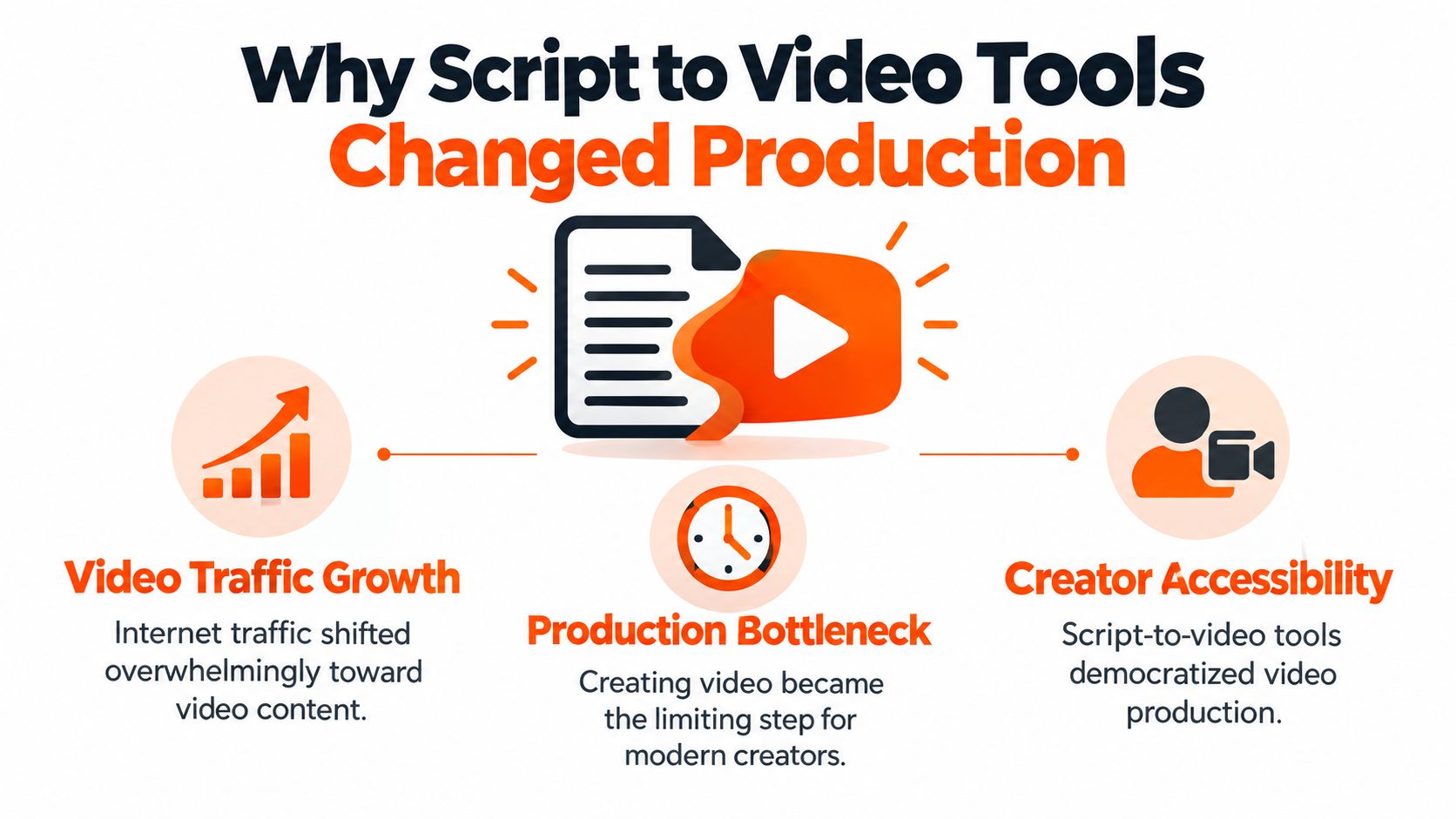
Video became the default distribution format long before automated production caught up. Cisco projected in 2015 that global internet video traffic would rise from 25 exabytes per month in 2014 to 105 exabytes per month in 2019, a fourfold increase, with video representing 77% of all internet traffic by 2019, according to Cisco's Visual Networking Index forecast. That was a forecast, not a measurement of every later outcome, but it captured the direction correctly enough to explain the pressure creators still feel.
Demand moved first. Production capacity did not. A traditional video still needs writing, casting or asset sourcing, filming or clip generation, voice recording, captioning, music, and reformatting for different aspect ratios. Each step sits in a different tool, and each handoff introduces a new chance for timing, style, or continuity to slip.
<a id="the-bottleneck-these-tools-actually-remove"></a>
The Bottleneck These Tools Actually Remove
Script to video systems combine those separate tasks into one pass. You bring a premise or a written script. The system breaks it into scenes, generates visuals, adds narration and captions, and lays in music. That is a different job from a generic ai video generator that produces an isolated shot, and it is worth evaluating tools on whether they finish the whole asset or just the footage layer.
The category also splits in ways that matter for your choice.
- Clip generators: Tools such as Runway, Kling, Veo, and Hailuo make strong individual shots. You still assemble the story, voice, and captions yourself.
- Template editors: InVideo and Pictory build longer videos, but they lean on stock footage. Your characters and locations come from a library anyone can use.
- Faceless shorts tools: Revid, StoryShort, and Zebracat focus on short-form output. That works for a single format, not a longer narrative.
- Avatar tools: HeyGen and Synthesia produce presenters who speak to camera. They do not stage multi-scene stories.
The useful question is not whether a tool can make a good-looking clip. It is whether it can carry one idea from script to a postable video without you rebuilding the audio, captions, and continuity by hand.
That distinction shapes everything that follows. A tool that only makes shots leaves you as the editor. A tool that makes the whole story leaves you as the director, which is where your judgment matters most.
<a id="writing-a-script-built-for-video"></a>
Writing a Script Built for Video
Start before the first line of dialogue. Write down who the video is for and what should change for that viewer by the end. A five-minute history story for curious adults needs a different pace, vocabulary, and payoff than a children's cartoon or a product explanation. If you cannot state the outcome in one sentence, the script will wander and the scenes will inherit that problem.
Not knowing where to begin is the most common reason people avoid video entirely. HubSpot's summary of Wyzowl's 2025 survey reported that 89% of businesses used video marketing, while 37% of non-users said they did not know where to start, 26% cited lack of time, and 16% were uncertain about return on investment, as detailed in HubSpot's summary of Wyzowl's 2025 survey. A defined audience and outcome removes most of that blank-page problem because every later decision has a test to pass.
<a id="write-for-the-ear-not-the-page"></a>
Write for the Ear, Not the Page
Read every paragraph aloud. Sentences that look fine in a document often run too long when spoken, and a narrator cannot pause where there is no punctuation to guide the breath. Keep sentences short. Put the subject early. Replace abstract nouns with actions a camera could plausibly show.
That last point is practical, not stylistic. A line like "she felt betrayed" gives a scene generator almost nothing to draw. "She reads the letter twice, then folds it and leaves the room" gives it a subject, a prop, and a sequence. Strong prompt construction starts here, and a detailed guide to text to video prompts covers how wording choices translate into visual instructions.
<a id="structure-for-a-five-minute-runtime"></a>
Structure for a Five-Minute Runtime
Build the script in narrative blocks rather than one continuous flow.
- Opening hook: State the tension, question, or surprising claim in the first lines. Do not save it for later.
- Setup: Introduce the characters, setting, and stakes the viewer needs before the main events make sense.
- Escalation: Add complications, evidence, or steps in an order the viewer can follow without rewinding.
- Resolution: Answer the opening question or complete the arc. End on the outcome you defined at the start.
Mark visual beats as you write, even informally. When the location changes, a new character enters, or the action shifts from explanation to example, that is probably a new scene. Noting those beats now saves guesswork later and keeps narration and visuals aligned.
One honest limit. AI narration handles clear, well-punctuated prose well, but dense clauses, heavy irony, and long lists of names or numbers still trip it up. Simplify those passages on the page. Fixing them after generation costs more time than writing them cleanly the first time.
<a id="breaking-your-script-into-scenes"></a>
Breaking Your Script into Scenes
Do not paste a full script into a single prompt and hope for the best. Work in four passes: define the audience and intended outcome, write the narrative script, convert it into a scene-by-scene storyboard, then validate each scene against the narration before rendering, a sequence described in research on structured video production workflows. For a five-minute video, a scene manifest with fields for scene duration, narration text, shot purpose, character identity, location, camera framing, on-screen text, music cue, and transition keeps production organized.
Short generation units are the point. When one shot fails, you replace that shot. You do not regenerate the entire video and risk breaking scenes that already worked.
<a id="what-the-storyboard-pass-looks-like"></a>
What the Storyboard Pass Looks Like
The short walkthrough below shows a script moving into a timed, scene-level plan.
<iframe width="100%" style="aspect-ratio: 16 / 9;" src="https://www.youtube.com/embed/WJGzEOaVVbI" frameborder="0" allow="autoplay; encrypted-media" allowfullscreen></iframe>A two-column storyboard works well for this stage. One column holds what the viewer sees, the other holds what the viewer hears. Mismatches become visible immediately, because you can read a narration line and check whether the paired visual shows it.
<a id="semantic-drift-is-the-main-failure"></a>
Semantic Drift Is the Main Failure
Semantic drift is the pitfall that catches most first-time users. The visuals satisfy the topic but not the exact action, subject, or order the narration describes. A script about a baker opening a shop produces generic bakery footage while the voiceover talks about signing a lease. Nothing looks wrong at a glance. The meaning is wrong.
Run a binary check on every scene before you render.
| Check | Question to answer |
|---|---|
| Correct subject | Is the person or object named in the narration actually on screen |
| Correct action | Is that subject doing what the narration says |
| Correct setting | Does the location match the scene's place in the story |
| Correct sequence | Does this event happen at the right point in the timeline |
Fail any one check and the scene gets rewritten or regenerated, not explained away. Captions need the same scrutiny separately, for factual coverage and timing rather than spelling alone. Automated captioning can still lag human annotation quality, so sample and correct names, numbers, and negations instead of trusting the first pass.
This is also where tools differ sharply. Some accept pasted scripts or uploaded files and convert them into timed storyboards automatically, which shortens this stage. Others give you a blank timeline and leave the manifest work to you. Either way, the validation pass is yours. No system knows your story's intended order better than you do.
<a id="voice-captions-and-music-in-one-pass"></a>
Voice, Captions, and Music in One Pass
A video with strong visuals and weak audio still feels unfinished. Treat voice, captions, and music as production layers with their own checks, not as automatic extras that come free with generation.
Start with voice casting. Match the voice to the channel's promise, not to novelty. A calm documentary narrator, a warm children's storyteller, and a fast-paced fact channel voice create different expectations in the first seconds. If you publish in more than one market, narration across 18 languages lets you reuse the same scene structure with localized delivery rather than rebuilding the video. For a broader comparison of options, this overview of AI voiceover tools lays out how voice selection affects the finished result.
If you work with human voice talent alongside generated narration, presentation matters as much as sound quality. Guidance on how to present voice demos is useful when you need clients to compare options and approve a voice before you lock a production.
<a id="lip-sync-has-clear-limits"></a>
Lip Sync Has Clear Limits
When characters speak on screen, lip synchronization means aligning mouth movements with speech while preserving identity, pose, and facial detail. It is not just attaching audio to a face. A recent benchmark study reported a 97.40% generation-success rate across its test videos, compared with 92.20% for MuseTalk and less than 75% for several other evaluated systems, according to a benchmark study of lip-sync systems. On stylized characters, however, its success rate fell to 87.78%, showing that cartoon or non-photorealistic characters remain a harder case than ordinary faces.
Practical rule: If your cast is heavily stylized, keep spoken lines short and favor narration over long on-screen dialogue. Shorter lines give the sync system less room to drift.
Captions are your second narration track. Many viewers watch muted, and captions carry names, dates, and negations that change meaning if they are wrong. Review them against the script line by line, checking timing against the spoken words. A caption that appears one scene late rewrites your story.
Music comes last. Choose cues that support the block structure you built earlier, with changes at narrative turns rather than one loop under everything. Keep it under the voice. If you are reaching for the volume during dialogue, the mix is wrong, no matter how good the track sounds on its own.
<a id="keeping-characters-consistent-across-scenes"></a>
Keeping Characters Consistent Across Scenes
Character drift is the problem that ends most long-form AI video projects. The lead arrives in scene one with dark hair and a green coat. By scene six the coat is blue, the face is younger, and the voice belongs to someone else. Viewers stop following the story because they are busy deciding whether this is the same person.
Treat this as a continuity problem, not a prompting trick. Repeating a character name in every prompt does not lock an identity. A locked character record should contain a reference image, face and hair descriptors, wardrobe colors, age range, body proportions, voice identity, and prohibited changes, an approach supported by benchmark research on subject consistency over time. That same research reports that video-caption quality and subject-referential consistency decline as video duration grows, which means long videos accumulate errors rather than making isolated ones.

<a id="building-the-record-and-checking-it"></a>
Building the Record and Checking It
Attach the locked record to every scene the character appears in. Then check the output against it after generation, comparing face, clothing, accessories, apparent age, and screen direction. Generation alone does not guarantee compliance. The check is what creates consistency.
Recurring characters also need a story-state record beyond appearance.
- Location and props: Where the character is, and what they are carrying or wearing at this point in the plot.
- Physical state: Injuries, costume damage, or changes the story has already established.
- Relationships and knowledge: Who they have met and what they already know, so later scenes do not contradict earlier ones.
- Unresolved events: Promises, threats, and open questions the next episode must honor.
Divide a five-minute script into narrative blocks of roughly 30 to 60 seconds and summarize the established state at each boundary. When a mismatch appears, regenerate only the affected scene. Common failures include wardrobe changes after cuts, props jumping position, characters speaking in the wrong voice, and captions describing an earlier event. A simple checklist scoring the percentage of scenes that pass identity, wardrobe, voice, prop, and plot-state checks tells you whether your process is improving.
This is the specific gap between clip tools and story tools. ClipNova, for example, lets you save a character with a locked look so the same face and outfit carry across scenes, and its Series feature keeps a cast of up to 8 characters across episodes with story memory, in videos up to 5 minutes at up to 1080p. That does not remove your continuity check. It means the system stores the reference data for you instead of relying on prompt repetition, so your review pass catches exceptions rather than rebuilding identity from scratch each time.
Do not expect a universal success rate. Results depend on the model, genre, language, and scene length. Test your own cast with your own scripts and measure the pass rate before committing to a series.
<a id="finishing-touches-and-publishing"></a>
Finishing Touches and Publishing
Generation is not the finish line. Watch the full video once without pausing, the way a viewer will. Note every scene where subject, action, setting, or sequence breaks, every caption that lags, and every voice that changes character. Then fix at scene level. Regenerating one scene in a studio editor preserves the scenes that already pass, and automating parts of video editing can shorten this review cycle without removing your judgment from it.
<a id="disclosure-is-part-of-the-workflow"></a>
Disclosure Is Part of the Workflow
Most tutorials stop at export. That skips the trust question your audience will ask. 84% of people familiar with generative AI believe AI-created content should always be clearly labeled, and in an Australian 2025 study, 86% of respondents said generative AI has made it harder to determine whether digital content is real, while only 41% felt confident identifying AI-generated content, according to a 2025 Deloitte study on generative AI trust.
Build disclosure into publishing, not around it. Keep a script and asset log, identify synthetic voices and characters in your description, and add clearer on-screen context for historical reenactments, documentary-style stories, or branded content where viewers might assume real people and real events. Fictional stories need less framing than factual ones, but invented characters should never be presented as real testimonials.
Commercial rights need the same clarity. A plan that includes commercial rights covers your permission to publish and monetize, which is separate from exclusive copyright ownership of every generated frame. Your script, scene selection, arrangement, and edits are the human contributions you control. Keep records of them.
Finally, match format to platform. Export in 9:16, 16:9, or 1:1 depending on where the video will run, and check captions and framing in each ratio rather than assuming a crop is safe. If you publish the same story across channels, practical cross posting advice helps you adapt titles and formats per platform instead of duplicating one upload everywhere.
Turn your next script into a finished long AI video with consistent characters, voiceover, captions, and music done in one pass. Make your first video with ClipNova AI and publish a complete story, not a folder of clips.
Ready to ship your own?
Start creating viral videos with AI in under twenty minutes, no credit card required.