
You've got a phone, a posting schedule, and a folder full of half-finished clips. The product looks right in one render, the narration works in another, and the version with readable captions has the wrong framing. You keep rewriting the prompt, but each attempt fixes something and breaks something else.
A prompt like make a cinematic product video leaves the important production decisions unspecified. The model still has to choose the opening, camera movement, spoken message, pacing, and ending. If those choices don't match your brief, you spend credits generating footage you can't use.
Useful prompt examples describe a production job, not just a mood. They separate what must stay fixed from what can vary, then define what an acceptable result looks like. A script needs speakable lines. An image edit needs preservation instructions. A music video needs timing references, not an energetic aesthetic.
- Choose the job: Start with the deliverable you need.
- Replace the placeholders: Supply product facts, references, audience context, and approved language.
- Test the smallest useful output: Approve a hook, shot, or edited still before generating the full asset.
The patterns below cover vertical 9:16, square 1:1, and widescreen 16:9 production. Treat those ratios as composition instructions, not a promise that cropping will fix everything later.
Table of Contents
- 1. Hook-Body-CTA Short-Form Script Prompt
- 2. UGC Product Ad Prompt
- 3. Shot-by-Shot Text-to-Video Prompt
- 4. Beat-Synced Music Video Prompt
- 5. Talking Avatar Host Script Prompt
- 6. Anime and Cartoon Style Transformation Prompt
- 7. Image Edit Preservation Prompt
- 8. Trend-Based Hook Ideation Prompt
- Prompt templates at a glance
- Turning These Eight Prompts Into a Repeatable Production Routine
<a id="1-hook-body-cta-short-form-script-prompt"></a>
1. Hook-Body-CTA Short-Form Script Prompt
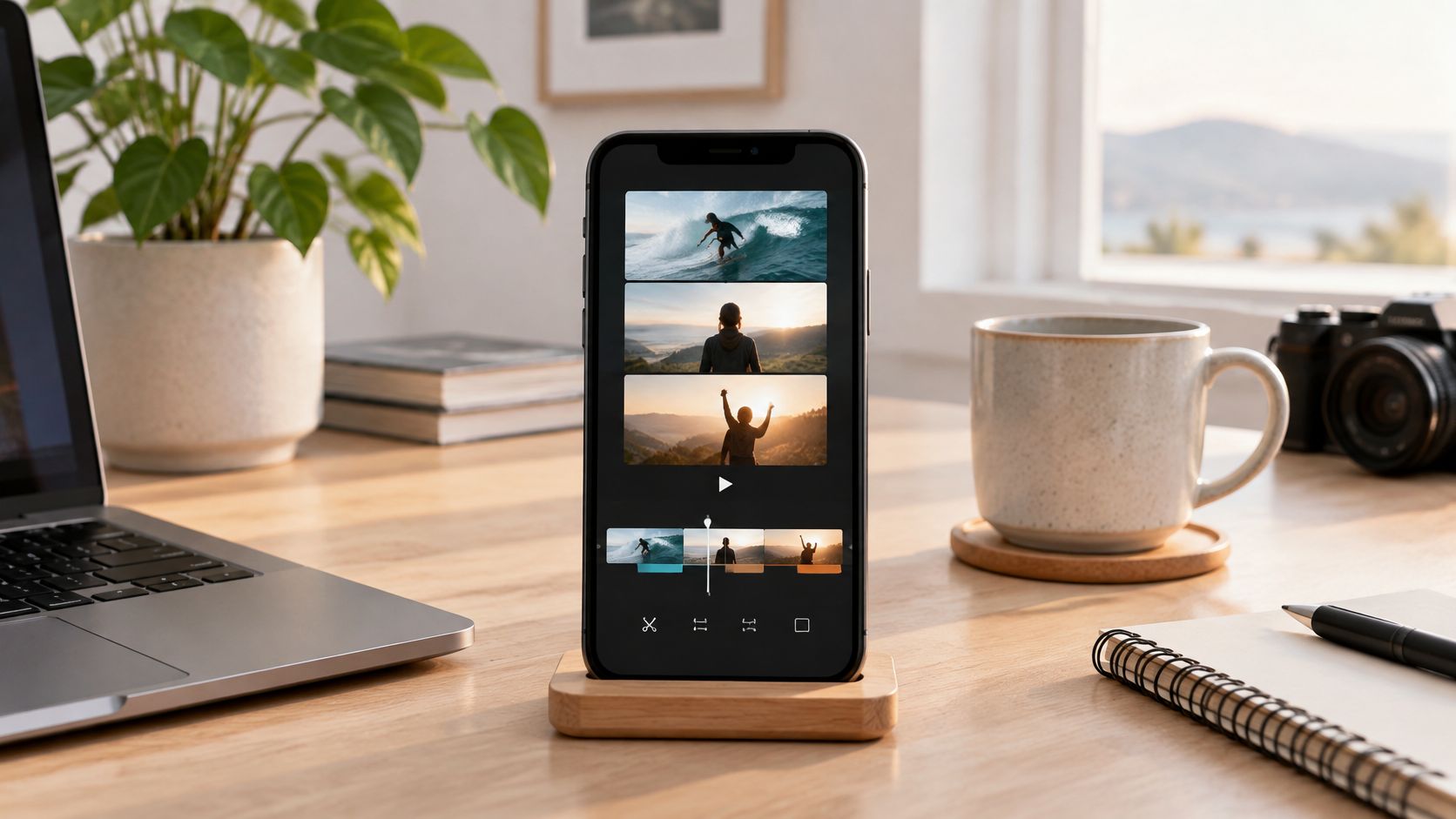
A useful tip video shouldn't spend its opening explaining that a tip is coming. Start with the viewer's problem, demonstrate the fix, and end with a relevant next action. Separating hook, body, and CTA makes each part easier to revise without rewriting the entire script.
A controlled study of prompt principles found improvements from explicit constraints and structured instructions across its tested tasks. That supports writing a clear specification, but it doesn't establish a guaranteed lift for video engagement.
<a id="copy-ready-prompt-pattern"></a>
Copy-Ready Prompt Pattern
Write a short-form script about [topic] for [audience]. Target duration: [duration]. Format: 9:16. Use a hook, a practical body, and a CTA asking viewers to [action]. Provide alternative hooks using a question, a direct observation, and a story opener. Keep the body and CTA identical across variants.
Our voice is [plain-language description]. Use only these facts: [approved facts]. Return estimated timestamps, spoken lines, suggested visuals, and caption text. Flag missing information instead of inventing it.
Say a home-office creator is demonstrating how to position a desk lamp. Keep the demonstration fixed while testing whether viewers respond to glare, appearance, or convenience as the opening angle.
What breaks: Asking for a dramatic hook can produce a promise the body never delivers. Reject hooks that exaggerate the lesson, and read the script aloud before approving its runtime.
Best fit: 9:16 for direct-to-camera tips. Recompose demonstration footage for 16:9 rather than stretching the vertical layout. Use this guide to adding subtitles to a video when turning the approved narration into readable captions.
<a id="2-ugc-product-ad-prompt"></a>
2. UGC Product Ad Prompt
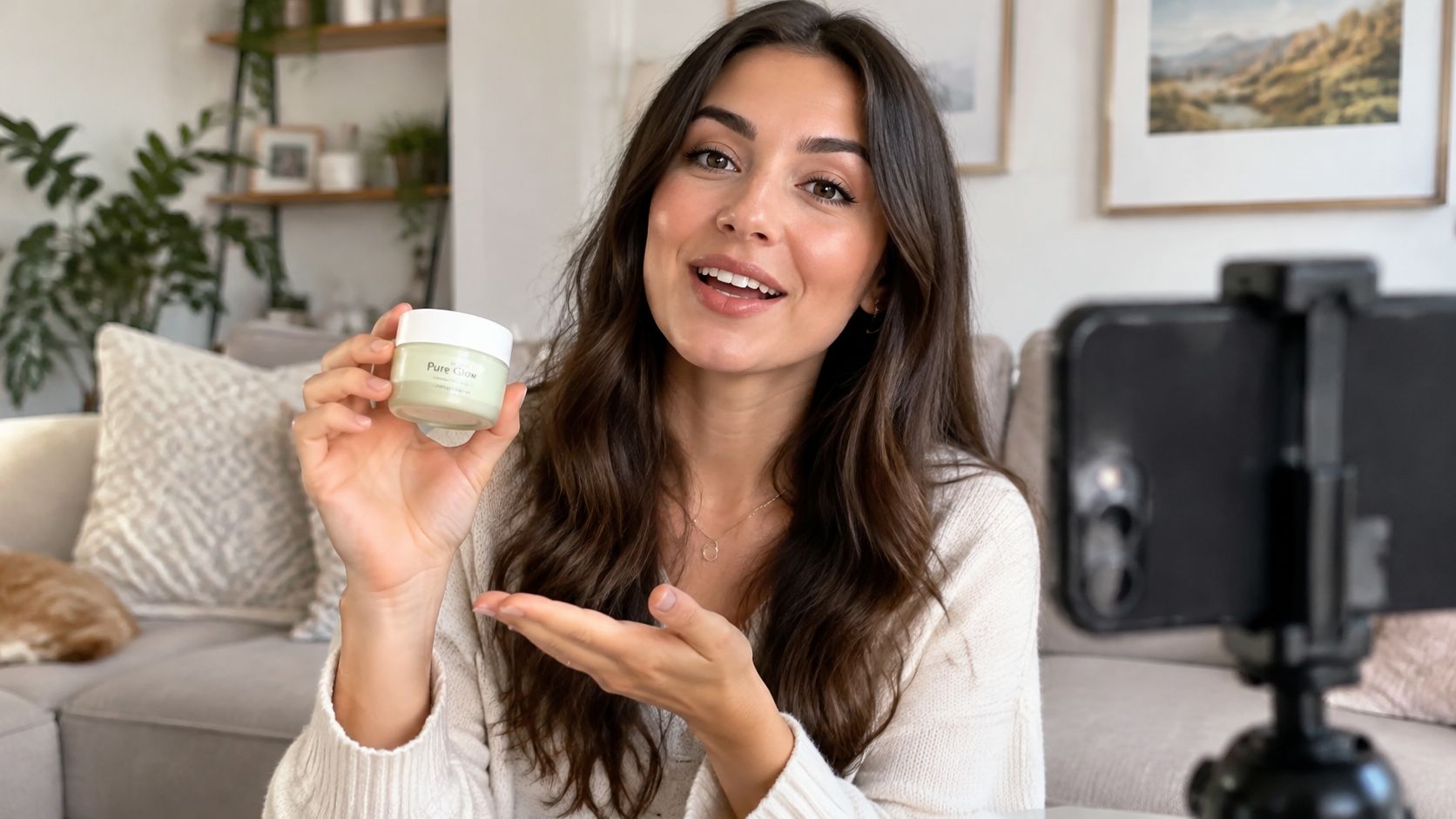
UGC-style doesn't mean fabricated customer experience. A conversational ad can demonstrate a product without pretending an invented person bought it, used it for months, or achieved an unsupported result.
For a skincare ad, supply the approved ingredient description, texture, packaging details, and offer. Leave out transformation claims unless you have substantiation and permission to use the testimonial.
<a id="copy-ready-prompt-pattern-1"></a>
Copy-Ready Prompt Pattern
Create a UGC-style product demonstration for [product], aimed at [audience]. Use a [persona] speaking conversationally in [setting]. Format: 9:16. Target duration: [duration]. Open with [everyday problem], show [approved product use], and close with [exact offer and CTA].
Approved facts: [facts]. Prohibited claims: [claims]. Use first-person experience only where supported by this approved testimonial: [testimonial or none]. Otherwise, write as a presenter demonstrating the product. Return dialogue, actions, framing, captions, and claims requiring review.
For a kitchen gadget, the presenter could show how the handle folds for storage. That's a visible demonstration, unlike claiming it has transformed someone's cooking routine.
- Hold the persona steady: Change the opening angle without changing the customer profile, offer, and setting simultaneously.
- Match the evidence: Show the feature being discussed rather than unrelated lifestyle footage.
- Review the implication: Before-and-after imagery can imply a result even when the dialogue avoids saying it.
Trade-off: Natural delivery needs room for pauses and handling the product. Packing every feature into the script makes the presenter sound like a catalog.
Best fit: 9:16 for a phone-recorded feel, or 1:1 when the product and presenter both need comfortable space in a feed placement.
<a id="3-shot-by-shot-text-to-video-prompt"></a>
3. Shot-by-Shot Text-to-Video Prompt
A coastline, a walking traveler, and a café can make a coherent travel sequence. Put them into an undifferentiated paragraph, though, and you haven't specified where one shot ends or what should remain consistent.
Write a shot list with a subject, action, camera instruction, setting, and duration for each shot. Treat complex movement as something to test, not something adjectives can guarantee.
<iframe width="100%" style="aspect-ratio: 16 / 9;" src="https://www.youtube.com/embed/ZjCxh35VTxk" frameborder="0" allow="autoplay; encrypted-media" allowfullscreen></iframe><a id="copy-ready-prompt-pattern-2"></a>
Copy-Ready Prompt Pattern
Create a shot sequence for [purpose] in [aspect ratio], lasting [total duration]. Shared visual reference: [palette, lighting, location, subject description]. Preserve these details throughout: [continuity requirements].
Opening shot: [subject], [action], [camera movement], [framing], [duration]. Following shot: [subject], [action], [camera movement], [framing], [duration]. Closing shot: [subject], [action], [camera movement], [framing], [duration]. Avoid unrequested text, extra objects, and transitions inside individual shots. Return separate generation instructions for each shot.
For a bottle launch, start with a locked-off product composition before attempting an orbit. Approve the bottle silhouette, cap, and lighting first. Camera movement won't rescue an inaccurate product.
Practical rule: Give each shot a clear action and a clear camera instruction. If the prompt requires simultaneous pouring, rotation, zooming, and a lighting change, simplify it.
What breaks: Continuity can drift between separately generated shots. Repeat the same subject description verbatim and use an approved reference image where supported.
Best fit: 16:9 for scenic context, 9:16 for a centrally composed product or person, and 1:1 for compact product loops. Specify the ratio before generating so important details aren't placed outside the eventual crop.
<a id="4-beat-synced-music-video-prompt"></a>
4. Beat-Synced Music Video Prompt
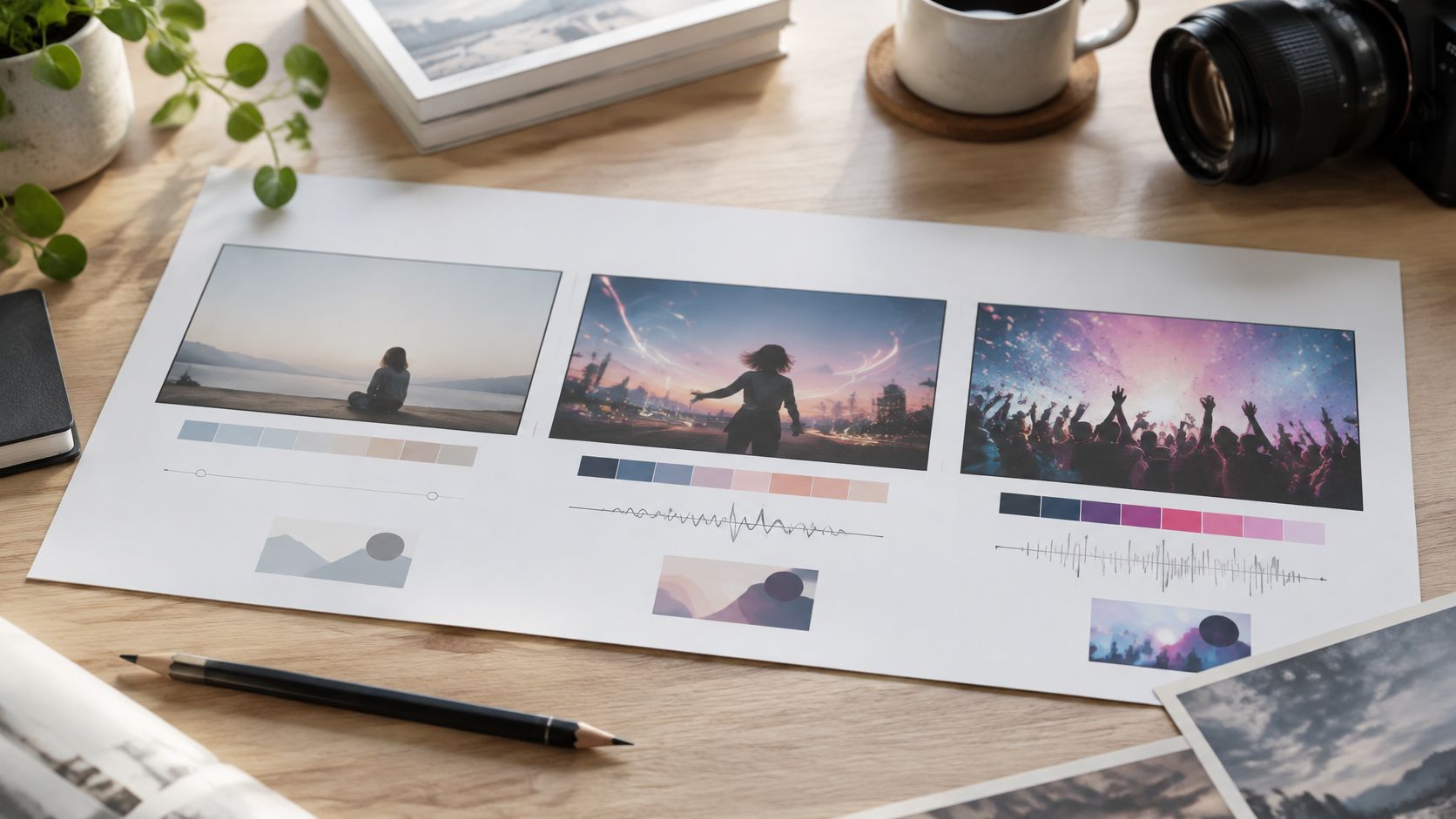
Write against the actual track, not an imagined version of its structure. Mark the intro, vocal entrance, chorus, and drop using the audio you'll publish, then describe how the visuals should change at those points.
A producer promoting an electronic track might keep the intro restrained and introduce brighter lighting at the drop. The useful instruction is the relationship between sound and image, not a pile of unrelated futuristic imagery.
<a id="copy-ready-prompt-pattern-3"></a>
Copy-Ready Prompt Pattern
Plan visuals for the attached track excerpt. Format: [aspect ratio]. Use these verified section markers: [timestamps and section names]. The central visual theme is [theme], supported by [secondary motif].
During [intro range], use [lighting, movement, emotional tone]. At [chorus or drop marker], change [specific visual property]. Place major visual transitions on the supplied musical markers. Keep [character, palette, or location] consistent. If lyrics appear, use only this approved text: [lyrics]. Return a timed edit plan and separate visual prompts.
What breaks: A prompt can describe musical timing without the generator producing frame-accurate edits. Inspect the rendered sequence against the waveform and adjust cuts in the editor when necessary.
Use 9:16 for a social teaser and 16:9 for a wider visualizer. Recompose the main subject for each version instead of assuming an automatic crop will preserve the effect.
For concept development, explore these music video ideas. When evaluating software, use music video AI tools compared as a starting point, then test your own track for timing control, lyric handling, and visual consistency.
<a id="5-talking-avatar-host-script-prompt"></a>
5. Talking Avatar Host Script Prompt
Read the script aloud before generating the host. If a sentence feels awkward in your mouth, giving it to an avatar won't make it conversational.
A course recap needs clear explanations and deliberate pauses. A software walkthrough needs the host's words to match the interface action. Neither benefits from long introductory language or stage directions accidentally spoken as dialogue.
<a id="copy-ready-prompt-pattern-4"></a>
Copy-Ready Prompt Pattern
Write a talking-host script explaining [topic] to [audience]. Format: [aspect ratio]. Target duration: [duration]. Tone: [tone]. Delivery: [measured, conversational, or energetic]. Use full spoken sentences and direct address.
Approved information: [facts]. Pronunciation guide: [names and terms]. Keep spoken dialogue separate from production directions. Mark pauses only using notation supported by the selected voice tool. Return the spoken script, pronunciation notes, and suggested moments for supporting visuals. Don't invent interface labels or product capabilities.
For a SaaS onboarding video, describe the exact action, such as opening the billing page, and supply the current button label. A vague instruction to explain account management invites an equally vague walkthrough.
- Control pronunciation: Test names, abbreviations, and specialist vocabulary before rendering the full script.
- Separate directions: Keep gestures and screen cues outside the text that will be spoken.
- Localize intent: Specify audience familiarity, formality, and regional terminology rather than requesting literal translation alone.
The IELTS report on communicative AI integration frames prompting as requiring communicative as well as technical competence. For host videos, that means explaining who's listening and what they already understand.
Best fit: 9:16 for direct-address lessons, or 16:9 when the host shares space with a demonstration. This talking avatar AI guide explains the host-led workflow.
<a id="6-anime-and-cartoon-style-transformation-prompt"></a>
6. Anime and Cartoon Style Transformation Prompt
Describe the visual treatment, not just a studio name. Soft cel shading, restrained outlines, painted backgrounds, and warm lighting give you editable directions. A studio reference alone doesn't explain which characteristics matter.
For a channel intro based on personal photos, first approve the character design as a still. Then animate that design instead of asking the model to rediscover the person's appearance in every scene.
<a id="copy-ready-prompt-pattern-5"></a>
Copy-Ready Prompt Pattern
Transform the supplied reference into a stylized animated scene. Preserve [face shape, hairstyle, clothing, pose, and composition]. Use [line quality], [shading approach], [palette], and [background treatment]. Format: [aspect ratio].
Character description to preserve exactly: [description]. Change only [permitted changes]. For animation, use [simple action] with [camera instruction]. Avoid added accessories, altered clothing colors, and unrequested text. Return a reference still for approval before developing motion prompts.
A children's education creator might define a round-faced guide with a yellow raincoat, simple facial expressions, and uncluttered classroom backgrounds. Keep that description identical across lessons. Change the teaching prop, not the character's defining features.
Approve identity before motion. An attractive animation is still unusable if the character no longer matches the reference.
What breaks: Competing style instructions produce unclear priorities. Photorealistic skin, flat cartoon shading, intricate painted texture, and minimal line art shouldn't all be treated as equally important requirements.
Trade-off: Stronger stylization can reduce likeness. Decide whether recognizable identity or a simplified design matters more, and state that priority.
Best fit: 16:9 for an ensemble classroom scene and 9:16 for a character-led intro. For real people, secure permission for the intended use and review the destination platform's rules on synthetic likenesses before publishing.
<a id="7-image-edit-preservation-prompt"></a>
7. Image Edit Preservation Prompt
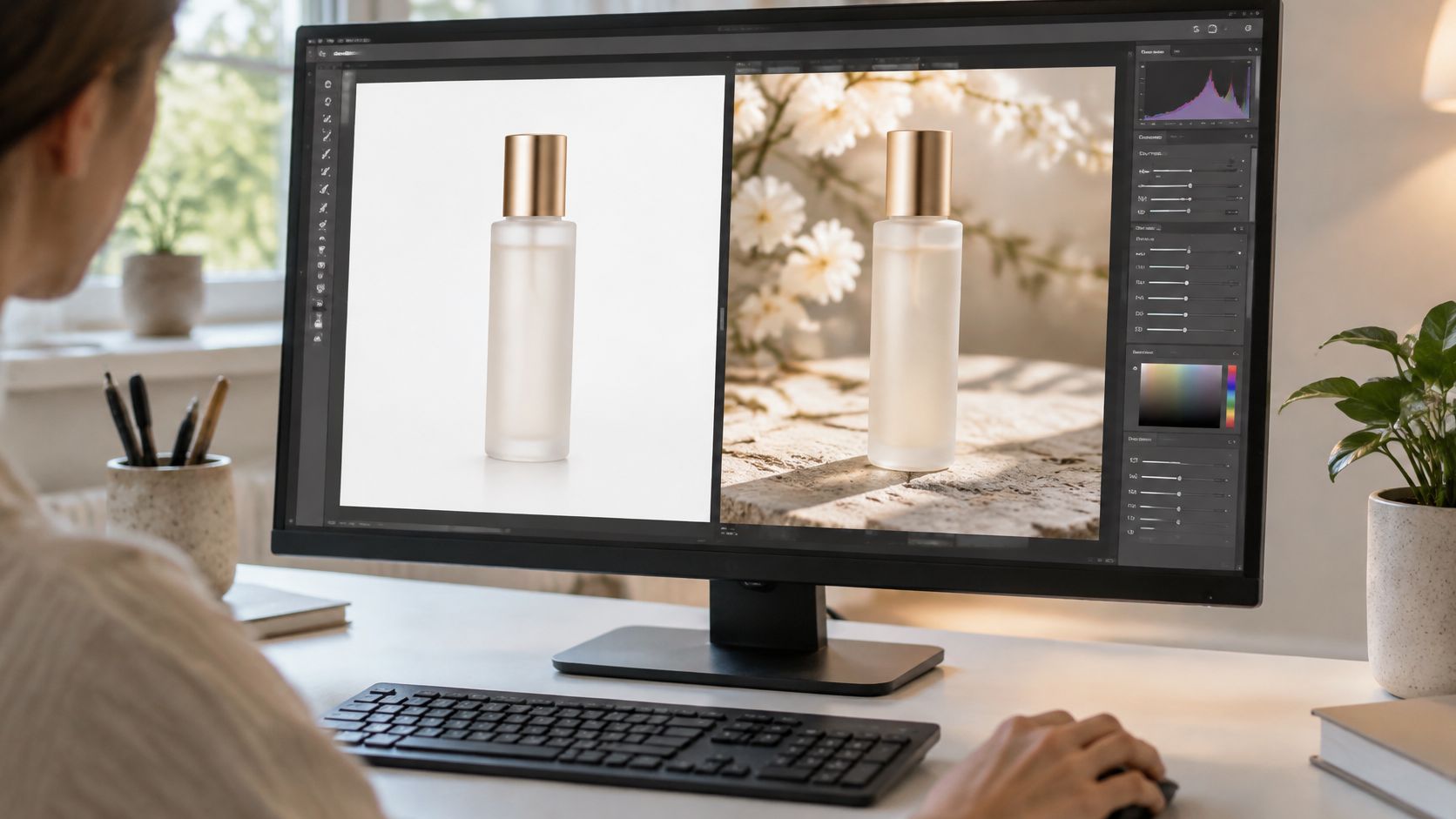
Start an editing prompt with what must not change. For an e-commerce image, that usually means the product silhouette, label, cap, proportions, and brand colors.
Changing a cosmetic bottle's background to a seasonal setting should not also redesign the packaging. Specify the edit region, preserve the original product, and compare the result against the source rather than judging it only as a standalone image.
<a id="copy-ready-prompt-pattern-6"></a>
Copy-Ready Prompt Pattern
Edit the supplied image. Preserve the product's exact shape, proportions, label wording, logo, cap, color, position, and camera perspective. Preserve all elements outside [defined edit region].
Change only [background or selected element] to [description]. Match the new environment's lighting and contact shadows without modifying the product. Output composition: [aspect ratio]. If accurate label preservation isn't possible, leave the product untouched and provide the replacement background separately.
For seasonal ad variants, keep the source product fixed while changing the surrounding setting. That lets you evaluate the background concept without accidentally comparing different packaging renders.
- Mask narrowly: Use a selection or mask when the editor supports it.
- Inspect lettering: Compare label text and logos at close view.
- Save the source: Keep an untouched original and name each variant by its intended change.
What breaks: An instruction to make everything more premium can alter the product itself. Define premium through the background, surface, or lighting instead.
Best fit: 1:1 for product-centered feed creative, 9:16 with deliberate space for copy, and 16:9 for a wide promotional composition. Upscaling may improve presentation, but it can't verify or restore incorrect label text.
<a id="8-trend-based-hook-ideation-prompt"></a>
8. Trend-Based Hook Ideation Prompt
A useful idea batch combines an audience problem with a format you can realistically produce. Asking for viral ideas without supplying audience context, examples, or production limits gives the model little basis for choosing relevant concepts.
For a fitness coach, provide the beginner's obstacle, available equipment, and examples of current formats. Don't ask the model to invent what's trending or imply that a trend guarantees reach.
<a id="copy-ready-prompt-pattern-7"></a>
Copy-Ready Prompt Pattern
Generate a batch of distinct video concepts for [audience], whose main problem is [problem]. Use these supplied trend references: [links, transcripts, or descriptions]. Treat them as format inspiration, not material to copy.
Production limits: [location, equipment, presenter availability, duration]. Intended format: [aspect ratio]. For each concept, return the audience tension, opening line, visual demonstration, takeaway, CTA, and reason it differs from the others. Flag unsupported facts. Don't describe a trend as current unless the supplied reference establishes that.
A B2B team could feed in approved industry news and ask for explainers built around buyer questions. For text-led professional content, an AI LinkedIn viral content generator can provide another ideation starting point, but you still need to assess relevance and factual accuracy.
<a id="select-for-production-not-novelty-alone"></a>
Select for Production, Not Novelty Alone
Keep concepts you can demonstrate clearly. Reject a clever hook if the promised payoff needs unavailable footage, unsupported claims, or an explanation too complicated for the chosen format.
Research on machine-translation prompting found that example quality mattered and that a mismatched demonstration could hurt results. Apply that caution when supplying reference hooks: choose relevant examples rather than a large miscellaneous swipe file.
Best fit: 9:16 for presenter-led ideas and 16:9 for concepts requiring screen demonstrations. Feed performance observations into the next brief without treating a successful hook as a universal formula.
<a id="prompt-templates-at-a-glance"></a>
Prompt templates at a glance
Choose a template by the production job, not by which prompt reads best. Each row pairs one job with the technique that carries it, the aspect ratio it usually ships in, and the ClipNova tool that does the rendering.
| Template | Production job | Core technique | Ratio | ClipNova tool |
|---|---|---|---|---|
| Hook-Body-CTA Short-Form Script Prompt | Timed short-form script | Hook in the opening seconds, one core idea, a call to action, with each beat written to a target duration | 9:16 | Voiceover, captions and scene generation |
| UGC Product Ad Prompt | Conversational product ads and creative testing | Problem-demonstration-proof structure with a presenter showing the product; first-person testimonial only when an approved testimonial exists | 9:16 | AI UGC Video Generator or Talking Avatar |
| Shot-by-Shot Text-to-Video Prompt | Controlled, multi-shot AI video | Define each shot's subject, movement, lighting, mood and duration | 16:9 | Text to Video Generator |
| Beat-Synced Music Video Prompt | Music visualizers and promo clips | Match scene changes and motion to song sections and beats | 9:16 | Music to Video |
| Talking Avatar Host Script Prompt | Presenter-led explainers and training | Short, speakable lines with pauses and emphasis marked | 9:16 | AI Talking Avatar |
| Anime and Cartoon Style Transformation Prompt | Stylized character and scene videos | Apply a visual style while preserving key composition and features | 9:16 | Anime Video Generator and AI Cartoon Video Generator |
| Image Edit Preservation Prompt | Product photo edits and background variations | Specify what changes and what must stay identical | 1:1 | Background Removal, Image Upscaler and AI Hair Color Changer |
| Trend-Based Hook Ideation Prompt | Regular content planning | Combine a trend, an audience and a pain point, then keep only concepts you can demonstrate | Feeds any ratio | Built-in ideation tools and trending hooks |
The UGC row is the one to read carefully. It is a demonstration format: a presenter shows the product solving a stated problem, and first-person testimonial language belongs there only when an approved quote exists. Without that constraint, the prompt writes a customer experience that never happened.
Aspect ratio is the second trap. ClipNova exports 9:16, 1:1 and 16:9, and a shot list built for 16:9 loses its margins when re-framed to vertical later. Decide the ratio before the shot language, not after.
<a id="turning-these-eight-prompts-into-a-repeatable-production-routine"></a>
Turning These Eight Prompts Into a Repeatable Production Routine
Start with the template that matches your next deliverable, not the most ambitious prompt in the folder. If you need a product ad, approve the facts and demonstration first. If you need a character sequence, approve the reference still before generating motion.
Test the smallest unit that can reveal a failure. That might be a spoken sentence containing a difficult name, a product shot with visible lettering, or an opening hook. A successful test doesn't guarantee the full asset will work, but it gives you a concrete basis for continuing.
<a id="keep-a-brief-a-test-and-a-decision"></a>
Keep a Brief, a Test, and a Decision
Save the approved prompt alongside its source material and output. Record what changed between variants so you can distinguish a better opening from a different offer, presenter, or visual treatment.
- Brief: Audience, approved facts, format, creative objective, and nonnegotiable details.
- Test: The hook, shot, voice sample, or edited still you'll inspect first.
- Decision: Accept, revise, or reject, with a specific reason.
Evaluation matters as much as wording. A study of automated prompt optimization reported improvements in its routing-agent and prompt-evaluator cases after optimization, supporting a test-and-revise approach rather than treating prompts as finished copy.
Set rejection rules before you get attached to a beautiful output. Incorrect product labels, fabricated testimonials, mismatched captions, and changed character identities are production failures, not minor aesthetic preferences. Revise the brief when the instructions are ambiguous; reject the render when it violates clear requirements.
Use the script and ideation patterns to plan your posting week, then carry approved character and style descriptions into every relevant render. The approach behind proactive design workflows from Genpire is a useful companion: make deliberate creative decisions before committing to a larger production run.
ClipNova can turn a typed sentence or pasted image into a finished video for Shorts, ads, or UGC, with episodes up to 5 minutes long. Give it a production brief that identifies what to say, what to show, and what must remain unchanged.
The reusable asset isn't just the prompt. It's the prompt plus the references, acceptance criteria, and revision notes that help you make the next piece consistently.
ClipNova brings scripting, visuals, voiceover, captions, and music into a single video workflow. Visit ClipNova, adapt the prompt pattern that matches your next production job, and test a focused version before committing to a full batch.
Ready to ship your own?
Start creating viral videos with AI in under twenty minutes, no credit card required.