

Media.io is the strongest all-around option for browser-based editing with both M4R and MP3 output, while cut.audio is a strong pick for privacy-conscious users who mainly need fast, local trimming. The right online ringtone creator depends less on feature count than on whether it accepts your audio, exports a format your phone can use, and handles files the way you're comfortable with.
What does a ringtone tool need to get right after the trim? A clean preview and a compatible export matter more than a crowded editing panel. For iPhone, confirm M4R support; for Android, MP3 is a practical choice, but check your device's requirements. Also consider whether the tool processes audio on your device or uploads it to a server, especially if you're trimming a personal recording.
The ten tools below are compared by phone compatibility, processing approach, input flexibility, export format, ease of use, and editing control. A basic cutter is often the better choice when you already have the sound and only need to select a usable segment. If you're still deciding how to handle a track, this guide to cutting a song online covers the straightforward trimming workflow.
Table of Contents
- 1. MP3Cut.net
- 2. Media.io Ringtone Maker
- 3. AudioTrimmer
- 4. Clideo Audio Cutter
- 5. cut.audio Ringtone Maker
- 6. SnipSound Ringtone Maker
- 7. EchoWave Ringtone Maker
- 8. Mastershot Ringtone Maker
- 9. MP3 Toolbox Ringtone Maker
- 10. VEED Audio Cutter
- Top 10 Online Ringtone Creators: Feature Comparison
- Make the Ringtone That Fits Your Phone and Priorities
<a id="1-mp3cutnet"></a>
1. MP3Cut.net
MP3Cut.net is a practical starting point when the audio might come from somewhere other than your computer. It accepts files from Google Drive and Dropbox, along with URLs, and can extract audio from video. Once the file loads, select a segment, preview it, and export it, including as M4R for an iPhone ringtone.
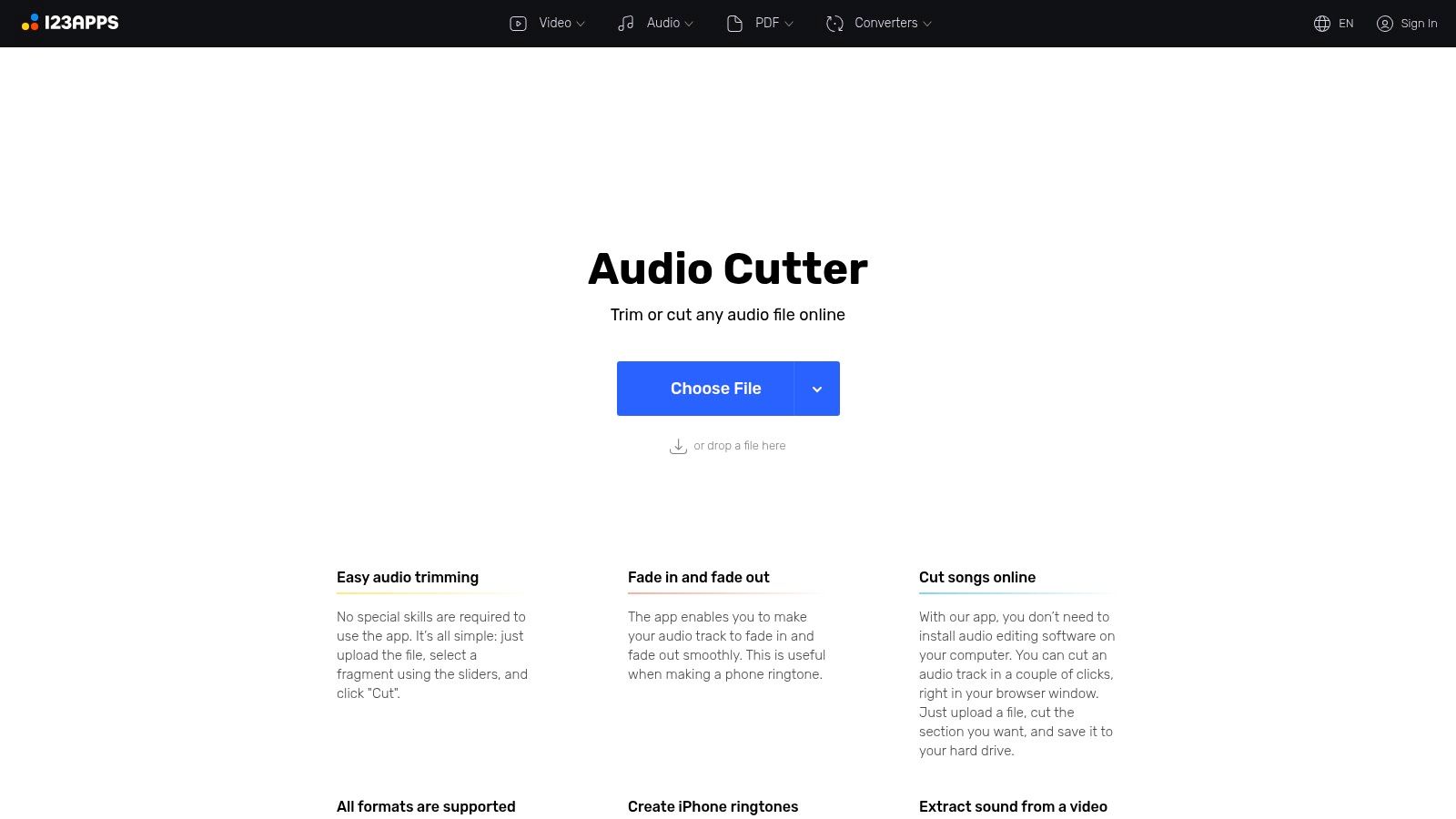
The fade-in and fade-out controls help soften an abrupt opening or ending without turning a simple job into a full editing session. That's useful when a clip starts too sharply or ends with a distracting cutoff. Its broad format support also makes it more forgiving when your source isn't already an MP3.
<a id="where-it-fits"></a>
Where it fits
This is a good fit for someone who wants a dedicated ringtone-style cut and flexible ways to bring in audio. The trade-off is that it uses upload-based processing rather than local-only editing, so privacy-conscious users should check how the service handles files before uploading sensitive audio. The many editing choices may also feel like extra work if all you need is a quick trim.
Check the current file limits before sending a large source file. For a common audio file and a simple cut, MP3Cut.net offers a direct path to an iPhone-ready export without installing desktop software.
<a id="2-mediaio-ringtone-maker"></a>
2. Media.io Ringtone Maker
Media.io is the strongest all-around choice here if you need more than a clean cut. Its online ringtone maker accepts audio and video, offers waveform or timestamp trimming, and exports M4R or MP3. You can also add fades, join clips, and import from cloud storage, which makes it useful for assembling a ringtone rather than merely shortening one.
That extra control is helpful when the sound you want sits across separate clips or needs a small adjustment before export. If you already have a finished audio file and only need to trim it, however, the additional tools won't necessarily make the process faster. A dedicated cutter may be easier to use.
<a id="what-to-check-before-uploading"></a>
What to check before uploading
Media.io processes files online. The site says uploads are deleted after 24 hours, and some tools or usage may require an account or paid access. If you're working with a private voice memo, customer recording, or unreleased audio, decide whether cloud processing suits your needs before uploading.
For a ringtone that needs a few edits in one browser workspace, its combination of input options, clip assembly, fades, and phone-specific exports is convenient. For a single straightforward trim, that breadth is a trade-off, not an automatic advantage.
<a id="3-audiotrimmer"></a>
3. AudioTrimmer
AudioTrimmer keeps the job simple. Its browser-based trimmer lets you choose a section of an audio file, preview the result, optionally add fades, and export as M4R for an iPhone. The mobile-friendly interface also makes it a sensible pick when you'd rather trim on your phone than move the file to a computer.
This is the kind of tool that works best when you already have the right audio and don't need to build a clip from multiple sources. You won't find a music catalog or a deep editing suite, and that restraint is useful: fewer decisions can mean a faster path from source file to ringtone.
Choose the simple route: If you only need to mark a start and end point, extra editing controls can slow you down without improving the result.
The main drawback is limited editing control compared with a broader editor. If you need to combine clips, extract audio from video, or make several changes before export, look elsewhere. But for a quick cut, optional fades, and M4R output without installing an app, AudioTrimmer's narrow focus is a strength.
<a id="4-clideo-audio-cutter"></a>
4. Clideo Audio Cutter
Clideo suits users who move between audio and video tasks. Its audio cutter combines waveform trimming with precise time entry and preview, and it offers fade effects, including crossfade. It can also extract audio from video and supports cloud import, so you don't have to limit the workflow to a local audio file.
That flexibility helps when the sound you want is embedded in a personal video or when you want to audition a precise section before exporting. It's a broader media-editing environment, though, so someone who only needs a ringtone cut may find the extra capabilities unnecessary.
<a id="best-for-mixed-media-work"></a>
Best for mixed media work
Clideo's browser and mobile support make it convenient for people who already use online media tools. Files are processed online, which is a privacy consideration for personal recordings. Free access may have limits, and some video features in broader plans can include watermarked exports, so check the terms of the specific tool you plan to use.
For a separate video project, a tool built around time-lapse video editing may better suit the full production task. For a ringtone, Clideo makes the most sense when the source or surrounding workflow already involves video.
<a id="5-cutaudio-ringtone-maker"></a>
5. cut.audio Ringtone Maker
If local processing is your first filter, start with cut.audio. The tool says it processes audio locally in the browser, without requiring an account or file upload. It accepts MP3, WAV, FLAC, OGG, and AIFF, then provides waveform-based selection, fades, and MP3 export.
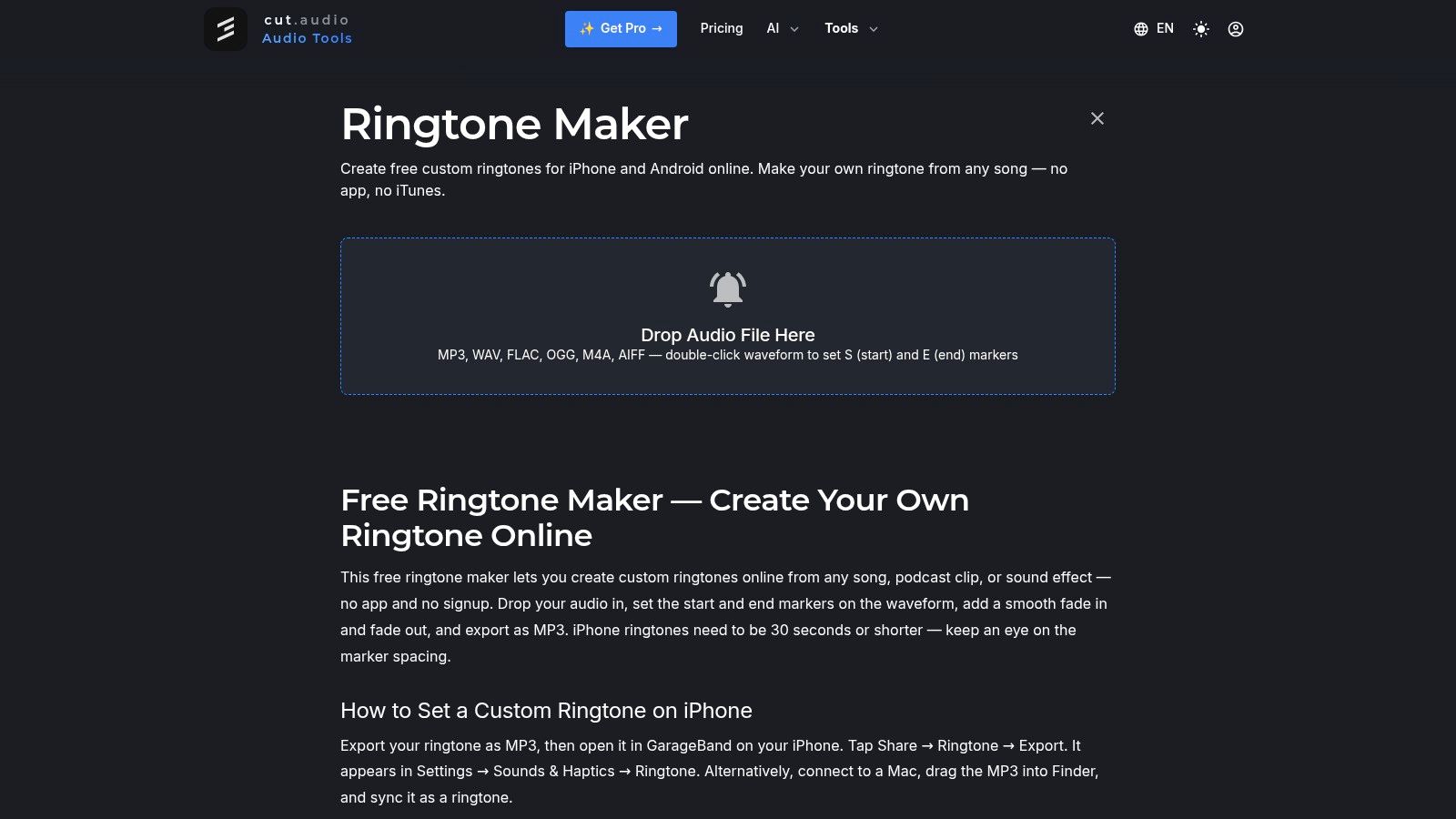
That combination suits people who want to trim a common audio file without sending it to a third-party server. Local browser processing can still depend on the device and browser, but the approach avoids an upload-based workflow. It's a focused cutter, not a place to assemble a complicated ringtone from multiple tracks.
<a id="the-iphone-trade-off"></a>
The iPhone trade-off
The listed export guidance centers on MP3, so iPhone users may need an additional step to turn the result into a ringtone. That makes cut.audio a more direct fit for someone who wants a quick MP3 cut than for someone who needs a dedicated M4R export.
There's no signup requirement, and the tool works across desktop and mobile browsers. If you mainly value local processing and simple trimming, that's a useful balance. If phone-specific export is your priority, choose a tool that makes M4R output explicit.
<a id="6-snipsound-ringtone-maker"></a>
6. SnipSound Ringtone Maker
SnipSound makes its phone-format choices easy to understand: M4R for iPhone and MP3 for Android. Its ringtone maker accepts MP3, WAV, OGG, FLAC, AAC, and M4A, then lets you select and preview a clip, adjust fades, and download the chosen format. The site says processing happens on the device and doesn't require signup.
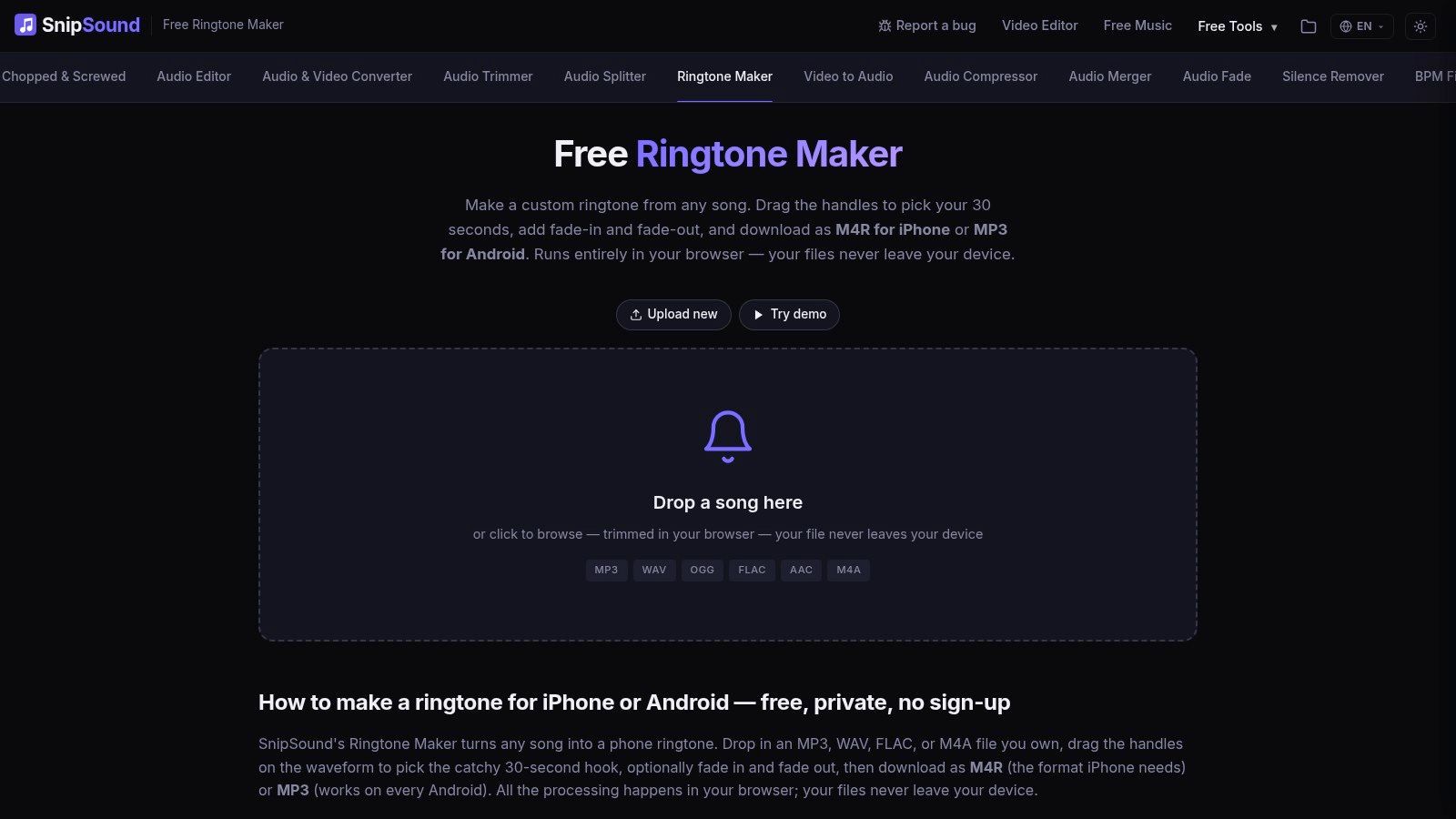
This is a useful layout for anyone who doesn't want to guess which export option to pick. It's designed for trimming, not multitrack editing, so users who want to layer or assemble several sounds will need a different tool. Local processing also relies on the capabilities of the browser and device, which may affect how smoothly larger files behave.
<a id="a-straightforward-format-choice"></a>
A straightforward format choice
The practical advantage is that the workflow stays focused: load audio, select a segment, preview, apply fades if needed, and export for the target phone. Before relying on the privacy claim for sensitive material, review the site's current information and confirm the processing behavior in your browser.
SnipSound works well when predictable phone-specific output matters more than advanced control. If you only need a basic MP3 and want to avoid an upload, cut.audio is another focused option. If you want to edit beyond a trim, choose a broader editor instead.
<a id="7-echowave-ringtone-maker"></a>
7. EchoWave Ringtone Maker
EchoWave is worth considering when your source is a video rather than a ready-to-use audio file. Its ringtone maker accepts audio and video, can extract audio from video files, and provides timeline trimming and fade effects. The page describes a no-signup workflow and lists MP3 and M4R options.
That makes it more flexible than a plain audio trimmer, particularly for clips from personal videos. The trade-off is that extra editor features can make the workflow less direct than a dedicated cutter. If all you need is a small segment from an existing MP3, a simpler interface may get you to the same result with less setup.
Preview before export: Listen for an abrupt word, breath, or noise at the start of the selection. A small trim adjustment often matters more than adding another editing effect.
Confirm the available export format in the live tool before you commit to a workflow, since the page describes format options but they should be checked at export. If your project also needs generated narration, compare the needs of an AI voiceover tool separately rather than adding production work to a simple ringtone edit.
<a id="8-mastershot-ringtone-maker"></a>
8. Mastershot Ringtone Maker
Mastershot is a compact option for users who want audio or video input and a clear phone-ready export. Its ringtone maker lets you select a clip of up to 40 seconds and export M4R or MP3. The site says files stay on the device, with no upload or app installation required.
That maximum can be useful if you're preparing a longer custom sound, but it's also a firm constraint. If your chosen clip exceeds the limit or needs more detailed editing, you'll have to shorten it elsewhere or use a broader editor. For a standard ringtone cut, the focused workflow keeps the important decisions visible.
<a id="local-workflow-limited-editing"></a>
Local workflow, limited editing
Mastershot's stated local-processing approach may appeal to users who don't want to upload recordings. As with other browser-based local tools, processing can depend on your device and browser. It also offers fewer advanced controls than general audio editors, which is a reasonable trade when speed matters more than audio assembly.
The M4R and MP3 options make it easy to choose an output for iPhone or Android without relying on an MP3-only workflow. If you want to extract video audio and trim it in a short browser session, Mastershot covers those basic needs. If you need detailed mixing or several edits, choose a full editor instead.
<a id="9-mp3-toolbox-ringtone-maker"></a>
9. MP3 Toolbox Ringtone Maker
MP3 Toolbox is deliberately narrow: bring an MP3, choose where the cut starts and how long it should be, then export as M4R for iPhone or MP3 for Android. The ringtone maker lists a 100 MB maximum file size and says uploaded files are deleted after 15 minutes.
This is a good fit when the source is already an MP3 and you want phone-specific output without navigating a general editor. It doesn't accept other listed input formats, so it's less useful if your source is WAV, FLAC, or another file type. Its small set of controls also means less flexibility than a waveform editor with effects.
<a id="keep-the-source-format-in-mind"></a>
Keep the source format in mind
The deletion window is clearly stated by the site, but the tool still uses upload-based processing. Consider that distinction if you're working with private audio. The short, direct workflow is the appeal, not a broad feature set.
MP3 Toolbox makes sense for a simple trim where start time and clip length are all you need. If you want to audition a waveform, add fades, or import audio from cloud storage, choose a tool with those controls. If the file isn't an MP3, convert it first or use a more flexible creator.
<a id="10-veed-audio-cutter"></a>
10. VEED Audio Cutter
VEED is a broader online editor rather than a ringtone-only tool. Its audio cutter lets users split, trim, and rearrange clips on a timeline, and it combines audio and video editing in one browser workspace. It supports MP3, WAV, and other audio formats, so it handles jobs where a ringtone requires more than selecting a segment and exporting.
Say you need to reposition clips or make several edits before exporting. Timeline editing gives you more control than a basic trimmer in that situation. The trade-off is complexity: for a simple ringtone cut, you may spend time working around tools you never needed.
<a id="when-the-extra-editor-is-worth-it"></a>
When the extra editor is worth it
VEED describes audio export, but doesn't emphasize a dedicated M4R ringtone option. Confirm the export formats before choosing it for an iPhone ringtone. Some features also sit behind paid plans, so check whether the functions you need are available in your intended workflow.
If you're already preparing a video with music, an application to make video with music may be the more convenient starting point. For a standalone ringtone, a tool that explicitly offers M4R and MP3 export is the more predictable choice. A larger editing workspace helps when the audio needs adjustment; extra features alone are not a reason to pick it.
<a id="top-10-online-ringtone-creators-feature-comparison"></a>
Top 10 Online Ringtone Creators: Feature Comparison
| Tool | Editing & Inputs | Ringtone Export | Privacy & Access | 👥 Best For |
|---|---|---|---|---|
| MP3Cut.net | 300+ formats, video extraction, fades, cloud/URL import | iPhone-ready M4R | Browser-based; upload processing | ★ Flexible file sources and quick iPhone ringtones |
| Media.io Ringtone Maker | Audio/video, trimming, fades, clip joining, cloud import | M4R, MP3 | Browser-based; uploads reportedly deleted after 24 hours; some access may require an account or payment | ✨ Users who want extra editing and assembly tools |
| AudioTrimmer | Simple segment selection and optional fades | M4R | Browser-based; no installation | 🏆 Quick, straightforward cuts on phones or computers |
| Clideo Audio Cutter | Waveform or time entry, fades, video extraction, cloud import | Format conversion available | Browser/mobile; online processing; free access may be limited | 👥 Users who also edit video |
| cut.audio Ringtone Maker | Waveform selection, fades; MP3, WAV, FLAC, OGG, AIFF | MP3 | Local browser processing; no signup | ✨ Privacy-focused users who don't need direct M4R export |
| SnipSound Ringtone Maker | Preview, fades; supports common audio formats | M4R for iPhone, MP3 for Android | On-device processing according to the site; no signup | 🏆 Users who want clear phone-specific export choices |
| EchoWave Ringtone Maker | Audio/video input, audio extraction, timeline trimming, fades | MP3 and M4R options described | No signup according to the page; confirm export in the live tool | 👥 Users making ringtones from personal videos |
| Mastershot Ringtone Maker | Audio/video input; clips up to 40 seconds | M4R, MP3 | Local processing according to the site; no app needed | ✨ Quick cuts with phone-ready formats |
| MP3 Toolbox Ringtone Maker | MP3 input; start-time and clip-length controls | M4R for iPhone, MP3 for Android | Upload processing; files reportedly deleted after 15 minutes; no signup | 💰 Users who want a simple MP3-to-ringtone workflow |
| VEED Audio Cutter | Timeline editing, splitting, trimming, rearranging | Audio export; dedicated M4R option not emphasized | Browser-based; some features require paid plans | 👥 Users needing more than a basic ringtone cut |
<a id="make-the-ringtone-that-fits-your-phone-and-priorities"></a>
Make the Ringtone That Fits Your Phone and Priorities
Pick a dedicated trimmer when you already have the right audio and want the shortest route to a usable file. Pick a broader editor when the clip needs fades, joining, video extraction, or several adjustments. The best online ringtone creator is the one that gets you to a clean, compatible export without adding unnecessary steps.
For iPhone, confirm that the tool supports M4R before exporting. For Android, MP3 is usually a practical choice, but check your phone manufacturer's current ringtone requirements. Compatibility can depend on the device and its software, so don't assume that a file that plays in your browser will automatically appear as an assignable ringtone.
Keep the original audio file in case you want to adjust the cut later. Export a short test ringtone first, listen to it on the phone, and check that it's audible without clipping. A sharp opening, an awkward cutoff, or excessive loudness can make an otherwise good selection sound rough when the phone rings.
Privacy is another selection criterion, not an afterthought. Local browser processing may suit personal recordings, while cloud tools can offer more input flexibility and editing options. Before uploading voice memos, family recordings, customer audio, or unreleased music, check whether processing is local or server-based and review the service's stated retention and deletion practices.
The simplest tool is often the right one. If you only need to trim an existing MP3 and export it for Android, a basic cutter can save time. If you need audio extraction, fades, clip assembly, or an explicit M4R export, choose a tool that provides those controls and confirm the final format before downloading.
ClipNova helps creators turn prompts, links, or topics into short-form videos and images with scripting, voiceover, visuals, captions, music, and export tools in one studio. If your ringtone project is part of a larger content workflow, visit ClipNova to explore tools for producing and preparing publish-ready media.
Ready to ship your own?
Start creating viral videos with AI in under twenty minutes, no credit card required.