
The most popular advice about the best AI for video is also the least useful: pick the platform with the most impressive demo reel. A cinematic clip generated from a prompt won't help much if your real problem is turning a product page into localized social ads, editing a recorded webinar, or producing avatar-led training videos. The right choice starts with your input and ends with the asset you need to publish.
This comparison evaluates seven tools by the production bottleneck they solve. You'll see how each handles generation quality, editing, audio, localization, exports, pricing mechanics, commercial use, and human review. The shortlist includes an end-to-end short-form studio, cinematic generation platforms, rapid social iteration tools, avatar systems, localization software, and an editor built around source footage. For broader creator-tool context, see this guide to AI tools for content creators.
Table of Contents
- 1. ClipNova
- 2. Runway
- 3. Pika
- 4. Luma AI Dream Machine
- 5. Synthesia
- 6. HeyGen
- 7. Descript
- Top 7 AI Video Tools Comparison
- Choose the Tool That Matches Your Production Bottleneck
<a id="1-clipnova"></a>
1. ClipNova
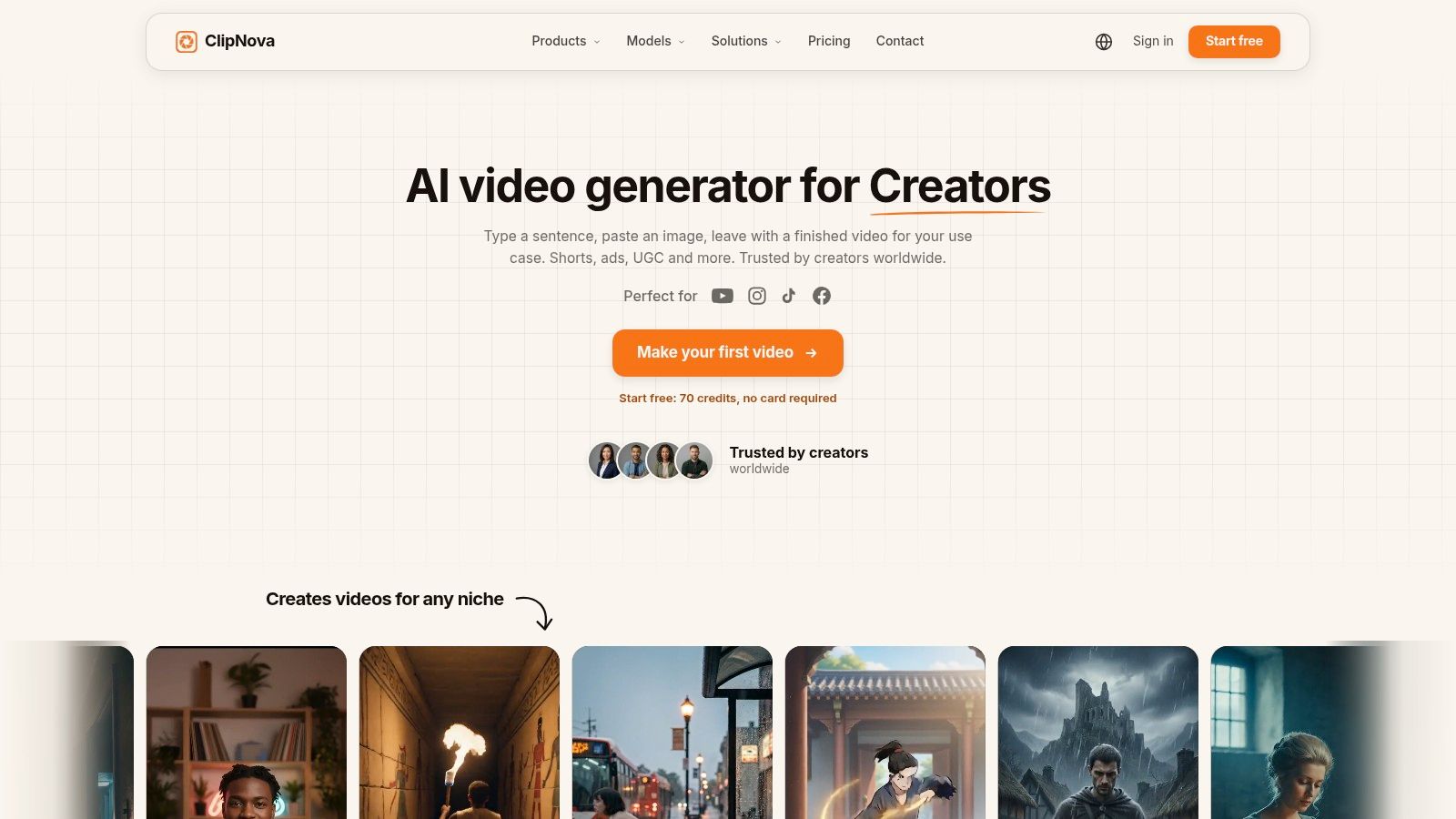
ClipNova is the strongest fit when the job is not merely generating a clip, but producing a publish-ready short-form asset from an idea. You can start with a prompt, topic, link, image, photo, or script, then move through scripting, voiceover, visuals, captions, music, resizing, and export in one workspace. That matters because short-form production usually fails at the handoffs between tools, not at the first generation step.
<a id="best-for-end-to-end-short-form-production"></a>
Best for end-to-end short-form production
ClipNova's workflow covers ideation, scriptwriting, voiceover, B-roll, captions, beat-matched music, and multi-aspect exports. It supports 9:16, 1:1, and 16:9, which lets a team adapt one concept for vertical social feeds, square placements, and widescreen formats without rebuilding the project. Its voiceover system supports 32 languages, while translation and re-voicing can help teams localize content without arranging new shoots.
The platform also combines general production features with specialist tools. Text-to-Video includes an Ultra mode with synced audio and 1080p output, while Talking Avatars, Anime Video, Cartoon Video, Music-to-Video, product-video tools, and image utilities support different creative directions. Access to models such as Grok Imagine and the Nano Banana family adds variety when a project needs a different visual approach.
Practical rule: Judge an AI video platform by how many production handoffs it removes, not only by the quality of its first generated shot.
<a id="pricing-and-limitations"></a>
Pricing and limitations
ClipNova uses credits rather than a simple unlimited-output model. Paid tiers include Hobby at $15 per month for 1,000 credits, Starter at $39 per month for 2,600 credits, Growth at $79 per month for 5,750 credits, and Ultra at $159 per month for 12,000 credits. New accounts start with 70 free credits without a card, while Enterprise plans offer custom credits, seats, and voice or avatar training.
That structure is attractive for occasional and repeat production, but heavy users need to monitor consumption. Complex generations, multiple variants, and frequent rerenders can make credit-based pricing expensive, so agencies should test representative campaigns before choosing a tier. Paid plans include watermark-free 1080p and 4K exports and full commercial rights. ClipNova also states that projects are encrypted at rest and user inputs aren't used to train models.
The trade-off is familiar across generative video. ClipNova can assemble social-ready content quickly, but highly specific brand direction, complex live-action fidelity, or demanding scene continuity may still require manual editing and several prompt iterations.
Website: ClipNova AI video studio
<a id="2-runway"></a>
2. Runway
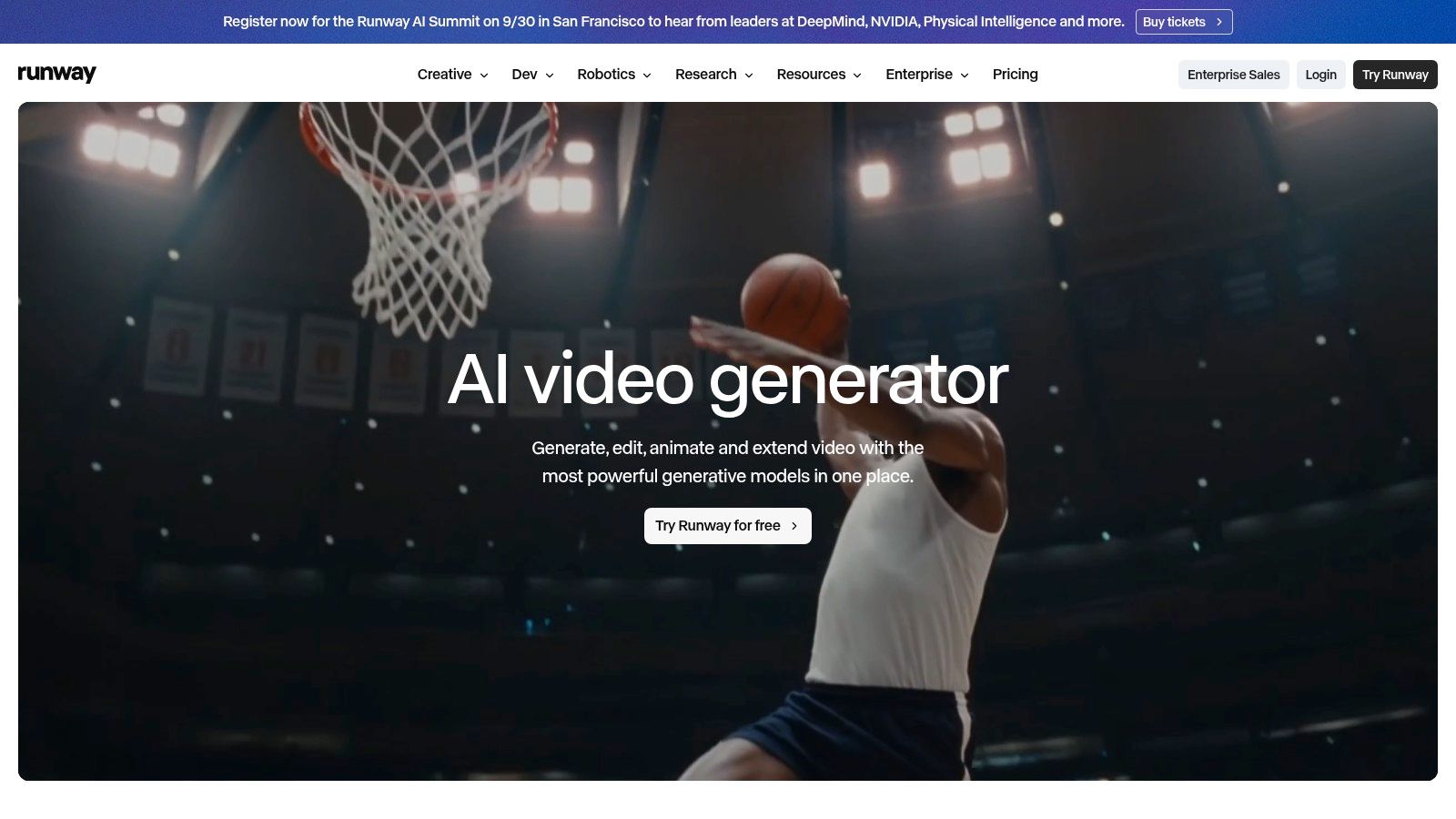
Runway solves a narrower production problem than an all-in-one short-form studio: cinematic generation and controlled visual experimentation. It suits concept films, advertising shots, stylized sequences, and social assets where shot design and motion coherence matter more than automatic scripting, captions, or campaign assembly.
<a id="best-for-controlled-generative-visuals"></a>
Best for controlled generative visuals
Runway's Gen-4 and Gen-4.5 tools support text-to-video and image-to-video creation. Video-to-video workflows can transform source footage, while references, keyframes, world consistency, and camera direction give experienced creators more control than a prompt-only social generator. Its model catalog also includes Seedance, Google Veo variants, and Kling, allowing teams to compare approaches within one workspace.
Upscaling, HDR grading, audio capabilities, parallel generations, and agentic assistance extend the workflow beyond initial generation. Paid plans remove the watermark, and built-in 4K upscaling can prepare clips for higher-resolution delivery. API access also supports teams connecting generation to internal systems.
A AI movie maker workflow provides useful context when comparing Runway's shot-focused process with ClipNova's broader short-form production workflow. For an external perspective on Runway's capabilities, see the AIMVG Runway review.
<a id="where-it-falls-short"></a>
Where it falls short
Runway's control adds setup time. Creators who need references, keyframes, and continuity may value that depth, while beginners producing a narrated short may find the interface and model selection slower than an integrated studio.
Credit use varies by model, quality, and generation type, so teams should test representative projects before setting a regular production cadence. Runway is a strong visual engine, but teams prioritizing automatic scripting, multilingual voiceover, captions, resizing, and campaign variants in one flow may need another tool alongside it.
Website: Runway AI video generator
<a id="3-pika"></a>
3. Pika
Pika solves a different problem: rapid social experimentation. It's built for creators and marketers who want to test many short concepts, motion treatments, and ad variations without adopting a film-oriented workflow.
<a id="best-for-fast-iteration"></a>
Best for fast iteration
The platform combines text-to-video with tools such as Create Video, Motion Transfer, and Extend Video. Its model lineup includes Pika, Seedance, and Wan options, giving users room to compare different approaches as they iterate. Parallel generations, plan-level scaling, top-up credits, API access, and enterprise options make the workflow suitable for teams producing batches of social concepts.
Pika's strength is speed of exploration. A performance marketer can start with a product angle, generate several visual directions, and keep the promising concepts moving without building every shot manually. That doesn't mean every output will be consistent. Model availability and platform behavior can change, so teams should save approved prompts, reference assets, and visual rules outside the generation interface.
<a id="pricing-and-commercial-use"></a>
Pricing and commercial use
Pika uses clear credit plans and allows users to buy additional credit packs. Paid Starter removes the watermark, but the commercial license begins at the Creator tier, so a business shouldn't assume that the cheapest paid option covers client or promotional work. Priority queue access and early model availability are reserved for higher tiers.
Before publishing: Confirm the plan's commercial-use terms, then review the generated clip for product accuracy, readable text, and brand consistency.
Pika isn't the best fit for a team that needs a complete script-to-export pipeline or governed training production. It makes more sense when the bottleneck is producing and comparing social ideas quickly. Its value rises when a human editor already has a repeatable process for captions, voice, approvals, and final exports.
Website: Pika pricing and plans
<a id="4-luma-ai-dream-machine"></a>
4. Luma AI Dream Machine
Luma AI's Dream Machine is suited to stylized scenes and camera-guided visual development. It sits between a simple prompt generator and a full production suite, giving creators accessible controls for shaping movement, keyframes, and visual direction.
<a id="best-for-stylized-camera-work"></a>
Best for stylized camera work
Dream Machine supports text-to-video and image-to-video through a unified credit system across its web and app experiences. Keyframe extension, style guidance, and camera controls help users build sequences with a stronger sense of visual intent. That makes it useful for storyboards, mood pieces, music visuals, and short creative spots where the camera move is part of the concept.
The tool's appeal is its balance. A filmmaker or designer can guide the start and end of a shot without needing the deeper technical workflow associated with more advanced production platforms. Developers can also use API credits, while the in-app learning hub explains how credit usage works.
<a id="the-cost-of-flexibility"></a>
The cost of flexibility
Luma's plan names and features have evolved, which can create confusion for users comparing older reviews with the current product. Credit bundles are available for weekly, monthly, and yearly usage, but the actual cost depends on how often you extend, rerender, and compare shots. A small creative test may be manageable, while a scene-heavy project needs careful monitoring.
Dream Machine doesn't replace a full editor or an end-to-end short-form workspace. It can produce strong source visuals, but captions, voiceover, localization, and platform-specific variants may require additional tools. Choose it when the visual treatment is the primary problem, not when the team needs automated publishing assets from one prompt.
Website: Luma AI Dream Machine
<a id="5-synthesia"></a>
5. Synthesia
Synthesia is designed for avatar-led business communication, not cinematic generation. Its strongest use cases include training, onboarding, internal updates, explainers, and learning content where consistency, governance, and repeatable templates matter more than photorealistic B-roll.
<a id="best-for-governed-business-video"></a>
Best for governed business video
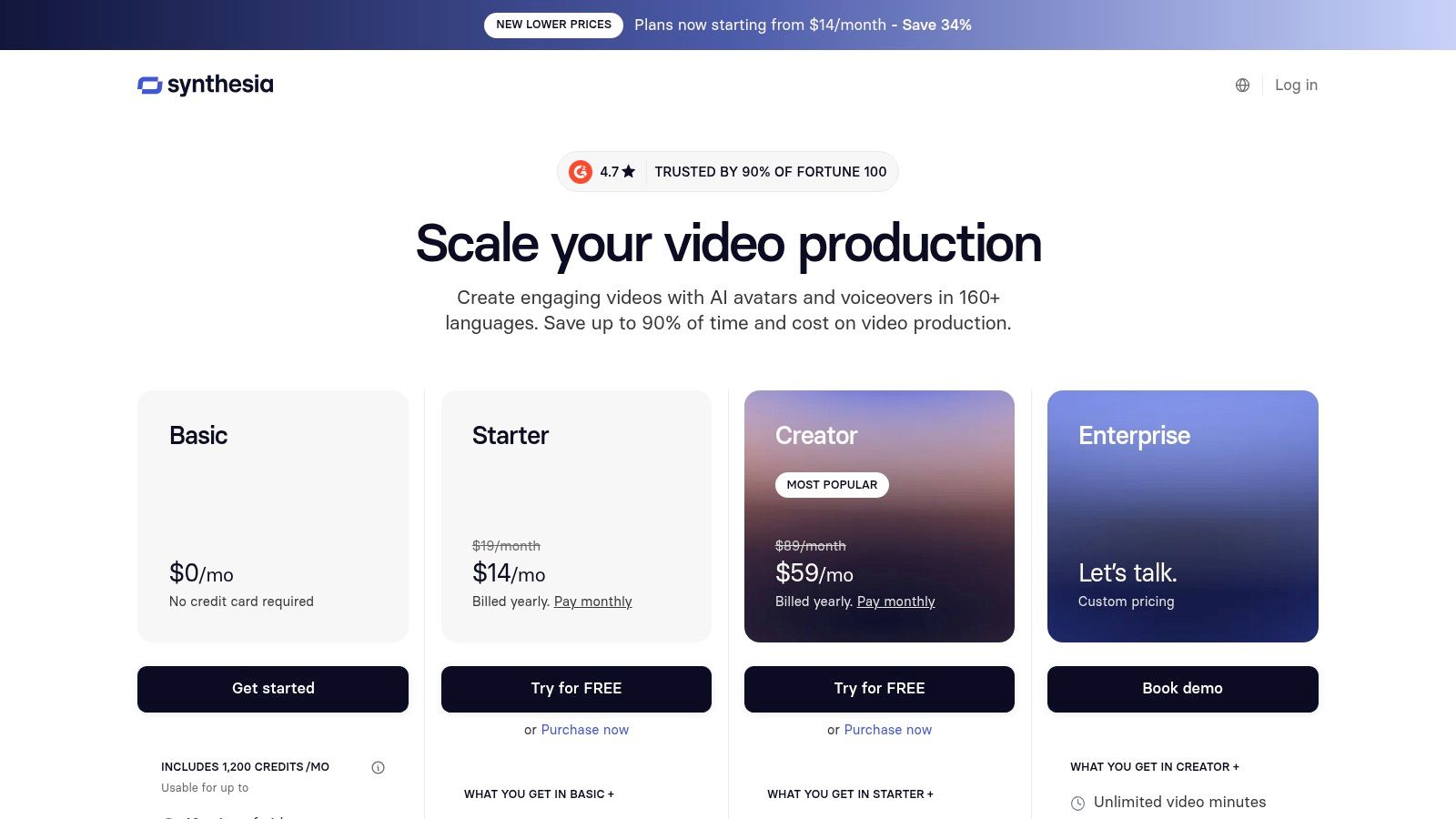
The platform offers 240-plus avatars and 160-plus languages, along with PowerPoint-to-video conversion, screen recording, video translation, templates, and enterprise controls. Those features fit organizations that need many instructional videos with consistent presentation, approval processes, and predictable formatting.
Synthesia measures usage in minutes of video, which is easier to understand than a generation model that charges differently for each visual or audio operation. Self-serve plans have monthly minute limits, and teams that exceed them need to upgrade. That makes the platform straightforward for planned training libraries, but less flexible for experimental visual production with frequent rerenders.
For teams comparing avatar platforms, this talking avatar guide adds useful workflow context.
<a id="the-trade-off"></a>
The trade-off
Synthesia's avatars can deliver clear, repeatable presentations, but the platform isn't built for fully generative B-roll or cinematic scene construction. A product marketer who needs a dramatic launch film will likely need another generator or editor. A learning team that needs a policy explainer in several languages may value Synthesia's templates and governance much more than raw visual novelty.
Treat avatar production as a communication system. Define pronunciation, brand terminology, review ownership, accessibility requirements, and localization rules before creating a large library. The avatar is only one part of the viewer experience, and a polished presenter can't compensate for a weak script or unclear instructional structure.
Website: Synthesia video platform
<a id="6-heygen"></a>
6. HeyGen
HeyGen is the practical choice for multilingual dubbing and localization. Its core advantage appears when you already have a strong master video and need localized versions without repeating the shoot.
<a id="best-for-transforming-one-master-into-many-markets"></a>
Best for transforming one master into many markets
The video translator supports lip-sync dubbing and voice cloning, while the platform also offers avatar generation, API access, and enterprise workflows. Support for 175-plus languages makes HeyGen relevant to international marketing, education, customer support, and creator teams that need to adapt existing footage for different audiences.
The distinction from Synthesia is important. Synthesia starts naturally with a script and an avatar-led presentation. HeyGen is especially useful when the starting asset is existing video and the team wants to preserve the speaker's delivery while changing the spoken language. That can reduce the operational burden of recording separate versions, although every localized output still needs human review for meaning, tone, names, and cultural fit.
<a id="pricing-mechanics-and-review-requirements"></a>
Pricing mechanics and review requirements
HeyGen uses credits, and deductions can vary by feature. New users may find the model less intuitive until they understand how translation, voice, and avatar operations consume usage. A free trial helps teams test a real piece of footage before selecting a paid plan.
Localization isn't finished when the mouth movements match. Check terminology, on-screen text, captions, pacing, and regional claims before distribution.
HeyGen isn't the right answer for every video. It won't replace a source-footage editor when the recording needs heavy restructuring, and it isn't primarily a cinematic text-to-video tool. Its value is highest when a business has proven content that deserves wider reach and a localization pipeline that can support review at scale.
Website: HeyGen video translation
<a id="7-descript"></a>
7. Descript
Descript is the outlier in this list because it works best when you already have real recordings. It turns transcription into an editing surface, allowing creators to cut dialogue by editing text instead of navigating every change on a traditional timeline.
<a id="best-for-source-footage-editing"></a>
Best for source-footage editing
The platform combines recording, instant transcription, text-based editing, Smooth Jump Cuts, Video and Audio Regenerate, Studio Sound, eye-contact correction, clip creation, translation, subtitles, collaboration, and export. That makes it useful for podcasts, interviews, tutorials, webinars, talking-head videos, and teams repurposing long-form material into shorter pieces.
A creator can remove a sentence from the transcript and have the corresponding video cut with it. The same workflow can then polish audio, add captions, create clips, or correct selected visual issues. This is a distinctly different starting point from Runway or Pika. Descript doesn't ask you to invent the footage. It helps you extract a cleaner, more usable version of what you recorded.
<a id="where-it-fits-in-a-production-stack"></a>
Where it fits in a production stack
Descript's paid tiers add more advanced capabilities and longer project usage, while plan limits can become a consideration for larger productions. It also isn't a pure text-to-video generator, so teams starting from a blank prompt may need a separate creation tool first.
Use Descript when the valuable material already exists in a conversation, lesson, interview, or presentation. Its text-first approach can remove much of the friction that makes dialogue-heavy editing slow for non-specialists. For teams preparing social versions, this guide to adding subtitles to video covers an important part of the finishing process.
Website: Descript AI video editor
<a id="top-7-ai-video-tools-comparison"></a>
Top 7 AI Video Tools Comparison
| Tool | Implementation Complexity 🔄 | Resource Requirements ⚡ | Expected Outcomes ⭐📊 | Ideal Use Cases 💡 | Key Advantages |
|---|---|---|---|---|---|
| ClipNova | Low, end-to-end automation; minimal setup 🔄 | Credit-based tiers (Hobby → Ultra → Enterprise); 70 free credits starter ⚡ | Fast, scalable short-form production; strong localization & measurable ROI ⭐📊 | Social shorts, localized campaigns, agencies needing scale 💡 | Full pipeline automation, 32 languages, talking avatars, 1080p/4K exports |
| Runway | High, fine controls, keyframes, steeper learning curve 🔄 | Multi-model credit accounting; API access; heavy compute for top quality ⚡ | Best-in-class visual quality and motion coherence for cinematic results ⭐📊 | Ad creative, concept films, projects needing tight visual control 💡 | State-of-the-art models, multi-model catalog, 4K upscaling |
| Pika | Medium, fast presets and straightforward UI 🔄 | Clear credit packs and top-ups; aggressive pricing; plan-based parallelism ⚡ | Rapid iterations for short-form content at low cost ⭐📊 | Quick social ads, creators iterating at volume 💡 | Competitive pricing, easy scaling, no watermark on paid Starter |
| Luma AI, Dream Machine | Medium, keyframe & camera controls for stylized work 🔄 | Unified image/video credits; API and credit bundles; learning hub ⚡ | Balanced control for stylized shorts and controlled camera moves ⭐📊 | Stylized spots, storyboarding, developer integrations 💡 | Keyframe extension, camera guidance, strong community docs |
| Synthesia | Low–Medium, template-driven enterprise workflows 🔄 | Minutes-based metering; enterprise compliance (SOC2/GDPR); large avatar/lang library ⚡ | Consistent, governance-ready talking-avatar content for teams ⭐📊 | Training, L&D, onboarding, explainers at scale 💡 | 240+ avatars, 160+ languages, template library, enterprise governance |
| HeyGen | Low, streamlined translation and dubbing workflows 🔄 | Credit-based pricing; API & enterprise options; 175+ language support ⚡ | Fast, natural lip-synced localization and avatar explainers ⭐📊 | Localizing existing footage, global marketing, support/education 💡 | Strong lip-sync, voice cloning, scalable localization pipelines |
| Descript | Low–Medium, text-first editing for source footage 🔄 | Subscription tiers; collaboration features; plan limits for long projects ⚡ | Fast, polished edits for dialogue-heavy content; strong audio polish ⭐📊 | Podcasts, talking-heads, tutorials, repurposing long-form 💡 | Text-based editing, AI audio cleanup, eye-contact correction, collaboration |
<a id="choose-the-tool-that-matches-your-production-bottleneck"></a>
Choose the Tool That Matches Your Production Bottleneck
The best AI video tool isn't determined by a universal ranking. It depends on where work stops in your current process.
Choose ClipNova when the bottleneck is moving from an idea to a finished short-form asset. Its single workspace combines ideation, scripting, narration, visuals, captions, music, resizing, localization, variants, and export. That makes it the most practical option for creators, agencies, performance marketers, and e-commerce teams that need repeatable social output rather than isolated generated shots.
Choose Runway when visual control is the priority. Its model range, references, keyframes, video transformation, and upscaling make it better suited to cinematic concepts and carefully directed generative sequences. Choose Pika when you want to test social hooks and creative treatments quickly, especially if your team already has editing and approval processes around the generated material.
Luma AI Dream Machine fits stylized, camera-guided work. It gives creators a more deliberate way to shape movement and visual direction without requiring a full professional film workflow. Synthesia is the stronger choice for governed avatar-led training, onboarding, and explainers, while HeyGen makes more sense when the starting point is an existing master video that needs multilingual dubbing, lip-sync, or voice-preserving localization. Descript belongs in workflows that begin with recordings, not blank prompts.
AI video adoption is no longer limited to experiments. One 2026 industry compilation reports that 63% of video marketers use AI tools to help make or edit videos, up from 51% a year earlier, while 78% of marketing teams use AI-generated video in at least one campaign per quarter. The same compilation reports that 91% of businesses use video as a marketing tool in 2026, which explains why workflow fit matters as much as visual quality. That adoption data points to a market where production systems, not just models, determine practical value.
Independent benchmark work also shows why a single quality ranking is inadequate. VBench evaluates video across fidelity, controllability, creativity, physics, and commonsense, rather than reducing performance to one visual impression. The VBench project supports a more useful buying habit: test the dimensions your audience will notice, then compare the cost and effort required to reach publishable quality.
Before committing, run each candidate through representative work. Use your actual prompt, brand assets, source footage, target languages, caption style, aspect ratios, and approval process. Track credit consumption, rerender frequency, export restrictions, commercial rights, watermark behavior, and the amount of manual cleanup required. The platform that produces the prettiest demo may still be the wrong purchase if your team needs ten localized variants and a dependable path to publication.
ClipNova brings prompting, scripting, realistic voiceover, visuals, captions, music, resizing, localization, and commercial-ready exports into one AI-powered studio for short-form video and image production. If your bottleneck is turning ideas or links into consistent social assets without stitching together several tools, visit ClipNova and test the workflow with a representative project.
Ready to ship your own?
Start creating viral videos with AI in under twenty minutes, no credit card required.