
The cleverest first draft rarely saves the most production time. A script can read well on the page and still drag on camera, repeat the same pacing, or require extensive changes to scenes, voiceover, and captions. What matters is how much work remains after the draft is written.
Automated scripting tools fall into three practical groups: tools that draft text for recording, tools that turn a finished script into a narrated video, and editing platforms that support scripting within a video timeline. These groups solve different production problems. A text generator leaves recording and editing to you, while an end-to-end video tool can reduce handoffs but may require more review of its visuals, narration, and timing.
Choose by the output you need and the manual work you can take on. If you record on camera, prioritize tools that help shape a speakable script; you will still need to rehearse and edit the footage. If you need a finished narrated video, check how much control you have over scenes, voice, and subtitles before export. Timeline-based tools can keep drafting and editing together, but still require hands-on review.
The tools below are grouped by what they produce, not by marketing label. Each entry covers strengths, limitations, integrations, and pricing signals to help you compare the remaining production work.
Table of Contents
- 1. VEED
- 2. Pictory
- 3. Fliki
- 4. Kapwing
- 5. InVideo
- 6. HeyGen
- 7. BIGVU
- 8. Jasper
- 9. Canva Magic Write
- 10. Descript
- How the 10 automated scripting tools compare on output, language support, free access, and best use
- Matching the Tool to Your Actual Production Workflow
<a id="1-veed"></a>
1. VEED
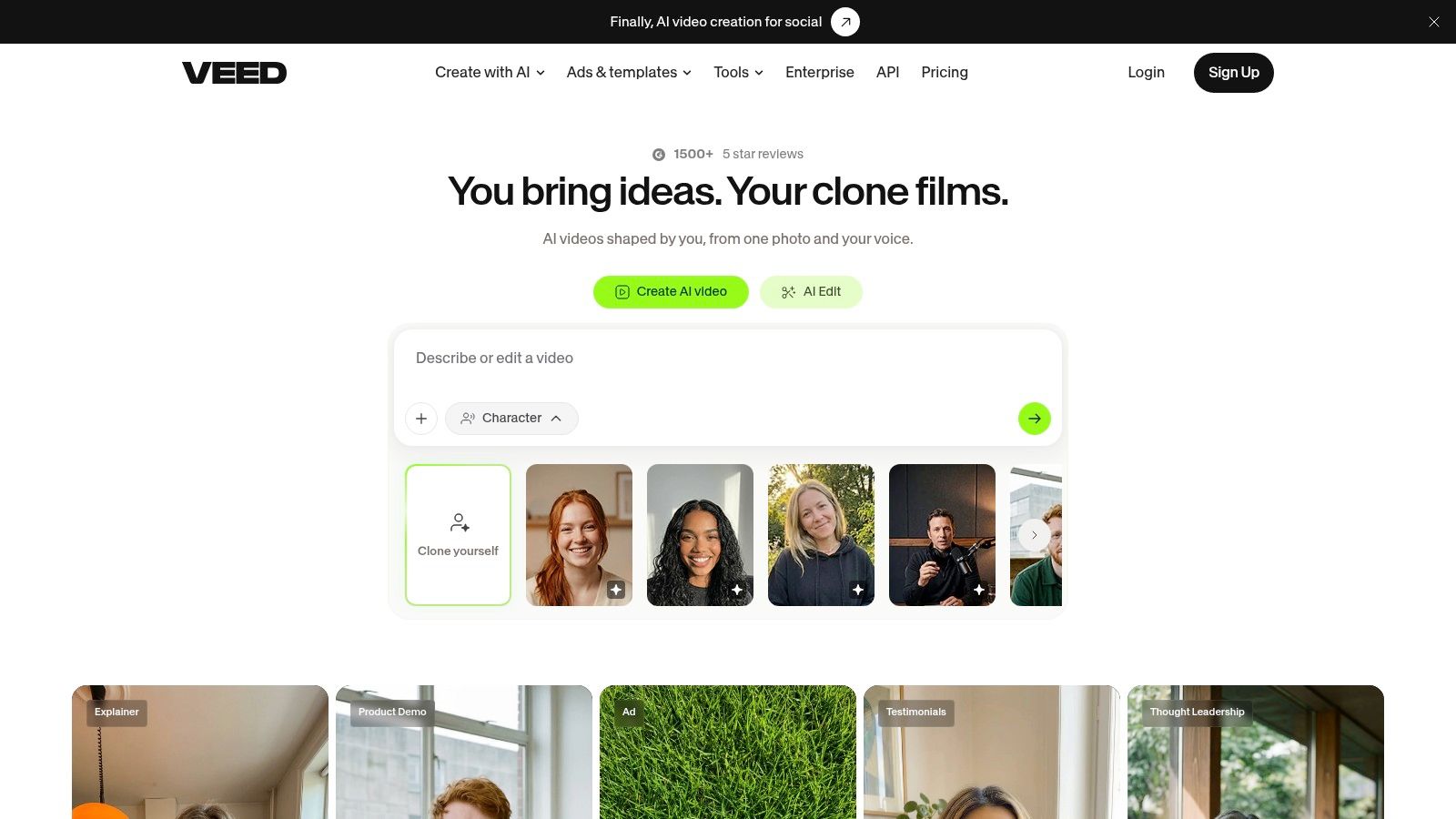
VEED's browser-based video platform suits creators who want script drafting and video assembly in one place. You enter a topic or prompt, edit the draft, then build a video with a voice or character, music, visuals, and subtitles. That review step before rendering is its best habit, because fixing a weak hook in text is cheaper than regenerating finished scenes.
<a id="where-the-time-goes"></a>
Where the Time Goes
- Drafting and editing: Generates scripts from prompts and lets you revise before video generation.
- Production bundle: Combines voiceovers, avatars, visuals, captions, music, and editing in one workflow.
- Language reach: Supports script and voice generation in 30 languages.
- Cost visibility: Shows estimated AI-credit costs before you generate, which helps on tight budgets.
The trade-off is iteration cost. Repeated generations consume credits, and you'll need a paid plan for greater AI capacity and watermark-free exports.
Practical rule: Lock the script in plain text before you render. VEED rewards an early edit and punishes endless re-renders.
For solo creators making captioned social videos, the single workspace is the appeal. For heavy multilingual work, its stated language range may feel narrower than some rivals.
<a id="2-pictory"></a>
2. Pictory
Repurposing is the strongest reason to test Pictory's script-to-video platform. It can draft from an idea or convert a script, article, URL, PDF, or PowerPoint into scenes, then add narration, music, and captions. If your library already holds blog posts or decks, you don't start from a blank prompt.
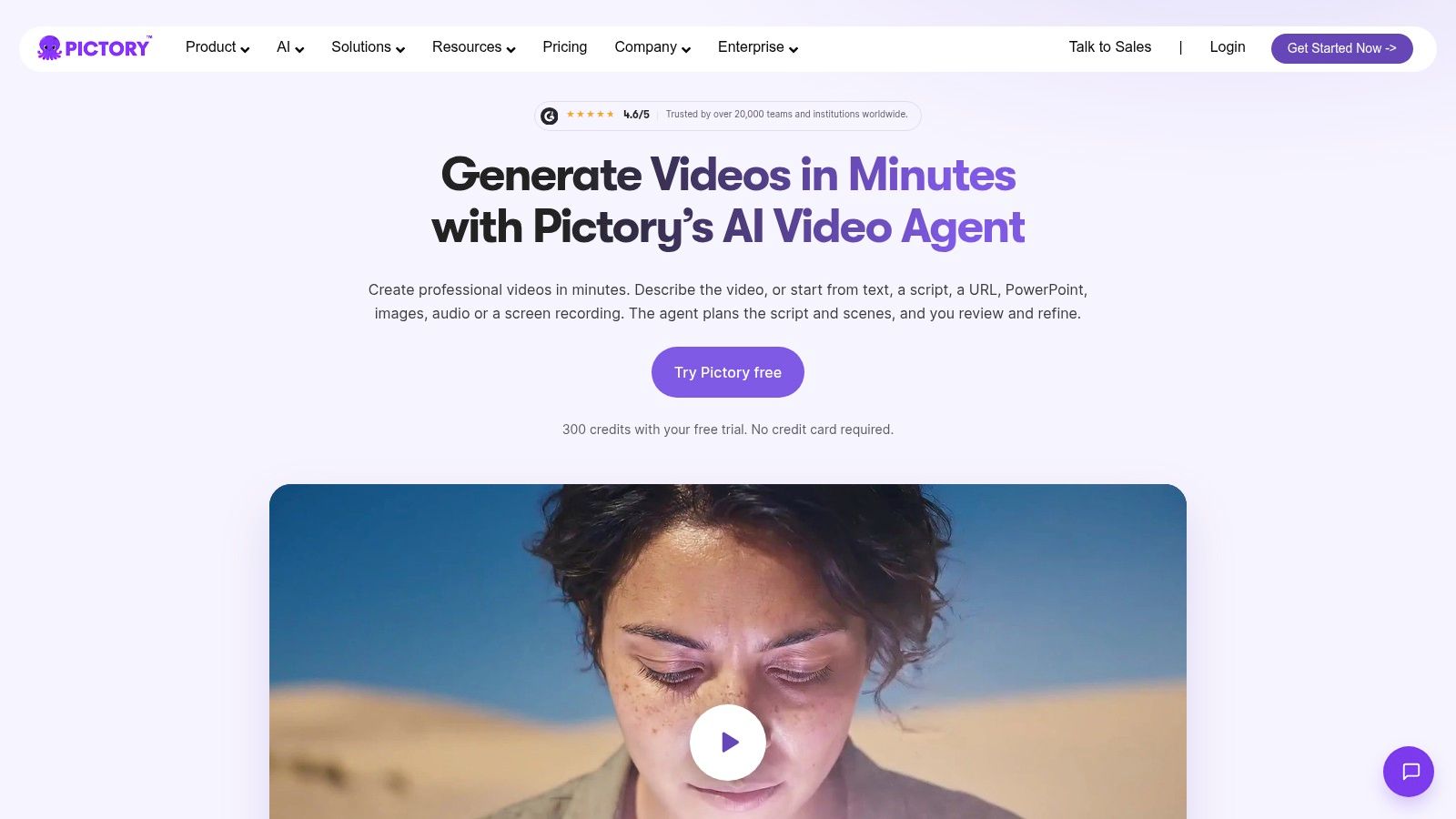
Its storyboard editor matters more than the one-click promise. You can inspect each scene, replace visuals that miss the point, and adjust before export instead of accepting a generic montage. Teams building a repeatable pipeline should also read up on automated video production workflows before they scale that repurposing habit.
<a id="fit-and-limits"></a>
Fit and Limits
- Input variety: Covers idea, script, URL, PDF, and PowerPoint workflows.
- Scene control: Matches visuals to lines and lets you swap them scene by scene.
- Brand options: Paid plans add multiple aspect ratios and brand kits.
- Trial access: A free trial lets you test real material before paying.
Expect review work on AI-chosen footage, because relevant stock isn't always on-brand stock. Continued use needs a paid plan, and video-minute allowances vary by tier, so volume producers should price their monthly output first.
<a id="3-fliki"></a>
3. Fliki
If localization is your bottleneck, Fliki's idea-to-video platform deserves a test before tools with narrower voice libraries. It builds videos from ideas, scripts, blog posts, and slide decks, then layers narration, visuals, captions, and music. You aren't buying a writing aid here. You're buying assembly.
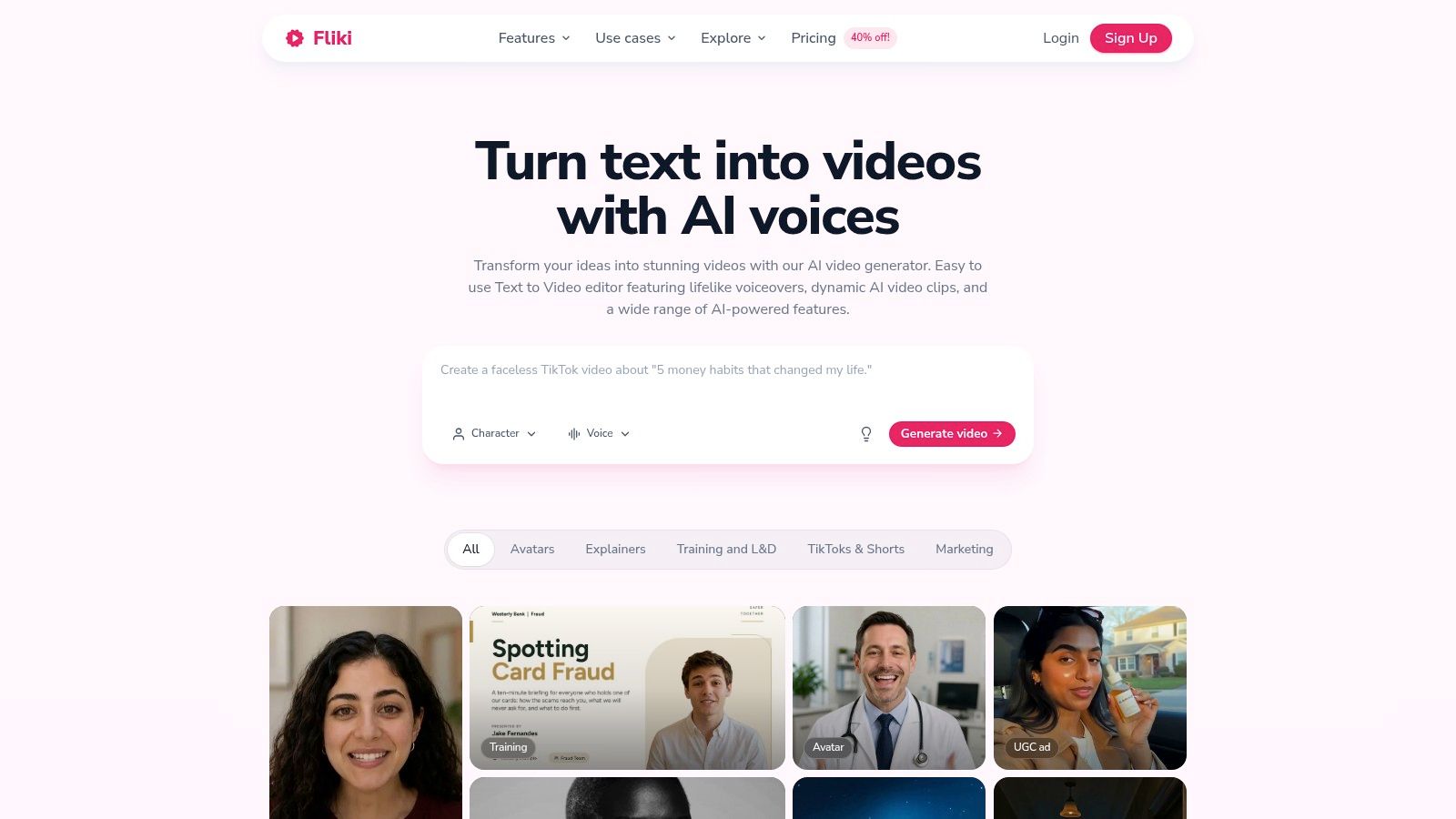
The headline strength is voice choice, with voices in more than 80 languages. That helps teams producing the same explainer for several markets, provided a native speaker still checks phrasing. It also includes stock media, AI-generated visuals, and talking avatars, plus formats for social clips and longer videos.
- Localization: Broad language and voice options reduce re-recording work.
- Complete output: Script input becomes narrated video, not just text.
- Free testing: You can trial the workflow before committing budget.
Costs depend on how much video, voice, and avatar output you generate, since usage consumes credits. Free exports carry a watermark and usage limits, and features such as voice cloning and avatars require a paid plan. Treat the free tier as a quality test, not a production plan.
<a id="4-kapwing"></a>
4. Kapwing
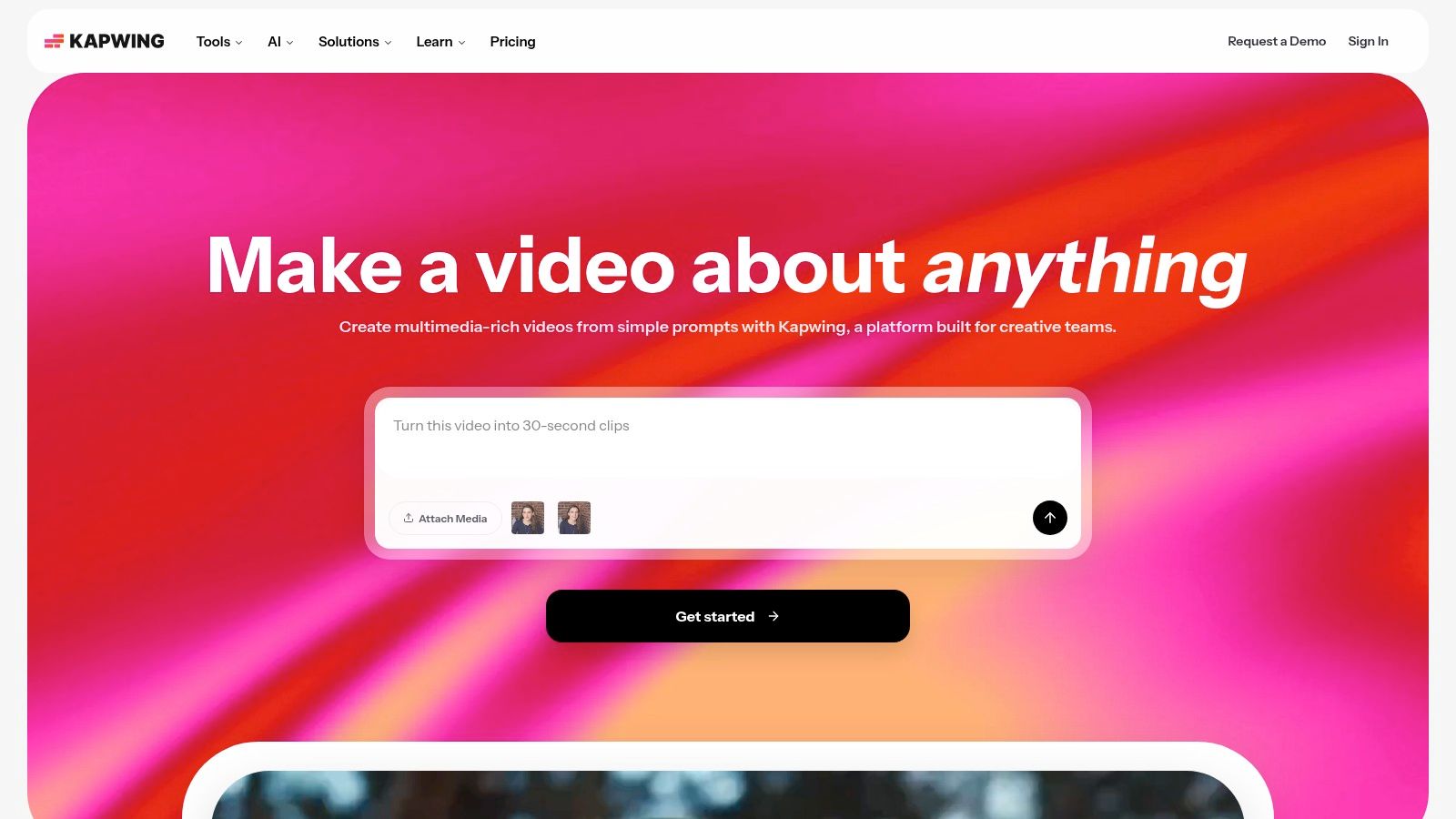
Kapwing is most useful when the first generated cut is a starting point, not a finished deliverable. Kapwing's browser-based studio turns a prompt into a script, then builds scene-based video with narration, B-roll, subtitles, music, and AI characters. Its timeline editor lets you adjust pacing or swap scenes without regenerating the whole video, though those edits still need a producer's eye.
<a id="what-you-control"></a>
What You Control
- Storyboard detail: Generates frame-by-frame storyboards, making it easier to review scenes before polishing.
- Media mix: Combines AI voices and characters with licensed stock and generated footage.
- Team workflow: Shared workspaces and aspect-ratio options support small agency projects.
- Credits: The free plan provides limited AI credits; paid tiers include more.
Plan for hands-on review. Free exports carry a watermark, and visuals, pacing, and captions often need manual cleanup before a video is ready to publish. The script-to-video workflow saves assembly time, but can add review and editing work when generated scenes miss the brief. Test it with a representative project, then judge how much timeline editing your workflow requires. Kapwing
<a id="5-invideo"></a>
5. InVideo
InVideo's AI video workspace suits producers who need a finished video, not just a script. Its AI co-writer drafts and refines copy inside a broader production workflow, while prompt tools build scenes and voiceovers and a timeline editor lets you make final adjustments. That makes it a video production tool with script-writing features, rather than a dedicated writing tool.
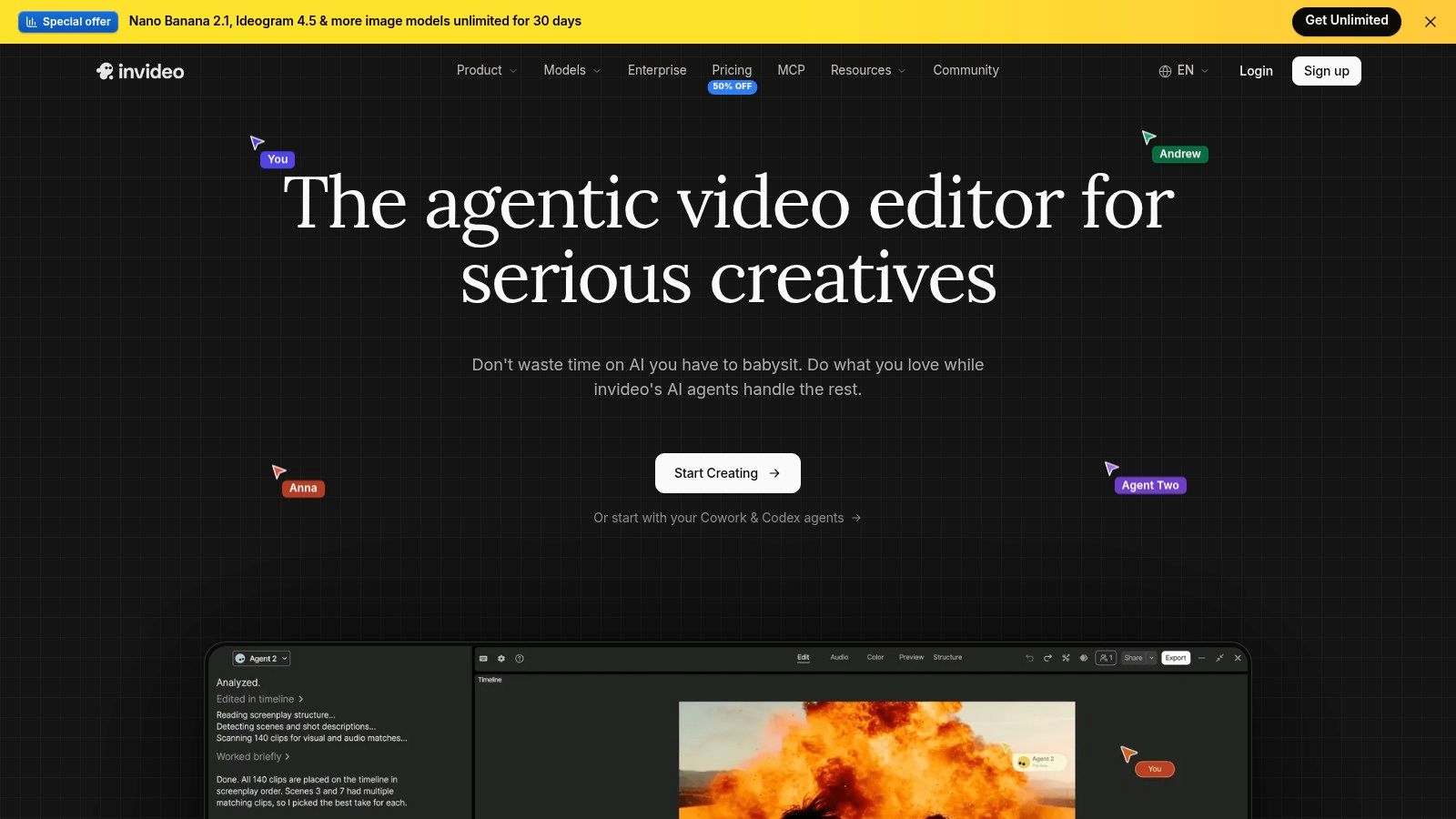
The range can help when a team needs ads, avatars, and social videos from the same project. It also leaves room for hands-on fixes: correct a poor crop, adjust voice emphasis, or reorder scenes without regenerating the whole video. The trade-off is extra review. Generated scenes and narration still need a producer to check whether they fit the script and intended format.
- Script support: Draft and refine copy within the project.
- Production range: Create prompt-based videos, ads, avatar content, and social formats.
- Collaboration: Team features and a timeline editor support review and editing.
Budgeting requires checking the current terms. Before buying, confirm credit usage for the models and tasks you plan to use, along with export limits and plan access, on InVideo's pricing page. Solo creators may pay for production capacity they do not need.
<a id="6-heygen"></a>
6. HeyGen
HeyGen's avatar video platform turns scripts and written prompts into presenter-led videos with AI avatars, voices, captions, and branded visuals. It suits explainers, training, product messaging, and ads when a consistent presenter matters more than live footage. Script generation is only part of the workflow: the tool assembles a video, while teams still need to review the script and the finished output.
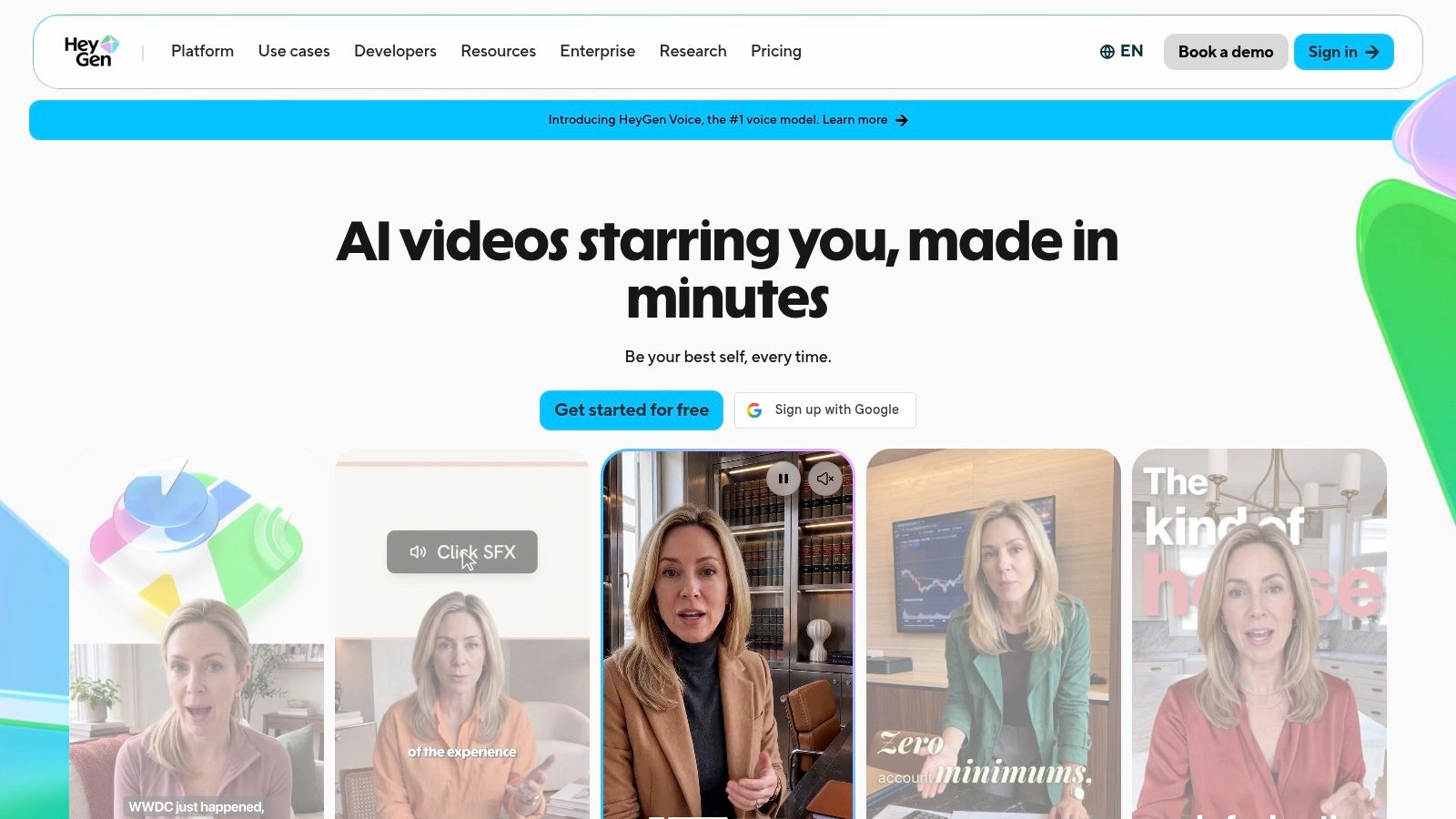
Custom digital twins and voice cloning help teams reuse a presenter for onboarding or product updates. For a closer look at talking avatar AI formats, consider whether a synthetic host fits the subject and audience. Translation and dubbing can adapt the same script for other languages, but each version still needs checks for accuracy and natural phrasing.
<a id="where-it-falls-short"></a>
Where It Falls Short
- Format limits: AI presenters are a poor fit for spontaneous or documentary-style footage.
- Volume limits: Credits and plan caps may restrict teams producing videos at high volume.
- Review burden: Check claims, translations, pronunciation, and delivery before publishing.
The main time saving is avoiding repeated presenter shoots. The trade-off is extra review: an avatar can deliver an inaccurate claim with confidence, so editorial checks remain part of production.
<a id="7-bigvu"></a>
7. BIGVU
BIGVU's teleprompter and script platform takes the opposite route from full assembly tools. Its AI Script Generator creates a structured draft with an introduction, key points, and a call to action, then sends it straight to the built-in teleprompter. You perform the video yourself. The automation removes copy-paste friction, not the camera work.
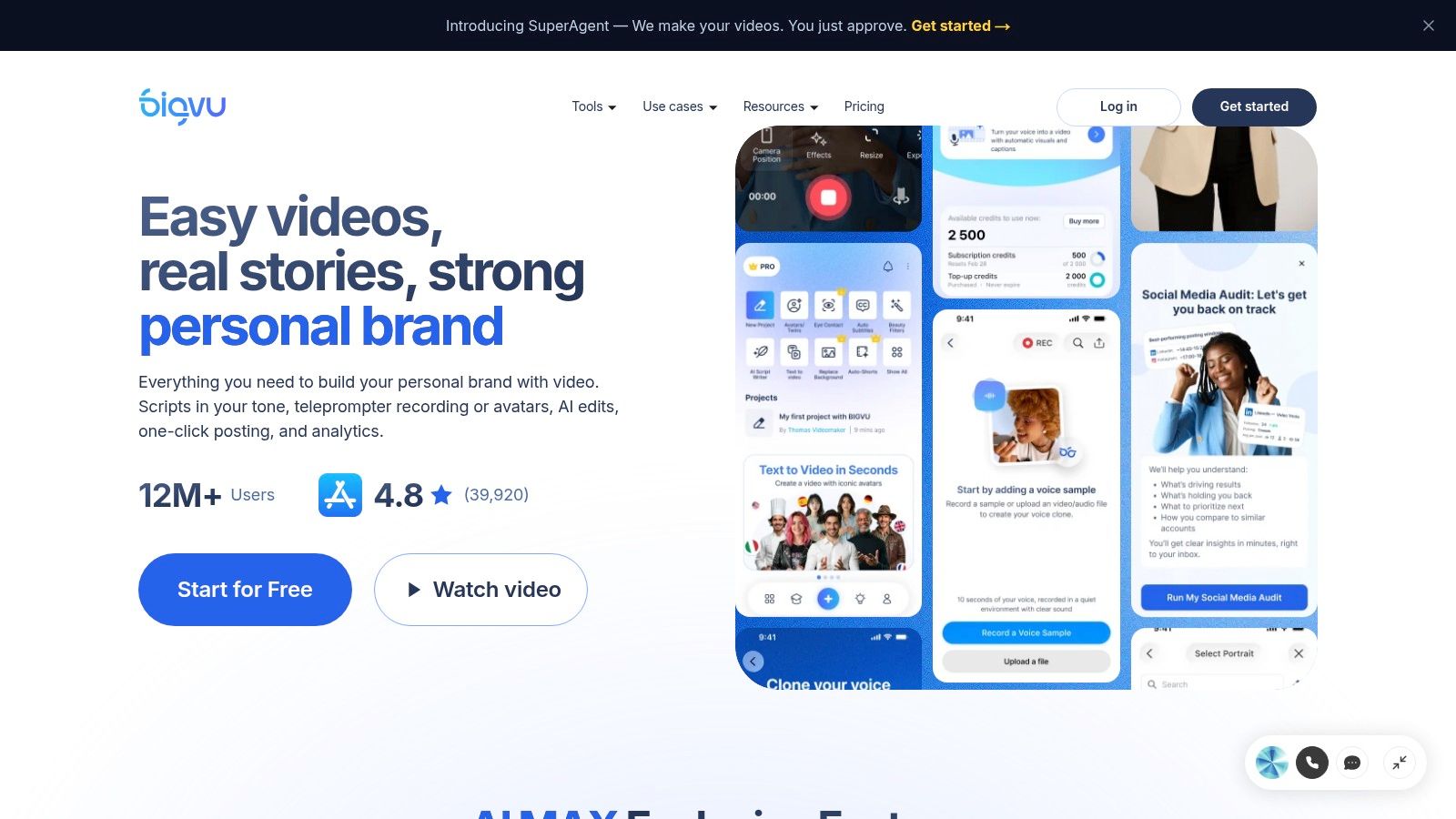
That design suits founders, coaches, and sales creators who already record talking-head clips. Scripts are shaped for spoken delivery, and captions, editing, and social publishing stay in the same workflow. If captions are your publishing bottleneck, compare your process against practical methods to add subtitles to a video before adding another app.
- Teleprompter handoff: Generated scripts move directly into recording.
- Spoken structure: Drafts follow a clear intro, points, and close.
- Publishing tools: Captions and social output sit beside the recorder.
It's less useful if you want automatic B-roll-heavy videos from a prompt. Advanced editing may require other software, and free or entry plans limit script generation, while higher tiers offer unlimited scripts.
<a id="8-jasper"></a>
8. Jasper
Marketing teams, not solo video creators, are the clearest audience for Jasper's Video Script Agent. It can draw on brand voice, style guidance, audience profiles, and a company knowledge base, so first drafts sound less generic than an untrained prompt. That context is the feature. The script is still only text when you finish.

A brand-aware draft saves the rewrite you'd otherwise do line by line, but it doesn't record, caption, or assemble anything for you.
Jasper supports collaboration and multiple brands on Pro, while Business uses custom pricing and adds controls. That structure fits agencies or in-house teams producing several campaign variants where consistency matters more than finished video output. You'll then hand the approved copy to a production tool or editor.
- Brand inputs: Uses voice, style, audience, and knowledge sources.
- Campaign variants: Helps teams produce consistent versions at pace.
- No finished video: Voice, visuals, and captions happen elsewhere.
- Price signal: It may be expensive for creators needing occasional scripts.
Product claims and details still require human review. Brand alignment improves tone, it doesn't verify facts.
<a id="9-canva-magic-write"></a>
9. Canva Magic Write
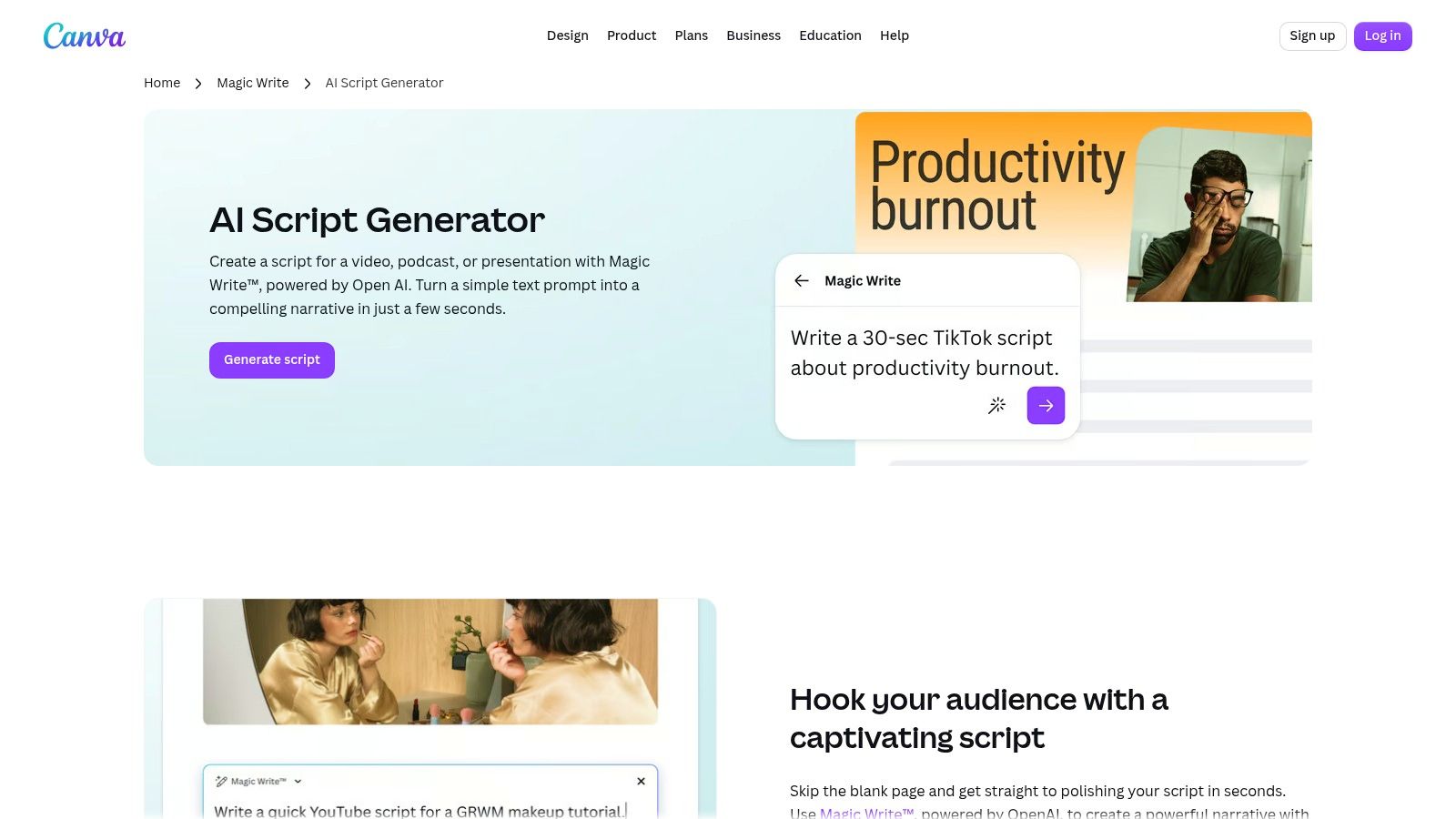
If your team already builds decks, thumbnails, and social assets in Canva, Canva's AI Script Generator with Magic Write is the lowest-friction way to get a first draft. It writes from natural-language prompts for videos, podcasts, presentations, promotions, and courses, beside the design assets you'll publish with them. Convenience is the argument, not specialization.
<a id="best-use-case"></a>
Best Use Case
- Existing Canva workflow: Scripts develop alongside designs and video assets.
- Low entry cost: Free monthly query access lets you draft without a separate writing subscription.
- Format breadth: Covers spoken, promotional, and course material in one tool.
- Plan limits: Higher AI usage depends on Canva Pro and its shared allowance.
Expect to edit for delivery, timing, and audience fit. Magic Write doesn't know how a line sounds at your target duration, and it isn't built as an end-to-end script production system with scene timing and voice assembly. For occasional drafts inside Canva, that's acceptable. For a daily video pipeline, you'll outgrow the lack of specialization fast.
<a id="10-descript"></a>
10. Descript
Descript's transcript-based editor is built for people who record first and revise in text. Its AI tools can draft scripts, outlines, and promotional copy, and when you edit the transcript, the corresponding audio or video changes with it. Podcasters, interviewers, and talking-head creators get more value here than faceless-channel producers do.
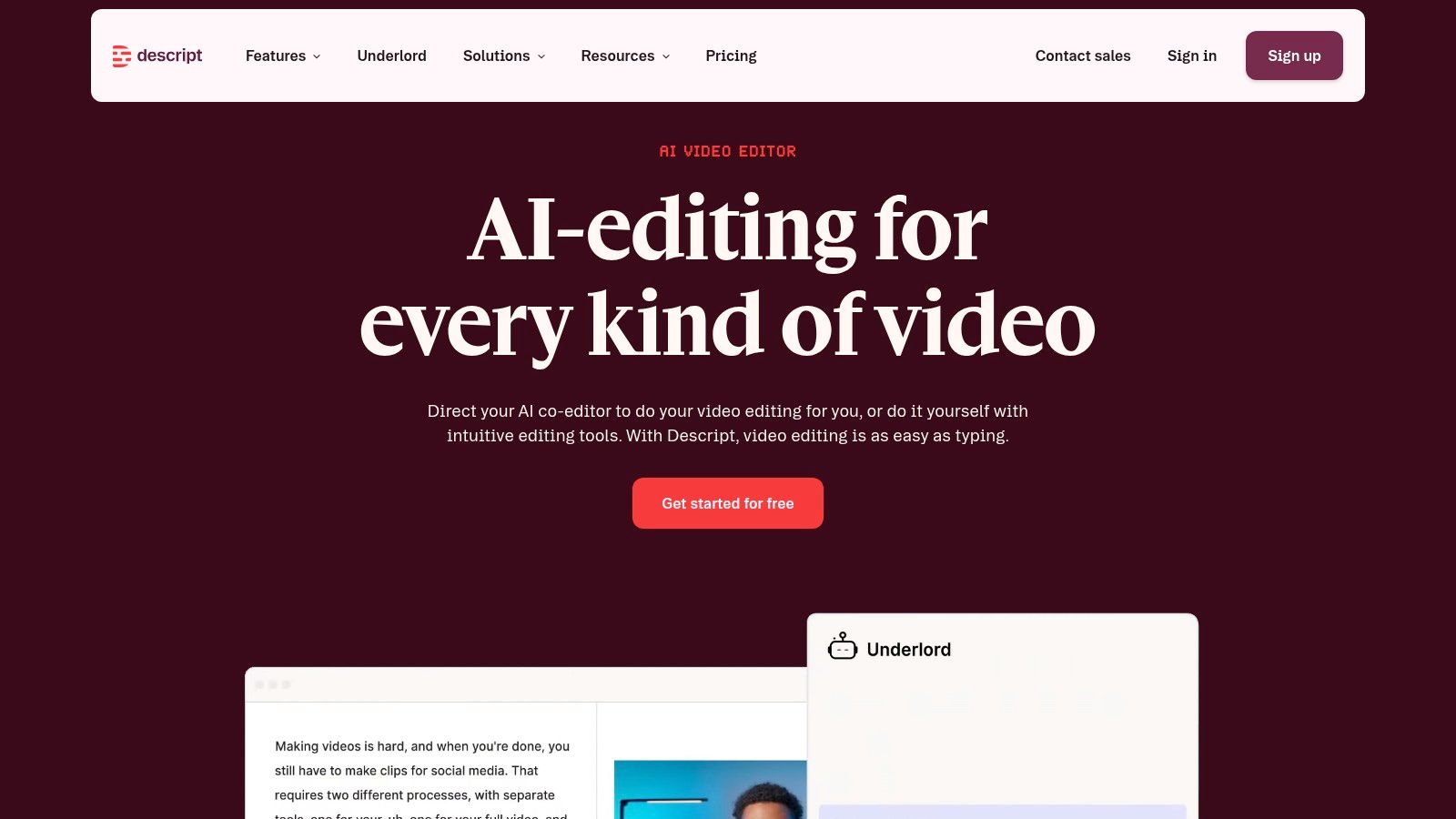
That workflow turns long recordings into shorter clips without scrubbing timelines for every cut. Captions and audio cleanup sit in the same workspace, so a rough interview can become publishable segments with fewer exports between apps.
- Text editing: Transcript changes update the recorded media directly.
- Repurposing: Clip creation helps extract short pieces from long sessions.
- Audio tools: Cleanup and captions support spoken-word production.
- Credit limits: AI video features consume credits that vary by plan.
Don't expect automatic scene-by-scene visual selection. If you want hands-off B-roll assembly from a prompt, you'll need another tool. Descript rewards creators who bring real recordings and want script logic applied to the edit.
<a id="how-the-10-automated-scripting-tools-compare-on-output-language-support-free-access-and-best-use"></a>
How the 10 automated scripting tools compare on output, language support, free access, and best use
| Item | Output Type | Language Support | Free Access | Best For |
|---|---|---|---|---|
| VEED | Scripts and editable videos with voices, visuals, and captions | Script and voice generation in 30 languages | Limited access; paid plans offer greater AI capacity and watermark-free exports | Creating social videos from a prompt in one browser-based workflow |
| Pictory | Narrated videos from scripts, articles, URLs, PDFs, or presentations | Not specified | Free trial | Repurposing written content into storyboard-based videos |
| Fliki | Videos with narration, visuals, captions, and music | Voices in more than 80 languages | Free access with usage limits and watermarked exports | Creating and localizing videos from scripts or written content |
| Kapwing | Scripts and scene-based videos with editing tools | Not specified | Limited free plan with AI credits and watermarked exports | Generating and refining videos with scene controls and browser-based collaboration |
| InVideo | Scripts and AI-assisted videos with timeline editing | Not specified | Not specified | Teams seeking script support within a broader video-production workspace |
| HeyGen | Presenter-led videos with voices, captions, and visuals | Translation and dubbing into many languages | Not specified | Creating consistent presenter-led explainers, training videos, and ads |
| BIGVU | Spoken scripts for teleprompter-led recording | Not specified | Limited script generation on free and entry-level plans | Writing and recording on-camera videos with a built-in teleprompter |
| Jasper | Marketing video scripts | Not specified | Not specified | Teams creating brand-aligned marketing scripts |
| Canva Magic Write | Scripts for videos, podcasts, presentations, and other content | Not specified | Free monthly query access | Canva users drafting scripts alongside design assets |
| Descript | Scripts and transcript-based audio and video edits | Not specified | Plan-based AI feature limits | Editing podcasts, interviews, and talking-head recordings |
<a id="matching-the-tool-to-your-actual-production-workflow"></a>
Matching the Tool to Your Actual Production Workflow
Choose a tool by the work it removes, then count the review it adds. Jasper and Canva Magic Write help draft scripts, but you still need to record and assemble the video elsewhere. BIGVU supports on-camera delivery with a teleprompter, while Descript keeps editing tied to recorded performance and transcripts. HeyGen can replace a live presenter shoot. VEED, Pictory, Fliki, Kapwing, and InVideo can take scripts further into video assembly, but generated visuals, timing, captions, and exports still need checking.
Review is part of production, not proof that automation failed. A script may need factual checks, a rewrite to match the speaker's voice, or edits to fit the runtime. Video drafts may also require replacing unsuitable visuals, correcting captions, and checking how scenes cut together. Adobe's 2025 survey of more than 16,000 creators documents broad use of creative generative AI, but adoption alone does not show how much review a particular workflow saves. Test that on your own material.
<a id="build-a-trust-layer-before-you-scale"></a>
Build a Trust Layer Before You Scale
Speed without verification creates risk. In Salesforce's generative AI statistics roundup, surveyed workers raised concerns about inaccurate and biased outputs, while accuracy and quality ranked as marketers' top concern. Check prices, health or financial claims, regulated language, and brand terminology before rendering or publishing.
Set approval rules by risk. Entertainment scripts may need a light read, while ads and regulated topics call for citations, version history, and a named approver. Track human acceptance rate, the share approved with no more than minor edits, alongside revision count. Draft volume is a weak measure of value. Approved assets published are the work that matters.
Governance also affects day-to-day use. In ISACA's 2025 global poll on AI use and training, many digital-trust professionals believed employees used AI without permission, while relatively few organizations reported a full AI policy or AI training. Choose approved tools, set rules for briefs and customer data, and standardize file naming before output multiplies.
Usage is already common among creators and video marketers. HubSpot's video marketing report based on 500 video marketers found that only a small share did not use AI in their video strategy in 2024. The competitive advantage lies not in generating drafts alone. It is moving from draft to approved asset with fewer avoidable edits and handoffs.
Test that path before paying. Run one real script, with real claims and a real deadline, through each shortlisted tool. Count the manual steps left: edits, visual swaps, caption fixes, exports, and format changes. If you want script, voiceover, visuals, captions, and music in one workspace, compare ClipNova with your shortlist using the same script and acceptance standard.
If your test still needs separate apps for narration, visuals, captions, and resizing, run it through ClipNova and count which steps it removes. ClipNova turns a prompt, link, or topic into a short-form video with voiceover, visuals, captions, music, and multi-format export in one workspace. Keep the workflow that leaves the least manual work after review.
Ready to ship your own?
Start creating viral videos with AI in under twenty minutes, no credit card required.