
You've finished a script, pasted it into a video tool, and generated a draft. The narration sounds reasonable, but the opening image reveals the twist, the main character changes clothes midway through, and the captions cover the object viewers need to see. Now you're editing a video that looked finished until you watched it closely.
A readable script isn't necessarily a usable production script. Video tools need clear scene boundaries, concrete visual directions, pronounceable narration, and enough context to preserve the story. A short social clip can survive a loosely related background shot. An episode about a missing child, a historical battle, or a recurring cartoon character usually can't.
This comparison judges each AI video script generator by what happens after the writing: scene-to-line accuracy, character continuity, revision control, and the difference between making a brief story and producing a longer episode.
The useful benchmark isn't how quickly a tool writes. It's how much of the generated video you can keep.
Workflow matters, too. RenderIO's guide to video automation provides broader context for connecting production tasks, but automation won't correct an unclear scene description or an unsupported historical claim.
The tools below serve different formats. Some assemble narrated stock footage, some generate presenters, and others build animated or original story scenes. Choose the format first, then judge the writing features inside it.
Table of Contents
- 1. ClipNova AI
- 2. InVideo AI
- 3. Fliki
- 4. VEED
- 5. HeyGen
- 6. Pictory
- 7. Kapwing
- 8. Steve AI
- 9. Revid AI
- 10. Animaker
- How the 10 AI script-to-video tools compare on format, characters and pricing model
- Match the Tool to the Format Before You Write
<a id="1-clipnova-ai"></a>
1. ClipNova AI
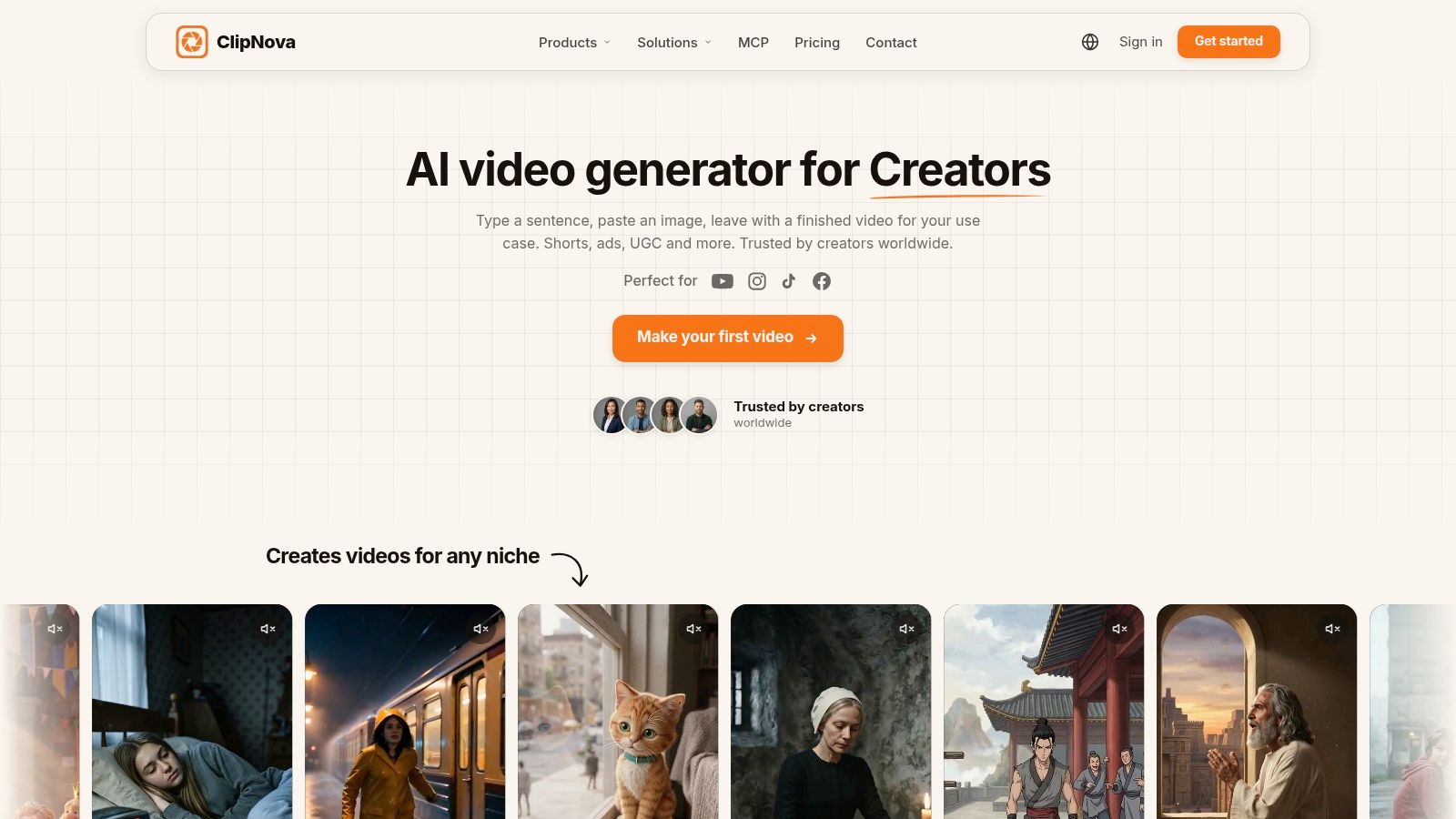
A one-minute story and a four-minute episode put different demands on a video generator. The shorter piece needs scenes that track the script; the longer one also depends on character continuity and a plot that holds together across locations. ClipNova AI turns an idea or script into a finished video, generating the hook, storyboard, scenes, characters, narration, and captions in one pass.
Videos run up to 5 minutes at up to 1080p. Save a character's image and locked look to keep the same face and outfit across scenes. Series supports a cast of up to 8 characters, with story memory across episodes and lip-synced dialogue. You can revise or regenerate a specific scene in Studio.
<a id="where-the-workflow-makes-a-difference"></a>
Where the workflow makes a difference
ClipNova's workflow has three steps: find your idea, write the script, and generate the video. For a story video, the generator builds a hook, escalating scenes, a twist, and an ending or cliffhanger, timing scenes to the requested length. Review the output scene by scene, especially in a longer episode where character and plot continuity matter more.
- Production options: Narration in 18 languages, with 9:16, 16:9, or 1:1 output.
- Brand work: UGC ads can start from a creator photo and product photo; product videos can start from a product image.
- Plans: From $19 per month; every plan includes commercial rights.
ClipNova suits creators who need a complete story video rather than a set of separate shots. Its story generator supports cinematic and realistic scenes, as well as 2D, 3D, anime, and comic styles. The AI YouTube Video Generator can also turn a topic into a finished YouTube video or Short with a script, scenes, voiceover, and captions.
Best fit: Story channels, kids' cartoons, horror, faith narratives, and recurring-character episodes. Make a video in ClipNova's workspace.
<a id="2-invideo-ai"></a>
2. InVideo AI
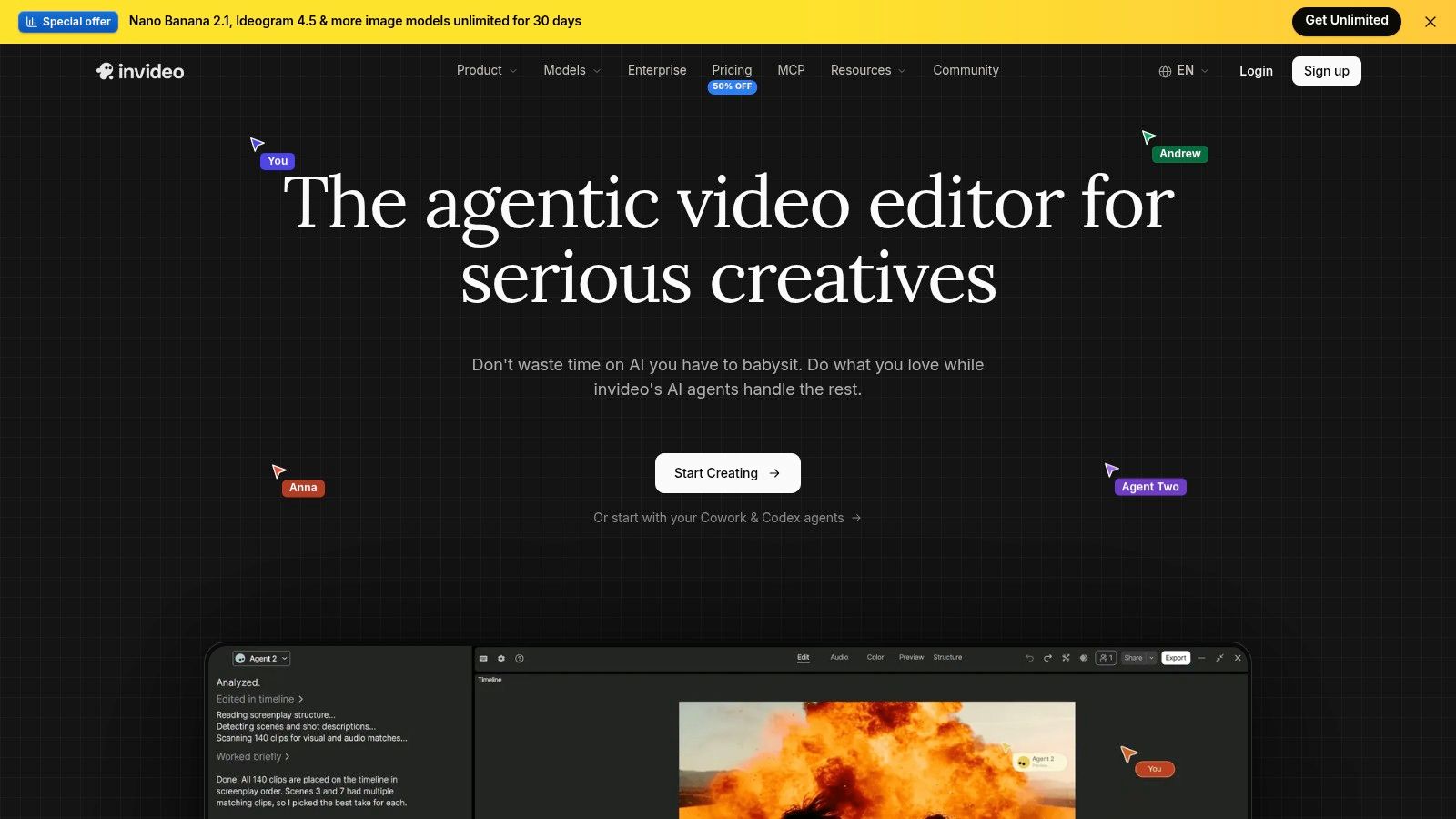
A bakery explainer doesn't necessarily need the same fictional baker in every shot. It needs relevant images, clear narration, readable captions, and an ending that tells customers what to do. InVideo AI fits that assembly-oriented workflow.
You can start with a prompt or supplied script, generate scenes with voiceover, subtitles, and music, then request changes through text prompts. Timeline editing gives you another route when a conversational instruction doesn't produce the exact adjustment you want.
<a id="strong-assembly-less-control-over-a-recurring-cast"></a>
Strong assembly, less control over a recurring cast
InVideo offers stock media and AI-generated visual options. Stock is practical for general subjects such as commuting, office work, or food preparation, but it's less useful when viewers must recognize a particular person or object throughout a story.
For a short social piece, replacing an unrelated shot may be enough. For a longer narrative, inspect whether successive scenes depict the same event rather than merely illustrating similar keywords.
- Works well: Marketing explainers and narrated social videos with flexible visual requirements.
- Needs attention: Scene selection, literal interpretations of abstract lines, and continuity between stock and generated imagery.
- Usage trade-off: Credits and plan allowances matter when you repeatedly regenerate visuals.
Voice selection deserves its own pass. The AI voiceover tools guide is useful when deciding whether a script needs a conversational narrator, a restrained documentary delivery, or a stronger promotional tone.
My recommendation: Use InVideo when the subject matters more than a consistent original cast. Don't assume a polished narration track means the visual sequence is finished.
<a id="3-fliki"></a>
3. Fliki
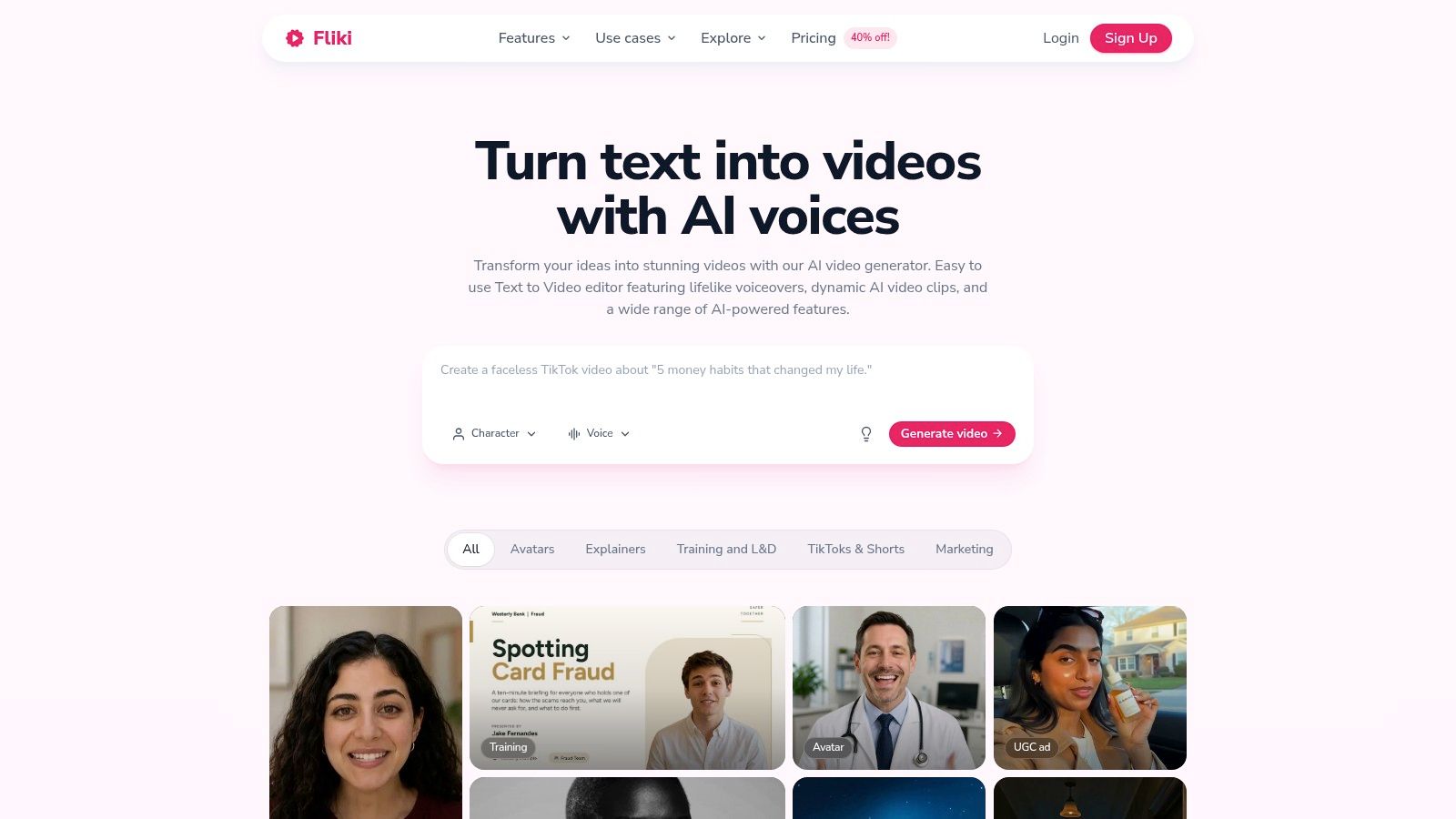
Start with the voice track when evaluating Fliki. Its script-to-video workflow suits narration-led content, including educational explainers, adapted blog posts, and presentation material. You can review the writing, adjust scene breaks and visuals, and choose voice and format settings before generating.
That order is useful because a paragraph break isn't automatically a good scene break. A lesson might need the same diagram on screen while the narrator explains several related points, rather than a new image for every sentence.
Keep a visual on screen until the viewer has understood it, not merely until the narrator finishes the sentence that introduced it.
Fliki includes AI voiceovers, captions, music, and multilingual voice options. For localization, review pronunciation and caption wrapping separately from the translated wording. A technically correct translation can still sound awkward when spoken.
<a id="the-practical-limitation"></a>
The practical limitation
Fliki isn't a dedicated recurring-character story studio. Its strengths are the relationship between text, narration, and illustrative visuals, not episode-level cast management.
- Keep: Clear narration-led explanations with deliberate scene boundaries.
- Revise: Generic visuals, awkward pauses, and scene changes that interrupt a developing explanation.
- Budget for: Credit-based usage and manual visual adjustments.
A brief fact video may need only a few replacements. A longer character-led episode requires more than extending the narration: it needs identity references, consistent locations, and tracked actions. Choose Fliki when the voice carries the piece and the pictures support it, rather than when the pictures must sustain a fictional world.
<a id="4-veed"></a>
4. VEED
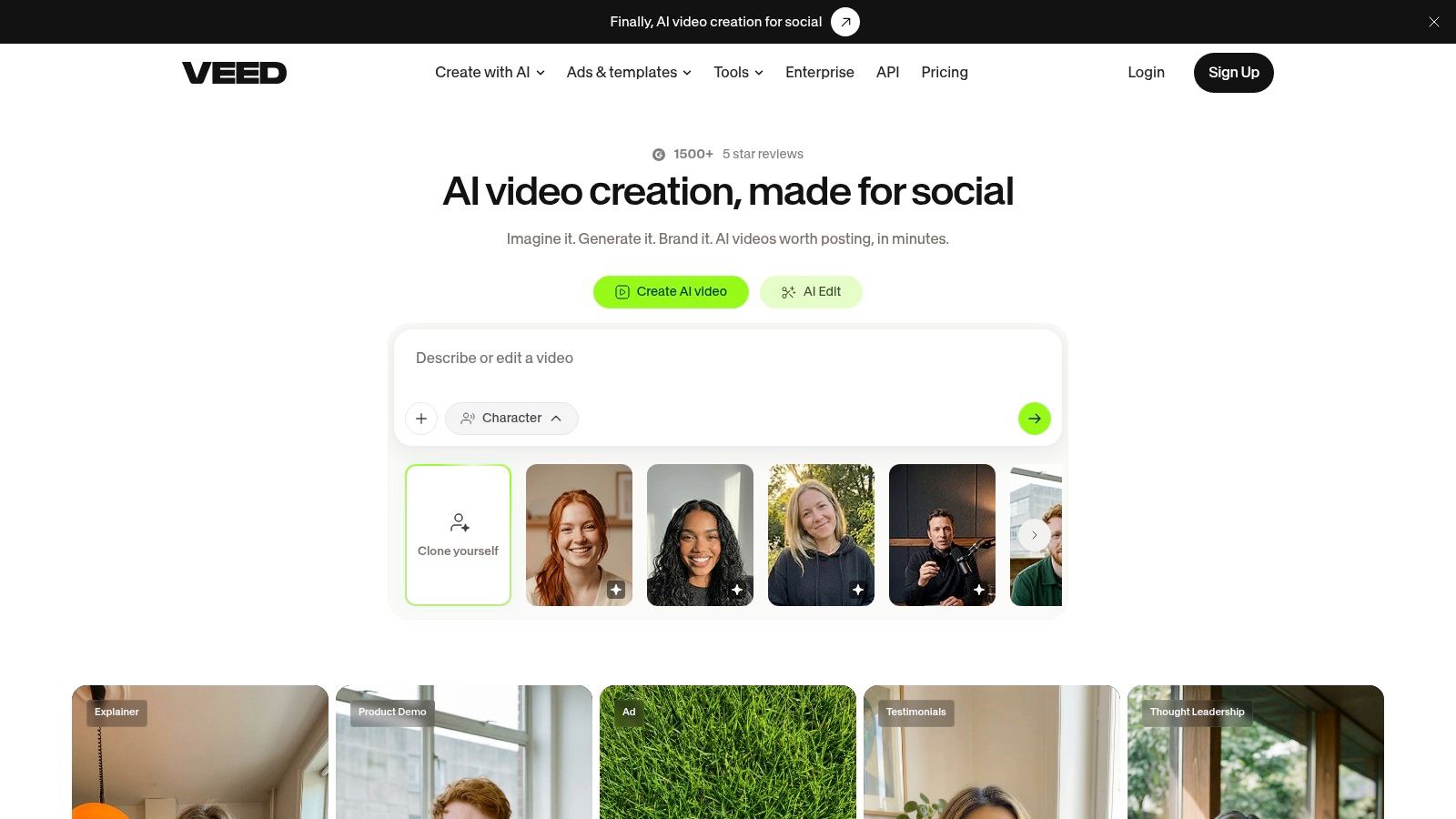
VEED makes sense when generation is the start of your edit, not the end. It combines an AI script generator and prompt-to-video workflow with a browser-based editor for captions, layout, branding, and cleanup.
You can review a draft before video generation, supply an existing script, and choose settings for characters, voice, subtitles, and music. That pre-generation review is worth using. Fixing a vague sentence before rendering is cleaner than replacing the footage, narration, and captions afterward.
<a id="judge-the-finishing-workspace"></a>
Judge the finishing workspace
For a branded explainer, the deciding details often appear late: subtitle placement, logo spacing, music level, and whether a product label remains visible. VEED's conventional editing tools matter because those tasks aren't solved by asking for a better script.
Its character-led output may fit a presenter treatment better than a scene-driven fictional narrative. Don't confuse selecting a character with establishing a cast that can act consistently across an episode.
- Best use: Social explainers and branded videos that need hands-on finishing.
- Main compromise: You may spend more time polishing the generated draft than expected.
- Plan consideration: AI generation consumes credits, with allowances tied to the plan.
For a short video, cleanup may stay concentrated around captions and the opening. For a longer episode, review transitions and repeated exposition as well. An editor gives you control, but you still need to decide what each scene contributes.
<a id="5-heygen"></a>
5. HeyGen
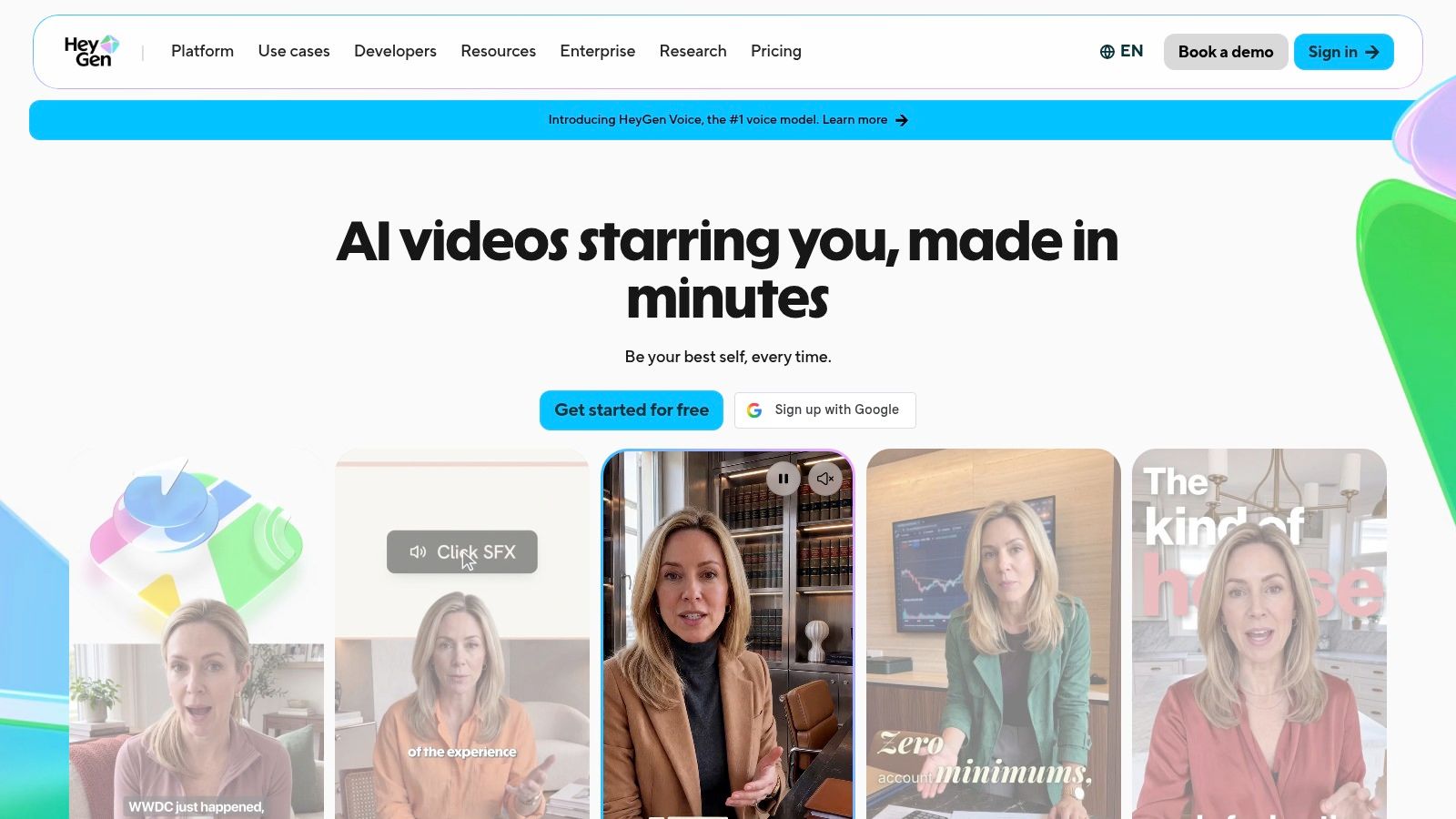
A training script often needs a credible person explaining a process, not a character walking through a fictional setting. HeyGen is the presenter-first choice in this comparison. Paste a script or upload a brief, select an avatar, and generate a speaking video with supporting footage, captions, and transitions.
That format reduces the need to invent a new visual for every line. The presenter can provide continuity while supporting footage demonstrates the process or illustrates a point.
<a id="presenter-continuity-isnt-story-continuity"></a>
Presenter continuity isn't story continuity
A consistent on-screen speaker doesn't automatically solve character interaction, changing locations, or dramatic action. HeyGen also offers separate text-to-video generation for visual clips, but a clip-generation mode and an avatar presentation serve different production needs.
Lip sync is another distinction worth understanding. Research on speech-driven video generation treats mouth-motion alignment and identity preservation as separate technical challenges, so convincing speech alone isn't proof of reliable character continuity.
- Strong fit: Training, onboarding, business communications, and presenter-led explainers.
- Weaker fit: Fictional scenes requiring physical interaction and dramatic staging.
- Review closely: Pronunciation, delivery, supporting-footage timing, and whether the avatar suits the subject.
- Usage caution: Different features and generation modes can carry separate limits or costs.
For longer material, split the script by teaching objective rather than arbitrary paragraph length. Give the presenter a reason to transition to a diagram, demonstration, or summary. Otherwise, a complete script can still become an unvaried talking-head video.
<a id="6-pictory"></a>
6. Pictory
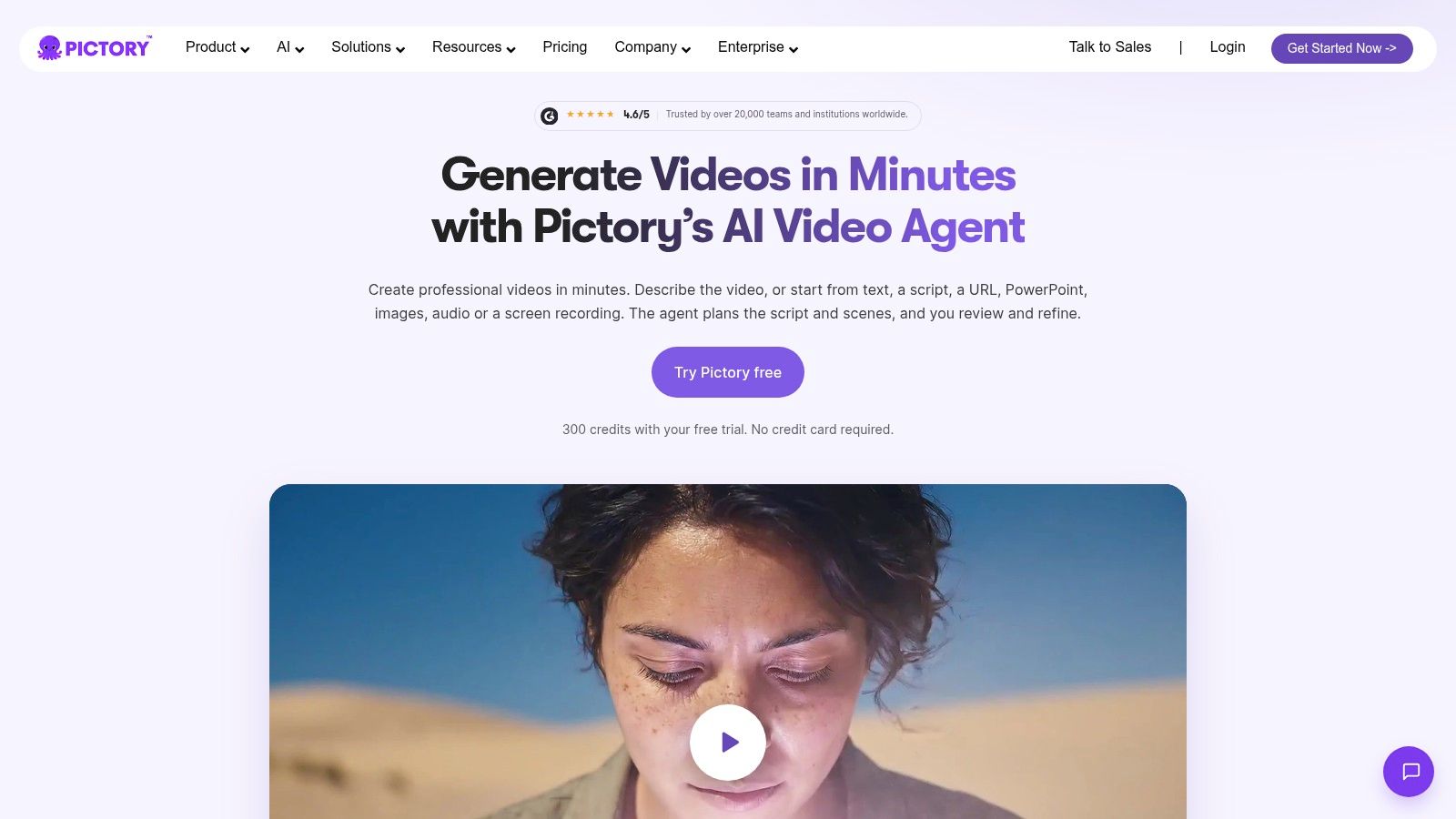
Pictory is useful when the source material already exists. A script, article URL, or other written material can become a narrated video, with an AI scene editor for reviewing and replacing the result.
The main editorial job is adaptation. An article may introduce context gradually, while a video needs the viewer to understand the subject immediately. Remove navigation text, repeated introductions, and sentences that depend on readers seeing a surrounding paragraph.
<a id="replace-mismatches-without-rebuilding-everything"></a>
Replace mismatches without rebuilding everything
Pictory includes subtitles, voiceovers, stock footage, avatars, and generative visual tools. Scene-level editing is particularly useful when the system selects footage that matches a word but misses its meaning, such as treating financial growth as a plant growing.
Stock footage can illustrate general concepts efficiently. It's a weaker choice when a documentary-style narration appears to describe the exact people or events on screen.
- Advantage: A practical route from existing written content to narrated video.
- Length consideration: It supports longer projects than short-form-first tools, but duration and usage allowances vary by plan.
- Visual compromise: Stock-led sequences can look generic or imply details the script doesn't establish.
- Credit consideration: Some generative features consume credits.
I'd choose Pictory for repurposing an educational article before choosing it for a recurring-character drama. For a longer explainer, organize the script around visual sections and replace footage selectively. Don't add more cuts merely because the narration runs longer.
<a id="7-kapwing"></a>
7. Kapwing
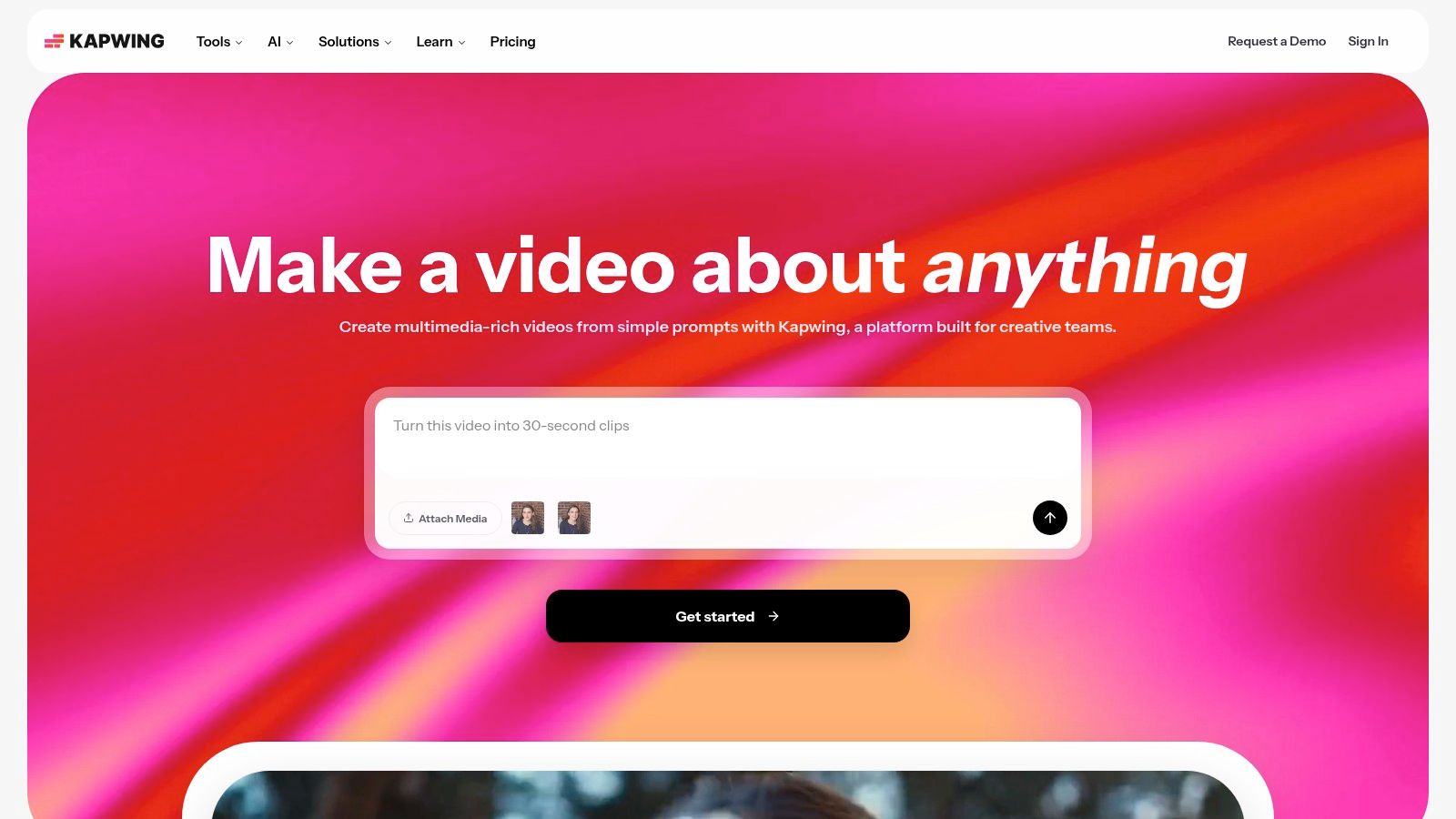
Choose Kapwing when several people need to shape the result. Its AI script generator and script-to-video workflow sit alongside a browser editor, captions, text-to-speech, and paid workspace and brand features.
That combination suits social teams where the writer, editor, and brand reviewer aren't the same person. A generated draft becomes something the team can inspect and refine rather than a file that needs to move immediately into another editor.
Kapwing's own survey of video professionals found that 90% said AI increased productivity, but only 6% published AI-generated videos without manual editing or adjustments. That's a useful reason to value the editing workspace as much as the generation button.
<a id="control-the-handoff-from-words-to-scenes"></a>
Control the handoff from words to scenes
A script should distinguish narration from visual instructions. Put the spoken line in one field or block and describe the intended action separately, so production notes don't become accidental voiceover.
The text-to-video prompt guide helps with that translation from an abstract idea to a visible subject, action, and setting.
- Team advantage: Shared editing and brand controls support review.
- Production cost: An all-purpose editor can require more setup than a focused generator.
- Usage limit: Certain AI features use credits; export allowances also depend on the plan.
For a brief social story, that flexibility is often enough. For a longer episode, establish scene names and a continuity reference before collaborators start changing visuals independently.
<a id="8-steve-ai"></a>
8. Steve AI
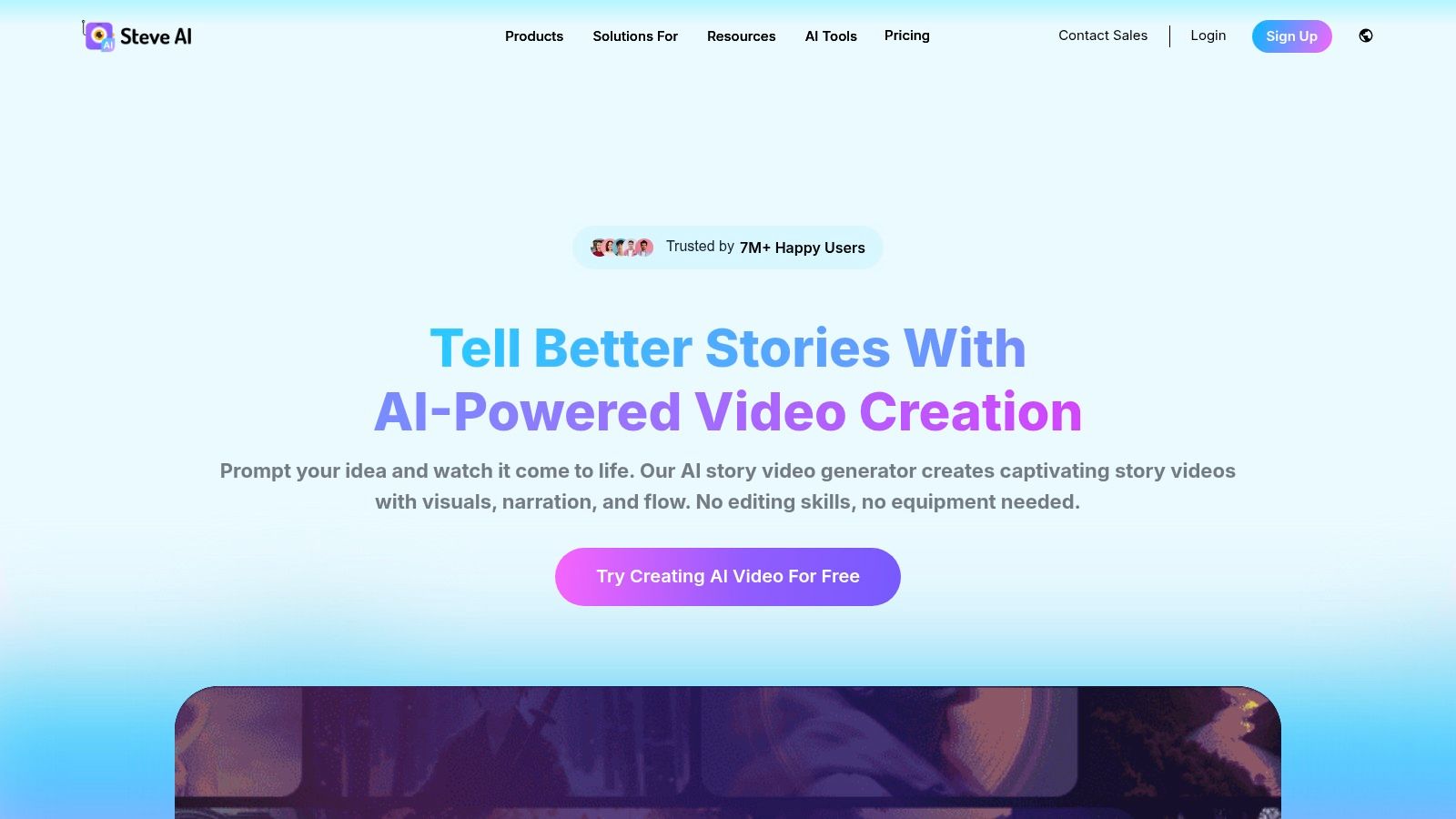
A classroom explainer about sharing toys needs readable actions more than cinematic camera movement. Steve AI offers script-to-animation and script-to-live-action workflows, with styles, templates, characters, and scene editing.
Enter or select a script, add subject context, choose an approach, and inspect the scenes before publishing. Animated characters and actions can make a simple lesson easier to stage, especially when a stock-footage search would return unrelated people and locations.
<a id="write-for-actions-the-assets-can-show"></a>
Write for actions the assets can show
Template-based animation works best when the script describes concrete, available actions. A character pointing to a chart is easier to stage than a subtle emotional reversal conveyed through a complicated physical performance.
That doesn't make the format inferior. It means you should write to its strengths rather than force a cinematic screenplay into an explainer library.
Animation rule: If the lesson depends on an action, confirm you can stage that action before approving the narration.
Steve AI includes voiceover, music, visual assets, and scene controls. The trade-off is that the available templates and character choices shape the finished style.
- Useful for: Simple cartoons, educational explanations, and process videos.
- Needs revision: Generic staging, repeated character poses, and visual metaphors that don't explain the line.
- Before committing: Review the selected tier's commercial-use rights, export limits, and allowances for the video type.
For a longer script, vary the teaching device: demonstration, comparison, consequence, and recap. Repeating the same talking character beside changing text won't become a stronger lesson merely because it's animated.
<a id="9-revid-ai"></a>
9. Revid AI
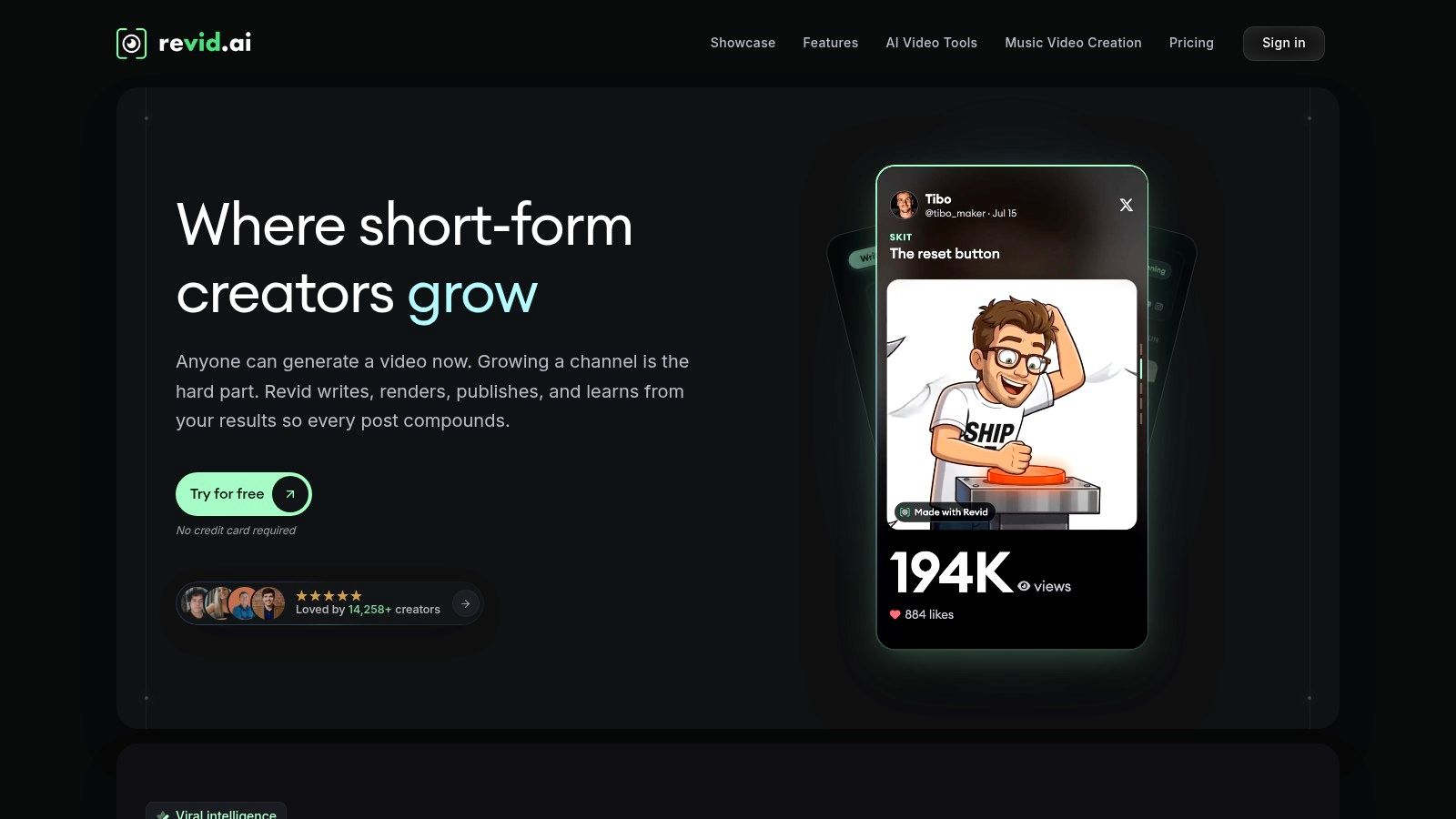
Revid AI prioritizes repeatable short-form social production. It can start from a topic, script, or link, then add visuals, voiceover, captions, and music. A timeline editor supports cleanup, while paid publishing and automation features connect production with distribution.
Its estimated credit cost before rendering is useful when choosing between visual options. Premium models can consume credits quickly, so the relevant question is whether the improved shot changes the viewer's understanding.
<a id="shorts-need-their-own-script"></a>
Shorts need their own script
Revid, StoryShort, and Zebracat belong in the faceless-shorts comparison set, not the recurring-episode category. Don't choose a short-form workflow solely because a brief test looks good, then assume it will support a longer narrative equally well.
Platform format matters too. YouTube's Shorts guidance classifies square or vertical uploads of up to 3 minutes as Shorts and recommends a wider 16:9 format for creators who want long-form treatment.
- Strong fit: Caption-led facts, quick explainers, and repeatable social posts.
- Production advantage: Multiple input types and publishing features.
- Main limits: Credit consumption and plan-dependent automation.
- Narrative caution: A short-form assembly workflow isn't a substitute for episode continuity.
The AI explainer videos guide can help narrow a broad topic into a clear visual explanation. For social output, keep the script focused on a single payoff rather than compressing an entire episode into rapid captions.
<a id="10-animaker"></a>
10. Animaker
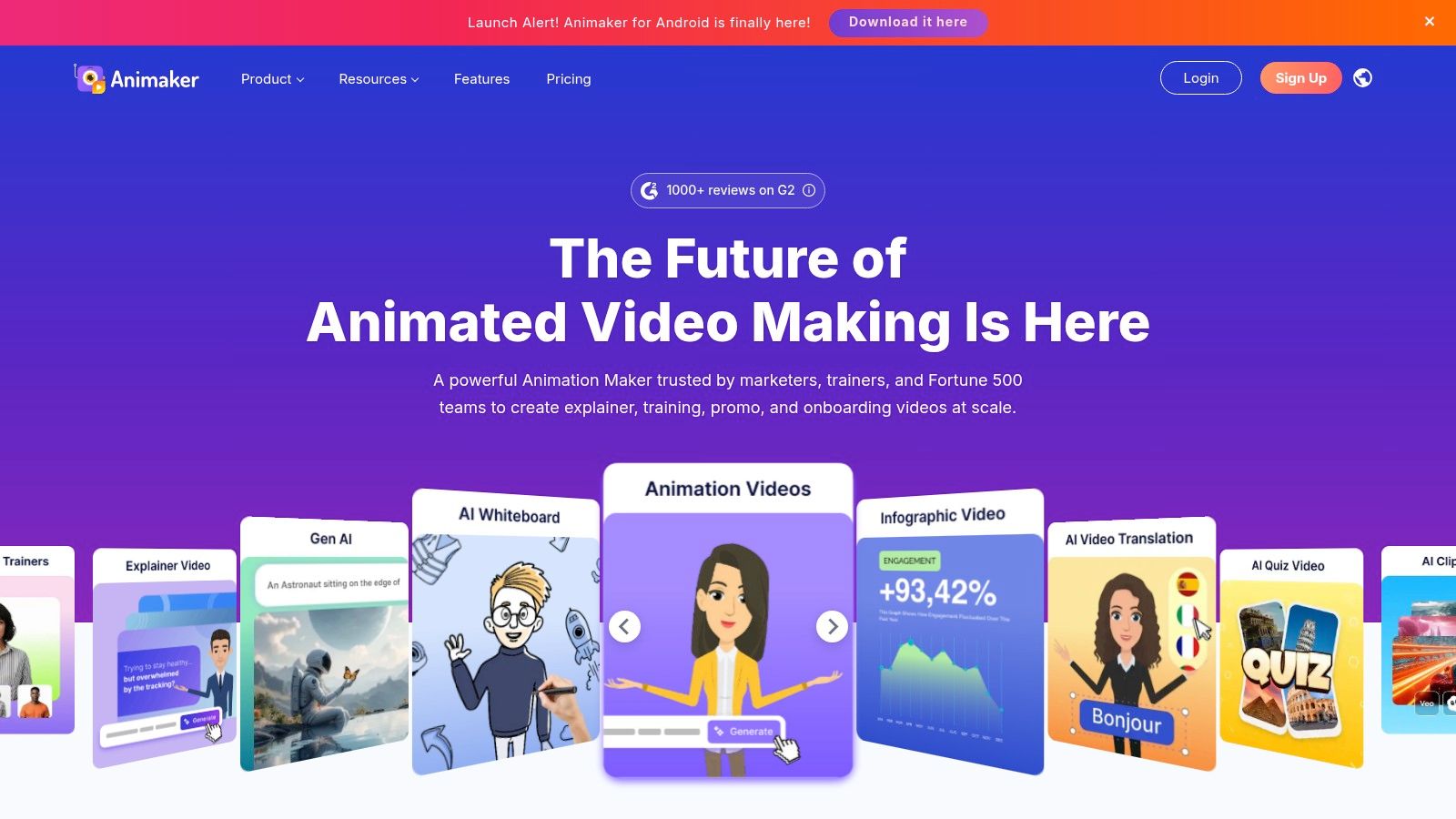
Animaker is for creators who want to build the animation, not only approve a generated draft. Its AI-assisted workflow can create video from an idea, while its animation tools provide characters, templates, and scene-building controls.
That hands-on approach suits educational videos and presentation-style explainers. You can work with scripts and voiceovers while arranging what happens on screen, rather than relying entirely on automatic footage selection.
<a id="more-control-means-more-scene-design"></a>
More control means more scene design
The advantage becomes clear when a script depends on relationships between objects. If a character must compare choices, move through a process, or point to a consequence, deliberate layout can communicate more clearly than loosely related background footage.
The cost is manual work. Distinctive animation needs decisions about staging, timing, character placement, and how each visual connects to the next.
- Choose it for: Animated explainers, lessons, and presentation-led content.
- Expect to handle: Scene composition, pacing, and template customization.
- Separate the allowances: Generative-video credits and conventional animation features have different limits.
- Review pricing carefully: Product pages can describe different packages and feature groupings.
For a short explanation, a template can provide a useful starting structure. A longer story needs a visual plan before production, or you'll spend the edit inventing one scene at a time.
I'd choose Animaker when explicit animation control matters more than minimal intervention. It's less appropriate if your main requirement is to paste a story and receive a publishable narrative without substantial scene design.
<a id="how-the-10-ai-script-to-video-tools-compare-on-format-characters-and-pricing-model"></a>
How the 10 AI script-to-video tools compare on format, characters and pricing model
| Item | Main format | Recurring characters | Pricing model | Best for |
|---|---|---|---|---|
| ClipNova AI | Story videos up to 5 minutes with scenes, voiceover, captions, and music | Consistent characters across scenes and episodes; casts up to 8 | Paid plans from $19/month; monthly credits | Longer story videos and recurring-character series |
| InVideo AI | Prompt- or script-to-video with scenes, voiceover, subtitles, and music | No consistent original cast focus | Credit and plan limits apply | Explainers, marketing videos, and social content |
| Fliki | Script- and idea-to-video with narration, visuals, and music | Not designed for recurring-character stories | Credit-based usage | Narration-led explainers and multilingual videos |
| VEED | AI video generation with browser-based editing | Character settings available; geared more toward presenter videos | Credit-based generation; plan allowances vary | Generating and polishing branded videos |
| HeyGen | Script-to-video with an on-screen avatar presenter | Presenter avatars; not focused on story casts | Feature and generation limits or costs vary | Training, business communications, and presenter-led explainers |
| Pictory | Script- or URL-to-video with voiceover and stock media | No recurring-cast focus | Plan-dependent limits; some features use credits | Repurposing written content into narrated videos |
| Kapwing | Script-to-video with browser-based editing | No recurring-cast focus | Some AI features use credits; plan limits apply | Social content teams needing editing and collaboration |
| Steve AI | Script-to-video in animated or live-action styles | Animated characters available; selection shaped by templates and assets | Plan limits vary by video type and features | Simple cartoons, explainers, and educational videos |
| Revid AI | Short-form script-to-video with social publishing tools | No recurring-cast focus | Credit-based; automation depends on plan | Repeatable short-form social video workflows |
| Animaker | AI-assisted animation with character and scene tools | Animated characters available through libraries and templates | Paid plans include AI credits and separate generation allowances | Animated explainers and educational videos |
<a id="match-the-tool-to-the-format-before-you-write"></a>
Match the Tool to the Format Before You Write
Pick the format before picking the AI video script generator. A narrated explainer, an avatar presentation, a caption-led social clip, and a recurring-character story require different production systems. Strong script generation doesn't erase those differences.
For stock-supported explanations, prioritize relevant footage and easy scene replacement. For presenter videos, inspect delivery, pronunciation, and supporting visuals. For animation, judge the available actions and how much staging you're prepared to do.
<a id="test-the-script-you-actually-intend-to-publish"></a>
Test the script you actually intend to publish
Don't evaluate a longer-story workflow using only a brief opening. Use a script at your intended length, with the locations, character interactions, factual details, and ending that the finished piece requires. Where a tool's render duration isn't clearly established, confirm the current allowance before building your production schedule around it.
Compare a 60-second story with a 4-minute episode as production exercises, not equivalent prompts. The short version tests hook, pacing, and caption readability. The longer version also tests whether the system preserves motivations, avoids repeated exposition, and connects earlier details to the ending.
Record the work you perform:
- Scene accuracy: Does the image depict the spoken line, or merely a related subject?
- Continuity: Do faces, clothing, props, locations, and chronology remain coherent?
- Revision cost: Can you fix a weak scene without disturbing approved material?
- Finishing work: Are captions readable, dialogue clear, and music restrained?
<a id="keep-editorial-responsibility-with-the-creator"></a>
Keep editorial responsibility with the creator
Historical and documentary channels need a source ledger alongside the script. Separate established facts from interpretation, reconstructed imagery, and fictional dialogue. Children's and faith content also benefit from an explicit review of tone and whether the visuals imply more certainty than the narration supports.
Disclosure depends on the finished content, not the writing tool alone. YouTube's altered-content policy distinguishes AI assistance with scripts and outlines from realistic synthetic depictions that meaningfully fabricate or alter events; it also says disclosure alone doesn't restrict audience reach or monetization eligibility.
Audio deserves a final review after picture changes. If you add video soundtracks with Vocuno, listen again beneath quiet dialogue and across scene transitions rather than judging the track in isolation.
Choose the tool that leaves you with fewer unresolved production problems. Keep the script, render, and revision notes together, then use that evidence to decide whether the workflow fits your publishing schedule. A convincing opening is useful; a coherent finished episode is the test.
ClipNova AI turns an idea or script into a finished story video up to 5 minutes long, with consistent characters, narration, captions, and music. Visit ClipNova AI to make your first video, then review and refine individual scenes before you post.
Ready to ship your own?
Start creating viral videos with AI in under twenty minutes, no credit card required.