
The most impressive short AI clip generator isn't automatically the best AI video generator for YouTube. A cinematic five-second shot may look excellent in isolation, yet still leave you with no workable narrative, no efficient way to build a full runtime, and hours of manual editing before you can publish.
YouTube creators need to evaluate the complete workflow: story planning, multi-scene production, practical duration handling, editable timelines, voice and avatar options, export formats and resolution, credit economics, watermark policies, and commercial rights. Disclosure also matters. YouTube's current guidance explicitly addresses how creators should disclose certain altered or synthetic content, so production speed can't be separated from publishing responsibility.
This roundup compares ClipNova, Runway, Pika, Synthesia, HeyGen, InVideo AI, and Kapwing AI by the job they perform in a YouTube pipeline. Some are strongest at cinematic B-roll, some at presenter-led explainers, and others at long-form assembly, localization, or all-in-one production. ClipNova serves as the broad workflow benchmark, not a universal winner for every channel.
Table of Contents
- 1. ClipNova
- 2. Runway
- 3. Pika
- 4. Synthesia
- 5. HeyGen
- 6. InVideo AI
- 7. Kapwing AI
- Top 7 AI YouTube Video Generators Comparison
- Choose for the Channel You Actually Plan to Run
<a id="1-clipnova"></a>
1. ClipNova
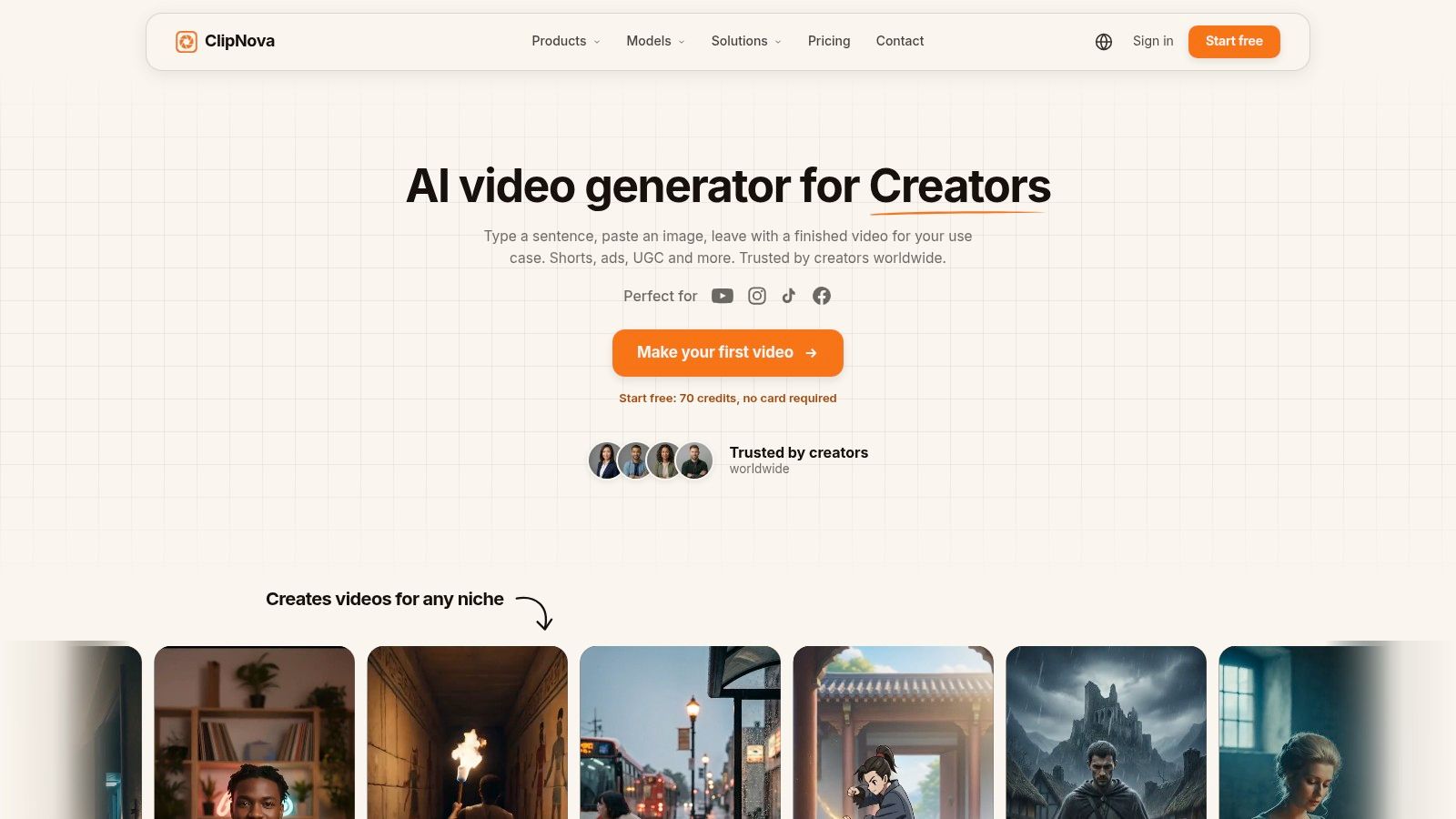
ClipNova fits creators who need one workspace for planning, production, and export. It can turn a sentence, link, topic, or prompt into a video containing a script, voiceover, visuals, captions, music, and formatting. For YouTube, that workflow reduces handoffs between research, editing, narration, and social-version preparation. The practical advantage is coordination across a publishable video, rather than generation of one attractive shot.
The platform supports 16:9 exports for YouTube, plus 9:16 and 1:1 formats for Shorts and other channels. Its Shorts workflow emphasizes hook-first scripting, vertical visuals, narration, and captions. The broader prompt-to-video and text-to-video tools assemble voiceover, visuals, captions, and music for longer projects. That makes ClipNova relevant to channels repurposing one idea across standard videos and vertical clips, although the creator still needs to check whether the generated scenes sustain the intended runtime and narrative.
<a id="where-clipnova-fits-the-workflow"></a>
Where ClipNova fits the workflow
ClipNova's main strength is orchestration. Ideation and trending hooks help establish a premise, while automated narration, visual selection, caption styling, music, and resizing reduce manual assembly. Creators can generate variants and A/B tests in the same session, which supports comparisons of openings, visual treatments, and calls to action.
Its feature set also includes a curated voice library in 32 languages, automatic translation and re-voicing, Talking Avatar tools, Anime and AI Cartoon video generators, Music-to-Video, and ad and UGC utilities. Ultra mode provides native synced audio and 1080p output. Paid plans offer watermark-free 1080p and 4K exports with full commercial rights. Projects are encrypted at rest, and user inputs are not used to train the models.
<a id="the-trade-offs"></a>
The trade-offs
Credit-based tiers make usage planning necessary. A creator should estimate generation, translation, resolution, and advanced-feature needs before choosing a plan. Higher-level options, including 4K output and custom voice or avatar training, may depend on the plan or an enterprise arrangement. Human editing remains necessary for brand language, factual claims, scene continuity, pacing, and music selection.
New accounts start with 70 free credits without a card. The site lists annual examples including Hobby at about $15 per month with 1,000 credits, Starter at about $39 per month with 2,600 credits, Growth at about $79 per month with 5,750 credits, and Ultra at about $159 per month with 12,000 credits. Check ClipNova's plans page before purchase because pricing and feature access can change.
Practical rule: Choose ClipNova when the channel needs coordinated scripting, scene production, narration, formatting, and commercial-use preparation in one workflow.
<a id="2-runway"></a>
2. Runway
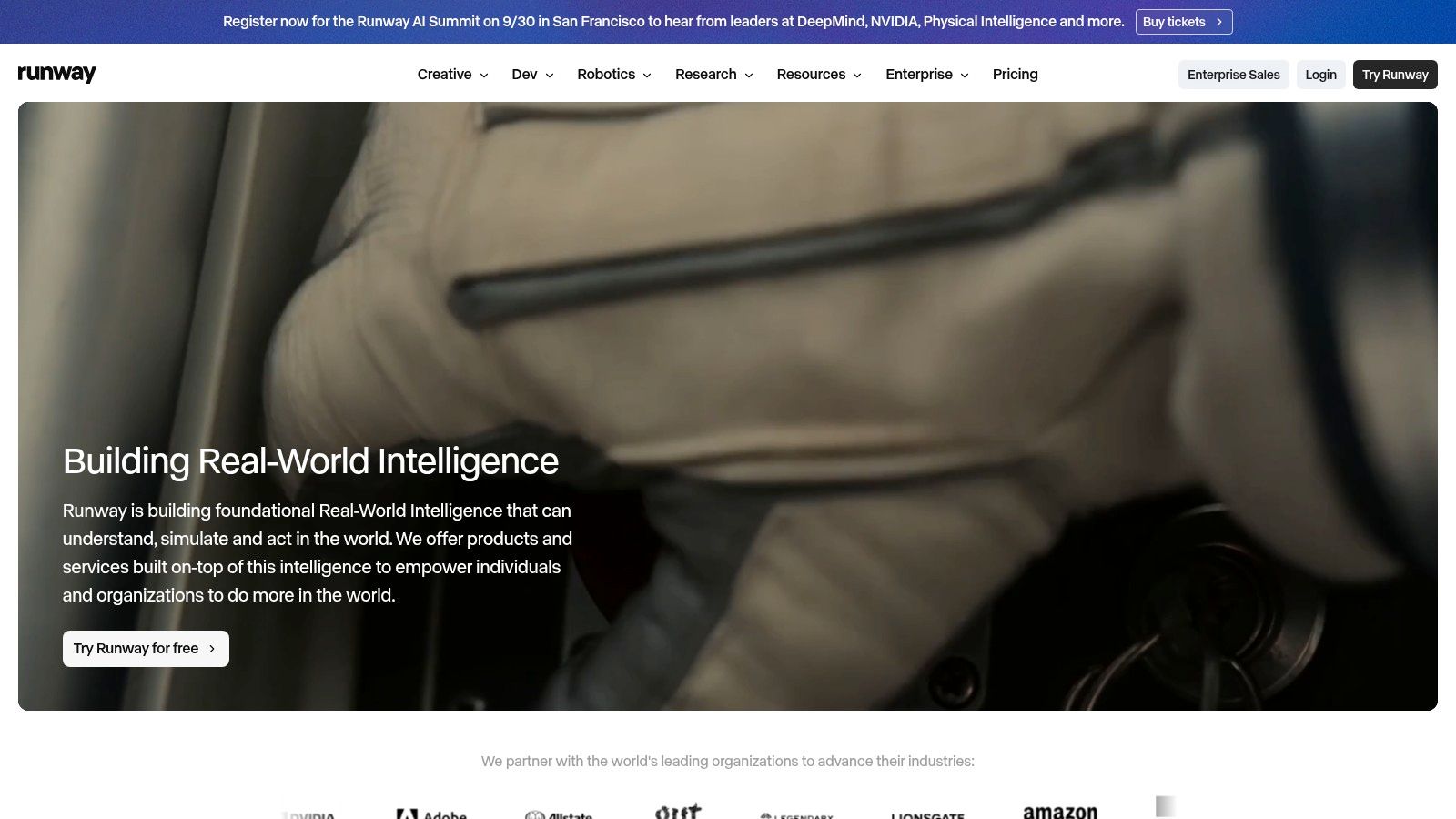
Runway is a stronger choice when the visual itself is the priority. Its browser-based studio combines text-to-video, image-to-video, video-to-video, editing, upscaling, green-screen tools, and access to advanced generation models. That breadth lets a creator develop a visual concept, generate shots, remove backgrounds, and assemble material without immediately moving into a separate desktop editor.
For a narrative YouTube video, Runway offers meaningful control over individual shots. You can begin with a reference image, animate an existing clip, or guide a scene through a detailed prompt. That makes it valuable for cinematic intros, documentary-style cutaways, speculative visuals, music-driven sequences, and branded B-roll where the visual direction matters more than automatic script-to-upload assembly.
<a id="the-youtube-production-test"></a>
The YouTube production test
Runway's main limitation is that high-fidelity generation is generally oriented toward short clips, often around 5 to 10 seconds, so a longer video requires scene planning and assembly. That isn't a flaw if you already think like an editor. It becomes a serious workload if you expect one prompt to produce a coherent, fully narrated episode.
A creator using Runway should outline the sequence first, create reference frames for recurring subjects, and decide which shots genuinely need generation. You'll still need to manage narration, music, captions, pacing, continuity, and factual review in the timeline. Guidance on writing more controlled prompts is available in this text-to-video prompt guide.
<a id="credits-and-rights"></a>
Credits and rights
Runway publishes a credit-based system with model-specific rates and also provides API access. That transparency helps teams forecast individual generations, but volume can become expensive when many variations are needed or when a project uses several high-fidelity shots. Confirm the current export, usage, and commercial terms for your plan before monetizing a channel.
Best fit: creators who want distinctive generated footage and are comfortable assembling the final YouTube edit themselves.
<a id="3-pika"></a>
3. Pika
Pika is designed around fast, flexible short-clip creation. It brings together multiple in-house and third-party video models, image and audio tools, and parallel generation, so creators can explore several visual directions without waiting through a strictly sequential process. That makes it useful for B-roll, transitions, stylized inserts, and attention-grabbing moments inside a larger YouTube edit.
The model choice is part of Pika's appeal. Different models can produce different movement, style, and consistency characteristics, giving creators more room to match a scene to a channel's visual identity. A gaming channel might use it for surreal inserts, while an educational creator could use generated environments to break up talking-head footage.
<a id="where-pika-saves-time"></a>
Where Pika saves time
Pika works best when you already know what the surrounding video needs. It can supply a short visual asset quickly, but it isn't the strongest option for building a complete narrative with a polished voice track, structured script, captions, and publishing-ready assembly. You'll likely combine its output with an editor, voice tool, or broader production platform.
Parallel generations help with ideation because you can compare several interpretations of the same prompt. The trade-off is that selection becomes part of the workload. More options don't automatically create continuity, and recurring characters or objects may still need close inspection from scene to scene.
<a id="commercial-use-requires-attention"></a>
Commercial use requires attention
Pika's free and Starter tiers don't include a commercial license, while the Creator tier is required for commercial licensing according to the supplied product information. That distinction is important for monetized channels, sponsorship work, and client content. Paid plans remove the watermark, but some models default to 720p, so creators seeking consistent 1080p or higher output need to verify the chosen model and plan before starting production.
Best fit: creators who need economical, stylized B-roll and are willing to handle the narrative, narration, and final edit elsewhere.
<a id="4-synthesia"></a>
4. Synthesia
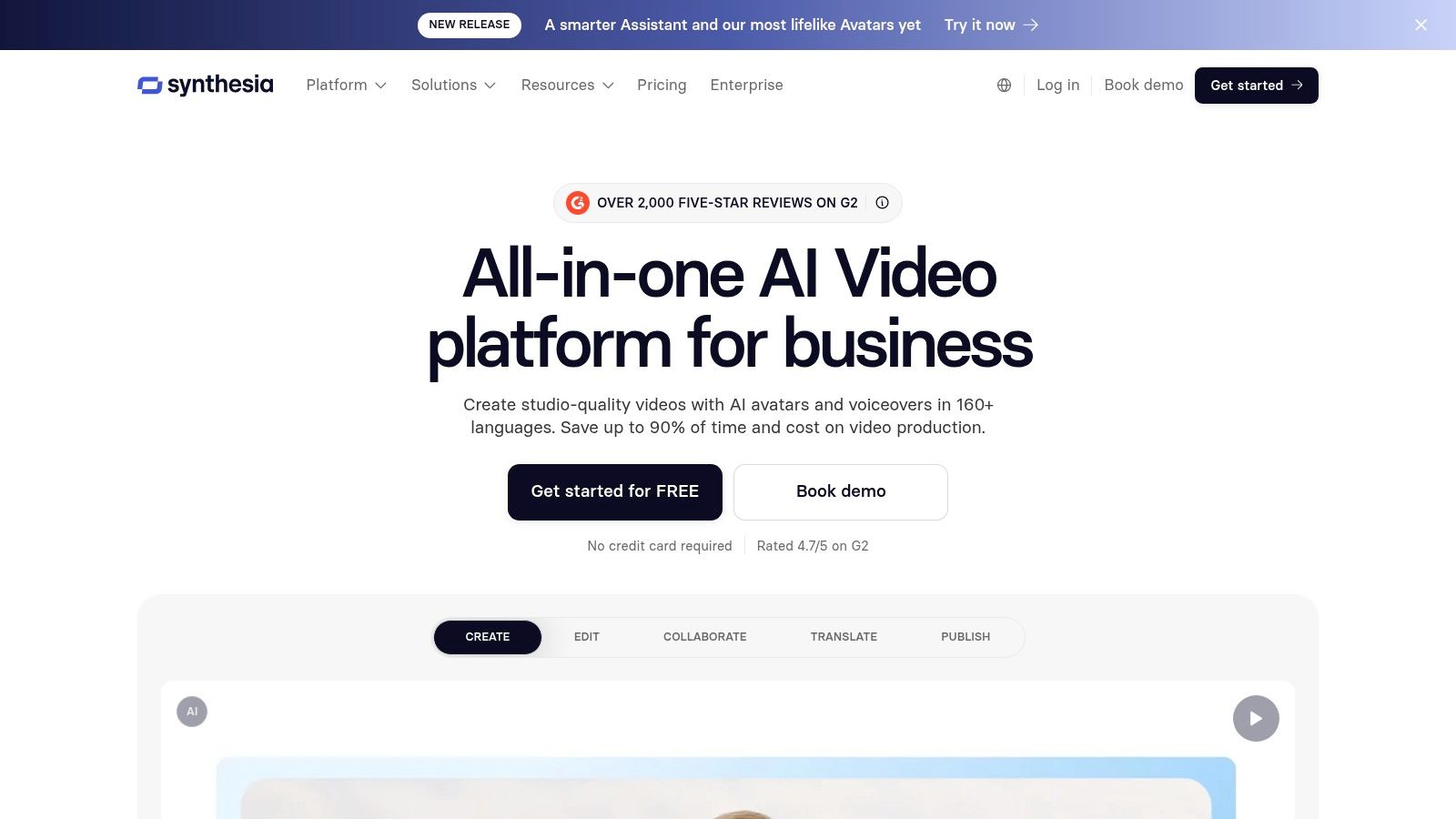
Synthesia approaches YouTube from the presenter side. Its core format is an avatar-led video created from a script, presentation, document, link, or prompt. That makes it a natural fit for tutorials, internal education published publicly, software explainers, product walkthroughs, and faceless channels where a consistent presenter is more valuable than cinematic scene generation.
The workflow is comparatively clear. Write or import the explanation, choose an avatar and voice, arrange scenes, add supporting visuals, and localize the result. Stock avatars, personal or custom avatars, voice cloning options, dialogue scenes, and collaboration features give teams several ways to create a repeatable presenter identity.
<a id="strong-localization-limited-spontaneity"></a>
Strong localization, limited spontaneity
Synthesia's major YouTube advantage is localization. Its language and accent coverage, translation features, and lip-sync workflow support channels that want to adapt a core lesson or announcement for different audiences without filming each version. That can make a single editorial plan serve multiple language markets.
The compromise is presentation style. Avatar-led videos can feel templated if the script, visual rhythm, and scene design aren't customized. A creator should treat the avatar as one component of the channel's identity, not as a substitute for a point of view. The surrounding examples, explanations, screen recordings, and editing choices must carry the originality.
For guidance on structuring this format, see AI explainer video techniques.
<a id="rights-and-human-review"></a>
Rights and human review
Enterprise-grade security and compliance options can suit teams with formal approval processes, but custom avatars and advanced features are generally tied to higher tiers. Before monetization, confirm the plan's commercial permissions for generated voices, avatars, stock assets, and translated versions. Human review remains necessary for pronunciation, factual accuracy, on-screen text, and whether disclosure is appropriate for the video's synthetic elements.
Best fit: educational and presenter-led channels that value consistency, localization, and script-driven production over cinematic generation.
<a id="5-heygen"></a>
5. HeyGen
HeyGen also focuses on presenter-style video, but its strongest YouTube use case is often translation and dubbing. The platform can map lip movements to translated audio, allowing creators to adapt existing videos for new language audiences without recording every version from scratch. For a channel with proven content that needs broader reach, that can be more valuable than generating an entirely new video.
Its workflow covers avatar creation, voice options, translation, dubbing, APIs, and enterprise use. Self-serve plans use a unified credit system for video generation and assets, while translation has its own per-minute credit considerations. The help center and plan structure make it accessible to individual creators as well as larger teams.
<a id="what-it-handles-well"></a>
What it handles well
HeyGen gets a creator from script to presenter video without cameras, lighting, or a recording setup. That's useful for software demonstrations, announcements, onboarding content, list videos, and channels whose identity depends on a speaking host rather than location footage.
Localization is the differentiator. A creator can preserve the structure and visual identity of an existing episode while adapting the audio and mouth movement for another audience. However, translated content still needs editorial attention. Names, idioms, technical terms, jokes, captions, and calls to action may require rewriting rather than direct translation.
<a id="where-it-falls-short"></a>
Where it falls short
HeyGen is less suited to cinematic, multi-shot generative footage than diffusion-focused tools such as Runway or Pika. It can help produce the presenter layer, but you may still need another system for highly specific environments, action sequences, or visual storytelling.
Credit pricing and per-minute costs can change, so don't build a budget from an old comparison article. Check current rates, export quality, watermark conditions, and commercial rights for the exact plan. Also review voice, avatar, music, and translated-content permissions before monetizing or licensing the video to a client.
Best fit: creators who want fast presenter videos or multilingual versions of existing YouTube content.
<a id="6-invideo-ai"></a>
6. InVideo AI
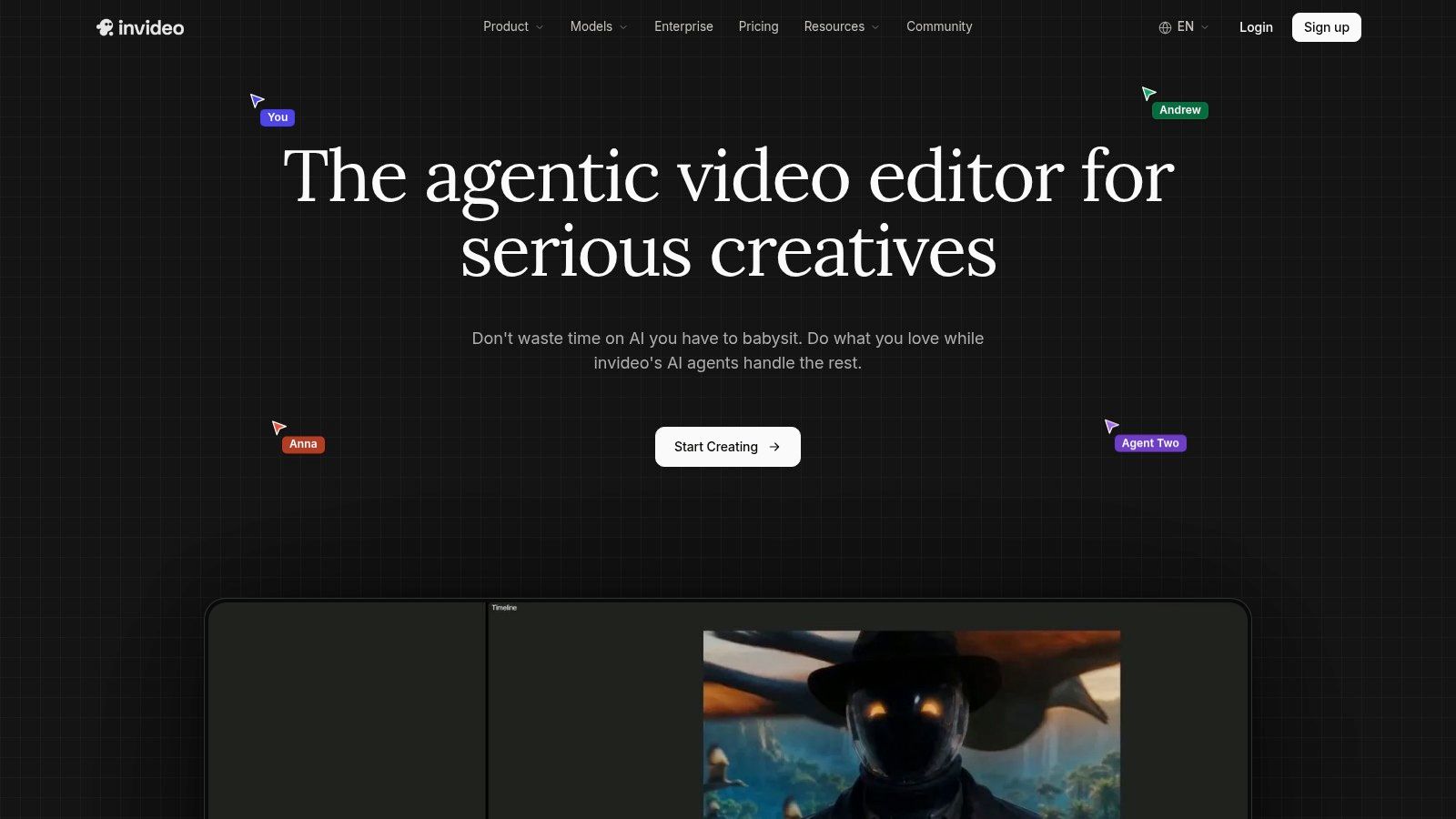
InVideo AI is built around the assembly problem. Instead of treating a YouTube project as a sequence of isolated generated clips, it can storyboard an idea, write a script, organize shots, combine generated footage with stock assets, and place the result in an editable timeline. That makes it one of the more practical options for creators producing explainers, list videos, commentary, and other formats that depend on structured progression.
The platform brings multiple video models into one workflow, including access to models such as Seedance, Veo, KLING, and WAN depending on plan and availability. Voice, music, stock assets, collaboration, and timeline editing reduce the number of separate production decisions a creator has to manage.
<a id="the-long-form-advantage"></a>
The long-form advantage
InVideo AI's value appears when a video needs many scenes rather than one spectacular shot. The storyboard gives the narrative a visible structure, while the editor lets you replace weak footage, adjust timing, revise text, and collaborate in real time. For teams, multiplayer editing can keep scripting, review, and production in one browser workspace.
That doesn't mean the first generated draft is ready to publish. The creator still needs to check whether the opening earns attention, whether each visual supports the spoken point, and whether stock footage repeats or feels generic. Long-form assembly creates a starting edit. It doesn't replace editorial judgment.
<a id="credit-planning-is-essential"></a>
Credit planning is essential
Credit consumption varies significantly by model and resolution. Access to newer or higher-resolution models depends on the plan tier, so the cheapest subscription may not support the visual standard you want for a monetized channel. Before committing, test a representative script, record the models used, and estimate the credits required for revisions rather than budgeting only for the first render.
Best fit: creators and teams that want a multi-scene YouTube draft with an editable timeline, stock assets, and model choice in one place.
<a id="7-kapwing-ai"></a>
7. Kapwing AI
Kapwing AI combines an AI video generator with a mature browser editor. Its AI system can create a storyboard from prompts, scripts, or uploads, pull in stock B-roll, and generate footage with leading models. The important distinction is that the resulting project remains editable, so you can revise the script, replace an asset, change captions, and protect brand consistency without rebuilding the entire video.
That generation-to-editing connection suits creators who want speed but don't want to surrender control. A YouTube team can establish fonts, colors, logos, caption treatments, and recurring layouts, then use AI to create a first pass inside those constraints.
<a id="useful-for-revisions-and-localization"></a>
Useful for revisions and localization
Kapwing includes dubbing, auto-subtitles, voiceover, lip-sync, and a broad set of AI editing tools. Its claimed support for 100 or more languages makes it relevant to creators adapting content for international audiences, although each translated version still needs review for terminology, timing, and cultural fit.
The platform is particularly practical for videos that mix generated footage, screen recordings, stock material, voiceover, and text overlays. It's less compelling if your central requirement is producing highly cinematic original scenes with minimal editing. Its strength is controlled assembly, not a single model's visual fidelity.
For creators comparing low-cost entry points, this overview of free AI video tools can help frame the trade-off between free access and production limits.
<a id="export-and-cost-checks"></a>
Export and cost checks
The free tier includes watermarks and feature restrictions. Longer or higher-fidelity model-generated footage may also create additional costs or plan limits, so check the final export settings before building a recurring upload process. Confirm commercial rights for generated media, stock assets, voices, music, and dubbed versions as a single project can contain all of them.
Best fit: non-editors and small teams that want a fast first draft while keeping every important part of the YouTube project editable.
<a id="top-7-ai-youtube-video-generators-comparison"></a>
Top 7 AI YouTube Video Generators Comparison
| Product | Implementation Complexity 🔄 | Resource Requirements ⚡ | Expected Outcomes ⭐📊 | Ideal Use Cases 💡 | Key Advantages ⭐ | Key Limitations |
|---|---|---|---|---|---|---|
| ClipNova | Low, end-to-end studio, minimal setup | Credit-based tiers; includes voices, music, assets; paid for 1080p/4K | Rapid, high-volume short-form output with strong localization | Scaling social creators, agencies, ecommerce teams | End-to-end automation, multi-aspect exports, 32-language re-voicing, asset catalog | Credit/tier complexity; outputs may need human polish |
| Runway | Moderate, browser studio with advanced controls | Transparent per-model credits; API access; higher cost for longer clips | High visual fidelity for short clips; strong editing/upscaling | Creators needing high-quality visuals, VFX, editors | Cutting-edge models (Gen‑4.5), integrated editing & keying | Credits add up for volume; best at short clips |
| Pika | Low, simple generator with model choices | Credit packs with long expiry; cost-effective lower tiers | Fast stylized B-roll and short-clip generation | Quick B-roll, YouTube visuals, rapid prototyping | Multiple models, parallel generations, competitive pricing | Some models default to 720p; commercial license requires paid tier |
| Synthesia | Low, template/avatar-driven workflow | Subscription with tiers; custom avatars and cloning cost extra | Reliable talking-head explainers and scalable localization | E‑learning, explainers, localized presenter videos | Large avatar/voice library, strong lip-sync, broad language support | Avatar style can feel templated; advanced features gated |
| HeyGen | Low, presenter-focused, user-friendly | Unified credit system; per-minute translation costs | Fast presenter videos with mapped lip dubbing | Quick localization of presenter content, faceless channels | Strong auto-translate/dubbing, fast presenter path | Not suited for cinematic multi-shot generative footage |
| InVideo AI | Moderate, agentic editor, timeline & storyboards | Credit-based; model/resolution access varies by plan | Multi-scene, upload-ready YouTube videos with collaboration | Longer YouTube videos, teams, storyboard-to-edit workflows | End-to-end multi-scene workflow, real-time collaboration, asset library | High-res/latest models gated to higher tiers; variable credit use |
| Kapwing AI | Low, editor-centric, many built-in AI tools | Subscription; free tier has watermarks; higher costs for long/high-fidelity outputs | Fast, editable multi-scene videos with brand controls | Non-editors making quick YouTube/social videos | Tight generation-to-edit loop, editable assets, 30+ AI tools | Free tier limits/watermarks; high-fidelity generation may cost more |
<a id="choose-for-the-channel-you-actually-plan-to-run"></a>
Choose for the Channel You Actually Plan to Run
The best tool depends on what your channel produces repeatedly, not on which demo looks most impressive in a product gallery. A cinematic generator can be the right purchase for a filmmaker creating short visual inserts, but it can be the wrong choice for a creator who needs narrated episodes, captions, localization, and dependable weekly assembly.
Choose ClipNova when you want the broadest workflow in one studio. Its combination of scripting, voices, visuals, captions, music, multi-aspect exports, variants, translation, and commercial-ready paid exports makes it a strong benchmark for creators who need to turn one idea into several publishable assets. It's especially relevant when multilingual output and fast iteration matter.
Choose Runway or Pika when generated visuals and short B-roll are the priority. Runway offers a deeper production environment for creators who want detailed visual control and are comfortable editing clips together. Pika is more attractive for fast stylistic exploration, provided you verify the commercial license and resolution of the plan and model you'll use.
Synthesia or HeyGen suits presenter-led channels. Synthesia is a natural fit for structured explainers, team workflows, and avatar-based education. HeyGen is particularly useful when translation and dubbing are central to the channel plan. InVideo AI or Kapwing AI makes more sense when editable, multi-scene assembly matters more than generating every visual from scratch.
Use this pre-purchase test before selecting any platform:
- Run one representative script: Include the typical hook, narration length, visual changes, captions, and ending you'll publish.
- Estimate credits for the intended runtime: Include discarded generations, revisions, translations, and higher-resolution renders.
- Confirm export requirements: Check 16:9 for standard YouTube videos, 9:16 for Shorts, resolution, audio quality, and whether the platform preserves editable assets.
- Inspect watermark and rights terms: Verify commercial use for video, voices, music, stock footage, avatars, and localized versions.
- Reserve review time: Check facts, pronunciation, visual continuity, copyright, music licensing, captions, and any required synthetic-media disclosure before publishing.
Your channel's production system should also support the audience identity you're building. You can use this YouTube channel photo guide to keep the visual branding around your videos consistent, especially when avatars, thumbnails, and localized channel assets are part of the same strategy.
The wider market context supports treating these platforms as production infrastructure rather than novelty apps. The AI video generator market was estimated at USD 788.5 million in 2025 and is projected to reach USD 3,441.6 million by 2033, with a projected 20.3% CAGR from 2026 to 2033, according to Grand View Research's market report. YouTube's own platform evolution is happening alongside that expansion, while independent industry data reported that 42% of YouTube creators used AI tools for editing, captions, or visual production in 2026 and that adoption in video workflows increased 342% year over year, as summarized by Wired's coverage.
The conclusion is practical. Buy for the workflow you can sustain, keep a human responsible for editorial quality and rights, and treat generation speed as useful only when it leads to videos your audience trusts.
ClipNova brings scripting, voiceover, visuals, captions, music, translation, variants, and YouTube-ready aspect-ratio exports into one AI-powered studio, with commercial rights and watermark-free exports on paid plans. If you want to test an end-to-end workflow instead of stitching together separate generators and editors, visit ClipNova and build a representative YouTube video from your own script.
Ready to ship your own?
Start creating viral videos with AI in under twenty minutes, no credit card required.