

You've got the hook, the product, and a deadline. Then the work splits across five tabs. The presenter clip sits in one tool, the product footage in another, captions need fixing, and the final edit still doesn't exist. That's the gap an AI UGC video generator should close, and it's also where these tools differ most.
Some generate a short talking-head read and leave assembly to you. Others start from a product URL and build the ad around it. A smaller group produces a finished multi-scene video with scenes, voiceover, captions, and music in one pass. The reason this format matters is trust, and the data behind why UGC videos drive growth starts with how viewers rate creator content. A summary of UGC research reported that 85% of consumers find user-generated content more trustworthy than brand-created photos or videos, according to the 2024 creator guide UGC summary.
Judge every tool below on the same practical questions. What does it take as input, how long can the output run, does the same character stay consistent, and how much editing remains after export. Then check language support, pricing clarity, and commercial suitability. Also keep the human review step in your plan, because none of these tools removes your responsibility for claims, accuracy, or disclosure.
Table of Contents
- 1. ClipNova AI
- 2. Creatify
- 3. HeyGen
- 4. Arcads
- 5. Tagshop AI
- 6. MakeUGC
- 7. Topview
- 8. VEED
- 9. Hoox
- 10. Motion UGC
- Top 10 AI UGC Video Generators Compared
- Choose the Workflow That Matches Your Finish
<a id="1-clipnova-ai"></a>
1. ClipNova AI
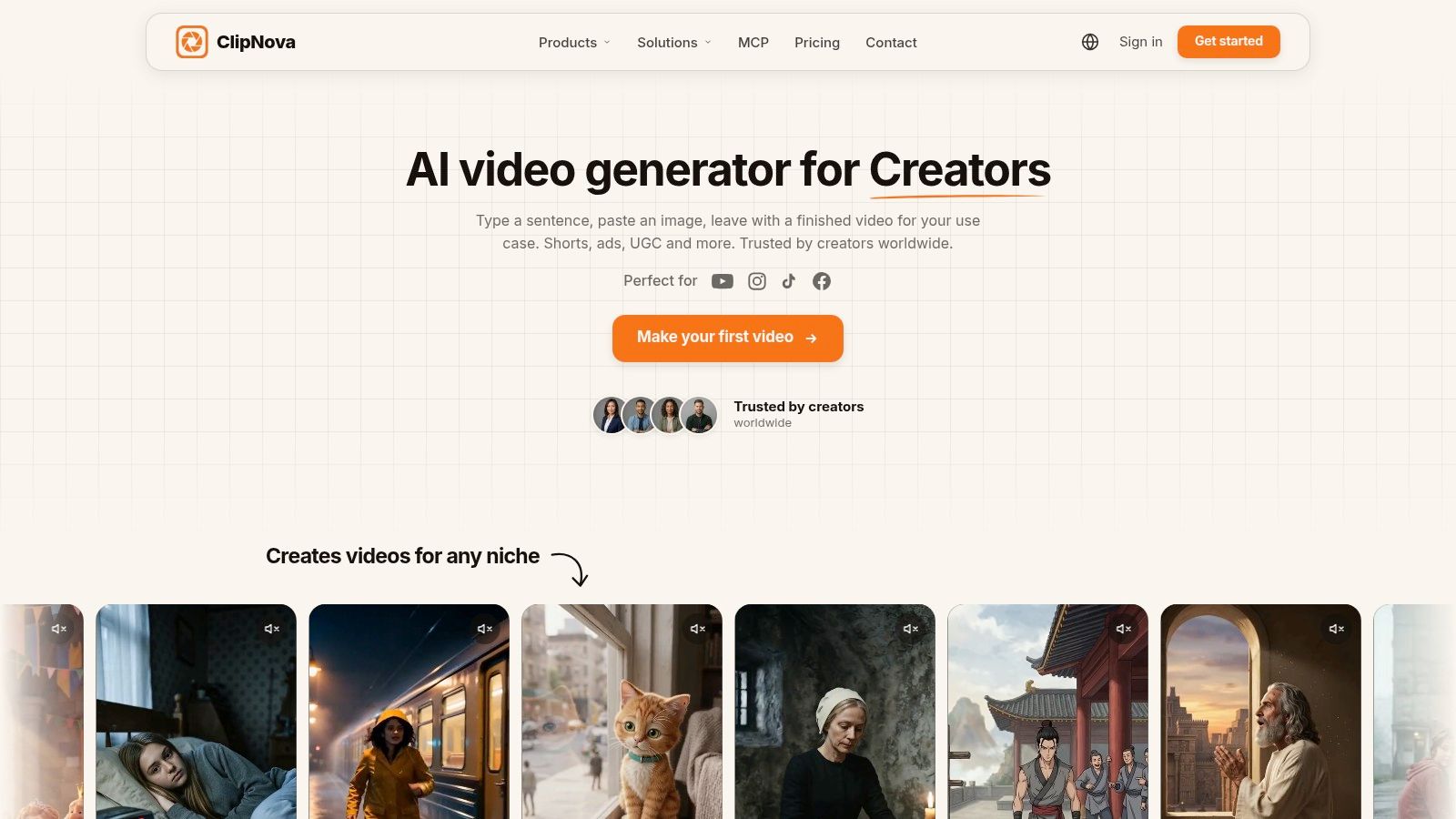
Pick ClipNova AI when you need a finished story, not a single presenter clip. You write a script or an idea, and it builds the whole video in one pass, with script, scenes, voiceover, captions, and background music included. Videos run up to 5 minutes at up to 1080p. You can also make UGC ads from creator and product photos, or turn a product image into a product video.
<a id="why-character-consistency-sets-it-apart"></a>
Why Character Consistency Sets It Apart
Saved characters keep the same face and outfit in every scene, and they can talk on screen with lip sync. With Series, a cast of up to 8 characters returns across episodes, with story memory keeping the plot going. That focus reflects a broader shift in production behavior. AI use for video creation reached 41% in 2025 in the survey of 1,300 professionals covered by Wistia's AI video analysis on Dataconomy. If you're comparing broader workflows, the guide to being an AI movie maker covers the long-form side of that shift.
Scene-level control rounds out the package. You can edit or regenerate individual scenes in Studio, choose 9:16, 16:9, or 1:1, and use narration in 18 languages. Plans start at $19/month and include commercial rights and watermark-free downloads. Creator testimonials report individual outcomes, and you should treat those as claims, not guarantees.
Reach for it when consistent characters and multi-scene output matter more than a quick talking-head clip. Start at https://app.clipnova.io.
- Pros: Complete workflow from script to music, saved characters, recurring casts, and scene-level fixes.
- Cons: It doesn't publish to social platforms for you, and monthly output depends on plan credits.
<a id="2-creatify"></a>
2. Creatify
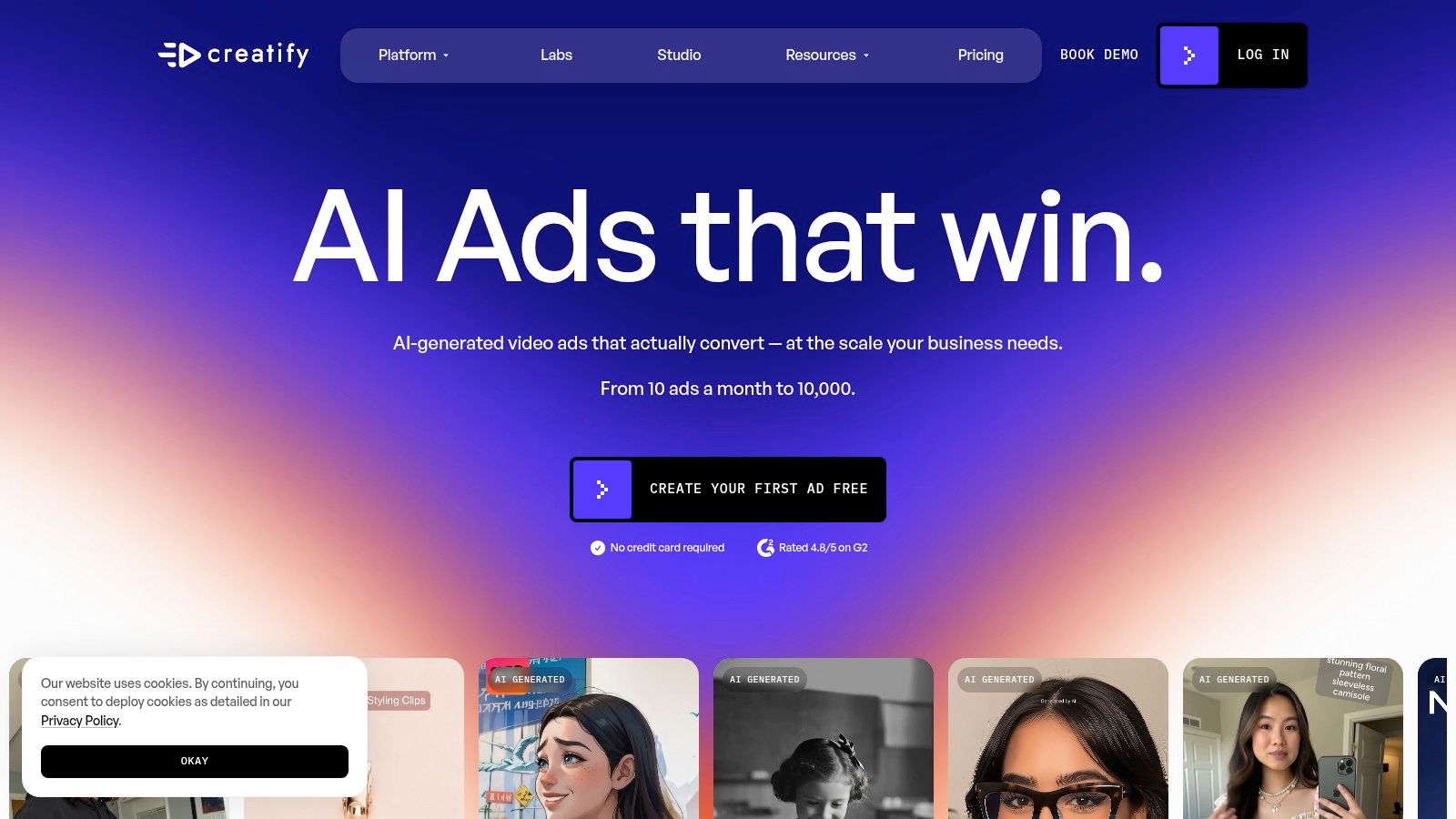
Start with Creatify if your catalogue is already live and you want ads built from it. Its URL-to-video workflow turns a product page into UGC-style creative, and the platform adds an AI actor library, templates, and product video tools. That's a direct fit for ecommerce teams testing multiple versions of the same offer.
Higher tiers add ad cloning, competitor ad tracking, team collaboration, and parallel generation. That iteration layer is the reason to choose it over a simple avatar renderer. You're not just producing one ad, you're building a test matrix.
Run the numbers on credits before you commit. The monthly price alone doesn't tell you how many finished ads you'll get, because consumption varies by workflow. Review every render for product accuracy and delivery before it goes live, since scraped page copy can carry errors straight into the script.
- Pros: Product-link setup cuts work for ecommerce ads, and creative production sits next to iteration tools, plus it carries strong user review scores.
- Cons: Advanced ad analysis needs pricier tiers, and credit value is hard to judge from the headline price.
<a id="3-heygen"></a>
3. HeyGen
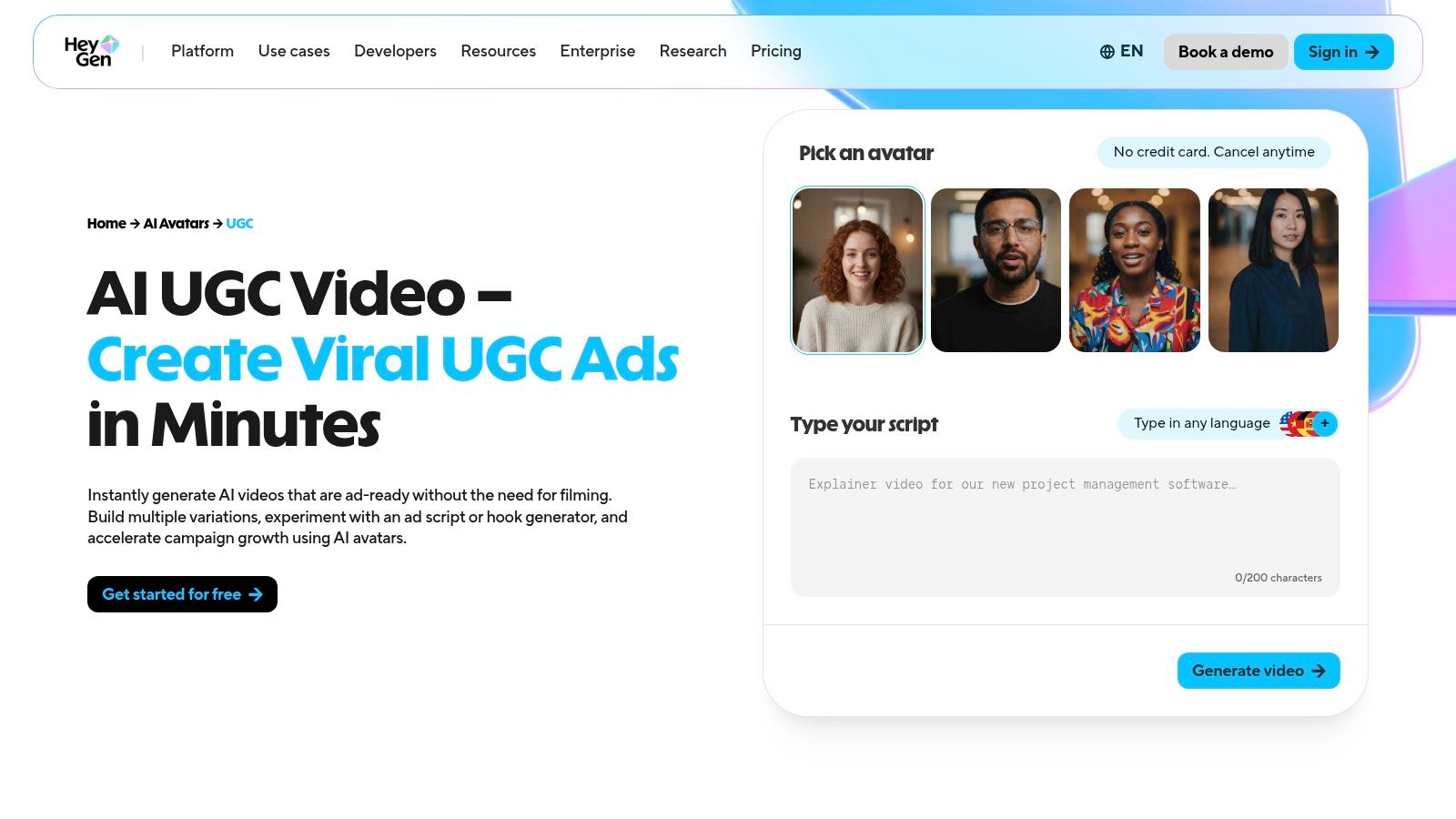
Choose HeyGen when the presenter carries the ad. It's an avatar platform with a dedicated UGC workflow, built around a large library of UGC-style avatars, script-to-video generation, and voice and lip-sync support across many languages. Custom avatars and video translation make it strong for teams running the same campaign in several markets.
Lip sync deserves its own check rather than an assumption. A recent benchmark reported a 97.40% generation success rate for the evaluated method, compared with 92.20% for MuseTalk, based on the lip synchronization benchmark evaluation. That gap shows why you should test talking characters on your own scripts. If voice quality is your bottleneck, compare options across AI voiceover tools before locking a workflow.
Be clear about the limit, though. A talking avatar isn't footage of a real customer using your product, and product shots or B-roll may need separate editing. Credit use also varies by plan and feature, so cost per finished video takes some tracking.
- Pros: Presenter-led delivery, localization depth, and strong user review scores across a large review base.
- Cons: Avatar footage can feel presenter-first rather than product-first, and limits vary by plan.
<a id="4-arcads"></a>
4. Arcads
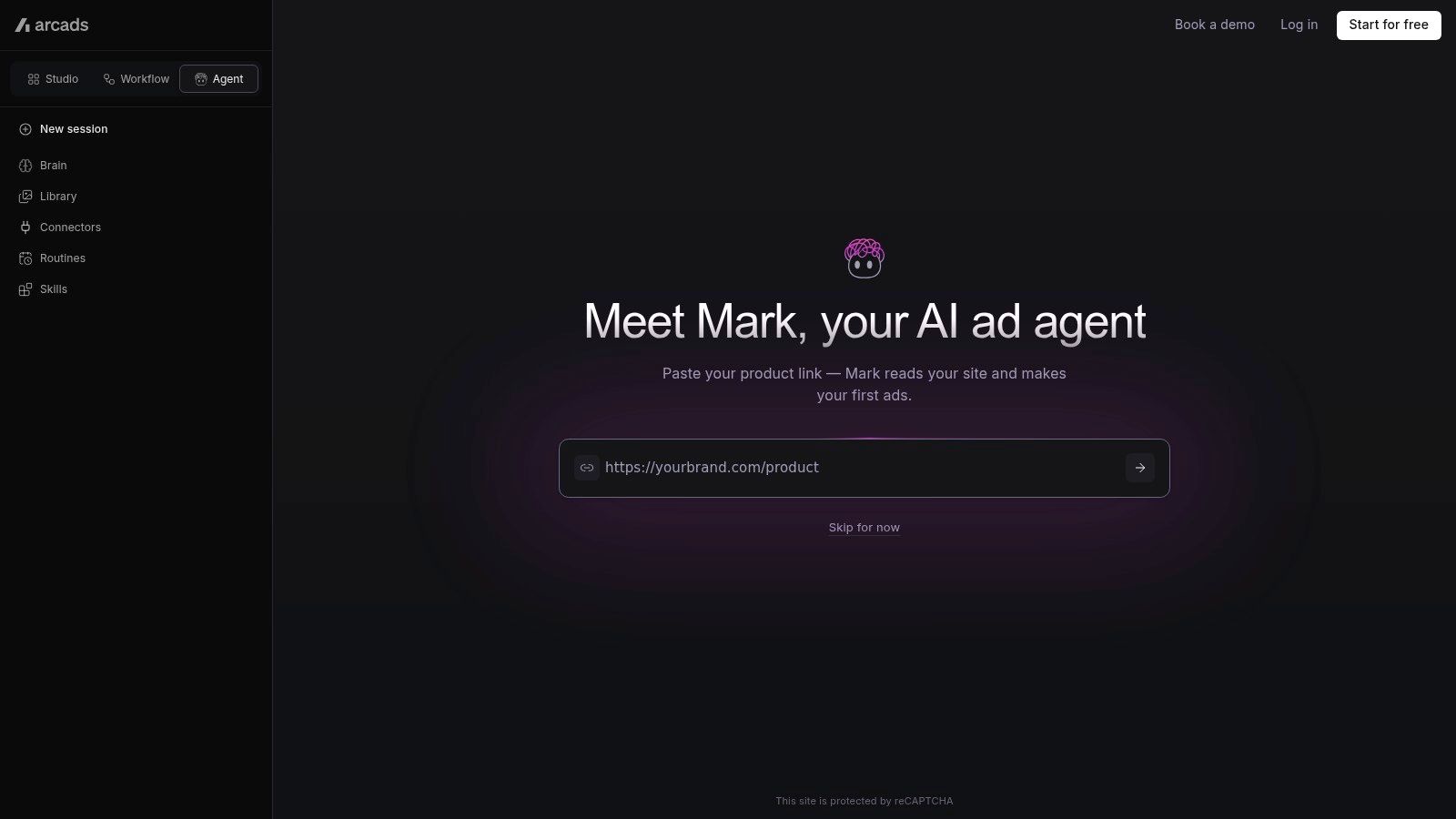
Arcads does one job narrowly, and that's its appeal. You select an AI actor, create a script, generate the performance, and test variations for paid social. The actor library includes filters for traits and settings, plus custom actor creation and, on eligible plans, personal face-and-voice cloning.
Product-in-hand options and caption styles round out the ad workflow. Actors are based on people who consented to use of their likeness, which matters if your legal team asks hard questions about synthetic performers. Audio-driven delivery gives you another way to shape a read beyond typed scripts.
Practical rule: Test Arcads with your best existing hook first. If a proven script doesn't land with these actors, a weaker script won't save it.
Credit costs vary by generation type and duration, so budget per finished ad rather than per month. Actor-led creative also won't suit every product. Review each performance for how naturally the actor handles the product before scaling spend behind it.
- Pros: Purpose-built for testing actors and hooks across several generation approaches.
- Cons: It isn't a general video editor, and quality varies enough to require review on every render.
<a id="5-tagshop-ai"></a>
5. Tagshop AI
Tagshop AI targets ecommerce and performance teams that promote many products at once. You start from a product URL or product images, generate presenter-led ads, and create variations across hooks, formats, and languages. AI avatars can appear in product-holding or product-wearing scenes, which gives fashion and consumer goods brands options a plain talking head can't match.
Ad templates, script generation, and ad cloning tools fill out the workspace. The combination suits a team that wants avatar video and product assets in one place instead of stitching clips together afterward.
<a id="where-you-need-to-be-careful"></a>
Where You Need To Be Careful
Credit usage doesn't translate evenly across workflows, so one product video and one avatar ad won't cost the same. Some features and export options also depend on plan level. The bigger caution is creative honesty. Recent survey data found 48% of consumers viewed AI-generated content as less trustworthy, according to the survey showing UGC tops trust rankings. Don't present AI-generated testimonials as genuine customer experiences.
- Pros: Product-link workflow suits multi-product brands, with avatars and ad-building tools combined.
- Cons: Plan-dependent features and uneven credit math make output costs less predictable.
<a id="6-makeugc"></a>
6. MakeUGC

If you want a dedicated ad workspace rather than a basic talking-head generator, MakeUGC fits that brief. It offers an AI creator library, product-in-hand generation, motion control tools, ad templates, and batch workflows. API access on eligible plans points it at teams producing creative continuously rather than occasionally.
Batch generation is the feature to evaluate hardest. Producing many concepts quickly only helps if the product interaction in each one looks right, and AI hands holding real products remain a common failure point. Check those scenes frame by frame before testing.
Pricing needs attention too. Credits, model access, and allowances vary a lot across plans, and the pricing page may show promotions, so confirm the recurring price and billing period before you scale. Support across several languages helps if you're adapting winners for other markets.
- Pros: Actor-led ads and product-focused tools in one place, with batch production for concept testing.
- Cons: Generated product handling can look unnatural, and plan differences make comparisons harder.
<a id="7-topview"></a>
7. Topview
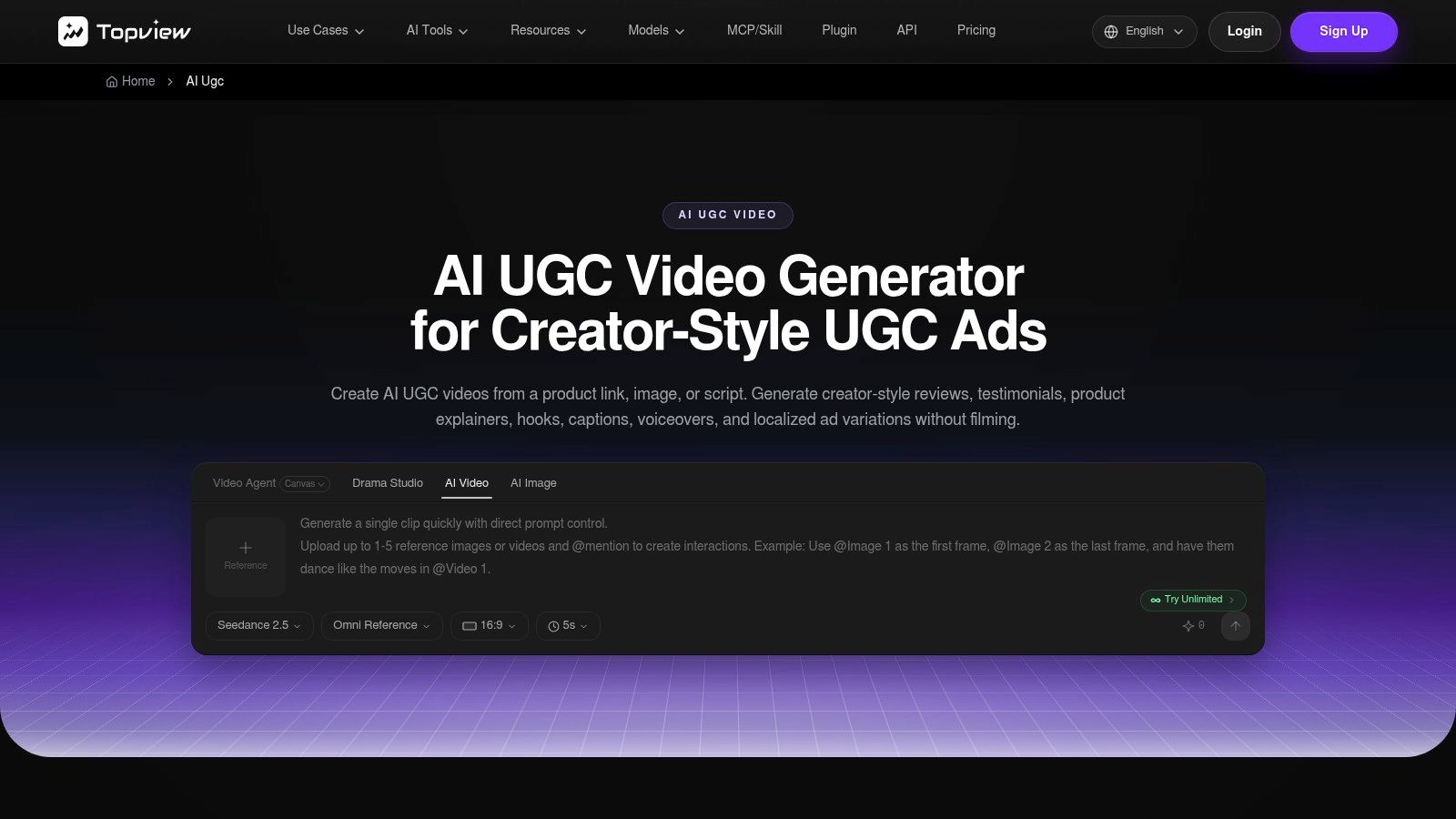
Topview gives you more entry points than most tools here. You can start from a product URL, image, script, or campaign brief, then build creator-style scenes with presenters, voiceover, captions, and product moments. Hook, script, and ad variation generation sit alongside broader avatar and product ad tools.
That range suits teams that want product ads and presenter videos in one workspace. Product avatar tools can show an AI presenter holding or showcasing the product, which covers the demonstration angle that pure script reads miss.
The tradeoff is complexity. A broader model and credit system takes time to learn, and results vary by workflow and model. Test it on representative products from your own catalogue before committing budget, not on showcase examples. If your need is a simple script plus avatar, the wider toolset is more than you'll use.
Run one real product through every shortlisted tool. The demo page will never show you how your packaging, your claims, and your hook actually render.
- Pros: Multiple input types give you control over how much structure you hand the tool.
- Cons: Learning curve is steeper, and output quality shifts across its workflows.
<a id="8-veed"></a>
8. VEED
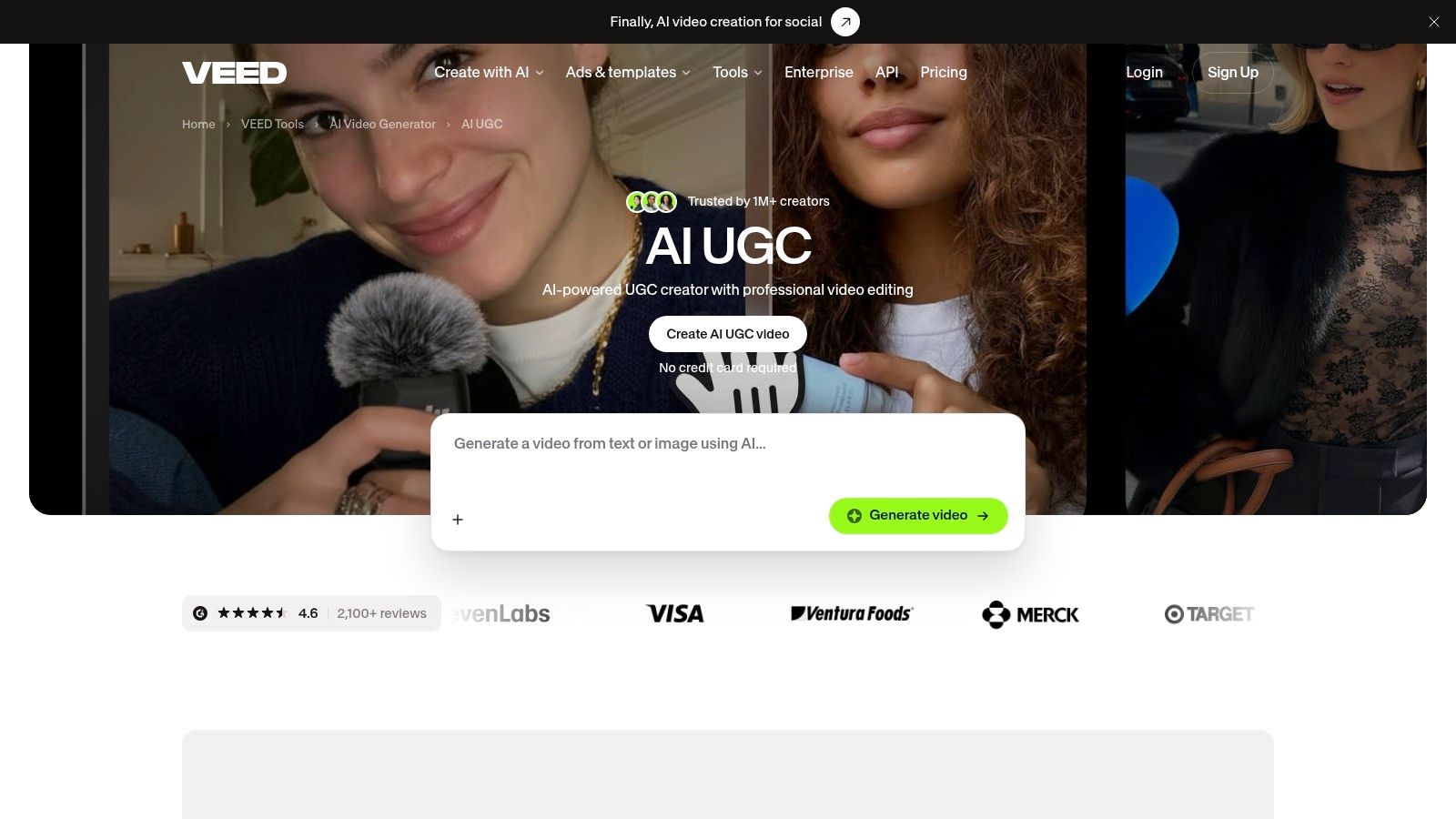
VEED approaches UGC from the editor side. You generate a script and avatar video, then add product footage, captions, and calls to action in the same browser workspace. Custom B-roll and image-to-video tools let you mix real and generated material, which is exactly what campaigns with existing product footage need.
That editing control is the deciding factor. If your workflow already depends on trimming, captioning, and reframing, doing it where generation happens cuts tool switching. Teams evaluating that tradeoff can compare approaches for how to automate video editing before settling on a stack.
Format choice still matters at export. Technical guidance recommends 16:9 horizontal for YouTube and 9:16 portrait for Instagram Reels, Facebook Reels, TikTok, and LinkedIn, per the University of Cambridge video technical guidance. Plan the canvas before you generate, not after.
- Pros: Real editing depth makes it practical to blend AI presenters with genuine product footage.
- Cons: It's a general editor with UGC features, and AI generation availability varies by plan or region.
<a id="9-hoox"></a>
9. Hoox
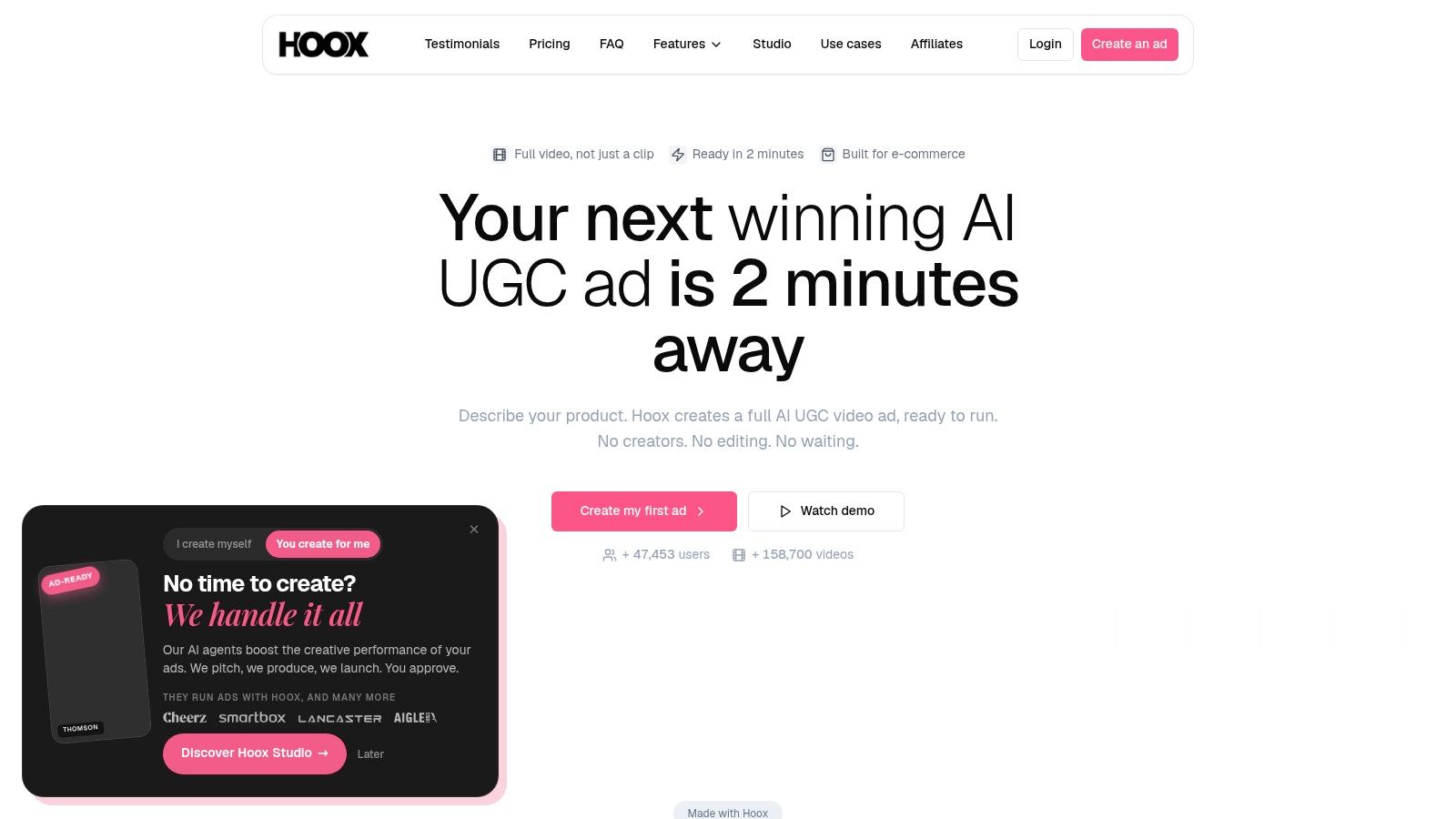
Hoox aims to hand you a finished short ad rather than a clip to edit. Its product-to-ad workflow assembles script, avatar, B-roll, subtitles, transitions, and music from a product description, with URL-to-video support. Higher tiers add voice cloning, templates, and API access.
That packaged output suits marketers who don't want a separate editing step for straightforward ad concepts. Hoox also provides examples of how credits translate into different video types, which makes cost planning easier than tools that hide the math. Plan tiers specify different maximum video durations, so check your target length against the tier before buying.
Credit consumption still varies by avatar type and generation style. API access and voice cloning sit behind higher plans, which matters if automation is on your roadmap. Check every render for script accuracy, product details, and pacing, because a finished package can hide a wrong claim behind clean assembly.
- Pros: Complete short ad package with clearer credit examples than most competitors offer.
- Cons: Advanced features need higher tiers, and assembled ads still need a careful accuracy pass.
<a id="10-motion-ugc"></a>
10. Motion UGC
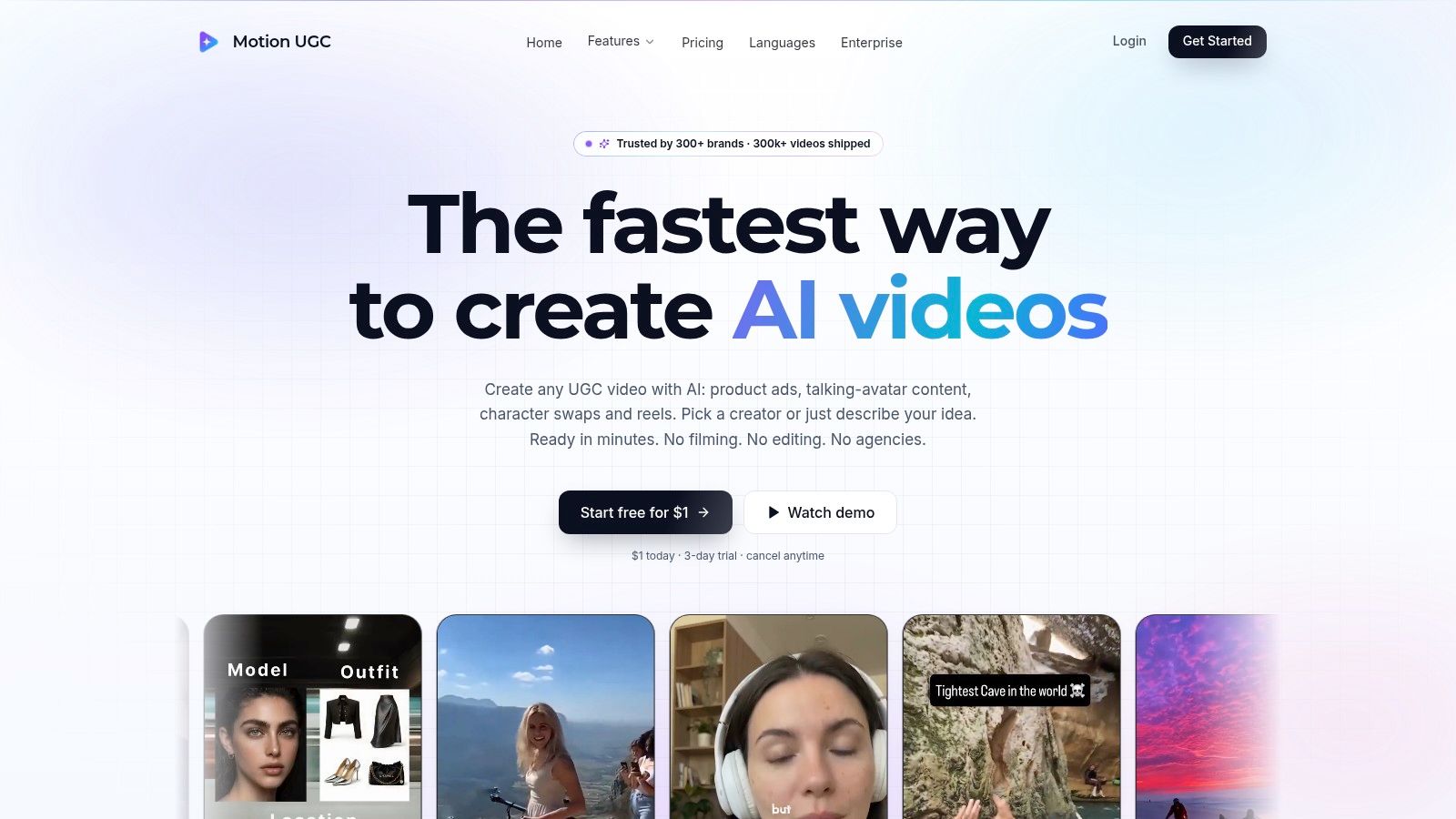
Motion UGC focuses on short-form video for TikTok, Reels, Shorts, and paid social. You describe an idea, choose an AI creator, and optionally add a product photo. Its workflows also cover product ads and talking-avatar videos, so you're not limited to scripted talking-head formats.
Product-in-hand scenes, B-roll, and motion controls give the output more movement than a static presenter read. Listed plans show monthly video allowances with credit rollover, plus language and character limits, which makes capacity planning more transparent. The optional product photo also makes it usable for idea-led social content when there's no product to push.
Read the billing terms before subscribing, since listed prices are followed by an automatic charge after a short introductory period. The monthly cost may also exceed what occasional ad creation justifies. For broader context on the creator side of this market, the UGC creators guide for 2026 covers how human creators position the same formats.
- Pros: Multiple short-form formats, custom characters, and clearly listed plan allowances.
- Cons: Short-form only, so it won't cover complete long-form video needs.
<a id="top-10-ai-ugc-video-generators-compared"></a>
Top 10 AI UGC Video Generators Compared
Use this table to sort tools by the production problem they solve, not by feature count. The main split is between finished-output workflows, clip generators built for short variations, and editor-first tools that assume you will keep working after generation. ClipNova AI is the strongest fit when you need a finished story video with recurring characters rather than a single talking-head clip.
| Tool | Best For | Core Workflow | Key Distinction | Pricing and Considerations |
|---|---|---|---|---|
| ClipNova AI | Creators making story videos; brands producing ads | Generates scenes, voiceover, captions, and music from an idea or script; supports UGC and product ads | Videos up to 5 minutes, recurring characters, and Series with up to 8 characters | Starts at $19/month; paid plans include commercial rights. Monthly production depends on plan credits |
| Creatify | Ecommerce brands testing ad variations | Creates ads from product URLs, with AI actors, templates, and iteration tools | Product-page workflow plus ad analysis on higher tiers | Credit-based; advanced features require higher tiers |
| HeyGen | Teams making presenter-led, multilingual videos | Turns scripts into avatar videos with voice and lip sync | Custom avatars and video translation | Limits and credit use vary by plan |
| Arcads | Marketers testing actors and ad hooks | Generates actor-led ads and variations from scripts | Actor library, custom actors, and product-in-hand options | Credit costs vary by generation type and duration |
| Tagshop AI | Ecommerce teams creating product ads | Builds presenter-led ads from product URLs or images | Combines avatars, product scenes, templates, and ad tools | Credits and export options depend on plan |
| MakeUGC | Brands producing batches of UGC-style ads | Creates actor-led or product-focused ads using templates and batch tools | Includes product-in-hand tools and API options on eligible plans | Allowances and features vary by plan |
| Topview | Teams creating product ads in one workspace | Starts from a URL, image, script, or brief to build presenter-led videos | Offers product-avatar tools and several input options | Broad toolset and credit system may take time to learn |
| VEED | Teams that want generation and editing together | Generates avatar videos, then adds footage, captions, and calls to action | Built-in browser editor for further customization | AI credits and availability vary by plan or region |
| Hoox | Marketers seeking assembled short ads | Combines scripts, avatars, B-roll, subtitles, transitions, and music | Product-to-ad workflow with URL support | Credit use varies; some features require higher tiers |
| Motion UGC | Short-form social and paid-social creators | Generates videos from prompts or product photos using AI creators | Supports product scenes, B-roll, and motion controls | Short-form focused; review billing terms and video allowances |
<a id="choose-the-workflow-that-matches-your-finish"></a>
Choose the Workflow That Matches Your Finish
Start with the file you want to publish. If the deliverable is a believable product ad, a complete story, or a short talking-head clip, the right AI UGC video generator changes, and the feature list matters less than the last step it leaves for you.
For ecommerce variation testing, product-link platforms fit: Creatify, Tagshop AI, and Topview start from a URL or image and build presenter ads around the offer. Put your review time into product accuracy, because pulled copy and generated handling can both drift from the item you sell.
When the presenter is the ad, judge avatar and actor tools on identity stability and lip sync, not on how polished the demo looks. HeyGen suits scripted delivery across languages, Arcads suits hook and actor testing for paid social, and MakeUGC is the batch option. Research on identity encoding shows systems can improve consistency by extracting facial embeddings and injecting them into generation, as described in the identity consistency and lip sync research. Run your own script and your own product before scaling.
If you already have footage, finish it in an editor-first workflow such as VEED. Hoox and Motion UGC make more sense when the goal is a short packaged ad and you do not want a separate edit. Keep duration limits in view, because short-form tools rarely stretch into longer storytelling when a channel needs it.
Decision shortcut: Buy for the finish line, not the starting point. Count every step between generation and a post-ready file, and choose the tool with the fewest left over.
Compliance applies to every route. Disclosures must be clear and placed where viewers can notice them, according to the FTC endorsements and influencers guidance. Label synthetic creators, avoid invented first-person customer claims, and give each localized version its own disclosure and claim review. Treat commercial rights with the same care: copyright protects material that is the product of human creativity, as set out in the U.S. Copyright Office AI policy guidance. A platform license can authorize business use under its terms while leaving ownership questions open.
If a finished story video with recurring characters is the finish you need, ClipNova is the tool on this list built for that job, as noted earlier. If you need a clip to assemble, a template ad, or a presenter read, pick the category that ends closest to publishable and leave the rest out.
Ready to ship your own?
Start creating viral videos with AI in under twenty minutes, no credit card required.