
It's Sunday night, your script's finished, and Monday's upload still has no faces, locations, or shot order. You could sketch panels by hand, write a manual shot breakdown, or spend the night prompting single images that don't match each other. An AI storyboard generator replaces that first pass. It turns beats into numbered frames so you can check framing, character placement, continuity, and pacing before production costs rise.
I've assessed these 10 tools by pipeline fit, not by one polished frame. The checks are script input, shot control, collaboration, export formats, and how far the tool carries you toward finished video. Every entry includes honest limits, because a board that looks cinematic but changes your lead's outfit every scene isn't useful. If you're comparing broader production stacks, you can also find AI tools for B2B videos to see where a storyboard tool sits next to editors and clip generators. Storyboarding is a realistic early use, too. In a 2025 Adobe survey, 57% reported adopting generative AI for video, while only 31% had fully implemented generative AI solutions, which tells you these tools help planning before they automate everything.
Table of Contents
- 1. Storyboarder.ai
- 2. Boords
- 3. StoryboardHero
- 4. StoryBirdie
- 5. Drawstory.ai
- 6. Katalist
- 7. Story-boards.ai
- 8. LTX Studio
- 9. Adobe Firefly Boards
- 10. StoryboardGen
- AI Storyboard Generator Comparison at a Glance
- From Storyboard to Finished Video Picking Your Pipeline
<a id="1-storyboarderai"></a>
1. Storyboarder.ai
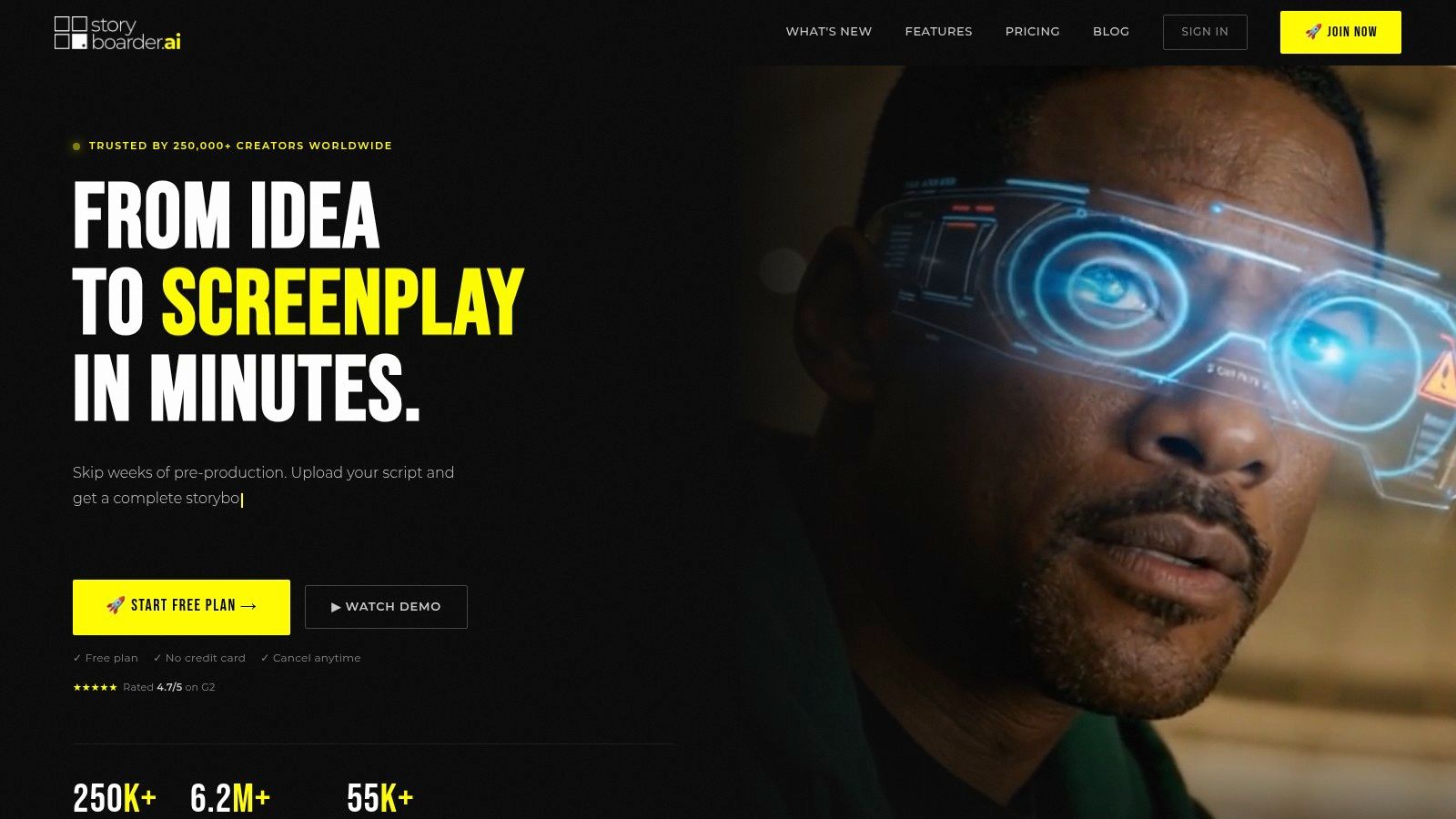
Storyboarder.ai is built for creators who plan in screenplay beats rather than isolated image prompts. It connects screenplay writing, shot-list creation, storyboard frames, and optional animatics, keeping dialogue and camera notes alongside the visuals. That workflow helps when a scene needs planned coverage, not just a set of attractive stills.
<a id="pipeline-fit"></a>
Pipeline fit
- Script in, shots out: Generate screenplays, shot lists, and frames, or import a script or concept.
- Beyond stills: Optional image and video generation can turn approved frames into animatic-style previews.
- Exports for review: Export storyboards in multiple formats to share with collaborators or clients.
Use it when script length and shot planning are slowing production. Higher tiers support longer scripts, making the tool a better fit for short films, agency spots, and multi-scene explainers than for a quick prompt board.
The trade-off is cost and scope. Paid plans sit above the entry-level tools on this list, video generation is sold separately, and entry plans limit project or script length. For five quick TikTok concept panels, that workflow may be more than you need. For a board that has to support a production meeting, its connected script and shot-planning tools can justify the extra weight.
<a id="2-boords"></a>
2. Boords
A client needs to approve the sequence before production starts. Boords is built for that storyboard-first stage: turn a script into panels, use an AI assistant to build or edit a board from prompts, and keep sharing, comments, and animatics alongside the work. You can also combine generated frames with uploaded artwork, such as an approved character sketch or product photo.
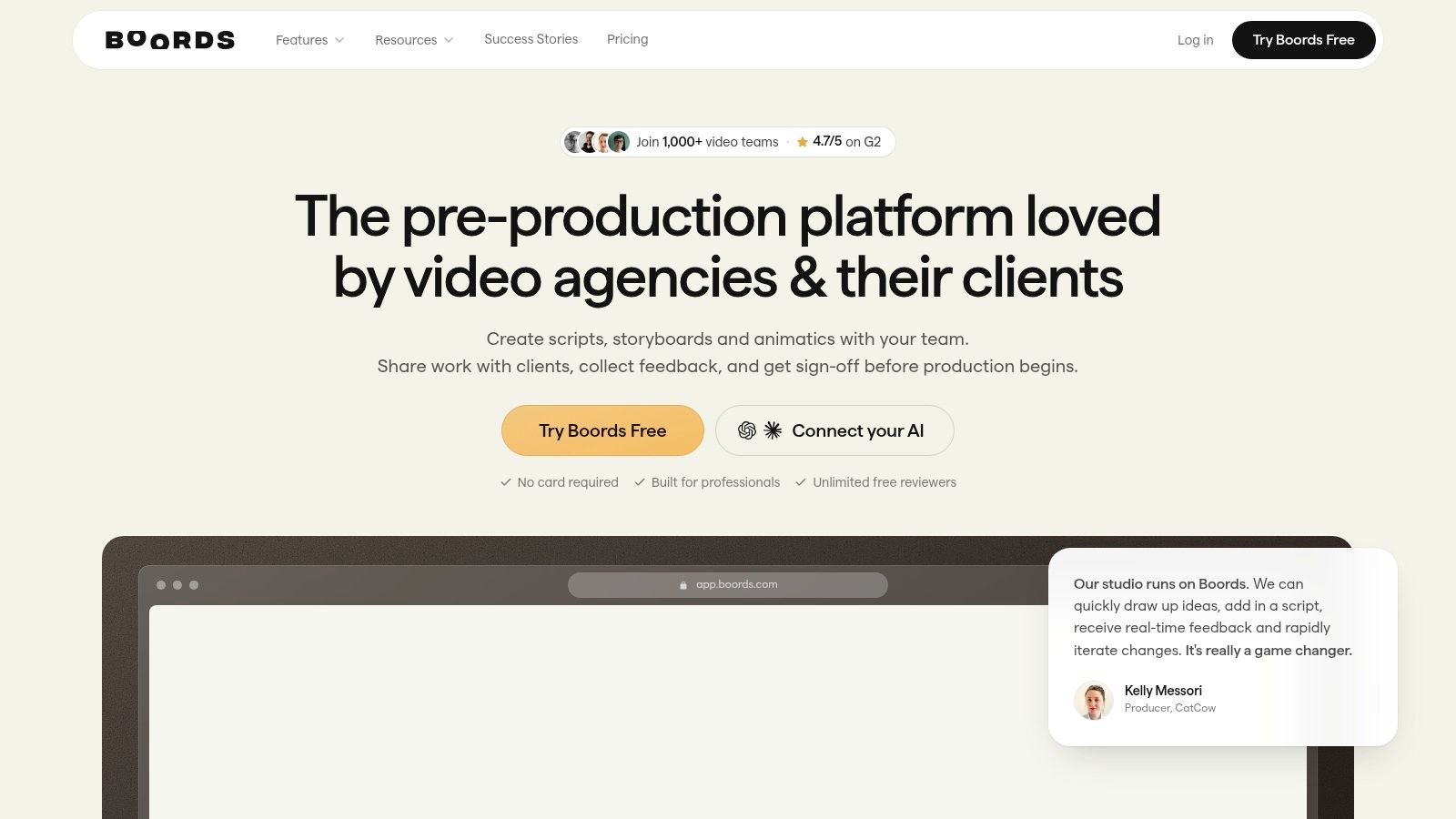
Reusable characters and visual references can help maintain continuity, but check wardrobe and props across distant panels. For solo creators learning how to make their own movies, placing shot notes beside each image makes planning and review easier.
<a id="where-it-earns-its-keep"></a>
Where it earns its keep
- Approval workflow: Sharing and comments keep feedback with the board; animatics help reviewers follow the sequence.
- Mixed media: Generated frames and uploaded artwork can sit in the same project.
- Team scaling: Plan options vary by seats and image allowances.
Paid plans begin with a Solo tier, and pricing changes often, so compare the current tiers on the Boords site before you commit. AI image use comes with monthly allowances, and the AI assistant is described as beta. Collaboration features may add little value for a solo channel that does not need client sign-off. Boords fits agency and brand pipelines where a reviewable board is part of the deliverable.
<a id="3-storyboardhero"></a>
3. StoryboardHero
When a brief is still taking shape, StoryboardHero can turn a concept into scripts, scene descriptions, voiceover text, and storyboard images. It also accepts an existing script, then organises it into scenes and shots.
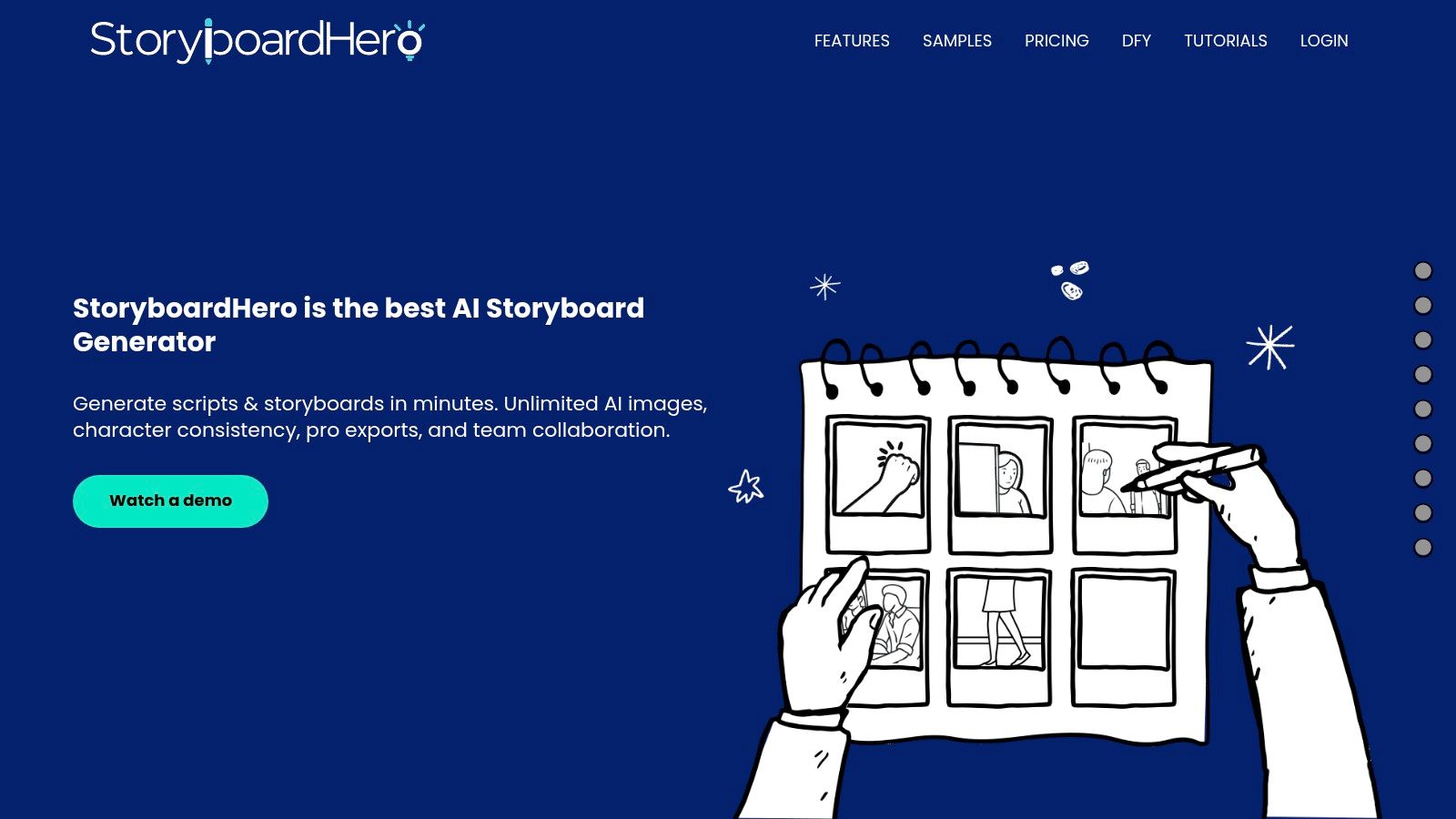
Saved character appearances can be reused across a project, which helps when the same cast returns in later panels. Check faces, clothing, and screen direction as the board grows. Consistency can slip, particularly in panels with multiple actions.
Practical rule: Judge a generator on your tenth panel, not your first. That's where faces, outfits, and screen direction usually drift.
StoryboardHero exports PDFs, shot lists, and MP4 presentations, and supports collaboration and guest comments. If generated images do not fit the pitch, you can choose the manual artist option instead. Review the plan's commercial terms and image allotments before committing, since commercial use is listed on higher tiers and premium image allowances vary.
<a id="4-storybirdie"></a>
4. StoryBirdie
StoryBirdie starts where many prompt tools should start, with the screenplay. It analyses scripts, builds and refines shot lists, and generates storyboard frames with camera and blocking information. If you're prepping coverage for a dialogue scene, those details are worth more than a prettier background.
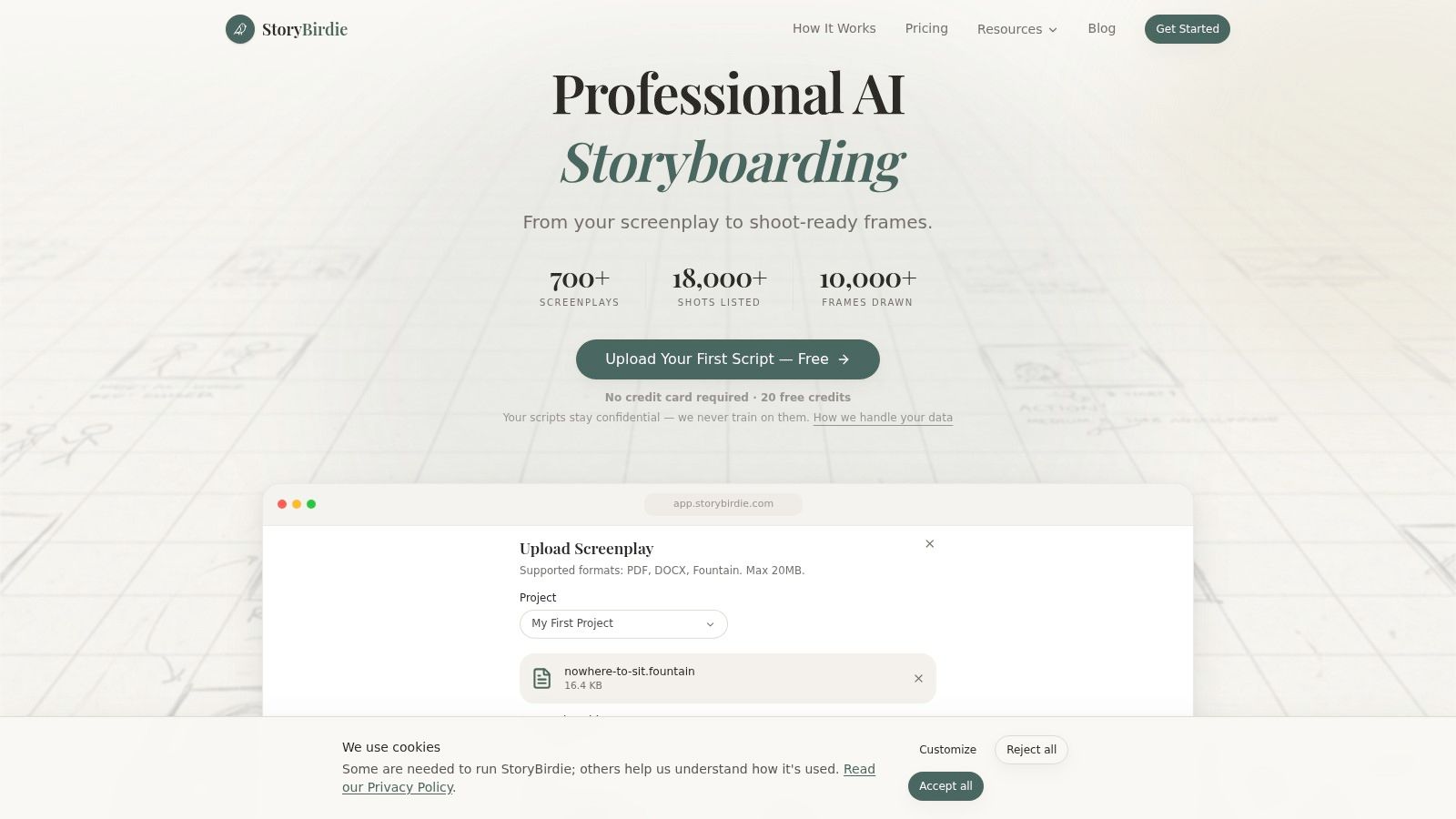
It accepts PDF, DOCX, and Fountain files, allows inline editing of shot details, and exports storyboards and shot lists in formats including PDF, XLSX, and CSV. That spreadsheet export sounds dull until you're sorting setups by location or handing a list to someone who doesn't use your board tool.
<a id="best-use"></a>
Best use
Use StoryBirdie when screenplay continuity, camera coverage, and blocking are the decisions you need to lock. Paid monthly plans are listed from $19, with pay-as-you-go credit packs also available, so occasional projects don't force a bigger subscription.
It's newer and more specialised than established collaboration suites. Frame volume depends on credit usage and image quality, and it focuses on preproduction rather than finished video creation. I'd pair it with a separate render step instead of expecting it to publish anything. For directors who already write in screenplay format, that narrow focus is a strength.
<a id="5-drawstoryai"></a>
5. Drawstory.ai
Drawstory.ai turns a pasted or uploaded script into visual scenes. Generate a first board, then regenerate panels that miss the intended framing or action. That gives writers and directors a direct way to show collaborators how a sequence might look.
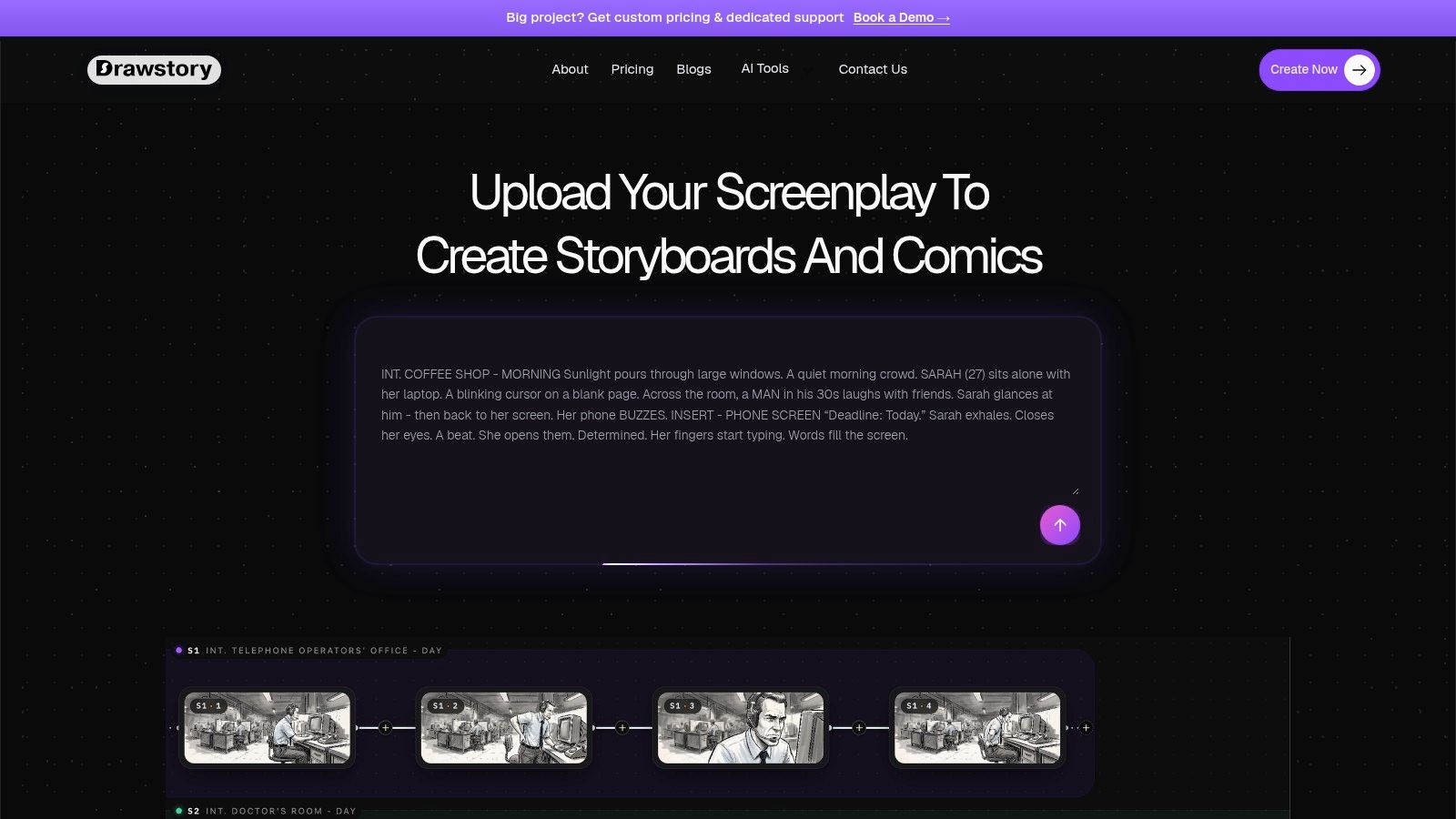
It fits script-led projects where the story beats are already set and the next task is visualisation. Paid plans scale image generation and exports, with options described for individuals and studios. The pricing page lists Director at $50 per month and Production at $150 per month.
- Strength: A short route from script to storyboard panels.
- Control: Regenerate images when framing or action misses the brief.
- Limit: Public details about team collaboration are less extensive than those provided for Boords or StoryboardHero.
Plan for prompt revisions. A panel may take several generations to match a specific shot, particularly for group scenes or precise product placement. Estimate the number of panels before choosing a plan, since image allowances vary. Drawstory.ai fits best as a visualisation step in preproduction; approval management and final editing may need separate tools.
<a id="6-katalist"></a>
6. Katalist
A script for a product ad often needs several versions, with different products or creative choices. Katalist connects script, storyboard, and video generation in one system. It supports character references, frame editing, shot changes, and product swaps, making it a fit for teams adapting one story into multiple versions.
For ad teams, the production question is whether shot details carry through to rendering, rather than stopping at stills. Planning for automated video production helps clarify what needs to stay consistent across each version, including the cast and product.
<a id="trade-offs-to-plan-for"></a>
Trade-offs to plan for
- Connected workflow: Script, storyboard, and video generation share one system.
- Character references: Reusing references helps keep the cast visually aligned.
- Credit-based generation: Image and video output use credits, so revisions consume part of the allowance.
Katalist may suit story-led ads and product narratives where the board needs to become testable video. Its broader controls take more setup than a basic storyboard app, and credit allowances should be confirmed on Katalist's pricing page before committing.
<a id="7-story-boardsai"></a>
7. Story-boards.ai
A storyboard can have the right setting and still fail if a character's pose or face shifts between shots. Story-boards.ai creates frames from story descriptions and offers pose controls, inpainting, image-to-image editing, custom characters, and video generation modules. Pose and image-editing controls suit creators who want to adjust a specific gesture or composition rather than regenerate the frame.
Use pose control to check continuity across a sequence. Compare the same character in close-ups and wide shots, then inspect group frames for changes to the face, outfit, or props. Research on generative cel-animation identifies identity consistency as a central challenge, so test the cast across the types of shots your finished video needs.
A plain frame with the right face, outfit, and prop is more useful than a cinematic frame that breaks continuity in the next scene.
The Story-boards.ai pricing information lists Indie at $15 per month, Pro at $35, and Studio at $79. Paid tiers include team collaboration, while plan limits are stated in stories, images, and generations. Check the limits against your production needs: entry tiers have relatively low allowances, and some workflows use credits.
<a id="8-ltx-studio"></a>
8. LTX Studio
A script with several locations or recurring characters needs more than a row of frames. LTX Studio generates scenes and storyboards from a script, concept, image, or video, then lets you refine characters, locations, camera direction, and video output in a timeline editor. That can reduce repeated setup when moving from storyboard decisions into an AI movie maker workflow.
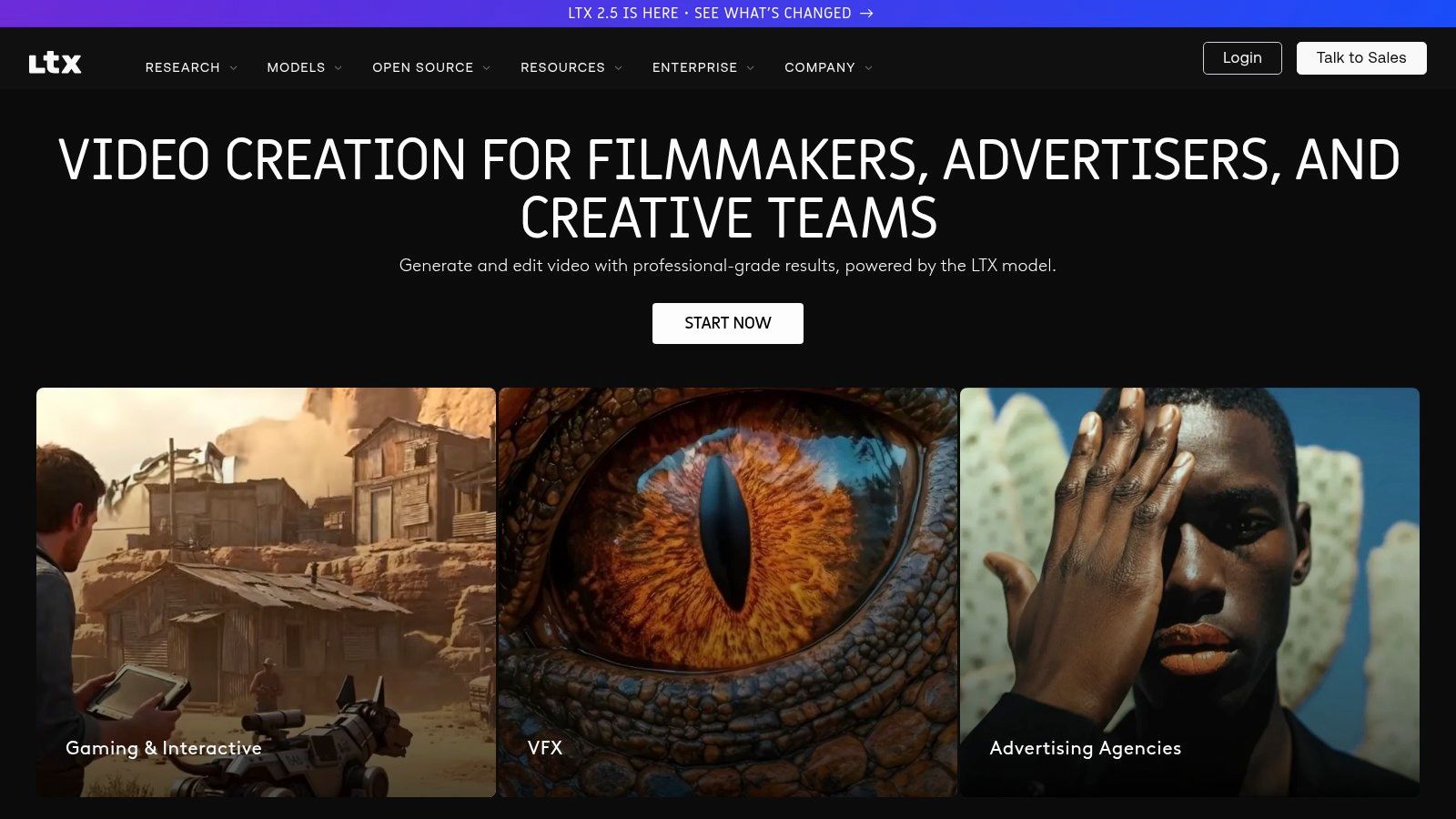
Reusable characters, objects, and locations support continuity across a project, while camera controls give panels more production direction. Team collaboration and pitch deck workflows also help present an idea before production. Paid plans start at $15 per month, while commercial use access is listed on a higher tier.
<a id="who-should-skip-it"></a>
Who should skip it
Skip LTX Studio if you only need still panels for a quick internal plan. Its broader production toolset can be excessive for that job, the web platform is designed primarily for desktop use, and generation consumes credits depending on plan and task.
Choose it when the storyboard is an early stage of a longer build. A pitch, multi-location explainer, or short narrative can benefit from keeping reusable elements and shot direction together. Allow time to learn the controls; that depth adds little if the upload is due tonight.
<a id="9-adobe-firefly-boards"></a>
9. Adobe Firefly Boards
Adobe Firefly Boards works best at the messy start of a project. It's a collaborative canvas where you arrange uploaded images, sketches, stock, and generated visuals into moodboards, early storyboards, or pitch materials. If your team already decides look and tone in Adobe tools, the board fits naturally into that conversation.
Use it to settle visual direction before you lock shots. Put casting references, location stills, colour frames, and generated alternatives side by side, then move the approved direction into a dedicated storyboard tool for numbering and shot notes. That division avoids pretending a canvas is a shot list.
- Flexible canvas: References, stock imagery, and generated images can be combined.
- Collaboration: Teams can explore direction together on one board.
- Plan dependent: Access and premium generation depend on your Adobe plan and generative credits.
The limit is focus. Firefly Boards is less centred on screenplay breakdown and shot-list generation than StoryBirdie or Storyboarder.ai, and it's a visual planning surface rather than a finished video generator. I'd use it for ideation and client mood approval, then switch tools once the script needs coverage. That handoff is fine if you plan it. It's painful if you discover it at panel 30.
<a id="10-storyboardgen"></a>
10. StoryboardGen
StoryboardGen is the fastest concept check on this list. Give it one story prompt and it creates an aligned set of images, with reference images to guide character or visual style. You can edit prompts, regenerate images, and use social oriented outputs such as captions and hashtags.
That makes it useful for a quick visual sequence, a slideshow, or testing whether a kids story idea reads clearly before you write full narration. Time is the reason many creators reach for this kind of shortcut. A September 2025 survey found 87% used AI somewhere in their creative workflows, but speed only helps if the sequence still becomes a publishable video.
<a id="keep-expectations-narrow"></a>
Keep expectations narrow
- Prompt led: One prompt becomes a connected image set, not a parsed screenplay.
- Reference guided: Uploaded images can steer character and style.
- Credit aware: Each image consumes a credit, so long boards use allowances quickly.
Paid plans start at $15 per month, with higher volume plans available, and outputs are described as downloadable without watermarks. It focuses more on image sequences than screenplay or shot-list workflows and shows less evidence of advanced collaboration. I recommend it for short social stories and concept tests. For a recurring cast across many episodes, you'll need stronger references, shot control, and a render path.
<a id="ai-storyboard-generator-comparison-at-a-glance"></a>
AI Storyboard Generator Comparison at a Glance
The right tool depends on where the storyboard needs to go next: into an approval cycle, a shot list, or a finished video. Compare input and export options as part of the same workflow decision.
| Tool | Starting Price | Best For | Script Input | Export Options |
|---|---|---|---|---|
| Storyboarder.ai | $69/month | Production-focused script-to-storyboard workflows | Screenplays, scripts, and concepts | Multiple storyboard formats |
| Boords | $39/month | Team storyboarding, reviews, and animatics | Script-to-storyboard conversion | Sharing and animatic workflows |
| StoryboardHero | $19/month | Agencies and video creators | Script import and scene organization | PDF, shot lists, and MP4 presentations |
| StoryBirdie | $19/month | Screenplay analysis and shot planning | PDF, DOCX, and Fountain files | PDF, XLSX, and CSV |
| Drawstory.ai | $50/month for Director | Script-led storyboard creation | Uploaded or pasted scripts | Exports on paid tiers |
| Katalist | $19/month | Script-to-storyboard and video workflows | Written or imported scripts | Storyboard shots and generated video |
| Story-boards.ai | $15/month | Story creation with frame editing and collaboration | Story descriptions | Image and video generation |
| LTX Studio | $15/month | Storyboard planning through video production | Scripts and concepts | Video output and pitch decks |
| Adobe Firefly Boards | Access depends on Adobe plan and generative credits | Collaborative visual ideation and moodboards | Uploaded images, sketches, and generated visuals | Visual boards for sharing and further production |
| StoryboardGen | $15/month | Quick image sequences from story prompts | Story prompts and reference images | Downloadable images without watermarks |
The export column signals how much production remains after the board is ready. PDF and spreadsheet outputs support handoffs and planning; video generation shortens the route to a moving draft. Check that the format matches the next step in your pipeline before choosing on price alone.
<a id="from-storyboard-to-finished-video-picking-your-pipeline"></a>
From Storyboard to Finished Video Picking Your Pipeline
Start with the deliverable you owe. Choose a collaboration first board such as Boords when a client must comment on specific frames and approve an animatic. Choose a screenplay first breakdown such as StoryBirdie or Storyboarder.ai when you need camera coverage, blocking, and shot lists from a real script. Choose a generation first tool such as Katalist, LTX Studio, or StoryboardGen when the board needs to become moving footage or a fast social sequence. Firefly Boards sits earlier, at visual direction.
Whichever route you pick, lock references before you generate volume. Save each character's face, outfit, key props, location, aspect ratio, and style sentence, then test them across a fixed multi-scene script. Research on speech driven generation shows identity needs reference information, with one study reporting identity-preservation modules improved an identity-consistency metric by 5%. Prompt text alone won't hold a cast together.
Also document your own decisions if you plan to monetise the result. The U.S. Copyright Office states that generative-AI output can receive copyright protection only when a human determines sufficient expressive elements. Keep scripts, revisions, shot choices, and edit history. Commercial permission from a tool and copyright ownership aren't the same thing, and related creator guidance such as MyImageUpscaler's guide to creator software is useful when you're assembling the rest of your stack.
If your end point isn't a board but a posted story video, use a pipeline that carries the plan through rendering. ClipNova's AI Story Video Generator turns a written story or script into a finished video, generating the hook, storyboard, scenes, characters, narration, and captions from one idea. The workflow runs from story idea to exported episode in a single generation, with saved characters keeping the same face and outfit, lip sync for talking scenes, and exports in 9:16 or 16:9, up to 5 minutes, watermark free with full commercial rights for Shorts, TikTok, and YouTube. Plans start at $19/mo. That's a different job from clip generators that make single shots or template editors that rely on stock footage. Make your first video when your storyboard needs to become a finished episode, and regenerate a single weak scene instead of rebuilding the whole project.
If your storyboard needs to become a finished long story video, ClipNova AI turns your idea or script into scenes, voiceover, captions, and music in one pass, with consistent characters across every scene. Videos run up to 5 minutes at up to 1080p in 9:16, 16:9, or 1:1, ready to post.
Ready to ship your own?
Start creating viral videos with AI in under twenty minutes, no credit card required.