
You've finished a script, but the video still isn't ready. The narration sounds rushed, the stock clips only loosely match the explanation, and the person introduced at the beginning looks different halfway through. Choosing another AI explainer video generator won't help unless it solves the part you're struggling with.
Explainer tools and story tools solve different problems. Take a short script about how a credit score works. An explainer editor can turn it into a narrated sequence with stock footage, labels, and clean captions, which may be exactly right. But if you want to follow the same borrower from an application through several conversations, character continuity becomes a different production requirement.
AI-assisted video creation is already common: 51% of marketers said they'd used AI tools for video creation or editing in 2025, according to Wyzowl data reported by HubSpot. Adoption alone doesn't tell you which tool leaves the least cleanup.
Judge the finished file, not the feature list. A usable draft needs accurate narration, readable captions, purposeful visuals, and a clear route to publication.
The comparisons below use that credit-score explanation as a shared evaluation scenario, not a claimed hands-on benchmark. They distinguish documented capabilities from the corrections you should test yourself: voice, pacing, visual consistency, and export. The order reflects different production needs rather than measured rendering speed or an invented quality score.
Table of Contents
- 1. ClipNova AI
- 2. InVideo AI
- 3. Pictory
- 4. Vyond
- 5. Synthesia
- 6. Animaker
- 7. Steve AI
- 8. Powtoon
- 9. Fliki
- 10. Lumen5
- How the 10 AI explainer video generators compare on visuals, fit and pricing signals
- Match the Tool to the Video You Actually Need to Publish
<a id="1-clipnova-ai"></a>
1. ClipNova AI
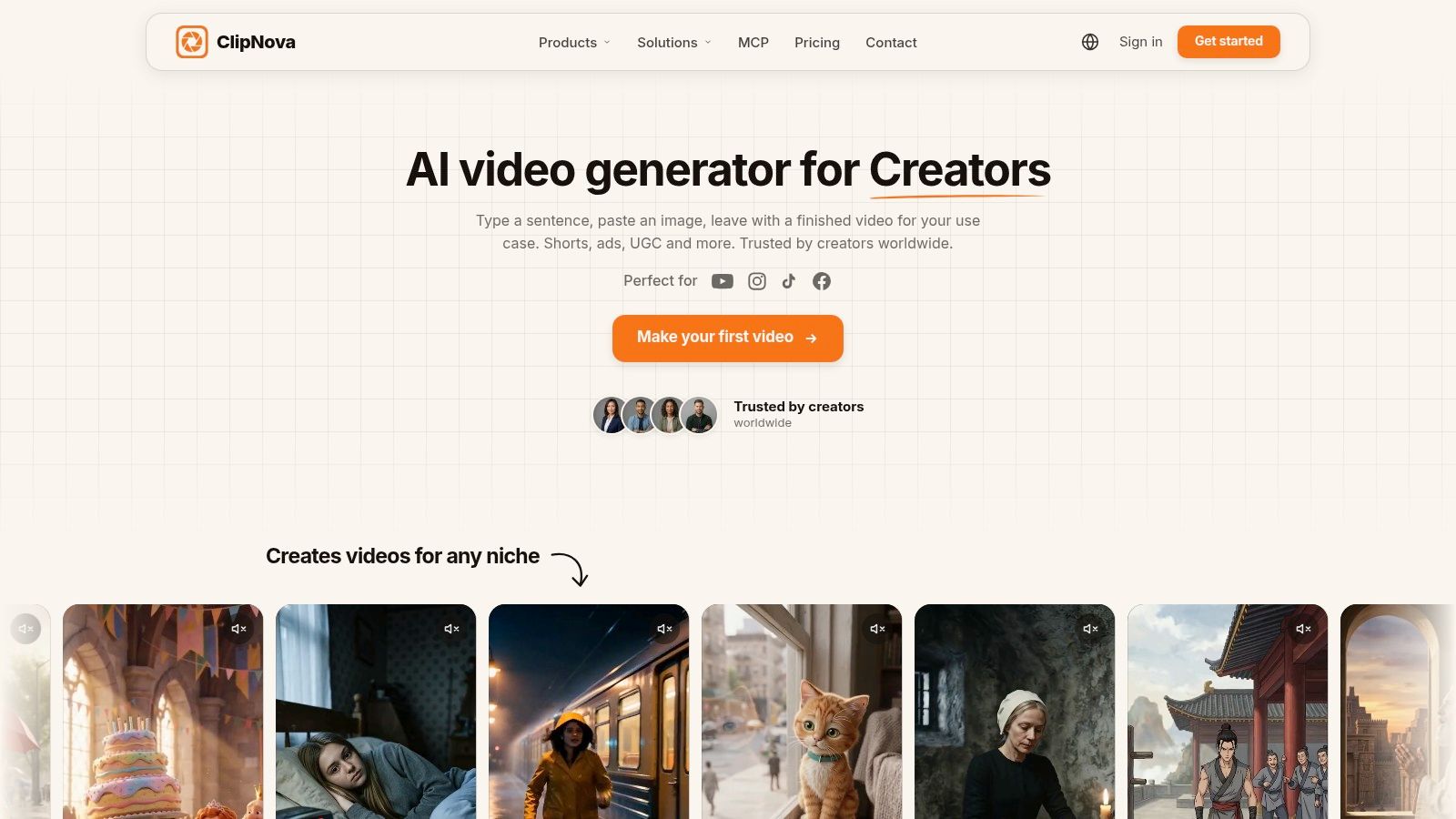
ClipNova AI is the better fit when the explanation depends on continuity. In the credit-score script, the value is following one borrower from application to approval to the later mistake, with the same face and outfit carrying across scenes instead of a new stock actor every cut.
The generator builds the piece as one assembled video rather than a pile of clips: story idea or script in, then hook, storyboard, scenes, characters, narration, captions and music out. Finished videos can run up to 5 minutes, with exports in 9:16 for Shorts, Reels and TikTok or 16:9 for YouTube, watermark-free with commercial rights.
<a id="what-still-needs-your-attention"></a>
What still needs your attention
Consistency removes one cleanup job, not the editorial pass. On the same two-minute script I would still check three things: whether each scene explains the line it sits under, whether the hook earns the first seconds, and whether the twist or ending lands inside the requested length. If a scene drifts, open the exported file in Studio and change that scene or line without rebuilding the whole render.
- Best fit: explainers with a recurring character, story-led product walkthroughs, faceless episodes and series-style Shorts.
- Useful control: prompt, script or image inputs; scene-level edits after export; animated or realistic looks depending on the visual you describe.
- Main limitation: a character arc can overpower a plain concept demo, so a montage tool may be faster for simple stock-backed narration.
- Budget check: confirm current plan limits and pricing on ClipNova's website before committing to a publishing cadence.
<a id="2-invideo-ai"></a>
2. InVideo AI
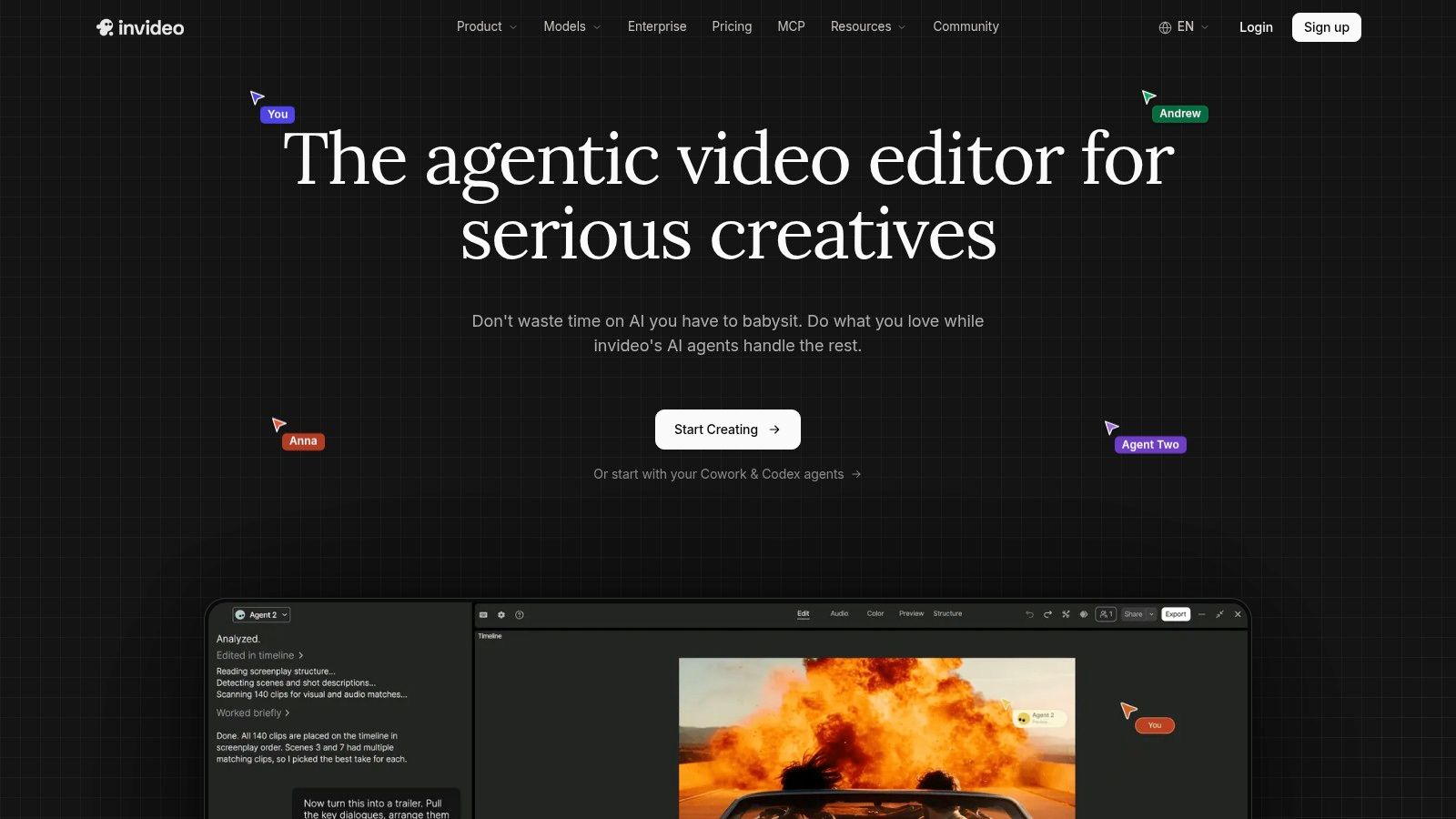
For an explanation that doesn't need a recurring cast, InVideo AI offers a practical starting point. It combines prompt- or script-based generation with narration, music, captions, stock footage, and generated visuals.
In the credit-score scenario, its stock-based approach suits supporting images of applications, household decisions, and financial paperwork. The editing question is whether those images explain the narration or merely decorate it. A relevant-looking clip can still leave the actual relationship between ideas unclear.
<a id="the-likely-cleanup-is-scene-selection"></a>
The likely cleanup is scene selection
Use the timeline editor to replace vague footage, shorten repetitive openings, and give important labels more screen time. Preserve the approved explanation rather than letting a visually appealing sequence dictate the script.
- Best fit: Marketing explainers, narrated social videos, and faceless content where a montage is acceptable.
- Useful control: Timeline adjustments give you a hands-on route beyond the initial generated draft.
- Main limitation: Stock footage won't automatically establish a distinctive recurring character.
- Budget consideration: Credits and access to particular models depend on the plan.
Before committing, make a narration correction and replace a visual in the same project. Inspect whether the surrounding timing still works and what usage the revisions consume. Don't assume that a plan's generation allowance describes the full cost of reaching a publishable cut.
<a id="3-pictory"></a>
3. Pictory
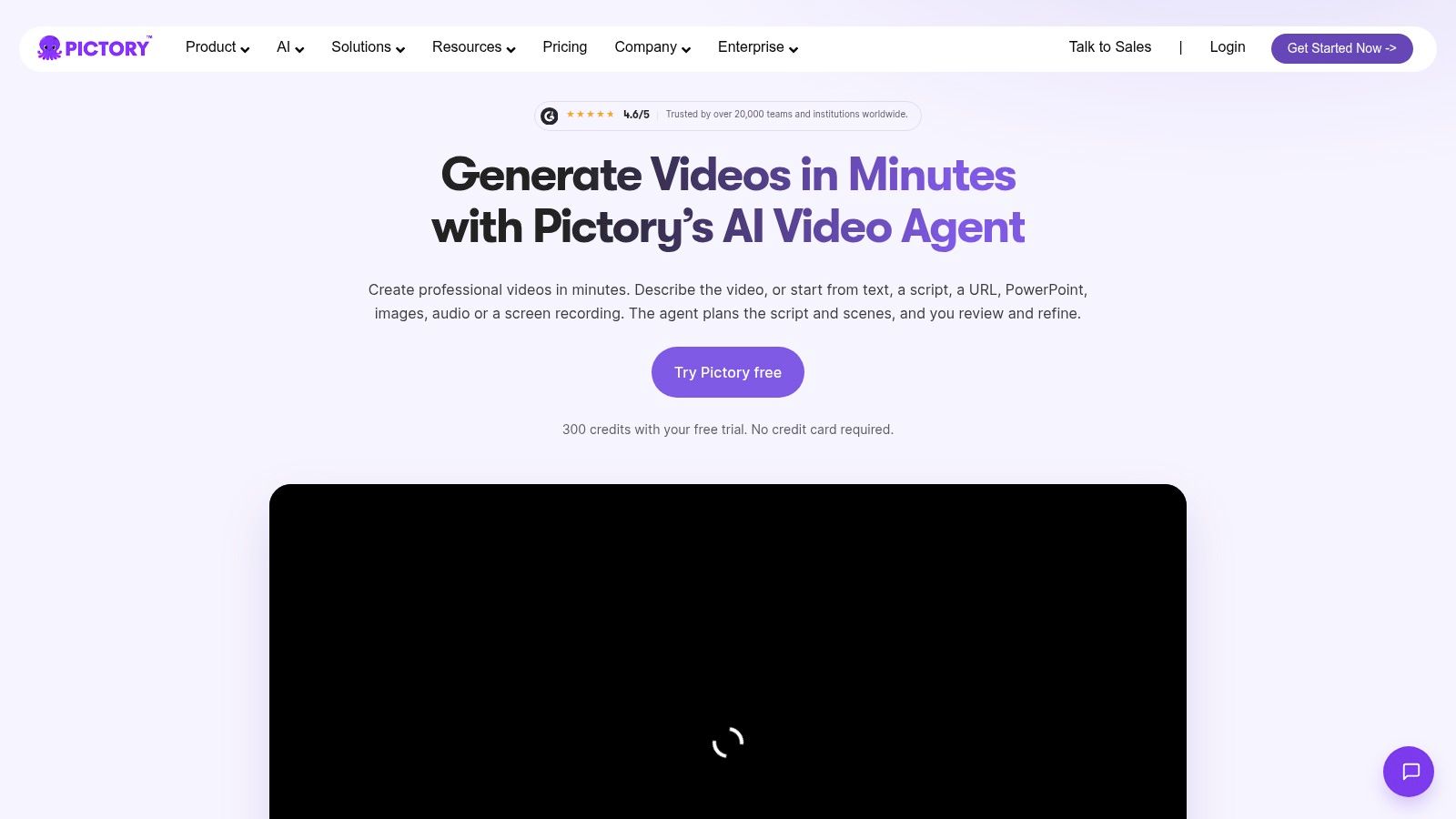
Already have a written explanation that's been approved? Pictory is worth considering before you rewrite it as a production brief. Its script- and URL-to-video workflows pair source text with stock media and narration, then let you refine the scenes.
That makes it a sensible option for turning an existing credit-score article into a narrated summary. The value is repurposing, not original character animation. Brand kits and the media library help establish a repeatable presentation, but they don't turn unrelated stock actors into a shared cast.
Editing rule: Review what the adaptation leaves out. A smooth summary can still remove the qualification that made the original explanation accurate.
The scene editor provides a useful place to correct those omissions. Check whether the narration and on-screen text remain aligned after you restore an exception or replace a broad statement with more precise wording.
The trade-off is straightforward: Pictory suits publishers and educators who already have useful written material. It's less suitable when the explanation depends on a recognizable person acting through a sequence of original situations.
Video minutes, credits, and maximum duration vary by plan. Compare those allowances with your actual publishing workload, including alternate versions and revisions, rather than considering only the length of the initial draft. Also inspect the exported captions and visuals, not just the preview inside the editor.
<a id="4-vyond"></a>
4. Vyond
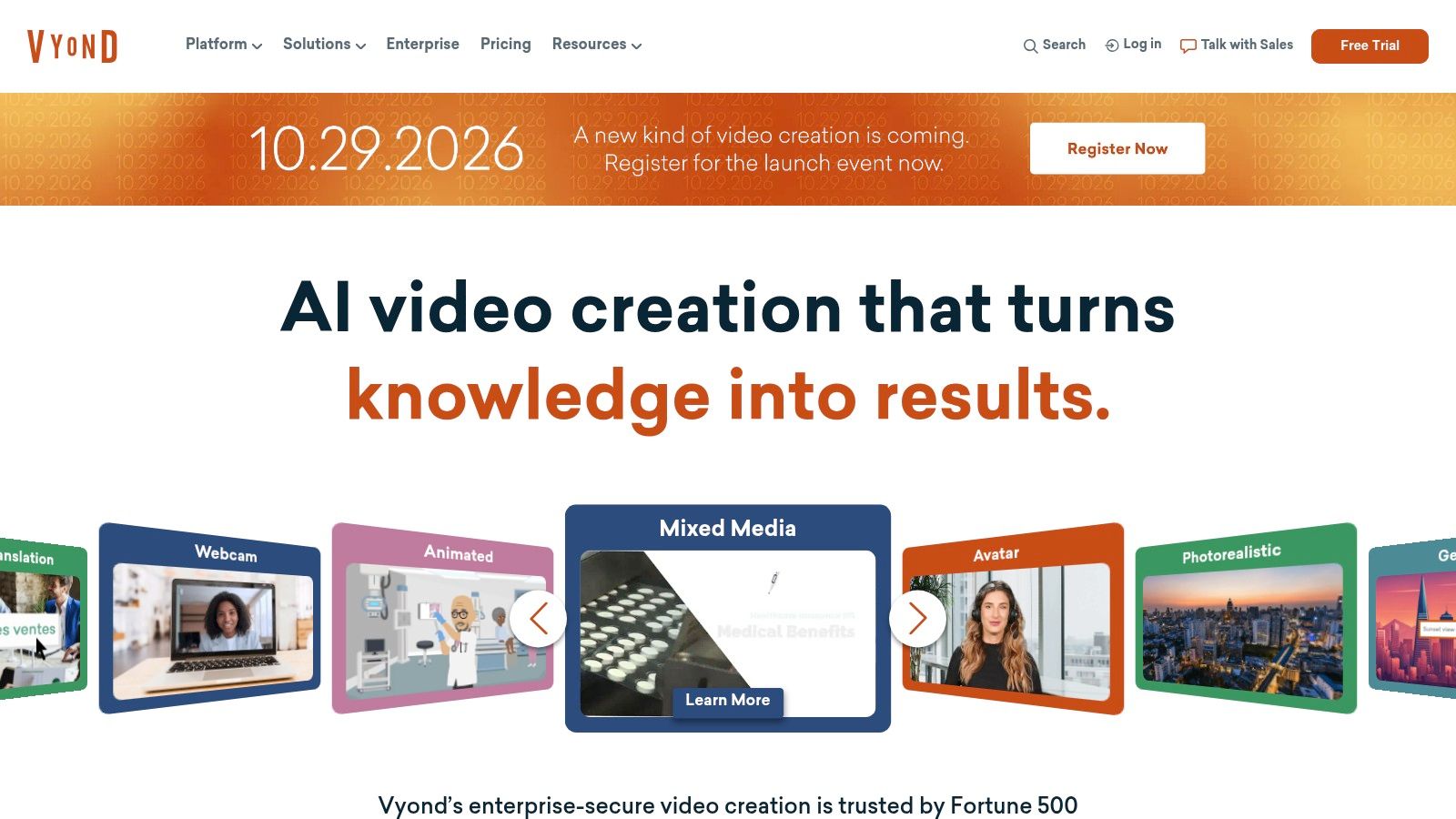
Choose Vyond when deliberate business animation matters more than a cinematic look. Vyond combines an animation platform with AI-assisted text-to-video workflows, avatars, text-to-speech, and templates.
For the shared explanation, an animated borrower and adviser can make the subject easier to organize visually. The useful distinction from stock-first tools is the ability to build around animated scenes rather than search for footage that approximately matches each sentence.
<a id="more-control-means-more-production-decisions"></a>
More control means more production decisions
That control is valuable for training, HR, internal communications, and procedural explainers. It also means someone must decide which action, expression, layout, and transition actually helps the audience.
- Strength: Structured business content fits its animation and template approach.
- Trade-off: A polished animation still requires direction; generation doesn't settle every visual decision.
- Plan limits: Some AI generation uses credits, and multilingual or collaboration capabilities depend on the tier.
- Buying concern: Entry pricing can be a substantial commitment for an individual creator.
For the credit-score example, test a scene where the character must react to a change while a label remains readable. That exposes more than a simple talking introduction would.
Vyond makes sense when you want a controlled, repeatable business-animation style and will use its editing capabilities. It's a weaker match if your priority is realistic documentary reconstruction or a largely hands-off story-production workflow.
<a id="5-synthesia"></a>
5. Synthesia
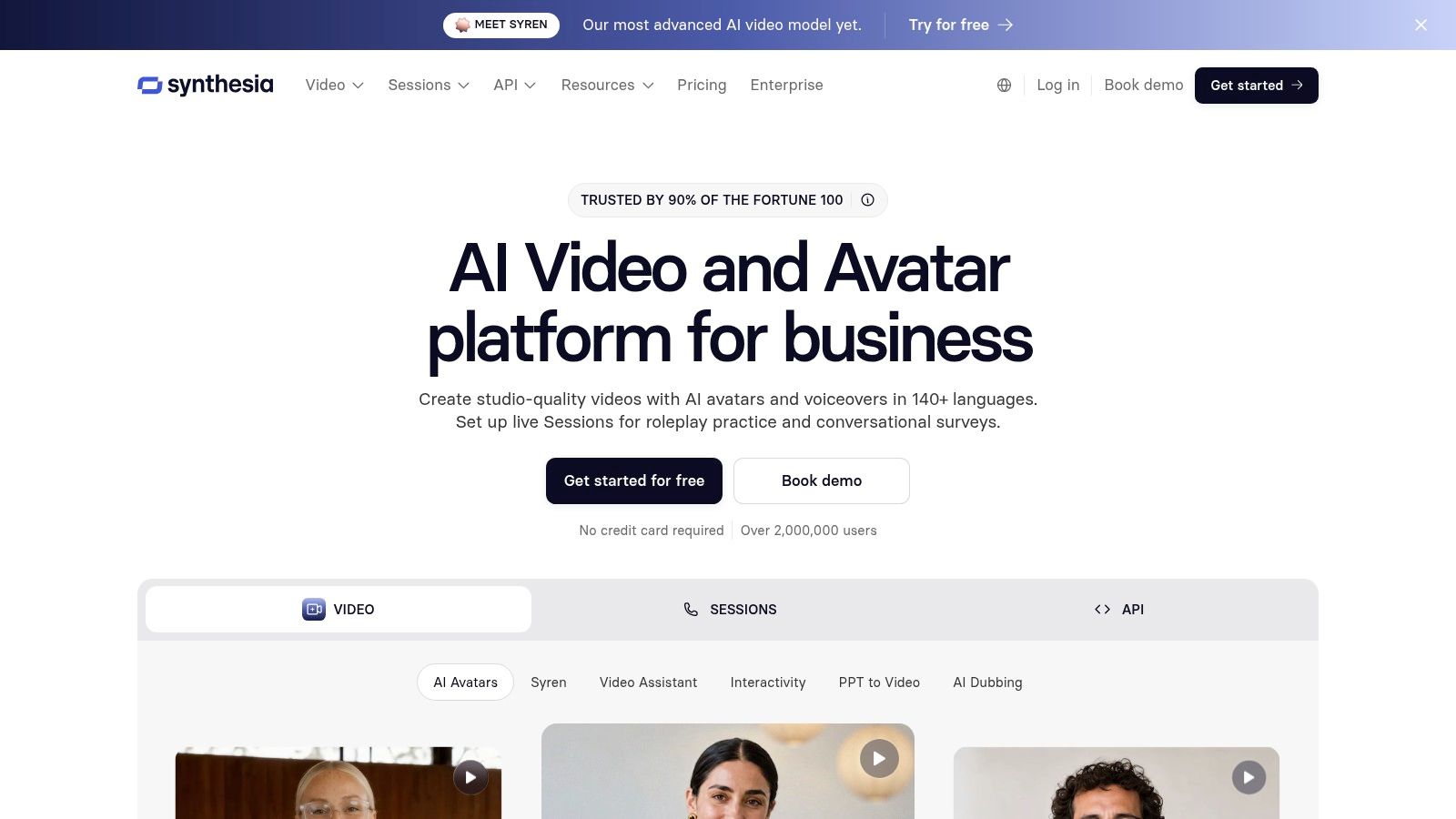
A presenter can be the clearest choice. Synthesia specializes in script-to-video production with AI avatars and voices, making it relevant for training, policy explanations, product walkthroughs, and corporate communications.
In the credit-score scenario, the presenter explains the concept directly while supporting graphics provide emphasis. That avoids the need to dramatize every sentence. It also creates a different viewing experience from following characters through a story.
The important correction test is exact wording. Decide whether the source should be adapted into a new script or delivered verbatim, then inspect whether your chosen workflow preserves the approved language.
<a id="choose-the-presenter-format-intentionally"></a>
Choose the presenter format intentionally
A talking-avatar workflow is useful when the speaker provides continuity and authority within the presentation. It's less useful when viewers need to see a character make decisions across changing locations.
- Best fit: Repeatable presenter-led lessons and organizational communications.
- Localization support: Dubbing and translation features can support localized production.
- Team features: Shared workspaces and enterprise controls depend on the plan.
- Limit: Presenter consistency isn't the same as narrative character continuity.
Review pronunciation, pauses, and the relationship between speech and supporting visuals before exporting. A stable presenter won't fix a dense script.
Plan names, included minutes, and credits can change, so compare the live allowances with your expected revision workload. Don't treat translation availability as proof that every localized version is ready to publish without review.
<a id="6-animaker"></a>
6. Animaker
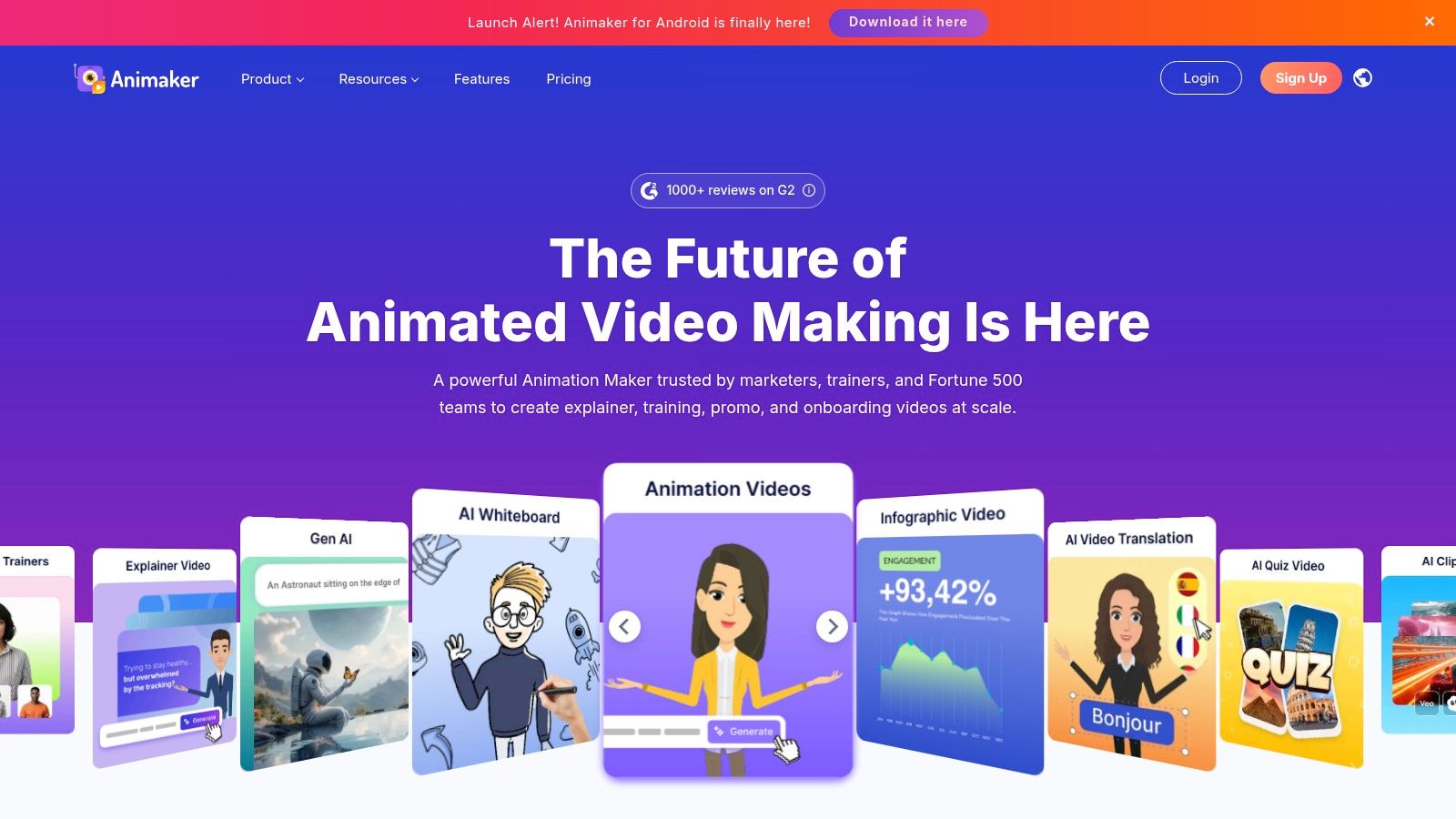
If the explanation needs a cartoon borrower, visible props, and carefully arranged scenes, Animaker belongs on the shortlist. It combines character-animation editing with AI-assisted video and subtitle features, plus whiteboard-style tools.
Its appeal is creative control rather than the shortest route from prompt to export. You can build the explanation around characters and visual elements instead of accepting the structure of a stock montage.
That's useful when an abstract concept needs a simple visual analogy. It's also where unnecessary animation can become a distraction: a character moving constantly doesn't necessarily make the explanation clearer.
Give animation an explanatory job. Use movement to reveal a relationship, direct attention, or show a decision, not simply to keep the screen busy.
<a id="expect-to-polish-the-animation"></a>
Expect to polish the animation
Character actions, scene composition, and timing may need more work than a prompt-generated first draft. For the shared scenario, inspect whether a viewer can follow the labels while the character acts and the narration continues.
Animaker's assets and templates provide starting points, while eligible plans offer voice generation and brand customization. Export allowances, resolution, and commercial-use terms depend on the subscription.
Choose it when you're willing to shape the animation and want direct control over the result. If your priority is an assembled story with minimal scene construction, compare the manual work carefully before making it your regular production tool.
<a id="7-steve-ai"></a>
7. Steve AI
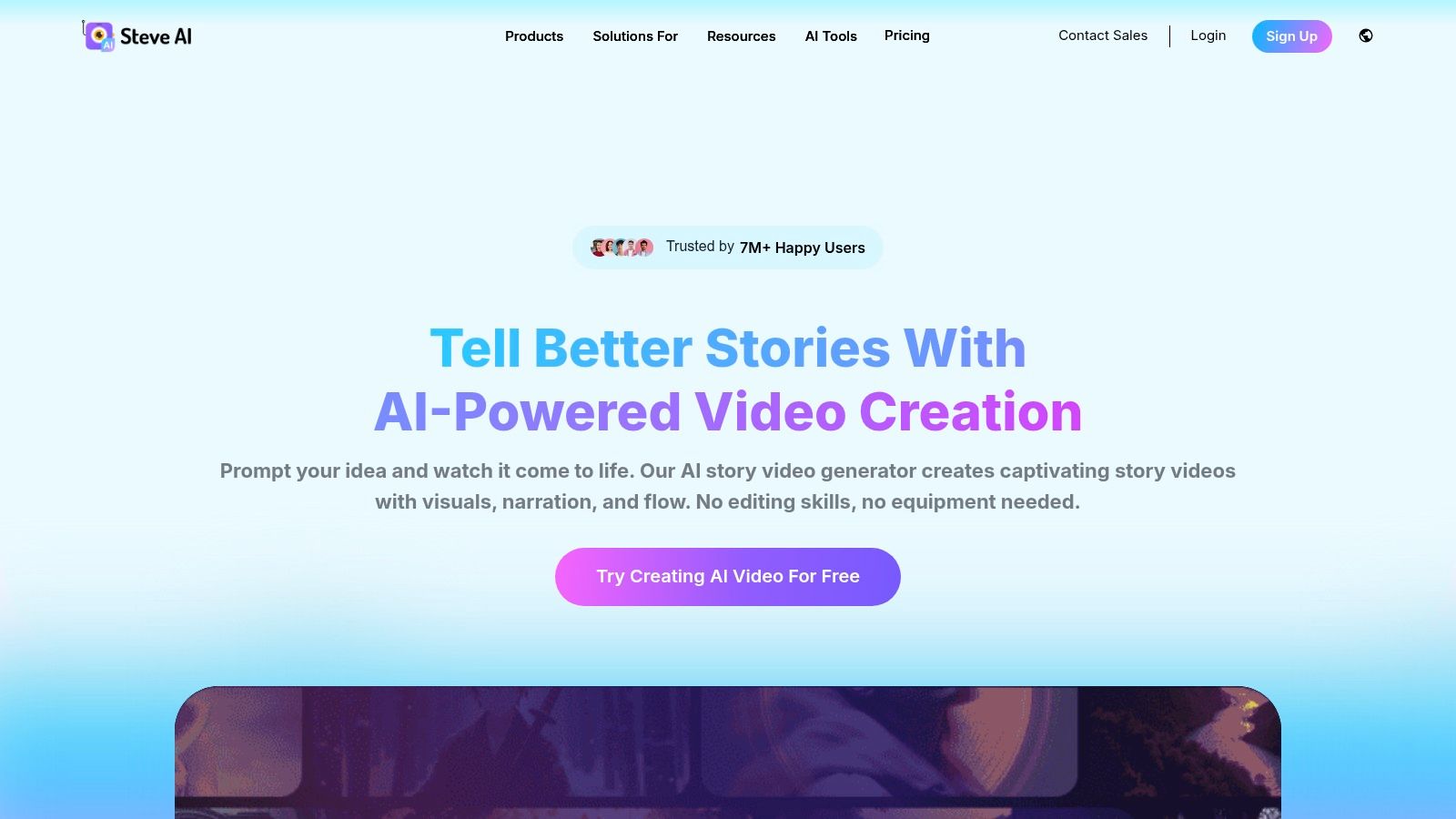
Steve AI makes the first decision concrete: bring the script, then choose whether each beat becomes an animated scene or a stock-style shot before the voice draft is locked. On the shared two-minute credit-score script, that produced an editable sequence rather than a finished explanation: the score factors were split into beats, narration was timed scene by scene, and the abstract lines were the ones most likely to receive a generic visual.
The review pass is where Steve AI earns or loses its place. Check the scene list for meaning before checking motion: “payment history” needs a ledger, calendar, or checklist metaphor; “utilization” needs a proportion, not a smiling customer. If a scene only decorates the line, swap the visual or rewrite the sentence before touching timing.
Strengths and limits:
- Script-to-video input keeps the explainer structure visible instead of hiding it behind a prompt result.
- Animated and stock-based scenes can be mixed, but consistency drops if the same concept switches style mid-explanation.
- Voice and pacing can be corrected after assembly, so test one narration rewrite before export.
Choose Steve AI when the script is already sound and the job is matching visuals to claims. If the explanation still needs a story-shaped hook, character continuity, or a channel-ready episode, a story-focused tool such as ClipNova fits better; Steve AI is stronger as an assembly bench for an explainer you will still direct.
<a id="8-powtoon"></a>
8. Powtoon

A presentation-style explanation doesn't have to look like a narrated slide deck. Powtoon combines animated characters, templates, editing controls, and AI-assisted document- or prompt-to-video features.
It fits business and education projects where structured graphics matter more than realistic scenes. In the credit-score scenario, you might explain the concept through labels, visual comparisons, and character reactions rather than a continuous dramatic sequence.
The useful starting point is the instructional structure. If you're adapting a deck, decide what should remain on screen and what belongs only in the narration; this guide to making video from slides addresses that production distinction.
<a id="watch-the-gap-between-generation-and-delivery"></a>
Watch the gap between generation and delivery
Powtoon's AI features use credits, while export counts, video length, and asset availability differ by plan. Frequent regeneration can therefore affect the practical cost of production.
The platform's pricing materials include commercial rights on paid plans, but client delivery still deserves careful attention to the specific entitlement you need. Commercial use and every possible resale arrangement shouldn't be treated as identical.
The main aesthetic limitation is recognizability. Templates help maintain order and speed up assembly, but repeated layouts and familiar assets can make projects look alike.
Choose Powtoon when editable presentation animation supports the lesson. Spend your editing effort on hierarchy, timing, and reducing on-screen text rather than adding motion to every element.
<a id="9-fliki"></a>
9. Fliki
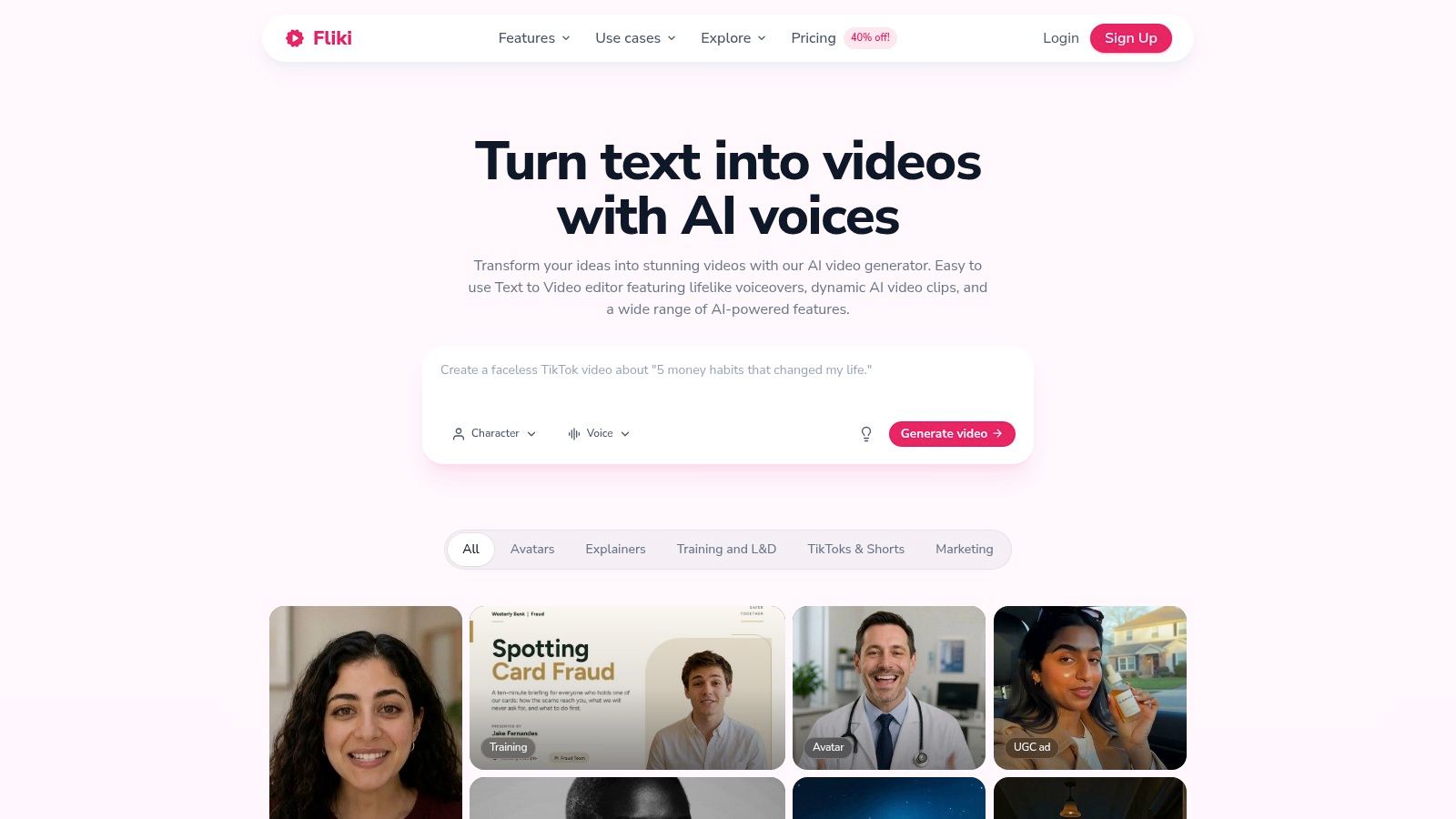
Listen before you watch. For narration-led educational content, Fliki offers workflows that turn ideas, scripts, blog posts, and presentations into videos using AI voices, stock media, generated visuals, and editing tools.
In the shared scenario, the voice carries much of the explanation. Pronunciation and pauses matter as much as visual polish, particularly when a familiar word has a specialized meaning.
<a id="voice-selection-is-only-the-beginning"></a>
Voice selection is only the beginning
Compare the same passage in the voices you're considering, then listen for emphasis and comprehension rather than naturalness alone. A fluent delivery can still rush the phrase viewers most need to understand; the comparison of AI voiceover tools provides additional context for that decision.
- Strength: Flexible source inputs support educational and faceless production.
- Language workflow: Translation and voice options broaden localization possibilities.
- Editing need: Generated scenes may require replacement or manual selection.
- Usage limit: Credits vary with models and settings, while longer videos and higher-resolution exports require suitable plans.
Treat voice cloning as a permission-sensitive production choice, not merely a shortcut to a familiar sound. Review your rights to the voice before publishing.
For multilingual output, check terminology, names, caption timing, and regional context as separate tasks. Research on social-media caption systems identifies multilingual and cultural coverage as continuing challenges, so translation availability shouldn't replace language review.
<a id="10-lumen5"></a>
10. Lumen5
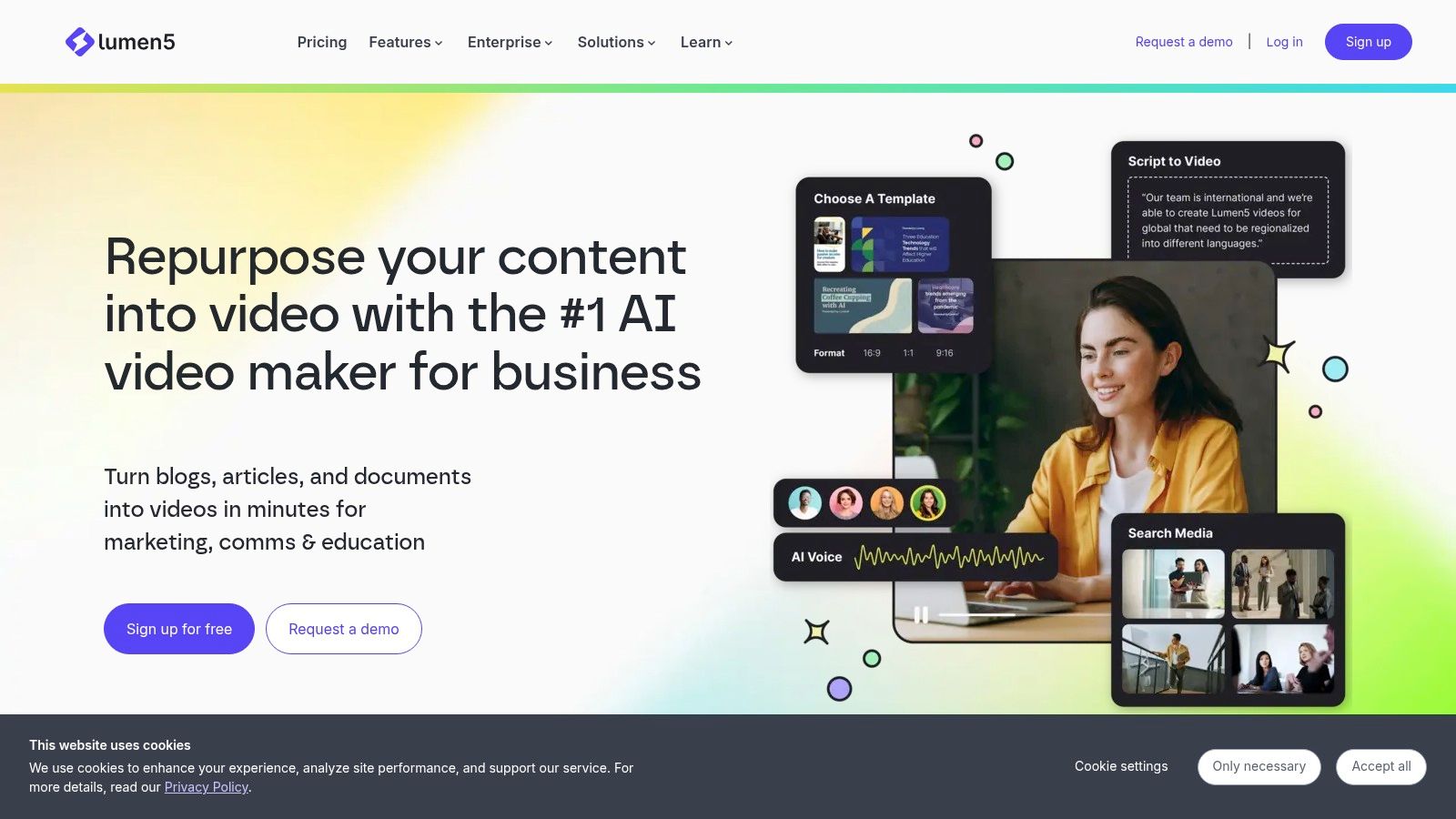
Lumen5 makes the most sense when the starting point is a publishing library rather than a character concept. It converts scripts, articles, and documents into videos using templates, licensed media, AI voices, and captions.
For a marketing team turning an approved credit-score article into branded content, that focus is practical. Brand settings help establish a repeatable look, while the drag-and-drop editor supports scene adjustments.
The correction burden is editorial compression. Review whether the adapted narration preserves the source's meaning and whether short on-screen statements oversimplify the explanation.
<a id="brand-consistency-isnt-character-continuity"></a>
Brand consistency isn't character continuity
Templates can keep typography, layouts, and presentation consistent across projects. They don't provide the same thing as an original cast acting through connected narrative scenes.
- Best fit: Publishers and marketing teams repurposing written material.
- Useful control: Editable scenes let you adjust the automatic adaptation.
- Visual limitation: Template- and media-led output may not feel like original animation.
- Plan consideration: Collaboration, branding, translation, and video allowances vary by subscription.
Inspect the downloaded file on the device your audience will use. A layout that looks comfortable in the editor can still contain text that's too small or scenes that change before viewers finish reading.
Lumen5 is a sensible choice when consistent branded repurposing matters more than dramatic storytelling. It's less suitable when the explanation depends on recognizing the same character, location, or action across connected scenes.
<a id="how-the-10-ai-explainer-video-generators-compare-on-visuals-fit-and-pricing-signals"></a>
How the 10 AI explainer video generators compare on visuals, fit and pricing signals
Same two-minute script, ten different outputs. The table below sorts them by the visual approach each tool defaults to, the job it handles best, and the pricing detail worth checking before you commit.
| Item | Visual approach | Best for | Pricing note |
|---|---|---|---|
| ClipNova AI (recommended) | Generated story scenes with recurring characters, narration, captions, and music | Story videos, UGC-style ads, and product videos | Plan prices vary; confirm the amount shown at checkout |
| InVideo AI | Stock footage and AI-generated visuals with voiceover and captions | Quickly drafting explainers and social videos | Credits and model access vary by plan |
| Pictory | Stock media and narration matched to scripts, URLs, or other source material | Repurposing articles and written content into video | Video minutes, credits, and duration depend on the plan |
| Vyond | Polished business animation, templates, and AI avatars | Training, HR, and business explainers | Entry pricing is relatively high; some AI generations use credits |
| Synthesia | Presenter-led videos featuring AI avatars and voices | Training, product walkthroughs, and corporate communications | Plan minutes and credits can change |
| Animaker | Editable cartoon characters, scenes, props, and whiteboard visuals | Cartoon explainers needing visual control | Export, resolution, and commercial-use terms depend on the plan |
| Steve AI | Animated scenes or stock visuals with narration | Script-based explainers using varied visual styles | Video minutes, credits, duration, and export limits vary by plan |
| Powtoon | Template-led animation, characters, and presentation-style graphics | Business, education, and internal communications | AI generation uses credits; limits and assets vary by plan |
| Fliki | Stock or AI-generated visuals paired with AI narration | Educational explainers and faceless videos | Credit use, video length, and export limits vary by plan |
| Lumen5 | Branded templates and licensed media with voiceover and captions | Marketing teams repurposing articles and documents | Current prices and video limits should be checked; features vary by plan |
Read the pricing column as a list of questions, not as numbers. Credits, export limits, and commercial rights change between tiers, and the checkout page is the only reliable figure. The bigger split sits in the visual column: most of these tools assemble stock or template footage, while a generator that builds original scenes costs more generation time per video but removes the matching and licensing fixes afterward.
<a id="match-the-tool-to-the-video-you-actually-need-to-publish"></a>
Match the Tool to the Video You Actually Need to Publish
Pick an explainer-focused tool when the explanation is the product. A presenter walkthrough, template-driven lesson, or narrated adaptation of an article doesn't automatically need original story scenes. Synthesia suits presenter-led delivery; Pictory and Lumen5 suit repurposing; Vyond, Animaker, and Powtoon offer animation-oriented approaches.
Choose a story-focused workflow when viewers need to recognize the same people across situations or follow a shared cast across episodes. Don't ask a stock montage to provide character continuity, and don't build a dramatic sequence when a clear diagram and narrator would explain the subject better.
<a id="compare-the-corrections-not-just-the-first-draft"></a>
Compare the corrections, not just the first draft
Use the same short approved script in your finalists. Keep the audience, intended format, visual requirements, and closing action consistent so you're comparing production approaches rather than different creative briefs.
- Voice: Correct a difficult term and check whether emphasis and pauses still work.
- Pacing: Watch without touching the controls, then identify where viewers need more time.
- Visual consistency: Inspect recurring people, outfits, objects, and locations.
- Publishing: Download the actual file and review captions, framing, rights, and the upload workflow.
Generated-video evaluation needs more than attractive frames. Academic work such as Video-Bench examines multiple quality dimensions, including temporal quality and alignment with the prompt. For creators, the practical equivalent is reviewing both individual scenes and the assembled explanation.
A beautiful scene that contradicts the narration is a failed explainer scene.
<a id="finish-the-review-before-the-upload"></a>
Finish the review before the upload
Disclosure is another publishing task, not an afterthought. YouTube's altered-content guidance requires disclosure for realistic synthetic or meaningfully altered content, but not merely because AI helped with scripts, ideas, or automatic captions. That distinction matters when educational or historical illustrations could be mistaken for evidence.
Keep ad production separate from educational clarity, too. If your actual deliverable is promotional creative rather than a lesson, compare that workflow with an ad-focused option such as the ShortGenius AI video ad maker.
The best AI explainer video generator is the one that preserves your meaning and leaves manageable corrections. Choose after reviewing the exported result, not after watching a vendor's strongest example.
ClipNova AI offers finished story videos with consistent characters, narration, captions, and music when a stock-based explainer isn't enough. Visit ClipNova AI to explore the story workflow, then make your first video using a script you already know and can review carefully.
Ready to ship your own?
Start creating viral videos with AI in under twenty minutes, no credit card required.