
Which application to make video with music should you choose when “add a song” can mean automatic beat matching, a template-driven social clip, transcript-led editing, or a full desktop timeline? The right answer depends less on the music button and more on what happens from track selection to final export.
This comparison weighs music placement and synchronization, licensing clarity, editing precision, captions, collaboration, device support, credit or subscription limits, and export formats. It also separates tools built for quick vertical posts from editors suited to complex projects. That distinction matters in a crowded category. The mobile video editing applications market reached USD 1.09 billion in 2025 and is projected to reach USD 2.47 billion by 2034, according to Straits Research's mobile video editing applications market analysis.
ClipNova stands out as the end-to-end choice for creators who want scripts, visuals, voiceover, captions, beat-matched music, localization, and multi-aspect exports in one workflow. Other applications are better when you need a specialized timeline, a familiar design system, or precise manual control. If you're also comparing tools for longer YouTube projects, this guide to the top YouTube video editors in 2026 adds useful context.
Table of Contents
- 1. ClipNova
- 2. CapCut
- 3. Adobe Express
- 4. VEED.IO
- 5. Canva
- 6. InVideo
- 7. Descript
- 8. Wondershare Filmora
- 9. LumaFusion
- 10. CyberLink PowerDirector
- Top 10 Video-with-Music Apps Comparison
- Match the App to Your Editing Priorities
<a id="1-clipnova"></a>
1. ClipNova
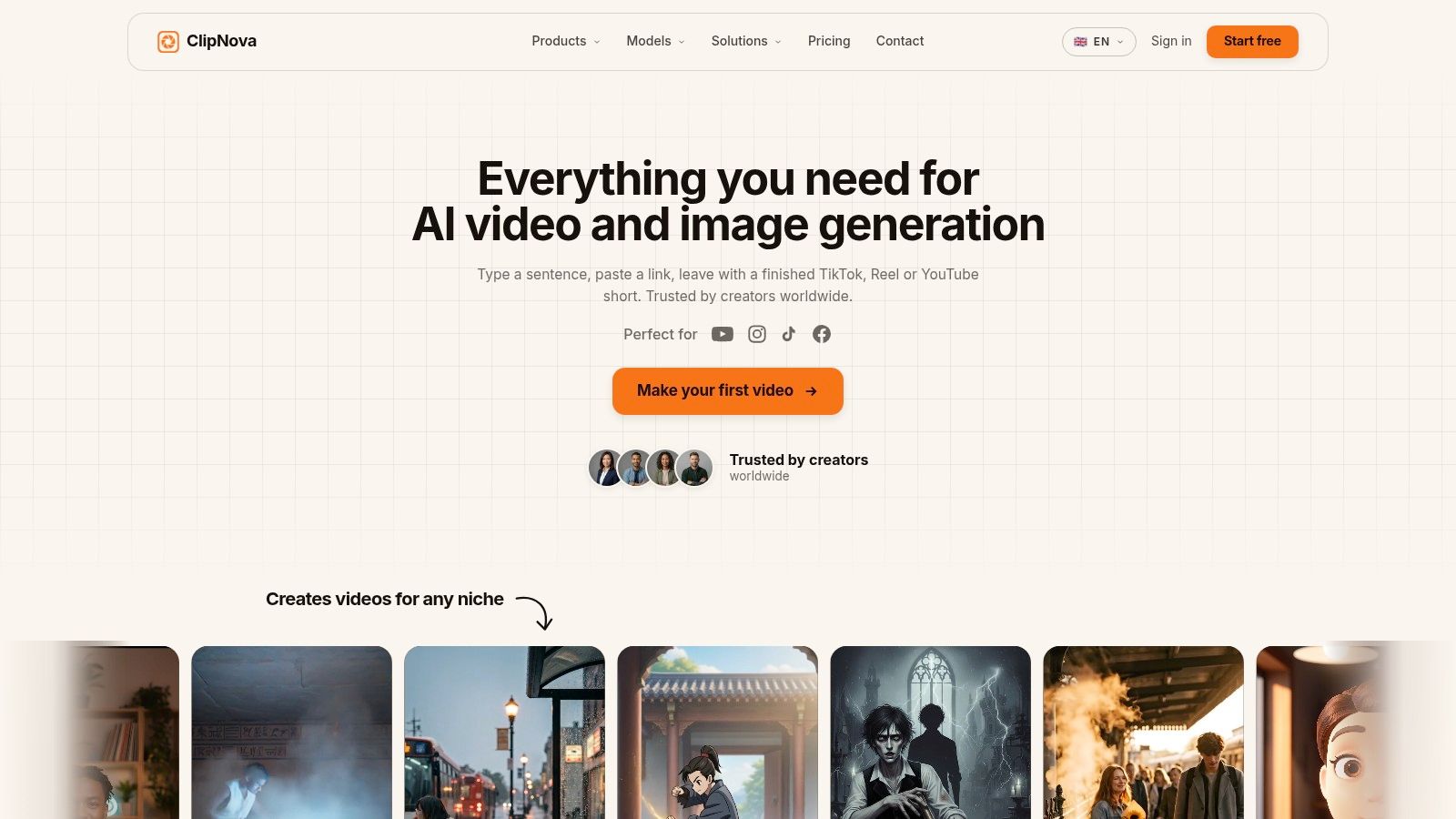
Can an application to make video with music build a usable draft before you have finished collecting footage? ClipNova targets that starting point. A creator can enter an idea, script, link, or topic, then develop the narration, visuals, captions, music, and export settings within one AI-based workflow.
Its Music to Video process accepts an uploaded track and generates visuals intended to follow the song's beat. The broader editor can also combine voiceover, B-roll, subtitles, and background music. That makes it more suitable for a product teaser, artist announcement, or localized social campaign than for an editor who already has a large, carefully organized footage library.
<a id="where-the-music-to-export-workflow-is-strongest"></a>
Where the music-to-export workflow is strongest
ClipNova's main advantage is the number of production steps it connects. A creator can start with an outline, generate a script, select narrated audio, add visuals, apply automatic captions, and place music before reviewing the final sequence. Beat-based visual generation can establish a first rhythm quickly, although the result still requires review when a cut must land on a precise lyric, downbeat, or performance movement.
The platform supports automatic subtitles, caption styles, narrated voices, and beat-matched music. Paid plans include watermark-free 1080p and 4K exports with commercial rights, while automatic resizing supports 9:16, 1:1, and 16:9 formats. Those options suit creators preparing separate versions for vertical social feeds, square placements, and widescreen channels. They also reduce the need to rebuild the composition for each aspect ratio, though every resized version should be checked for cropped text, faces, and important visual details.
ClipNova also includes Talking Avatar videos, Text-to-Video with synced audio, anime and cartoon generation, AI ads, product videos, and image tools. Its voice library covers 32 languages, which can support translated or re-voiced versions without recording every language from scratch. The trade-off is reduced manual control compared with a traditional timeline. AI-generated scripts, voices, visuals, and captions need human review for tone, pronunciation, factual accuracy, continuity, and music permissions.
The credit model also affects repeat production. Hobby costs $19 per month for 1,000 credits, Starter costs $49 for 2,500 credits, Growth costs $99 for 5,000 credits, and Ultra costs $199 for 10,000 credits. The ai video editor fits creators who prioritize fast concept-to-export production and multiple format versions. Editors requiring frame-level beat cuts, extensive layered audio mixing, or long projects may reach its limits sooner and need a conventional desktop application.
<a id="2-capcut"></a>
2. CapCut
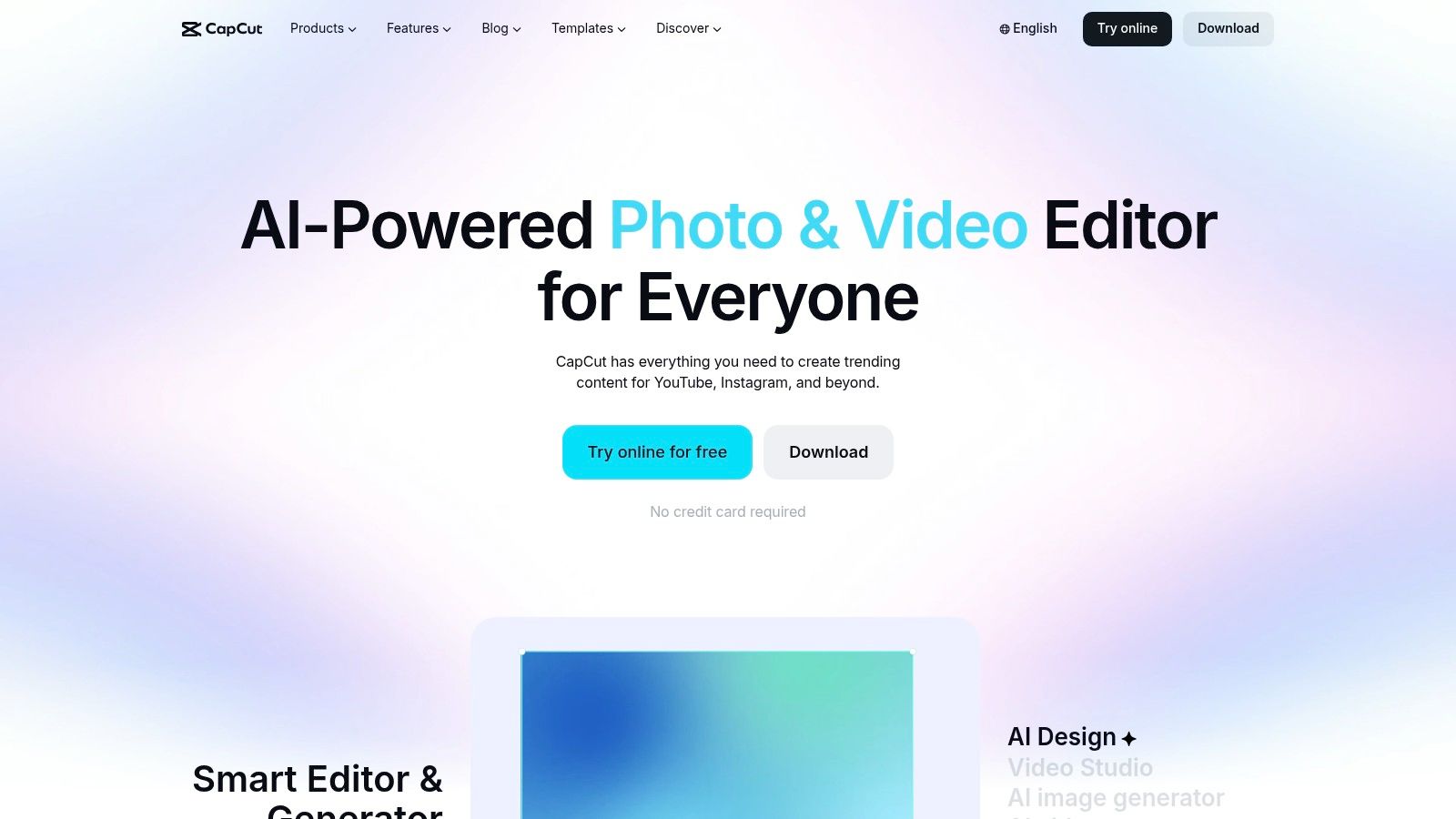
CapCut is the practical pick for fast social edits when you already have video clips and want the application to make video with music around a familiar short-form rhythm. Its Auto Cut and Beat Sync tools can place cuts around the music, while auto subtitles, text styles, effects, and templates reduce the amount of manual assembly required.
The workflow is quick because the app makes strong assumptions about the destination. TikTok and Reels-style compositions, vertical framing, animated text, and rapid transitions are central to the experience. That's an advantage for a creator publishing daily clips, but it can become a limitation when the music video needs a distinctive visual language or a carefully controlled pace.
<a id="best-use-case-and-main-trade-off"></a>
Best use case and main trade-off
CapCut works across mobile, desktop, and web, with cloud projects that support multi-device editing. A creator can rough-cut on a phone, continue on a desktop, and use templates to maintain a consistent social format. Its large template library is especially useful for short promotional clips, artist teasers, and trend-responsive posts.
Captions are a major strength for music-led social content because the visual rhythm can't carry the message by itself. Auto subtitles provide a starting point, but lyrics, names, and stylized wording still require review. Music rights also need attention. A track available inside a social platform may not be cleared for use on a website, an advertisement, or another exported destination.
Use CapCut's video tool for creators when speed and platform-native style matter more than deep timeline control. Before choosing a track, compare the intended output with these music video ideas, particularly if you're planning versions beyond a single social platform. CapCut's Pro pricing can vary by region and platform, and subscription management has caused confusion for some users, so check the exact offer shown on your device before committing.
<a id="3-adobe-express"></a>
3. Adobe Express
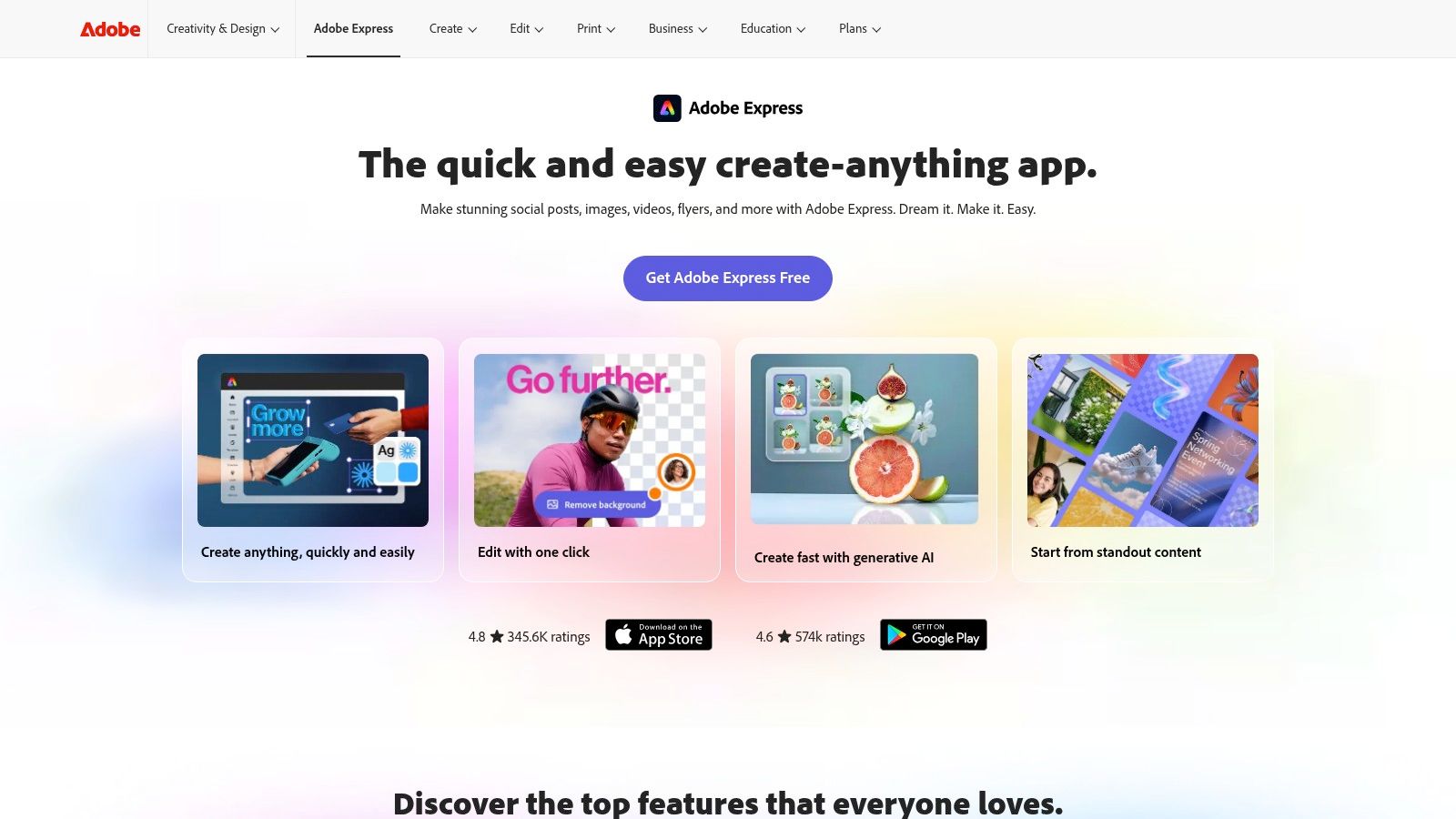
Adobe Express suits marketers, small businesses, and creators who need a clean branded composition rather than an effects-heavy music edit. Its drag-and-drop editor combines video clips, photos, text, templates, and stock music in one browser and mobile workflow. The built-in asset library is the central advantage because it reduces the need to source every visual and audio element separately.
The music workflow is straightforward. Choose a track from the available library, place it beneath the visual sequence, trim the audio, and adjust the timing of scenes and text. That's enough for a product teaser, event announcement, lyric-style graphic, or branded slideshow. It isn't the best environment for complex beat-by-beat editing, detailed audio mixing, or multilayer motion design.
<a id="a-safer-asset-workflow-with-less-timeline-depth"></a>
A safer asset workflow, with less timeline depth
Adobe Express is appealing when licensing clarity matters because its stock ecosystem includes royalty-free assets and music. That doesn't mean every external song is automatically cleared. If you upload copyrighted music, you remain responsible for confirming the rights required for the intended platform and use.
Creative Cloud integrations also help teams that already work inside Adobe's ecosystem. Brand assets, templates, and enterprise workflows can make approvals easier, especially when several people need to produce consistent social content. New AI video tools are also being incorporated into Express, but AI credit limits on Premium plans can affect heavier usage.
Choose Adobe Express when the content needs to look recognizably on-brand and the edit remains relatively simple. Choose a dedicated NLE instead when you need frame-level control, complex audio layering, or extensive compositing. The editor's polished simplicity is its strength, and it's also the reason experienced editors may find it restrictive.
<a id="4-veedio"></a>
4. VEED.IO
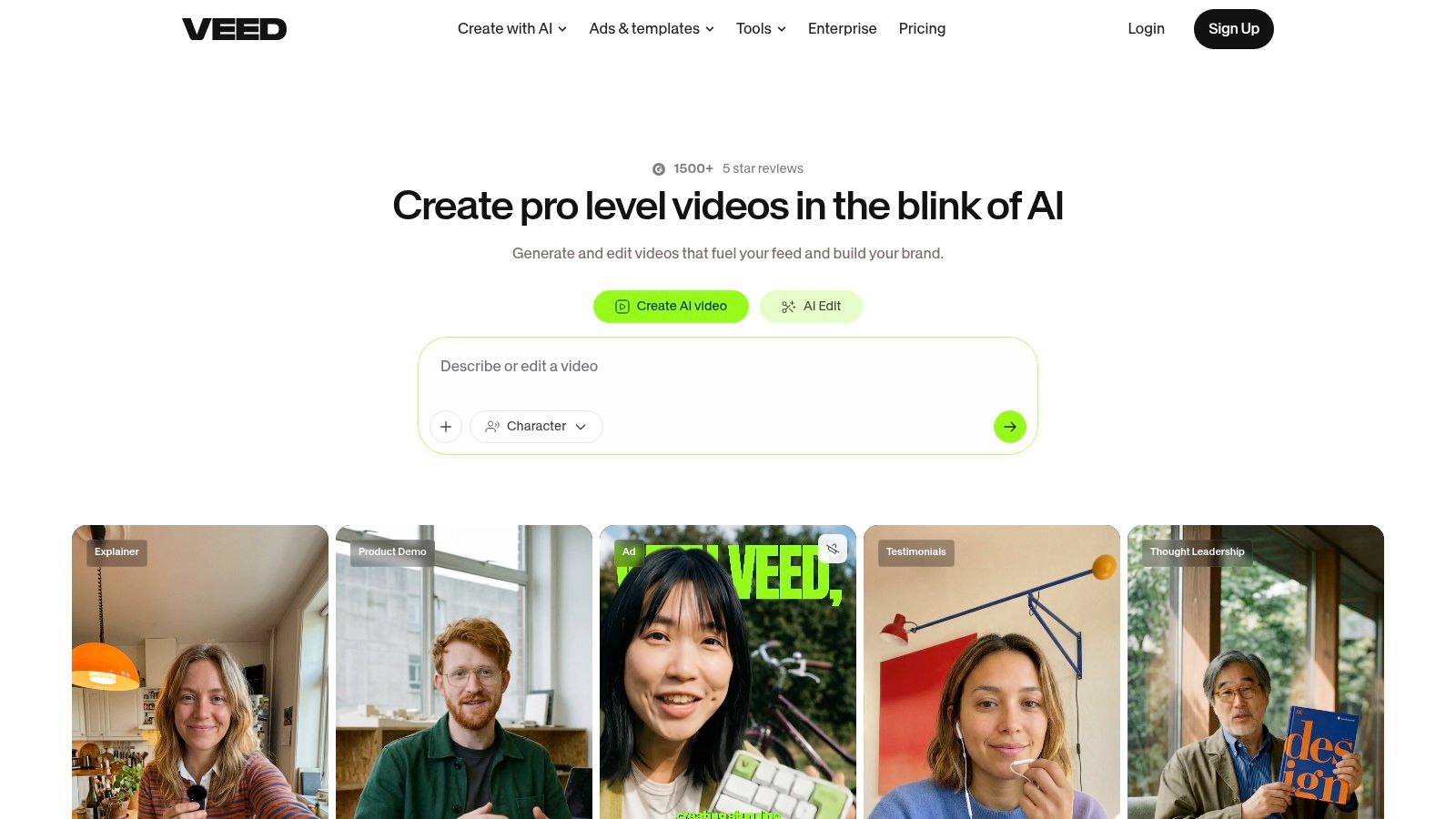
VEED.IO is a browser-based option for creators who care about captions and quick publishing as much as music synchronization. The editor supports adding music, auto-subtitles, audio cleanup, stock assets, and one-click exports for common social formats. You don't need to install a desktop application, which makes it useful for distributed teams and occasional editors.
Its strongest scenario is a spoken or lyric-led video with background music. The caption workflow can turn a rough recording into a usable social clip, while audio tools help make speech more intelligible beneath a soundtrack. That balance matters because a music bed can improve energy but also compete with narration if levels aren't checked.
<a id="where-browser-convenience-stops-helping"></a>
Where browser convenience stops helping
VEED.IO's AI helpers, including Magic B-roll and voice features, can speed up draft production. A creator can start with a short recording, add supporting visuals, apply captions, and export a platform-ready version without learning a complex timeline. The stock library also helps fill gaps when original footage is limited.
Large projects are a different story. Browser-based editing can lag as timelines, media, and effects become more demanding, so VEED.IO is better suited to short clips and explainers than elaborate music videos with many layers. Plan structures and pricing can also feel difficult to compare, particularly when different features have separate limits.
Use VEED.IO when the project needs fast captioning, simple music placement, and remote access. Before exporting, watch the entire file with headphones. Caption timing and audio balance are more important than a quick render, especially when the music is part of the creative identity rather than a barely audible background track.
<a id="5-canva"></a>
5. Canva
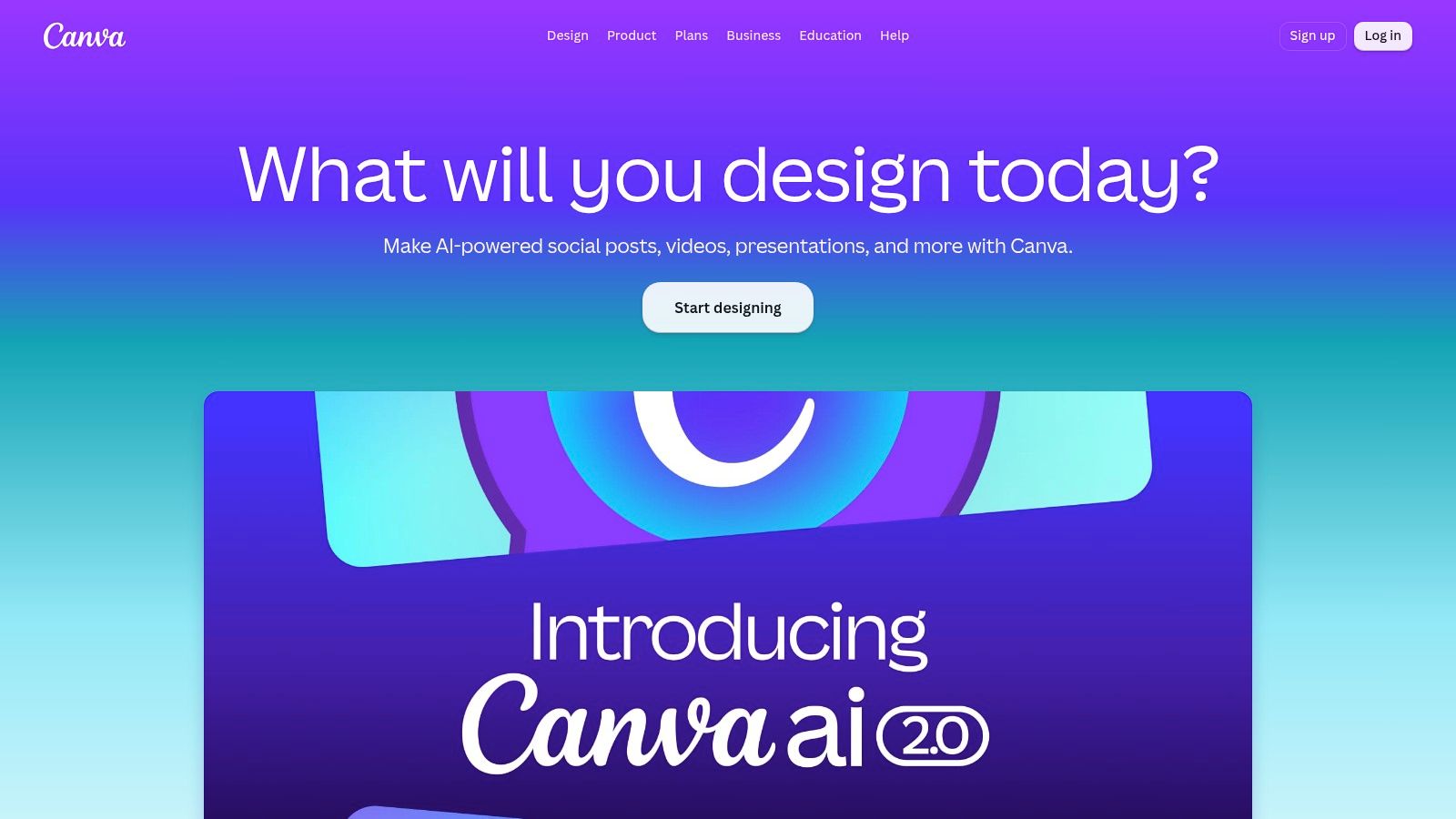
Canva is the easiest fit for a slideshow, announcement, product montage, or branded reel built from templates. Its timeline editor works inside the broader design suite, so users can combine stock video, photos, typography, graphics, and audio without moving between separate applications. The Add music to video workflow is simple, and resizing makes it practical to adapt a composition for several aspect ratios.
That convenience changes how you approach music. Canva works best when the track supports a visual sequence of designed scenes. It's less suitable when every cut must land on a precise beat, when the audio needs detailed mixing, or when the edit depends on advanced keyframes and compositing.
<a id="good-for-designed-content-not-demanding-audio-work"></a>
Good for designed content, not demanding audio work
The stock library includes visuals and audio, which helps creators build a complete draft quickly. Brand kits and collaboration tools are valuable for teams that need repeatable colors, fonts, logos, and approval workflows. AI features can assist with content creation, but the platform remains design-led.
Premium or popular music may be restricted by plan type. “Available in the library” and “cleared for every destination” aren't interchangeable. ASCAP explains that website or mobile-app video containing music and available for streaming can require a public performance license, while synchronization rights cover combining music with visuals. Review the rights attached to any track before publishing outside the platform where you selected it.
Choose Canva's video editor for quick, attractive compositions that prioritize brand consistency. Choose Filmora, PowerDirector, or LumaFusion when the soundtrack and timeline need finer control than a template-led workflow provides.
<a id="6-invideo"></a>
6. InVideo
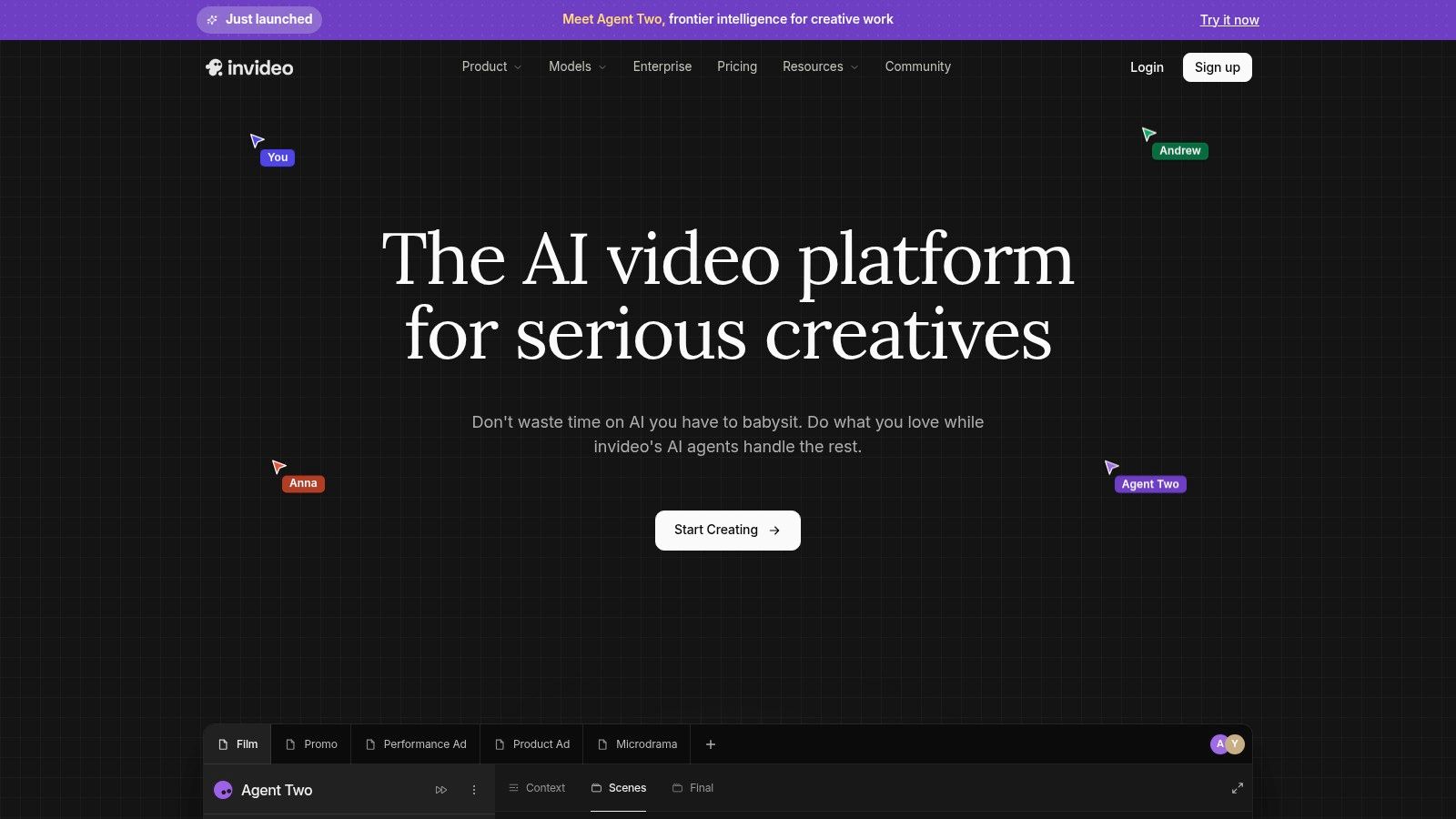
InVideo is built for turning scripts, prompts, and campaign ideas into music-backed drafts. Its web platform combines templates, stock media, AI agents and models, and multiple third-party media sources. That makes it useful for social ads, explainers, promos, and other formats where the first challenge is assembling a complete concept quickly.
The music workflow is template-oriented. You can start from a script or format, let the system propose visuals and structure, then adjust the soundtrack, text, and scene timing. The result is a faster first draft than a blank timeline, particularly for marketers who need several concepts before choosing one to polish.
<a id="draft-speed-comes-with-accounting-complexity"></a>
Draft speed comes with accounting complexity
InVideo's breadth is also the main cost consideration. Video creation and AI usage are metered through credits, and different models or features can consume credits differently. A workflow that looks inexpensive for occasional drafts may become harder to forecast when you generate multiple versions, replace scenes, or use heavier AI functions.
The platform is therefore better for structured experimentation than for precise music editing. If your goal is to test several hooks, visual directions, or ad messages, InVideo can reduce setup time. If your goal is to make a performance video where transitions follow a carefully chosen musical arrangement, you may need a more detailed editor after the draft stage.
Pick InVideo when you want AI-assisted concepts with stock and music in one subscription. Before starting a batch, check how credits apply to generation, regeneration, exports, and premium assets. That review prevents a common mistake, spending the available allowance on exploration before the final version is ready.
<a id="7-descript"></a>
7. Descript
Descript approaches video from the spoken word outward. Instead of treating the timeline as the primary workspace, it lets you edit the transcript, remove unwanted words, assemble a rough cut, and generate captions from the text. That makes it a strong application to make video with music for podcasts, tutorials, interviews, lessons, and scripted commentary where the voice carries the main message.
Background music fits into this workflow as a supporting layer. Record or import the narration, clean the audio, edit the transcript, add supporting visuals, then place music beneath the final spoken structure. The approach is efficient because you don't need to hunt through the timeline for every pause or repeated phrase before adding the soundtrack.
<a id="the-right-tool-for-voice-led-music-beds"></a>
The right tool for voice-led music beds
Overdub and voice-generation tools can support revisions, while collaboration and publishing features help teams review scripts and edits. Rapid captioning is another advantage for social repurposing. If a long recording needs to become several short clips, transcript-based selection is often more intuitive than manually scrubbing through footage.
Descript isn't a full effects-heavy NLE. It isn't the natural choice for a complex performance video, beat-synchronized montage, advanced motion graphics, or elaborate color work. Usage-based media minutes and AI credits can also make planning less transparent, so review the allowance before building a large batch.
Use Descript when the audio track is speech with music underneath, not music with visuals built around every beat. For caption-heavy publishing, a dedicated caption generator for video can also clarify the role captions should play before you start editing. Keep music low enough to preserve speech intelligibility, and don't assume a visually dynamic soundtrack can replace a clear narrative.
<a id="8-wondershare-filmora"></a>
8. Wondershare Filmora
Filmora is a desktop editor for creators who want more control than a social template provides without adopting the full complexity of a professional NLE. Its Automatic Beat Detection places markers on the timeline, giving you a visible structure for cutting footage, titles, transitions, and effects to the soundtrack.
That distinction matters. Beat detection doesn't decide the story or guarantee that every cut should land on a beat. It gives the editor useful timing points, then leaves the creative decision to the person assembling the project. For YouTube videos, slideshows, promos, and music-led montages, that balance is often more useful than fully automatic assembly.
<a id="manual-control-without-a-steep-starting-barrier"></a>
Manual control without a steep starting barrier
Filmora includes templates, effects, title presets, and continuing AI additions such as denoise and silence detection. Export presets simplify delivery to common platforms, while the desktop timeline gives you more room to manage multiple audio and visual layers than a phone-first editor.
The limitations appear in advanced finishing. Filmora has fewer high-end grading and compositing tools than professional suites, and some features or assets require extra purchases or subscriptions. Users should also distinguish between a marker-based workflow and genuine audio mixing. You'll still need to adjust volume, fades, narration priority, and transitions manually.
Choose Wondershare Filmora when you have footage and want a guided desktop workflow around a song. Its effects can add speed, but restraint matters. For a brand video, the soundtrack should reinforce the message rather than dictate a transition every time the waveform spikes. You can also use an app with video filters when testing stylistic treatments before committing to a heavier edit.
<a id="9-lumafusion"></a>
9. LumaFusion
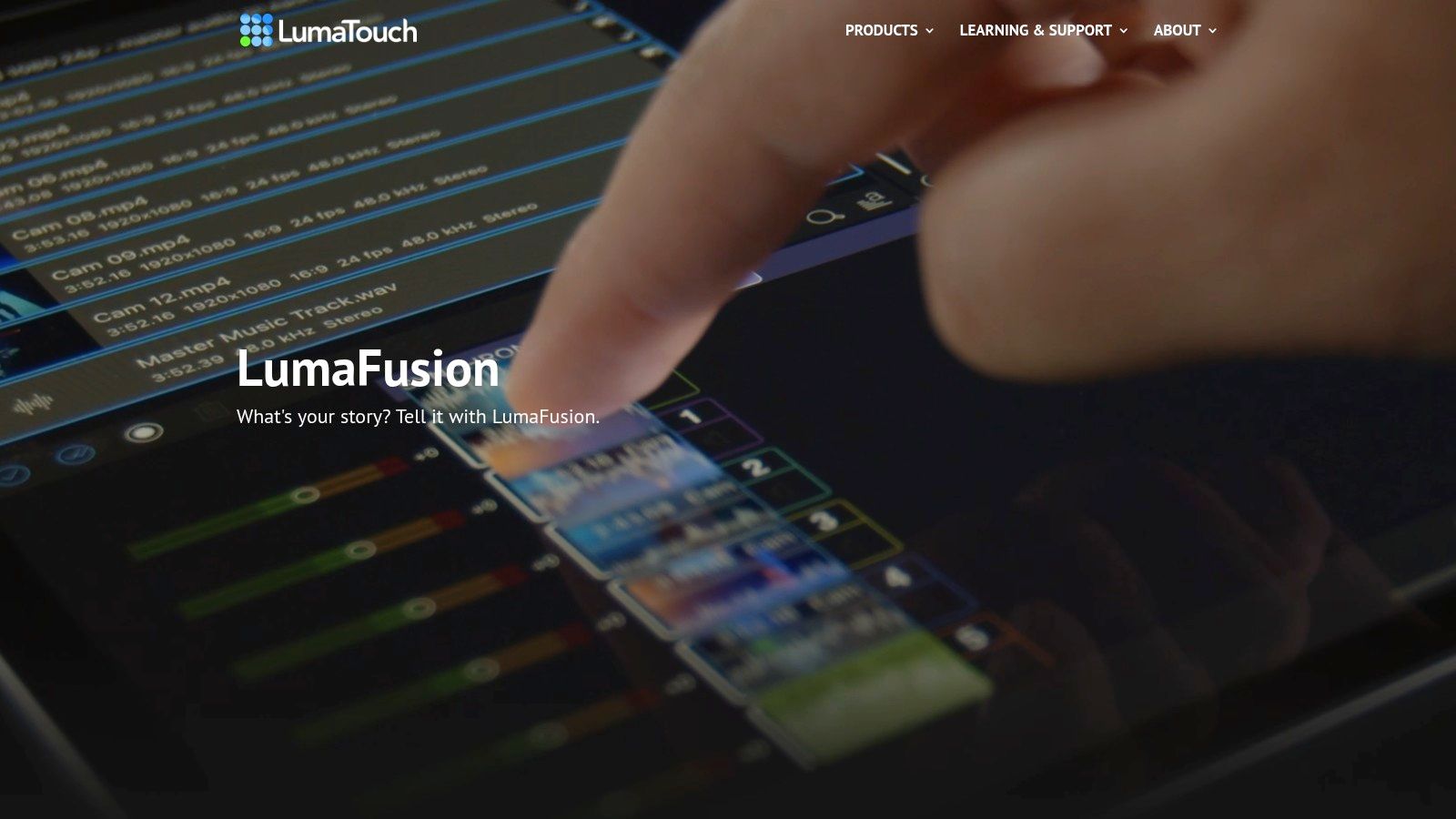
LumaFusion is the choice for creators who want a serious timeline on mobile and Apple hardware. It supports multiple audio tracks, speed ramping, keyframing, multicam sync, and XML export to Final Cut Pro. Those capabilities make it more appropriate for detailed music edits than simpler mobile applications, particularly when the project includes performance footage, dialogue, sound effects, and several music layers.
The editor supports iOS, iPadOS, visionOS, and Apple silicon Macs. That device focus is a strength for Apple-based creators who work away from a traditional workstation, but it excludes Android and Windows users. Device compatibility should be checked before building a workflow around it.
<a id="detailed-mobile-editing-with-licensing-choices"></a>
Detailed mobile editing, with licensing choices
LumaFusion's optional Creator Pass includes access to Storyblocks music, sound effects, and video assets. That can simplify sourcing, but the subscription boundary matters. Some advanced features also sit behind the Creator Pass, so the total workflow cost isn't defined only by the base application.
Music synchronization is mostly an editor-led process. You get the tools to place cuts, automate movement with keyframes, shape speed ramps, and manage tracks, but the application doesn't replace editorial judgment with a one-click idea-to-video pipeline. That's exactly why experienced mobile editors may prefer it.
Choose LumaFusion for a travel workflow, multicamera project, or mobile edit that may later move into Final Cut Pro. Avoid it if your team needs Windows or Android support, or if you want automatic generation of scripts, visuals, captions, and music from a prompt. It's powerful on the timeline, not a complete generative studio.
<a id="10-cyberlink-powerdirector"></a>
10. CyberLink PowerDirector
CyberLink PowerDirector sits between quick consumer editing and more demanding desktop production. It runs on Windows and macOS, also offers mobile access, and combines timeline tools, AI effects, beat detection, and Getty-powered stock media, including music. That range makes it useful for creators who may begin with a simple soundtrack montage but later need more layers, effects, or structured editing.
The beat detection workflow marks musical hits so you can align cuts and effects without locating every beat manually. Unlike a template-first application, PowerDirector gives you a fuller editing environment for changing timing, arranging multiple tracks, and refining the result after the markers are placed.
<a id="a-scalable-editor-with-a-denser-interface"></a>
A scalable editor with a denser interface
The built-in Getty stock library is convenient because video, photos, and music remain available inside the editing environment. The 365 subscription includes ongoing feature updates and content packs, but users should verify the rights and usage conditions for each asset and destination. Stock access doesn't automatically clear music you import from elsewhere.
PowerDirector scales from quick cuts to more complex projects, but its interface can feel dense to newcomers. Some advanced AI and export options are limited in the free version, so test the actual output settings you need before selecting a plan. Resolution, watermark behavior, file type, and platform presets can affect whether the finished file is ready to publish.
Choose CyberLink PowerDirector when you want desktop beat markers with room to grow. It's a better fit than Canva for layered projects, but a less natural starting point than ClipNova if you don't have footage, a script, or a defined edit plan.
<a id="top-10-video-with-music-apps-comparison"></a>
Top 10 Video-with-Music Apps Comparison
| Product | Core features ✨ | UX / Quality ★ | Price / Value 💰 | Target 👥 | Standout / USP 🏆 |
|---|---|---|---|---|---|
| ClipNova 🏆 | ✨ End‑to‑end AI: text→video, talking avatars, music→video, image tools, multi‑aspect exports | ★★★★☆ · Publish‑ready 1080p/4K, realistic voices, fast variants/A‑B testing | 💰 Hobby $19 → Ultra $199/mo; Enterprise custom; free trial; credits model | 👥 Creators, marketers, agencies, teams | 🏆 Full automated pipeline + 32‑lang re‑voicing, commercial rights |
| CapCut | ✨ Beat‑sync, auto subtitles, templates, cloud projects | ★★★☆☆ · Extremely fast mobile workflows | 💰 Free core; regional Pro/subscriptions vary | 👥 TikTokers, casual creators, mobile editors | 🏆 Rapid music‑synced edits + vast template library |
| Adobe Express | ✨ Drag‑drop editor, royalty‑free stock & music, AI video tools | ★★★★☆ · Brand templates, Adobe ecosystem | 💰 Free tier; Premium w/ AI credits; CC integrations | 👥 Brands, marketers, small teams | 🏆 Strong licensed asset & music library for brand consistency |
| VEED.IO | ✨ Browser editor, auto‑subs, Magic B‑roll, stock assets | ★★★☆☆ · Quick captions/subtitles; browser limits on big projects | 💰 Freemium; paid plans for exports & HD | 👥 Social creators, explainers, non‑editors | 🏆 Best‑in‑class subtitle/caption tooling |
| Canva | ✨ Templates, timeline editor, huge stock audio/visuals, easy resize | ★★★★☆ · Fast templated workflows for multi‑aspect exports | 💰 Freemium; Pro unlocks premium music/assets | 👥 Small teams, marketers, social creators | 🏆 Massive asset library + one‑click resizing |
| InVideo | ✨ AI agents + templates, integrated stock, credits system | ★★★☆☆ · Fast drafts; credits/pricing can be complex | 💰 Credits‑based subscriptions; add‑ons possible | 👥 Marketers, small agencies, advertisers | 🏆 Wide model & asset access in one platform |
| Descript | ✨ Transcript‑based editing, Overdub, rapid captions | ★★★★☆ · Ideal for voice/scripted content | 💰 Freemium; paid plans meter minutes/AI credits | 👥 Podcasters, educators, scripted creators | 🏆 Text‑first editing + realistic voice cloning |
| Wondershare Filmora | ✨ Beat detection, effects & titles, export presets | ★★★☆☆ · Beginner‑friendly desktop NLE | 💰 One‑time or subscription; some assets extra | 👥 YouTubers, hobbyists, beginners | 🏆 Easy beat markers + large effects library |
| LumaFusion | ✨ Multitrack timeline, speed ramp, multicam, Storyblocks option | ★★★★☆ · Pro‑level mobile editing (iOS/mac) | 💰 Paid app; Creator Pass for Storyblocks/music | 👥 Mobile pros, iOS creators, on‑the‑go editors | 🏆 Powerful mobile NLE with optional stock audio |
| CyberLink PowerDirector | ✨ Full NLE, Getty stock (incl. music), beat detection, AI effects | ★★★☆☆ · Feature‑rich but denser UI | 💰 Subscription (365) or perpetual; stock included | 👥 Advanced hobbyists, pros, content teams | 🏆 Robust feature set + built‑in Getty assets |
<a id="match-the-app-to-your-editing-priorities"></a>
Match the App to Your Editing Priorities
The best application to make video with music depends on where your project begins and how much control you need before export. If you have only a topic, link, sentence, or song and want a publish-ready short-form asset, ClipNova offers the most complete idea-to-publish workflow. It combines scripting, visuals, voiceover, captions, beat-matched music, multilingual re-voicing, and exports for 9:16, 1:1, and 16:9 in one workspace.
Choose CapCut when the raw material already exists and the goal is a fast social edit with beat-synced cuts, templates, effects, and captions. Choose Adobe Express or Canva for branded, asset-led compositions such as product announcements, slideshows, promos, and simple reels. Their design systems are easier to manage than a professional timeline, but they don't offer the same depth for complex audio editing.
VEED.IO is the practical browser choice for captions, audio cleanup, stock assets, and fast exports. InVideo makes more sense when you want AI-assisted drafts from scripts or campaign ideas and can manage a credit-based workflow. Descript is the specialist option for transcript-driven videos where narration remains more important than beat-by-beat visual choreography.
For desktop editing with music markers, compare Filmora and PowerDirector. Filmora offers a gentler learning curve and automatic beat markers, while PowerDirector provides a denser feature set and a broader path from simple cuts to complex edits. LumaFusion is the detailed mobile option for Apple users who need multitrack editing, keyframes, speed ramps, multicam sync, and a possible Final Cut Pro handoff.
Music remains central to short-form creation, but more music isn't automatically better. A 2025 survey summary reported that 61% of fans saw more short-form than long-form content on social media, while 52% said long-form offered more value and made them more likely to pay, as covered by Music Ally's analysis of short and long-form social video. The practical conclusion is that beat-heavy edits can suit entertainment, artist promotion, and fast ads, while educational, premium, or trust-based content may need quieter sound design and clearer speech.
Before you commit to a recurring plan, test the complete workflow. Confirm the music license for every destination, check credit or AI limits, verify device compatibility, inspect timeline control, and export a real sample. Then review watermark rules, resolution, aspect ratios, captions, and final audio balance. ASCAP's website and mobile-app music licensing FAQ makes the rights distinction especially important: public-performance and synchronization rights can be separate, so a platform library may not solve every reuse case.
ClipNova brings scripting, visuals, voiceover, captions, automatic beat-matched music, multilingual re-voicing, and multi-aspect exports into one workflow for creators who want to move from idea to publish-ready video quickly. Visit ClipNova to test a music-first production process that can support short-form posts, promotional videos, ads, and localized campaigns without assembling the project across several separate tools.
Ready to ship your own?
Start creating viral videos with AI in under twenty minutes, no credit card required.