
The popular advice is to find the single best AI movie maker and use it for everything. That approach breaks down quickly. Generating a cinematic shot, assembling a narrated social story, producing presenter-led training, and editing a campaign variation are different production jobs with different failure points.
A strong tool for one job may be inefficient for another. Shot-generation platforms usually offer more control over motion and visual style, while avatar platforms prioritize consistent delivery, localization, and business governance. All-in-one editors trade some specialist depth for speed, fewer handoffs, and easier repeat production.
This list compares tools by workflow fit, creative control, continuity, editing control, credit usage, collaboration, localization, and export requirements. It also considers which products are scaling beyond experimentation. The broader market is moving into mainstream software infrastructure, with major forecasts placing the AI video generator category at USD 716.8 million in 2025 and USD 847 million in 2026, before projecting USD 3.35 billion by 2034 at an 18.8% CAGR in this market overview.
ClipNova is the featured all-in-one option for creators and teams that want scripting, voiceover, visuals, captions, music, localization, and multi-aspect exports in one workspace. Specialized platforms can still be stronger for particular cinematic, avatar, or editing tasks. For broader buying context, compare this list with these AI video generator reviews.
Table of Contents
- 1. ClipNova
- 2. Runway
- 3. Luma Labs Dream Machine
- 4. Pika
- 5. PixVerse
- 6. Synthesia
- 7. HeyGen
- 8. Colossyan
- 9. Kapwing AI
- 10. InVideo AI
- Top 10 AI Movie Makers, Features & Pricing Comparison
- Choose the Workflow You Can Sustain
<a id="1-clipnova"></a>
1. ClipNova
ClipNova addresses the assembly problem rather than maximizing cinematic shot control. A creator can start with a sentence, link, or topic, then handle ideation, scriptwriting, voiceover, visuals, captions, music, and export in one workspace. This workflow suits agencies, performance marketers, musicians, and teams producing publish-ready short-form assets across repeated campaigns.
Its production value is breadth. ClipNova supports voiceovers in 32 languages, automatic translation and re-voicing, captions, beat-matched music, and exports for 9:16, 1:1, and 16:9 formats. Paid plans include commercial rights and watermark-free exports. Projects are encrypted at rest, and ClipNova says user inputs are not used to train models. These controls reduce handoffs for localized campaigns, although teams should still confirm legal and brand requirements before publishing.
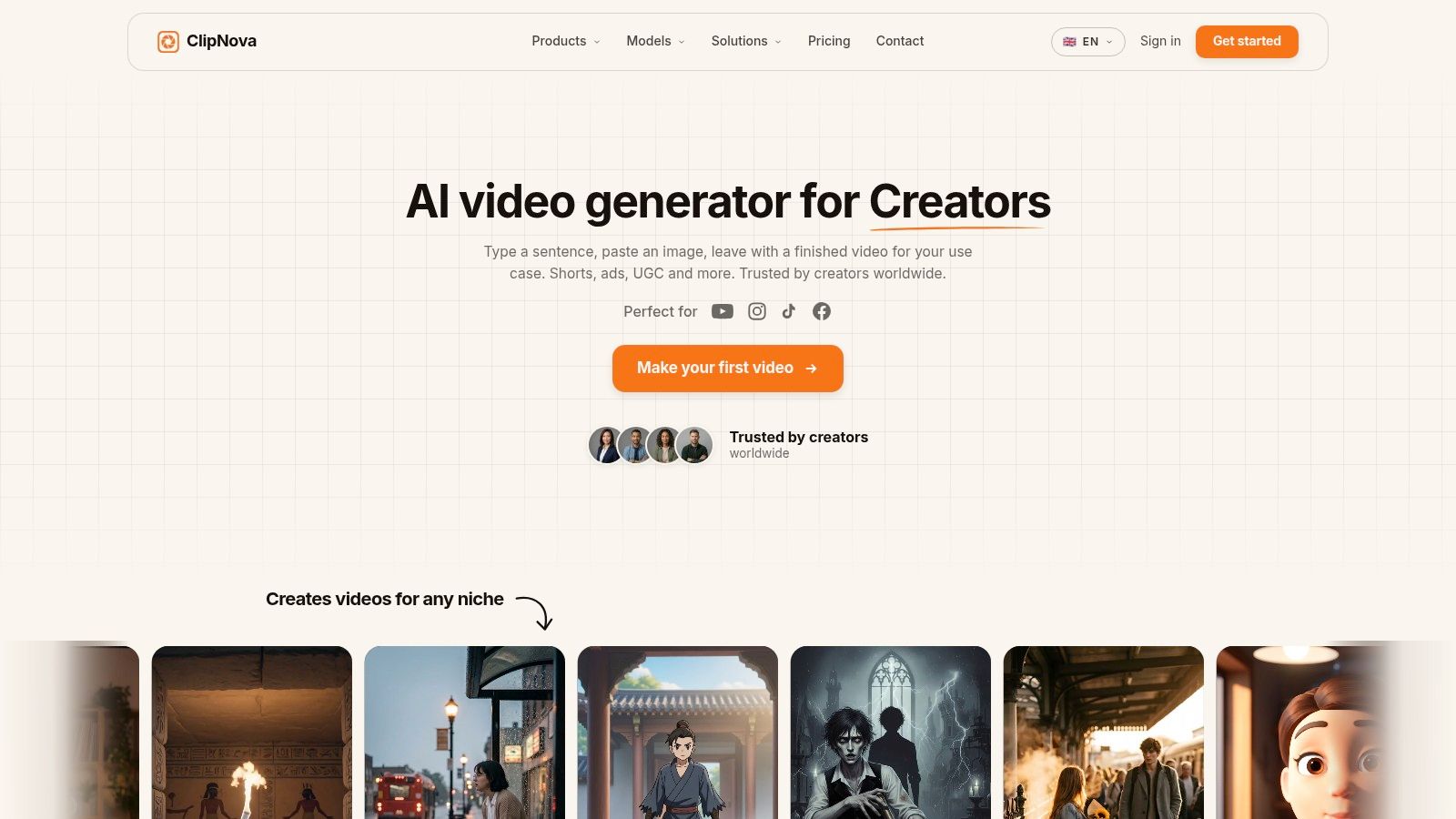
The strongest fit is repeatable short-form production. Built-in hooks, A/B variants, voices tuned for pacing and breath, and stylized generators such as Anime and Cartoon help turn one concept into several usable cuts. Ultra mode adds native synced audio and 1080p output, while the model catalog includes Grok Imagine and Nano Banana Pro.
Practical rule: Choose ClipNova when the constraint is coordination across scripting, localization, editing, and export, rather than one difficult visual effect.
Credit-based usage affects scalability. Heavy production can be harder to forecast than a fixed editing subscription, especially when teams revise multiple variants. Brand work may still need manual review for tone, continuity, lip-sync, and legal compliance. There is no free trial, so a representative project should be tested before adoption.
For the workflow implications, see this guide to automated video production.
<a id="2-runway"></a>
2. Runway
Runway is built for creators who care about the shot itself. Its text-to-video and image-to-video models, including Gen-4.5 and Gen-4 Turbo, sit alongside an editor with keyframes, camera moves, masking, matte extraction, motion tracking, object removal, and object insertion. That combination makes it more than a prompt box. It gives a filmmaker room to shape a generated shot after the first result appears.
The platform also brings audio into the same workflow through Seed Audio, text-to-speech, and lip-sync voices. Higher-tier export options include HDR and ProRes, which makes Runway more suitable for short cinematic sequences, concept trailers, advertising treatments, and social films that may continue into a conventional post-production pipeline.
<a id="where-the-workflow-slows-down"></a>
Where the workflow slows down
Runway publishes credit-to-seconds guidance, which helps teams plan generation budgets before production begins. The tradeoff is that flagship models, higher resolutions, retries, and audio operations can consume credits quickly. A director testing multiple camera concepts may get strong creative range, but the process needs a disciplined approval loop.
Runway is also better at creating and refining short scenes than maintaining a multi-minute narrative automatically. Character identity, props, lighting, and geography still need careful planning across shots. Use it when creative control and cinematic quality outrank automated assembly, then edit the approved clips in a broader timeline if the project grows.
Visit the Runway platform to assess its current model, editor, and export workflow.
<a id="3-luma-labs-dream-machine"></a>
3. Luma Labs Dream Machine
Luma Labs Dream Machine focuses on cinematic motion. Its prompt-to-video and image-to-video workflow is a strong match for trailers, concept shorts, atmosphere-heavy sequences, and individual movie scenes where camera movement and physical behavior carry much of the impact.
The product is available through a web workspace and an API, giving teams two different ways to work. A visual creator can iterate in the web app, while a production team can explore programmatic generation for a repeatable pipeline. Luma also documents product changes through a public changelog and supports users with a learning hub, which is useful in a category where model behavior changes frequently.
<a id="a-cinematic-specialist-with-planning-overhead"></a>
A cinematic specialist with planning overhead
Dream Machine's appeal is visual. It's a better starting point than a conventional script-to-video editor when the brief depends on convincing motion, expressive camera work, or a stylized cinematic look. It doesn't replace the need for storyboards, shot selection, sound design, or continuity checks.
The practical complication is usage planning. Users need to pay attention to credit consumption, and the distinction between established plan tiers and newer agent-oriented plans can create uncertainty during evaluation. Teams should verify which workspace, model, and usage rules apply before estimating a larger production.
The best use is selective. Generate the hero shots, transitions, or mood sequences in Dream Machine, then assemble them elsewhere if your project needs extensive narration, captions, localization, or campaign variants. Explore the Dream Machine workspace and API before deciding whether its cinematic strengths justify the additional assembly work.
<a id="4-pika"></a>
4. Pika
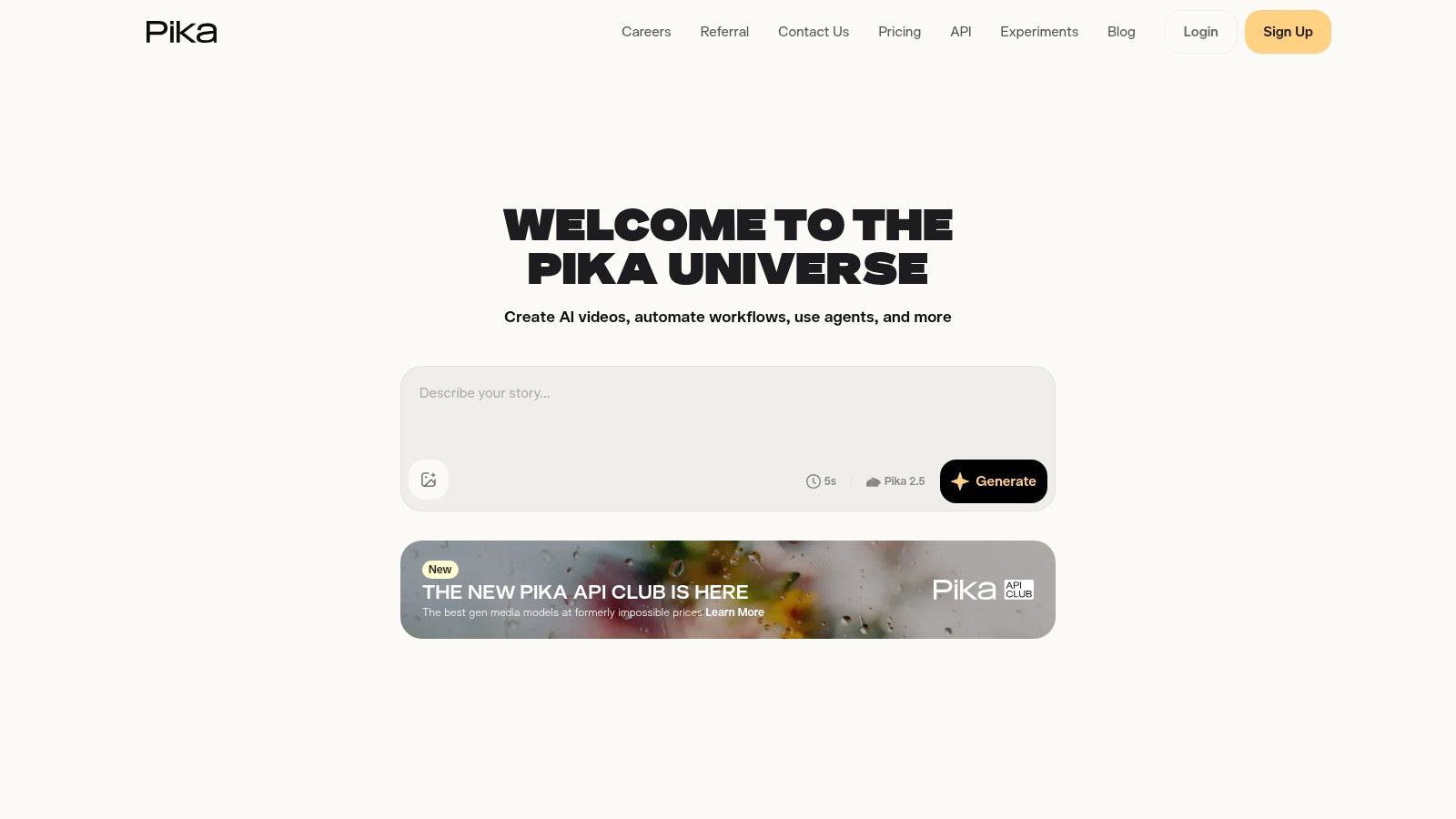
Pika is designed for fast, playful iteration. Its text-to-video and image-to-video tools are supported by in-place controls such as Pikadditions and Pikaswaps, along with effects and style presets. That makes it especially useful for TikTok and Reels concepts, stylized animation, music-synced loops, and short “movie moments” that need a strong visual hook more than strict narrative continuity.
Pika's community orientation changes how teams discover ideas. Users can study examples, test variations, and move quickly from a simple visual premise to a shareable result. The web app supports rapid experimentation, while the API uses pay-as-you-go, per-second pricing for teams that want to run repeatable or batch workflows.
<a id="strong-for-moments-weaker-for-continuity"></a>
Strong for moments, weaker for continuity
Pika's in-place edits are more useful than a simple regenerate button when the creative direction is clear but one element needs changing. You can explore a replacement, addition, or style treatment without rebuilding the entire idea from scratch. That supports social-first testing, where several creative directions may be more valuable than one carefully controlled sequence.
The limitation is output planning. Some lower-tier plans restrict resolution, and the strongest results may require paid access or API usage. Pika also isn't the obvious choice for a dialogue-heavy narrative that depends on stable characters, precise blocking, or consistent production design across many shots.
Choose Pika when speed, novelty, and trend compatibility matter most. The API's per-second framing can make batch planning easier, but teams should still test the actual output quality and revision pattern on their own content. Start with the Pika platform.
<a id="5-pixverse"></a>
5. PixVerse
PixVerse targets the production side of short-form generation. It offers text-to-video and image-to-video workflows through a self-serve application and an API, with documentation that explains models, credits, subscription management, and usage. That positioning makes it relevant to teams that aren't only asking, “Can this create a good shot?” but also, “Can we operate this repeatedly?”
The platform emphasizes movie-like quality for short scenes, throughput, and cost control. Its published model documentation gives buyers more material for planning than a product page that only displays visual examples. Community competitions and AI filmmaking showcases also make PixVerse a fit for creators who want to experiment with cinematic formats while keeping an eye on production practicality.
<a id="built-for-teams-that-need-an-operating-model"></a>
Built for teams that need an operating model
PixVerse's API is the key differentiator. A team can use the app for creative exploration, then consider API workflows for higher-throughput production or integration with an existing content system. That separation is valuable because creative approval and automated generation rarely happen in the same interface.
The buying experience can still require research. Some plan details are surfaced more clearly in documentation than on the main marketing site, and pricing and usage information may be spread across subscription and API materials. This isn't necessarily a product weakness, but it does increase implementation friction for teams trying to compare costs quickly.
PixVerse suits short cinematic production with operational requirements. It's less attractive if you want a complete script, voice, caption, and publishing pipeline in one click. Review the PixVerse application and API with a real project brief, not only a demo prompt.
<a id="6-synthesia"></a>
6. Synthesia
Synthesia is the clearest choice in this list for presenter-led business video. Users write scenes, select stock or custom avatars, and generate studio-style training, onboarding, explainer, and marketing content without recording a presenter. Its large avatar library and multilingual dubbing support make it useful when the message needs consistent delivery across departments or markets.
The workflow prioritizes reliability over cinematic freedom. Team collaboration, brand kits, enterprise governance, SSO, onboarding, and SCORM export support learning and development teams that need more than a visually attractive clip. The API can also support specific avatar types in the Express-1 family, which matters when production needs to connect with other systems.
<a id="choose-consistency-over-visual-experimentation"></a>
Choose consistency over visual experimentation
Synthesia's structure helps non-filmmakers produce repeatable presenter videos. A training team can update a script, maintain a recognizable presenter style, and distribute the result without scheduling a shoot. That's a different definition of continuity from cinematic generation. Here, continuity means stable presentation, approved language, and controlled brand execution.
The limitation is equally clear. Synthesia isn't designed for abstract visual effects, elaborate camera choreography, or free-form movie scenes. Its strength is a presenter communicating information, supported by templates and business controls.
Use Synthesia when the production problem is instructional communication at organizational scale. For broader guidance on presenter-led formats, consult this resource on AI explainer videos. You can evaluate the Synthesia video platform for avatar quality, governance, and localization needs.
<a id="7-heygen"></a>
7. HeyGen
HeyGen takes a flexible avatar-first approach to marketing explainers, product tutorials, localized campaigns, and presenter-led social content. Its workflow combines script-to-video production with presenter avatars, face-swap capabilities, voice tools, and localization features. Subscription plans serve creators and teams, while pay-as-you-go API options are useful when demand arrives in campaign bursts.
The strongest reason to choose HeyGen is variation. A marketing team can produce localized or audience-specific versions without recreating every production step from scratch. That makes the platform more relevant to distributed campaigns than to a single polished short film.
<a id="flexible-purchasing-needs-careful-governance"></a>
Flexible purchasing needs careful governance
HeyGen's purchase options can match different usage patterns. A team with regular publishing may prefer a subscription, while an API workflow can support a specific application or a temporary volume increase. That flexibility doesn't remove the need to inspect usage rules before a large rollout.
Community feedback has pointed to periodic changes in credit rules, so buyers should verify current limits, included capabilities, and API conditions before building a forecast. A localized campaign can create many related versions, and small assumptions about consumption can affect the operating model.
HeyGen is a good fit when presenter consistency and fast localization matter more than cinematic shot design. It isn't a substitute for Runway or Luma Labs when the creative brief depends on camera language, environments, or visual effects. Learn more through the HeyGen platform and test a complete localized sequence rather than one isolated avatar clip. A related guide to talking avatar AI can help frame the use case.
<a id="8-colossyan"></a>
8. Colossyan
Colossyan is purpose-built for instructional production. Its presenter library, custom avatar support, scene builder, B-roll, captions, templates, and integrated workspace give non-editors a direct route from a script to a training module. HR, learning and development, onboarding, and compliance teams can work inside a structure designed around instructional scenes rather than cinematic experimentation.
The platform also emphasizes team and enterprise controls. Governance settings, compliance features, and clear plan comparisons reduce some of the uncertainty that often appears when a solo creator's tool becomes part of an organizational process. Minutes-based allowances provide a more familiar planning model for teams that think in completed training content.
<a id="a-practical-choice-for-non-editors"></a>
A practical choice for non-editors
Colossyan's value is workflow clarity. Helpful defaults and templates let subject-matter experts create professional instructional videos without mastering a full editing suite. That can reduce dependence on a central video team, particularly when course material changes often.
The tradeoff is creative range. Colossyan is less appropriate for abstract VFX, stylized cinematic scenes, or a free-form movie structure. Its presenter-driven design is an advantage for training, but it becomes a constraint when the audience expects visual spectacle or complex narrative staging.
Pick Colossyan when the script and learning outcome lead the production. Verify the free trial with a real module, including captions, scene changes, brand rules, and approval steps. Visit the Colossyan platform to compare its instructional workflow with avatar-focused alternatives.
<a id="9-kapwing-ai"></a>
9. Kapwing AI
Kapwing AI sits between generation and editing. It combines script-to-video creation, automatic B-roll selection, subtitles, dubbing, voiceover, templates, brand kits, and a browser-based editor. That makes it useful for social mini-narratives, promotional clips, and fast marketing turnarounds where the first draft must be assembled quickly but still needs hands-on refinement.
The important distinction is control after generation. Kapwing gives beginners an accessible starting point, then keeps them in a conventional timeline and editing environment for trimming, layout changes, captions, and brand adjustments. Eye-contact correction and web collaboration add practical value for teams working with presenter footage or direct-to-camera material.
<a id="the-useful-middle-ground"></a>
The useful middle ground
Kapwing is less specialized than Runway for cinematic generation and less presenter-governed than Synthesia. Its strength is the middle ground, a single browser workspace for social content that needs both AI assistance and human editing.
Credit management still deserves attention. High-fidelity text-to-video operations can consume meaningful AI allowances, and generated footage may need more edits than the initial preview suggests. Teams should confirm current AI limits and credit costs before moving a large content library into production.
Choose Kapwing when editing control matters almost as much as generation speed. It's a sensible fit for marketers who want to avoid app-hopping but don't want to surrender the timeline. Explore the Kapwing AI editor with a campaign asset that includes brand rules, captions, and multiple aspect ratios.
<a id="10-invideo-ai"></a>
10. InVideo AI
InVideo AI is designed to get from an idea to a first cut with minimal friction. Users can start with a prompt, script, or URL, then use agent-assisted workflows for explainers, ads, and script-to-video projects. The system assembles scenes with stock B-roll, captions, voiceover, and music, while chat-style edits let non-technical users request changes without manually rebuilding every scene.
Its model catalog is another practical differentiator. InVideo centralizes access to 200+ models in one interface, according to the product description, so users don't need to manage every image, audio, and video provider separately. That breadth supports fast experimentation, especially for marketers producing social stories or advertising concepts.
<a id="fast-assembly-variable-revision-cost"></a>
Fast assembly, variable revision cost
InVideo is strongest when the goal is a usable first draft. A marketer can turn a brief or webpage into a narrated sequence, review the structure, and request scene-level changes through the agent interface. That lowers the editing barrier for users who know the message but don't want to operate a traditional editor.
The cost question appears during iteration. Consumption-based credits can accumulate as users regenerate scenes, change voices, or explore multiple directions. Team and enterprise pricing, along with exact credit rules, may also require an in-app review before procurement.
Choose InVideo AI for assembled marketing and social videos, not for precise control over every generated frame. It can shorten the distance between a concept and a reviewable draft, while a specialist tool remains preferable for a hero cinematic shot. Assess the InVideo AI workspace using a real URL, script, and revision cycle.
<a id="top-10-ai-movie-makers-features-and-pricing-comparison"></a>
Top 10 AI Movie Makers, Features & Pricing Comparison
| Product | Core features | Quality & UX | Target audience | Pricing & Value | Unique selling points |
|---|---|---|---|---|---|
| ClipNova 🏆 | End-to-end AI studio: text→video/image, voiceover (32 langs), multi-aspect exports, Ultra mode (native synced audio, 1080p) | ★★★★★, fast, publish-ready outputs, built-in ideation & A/B variants | 👥 Creators, social teams, agencies, enterprises | 💰 Tiered subs (Hobby → Ultra → Enterprise), credit-based (approx. low‑teens → mid‑hundreds/mo), commercial rights on paid plans | ✨ Ultra synced audio, 32‑lang re-voicing, anime/cartoon generators, encrypted projects, watermark‑free exports |
| Runway | Prompt/video & image-to-video, pro editor (masking, keyframes, motion tracking), audio tools | ★★★★, granular control, cinematic quality | 👥 VFX artists, filmmakers, advanced creators | 💰 Credits per model/usage; higher for flagship models/resolution | ✨ Granular editor + Gen‑4.5 models, ProRes/HDR export options |
| Luma Labs – Dream Machine | Cinematic text-to-video, API + web app, evolving model family | ★★★★, strong camera motion & realism | 👥 Filmmakers, trailers, studios | 💰 Credit-based; web + API pricing (careful planning advised) | ✨ Convincing camera physics, changelog & learning hub |
| Pika | Fast text/image-to-video, in-place edits (Pikadditions/Pikaswaps), style presets | ★★★★, rapid iteration, trend‑ready outputs | 👥 TikTok/Reels creators, meme/stylized animators | 💰 Pay-as-you-go per second or paid tiers; some low-res limits on cheap plans | ✨ Super-fast edits, community-driven presets, API upscaling |
| PixVerse | Production-focused text/image-to-video, throughput & cost controls, API | ★★★★, movie-like short scenes, team-ready | 👥 Production teams, studios, AI filmmakers | 💰 Subscription + credits; transparent per-minute pricing/docs | ✨ Production API, clear credit docs, contest/community focus |
| Synthesia | Avatar-led script-to-video, 125+ avatars, strong localization & governance | ★★★★, stable, enterprise-grade presenter videos | 👥 L&D, marketing teams, enterprises | 💰 Subscription/enterprise pricing; enterprise governance & SSO | ✨ Large avatar library, SCORM export, mature enterprise features |
| HeyGen | Presenter avatars, face-swap, script→video with localization, PAYG API | ★★★★, fast localized variations at scale | 👥 Marketers, creators needing multilingual content | 💰 Subs + pay-as-you-go API; flexible for spikes | ✨ Face-swap + localization, subscription or PAYG flexibility |
| Colossyan | Presenter library, scene builder, templates for training & onboarding | ★★★, straightforward, template-driven UX | 👥 HR, training teams, instructional designers | 💰 Minutes-based plans with clear comparisons; free trial available | ✨ Training-focused defaults, compliance/team features |
| Kapwing AI | Browser editor + AI generator, auto B-roll, captions, dubbing, templates | ★★★★, beginner-friendly all-in-one editor | 👥 Social creators, small teams, marketers | 💰 Pro subscription with credit system; generous subtitle minutes | ✨ Full web editor + AI pipeline, strong templates & help content |
| InVideo AI | Agent-assisted script→video, centralized model access, fast first cuts | ★★★, quick ad/explainer assembly, agent UI | 👥 Marketers, small agencies, YouTubers | 💰 Credit-based subscriptions; centralized model catalog | ✨ Chatlike agent workflow, 200+ models behind one UI |
<a id="choose-the-workflow-you-can-sustain"></a>
Choose the Workflow You Can Sustain
The best AI movie maker isn't the one with the longest feature list. It's the tool your team can use repeatedly without losing control of quality, rights, revisions, or distribution. The market evidence points in that direction. Marketing and advertising are projected to represent 33.88% of global AI video generation spend in 2026, which suggests that the most established commercial demand is short-form creative production rather than fully automated long-form filmmaking according to this market summary.
Choose Runway, Luma Labs Dream Machine, Pika, or PixVerse when cinematic shot generation is the central problem. Runway offers the deepest editing and compositing controls in this group. Dream Machine is compelling for camera motion and cinematic atmosphere. Pika is better suited to rapid, playful, trend-driven iterations, while PixVerse adds a production-minded API layer for teams that care about throughput and operational planning.
Choose Synthesia, HeyGen, or Colossyan when a presenter must deliver the message consistently. Synthesia is particularly strong for enterprise training and governed collaboration. HeyGen is a flexible option for localized marketing variations and API-led workflows. Colossyan gives instructional teams a structured route from script to training scene, with defaults that help non-editors produce usable modules.
Choose Kapwing AI or InVideo AI for fast assembled social and marketing videos. Kapwing gives more direct browser editing control after generation. InVideo emphasizes agent-assisted assembly from prompts, scripts, or URLs, which makes it attractive when the first cut is the main bottleneck.
Evaluate ClipNova when your workflow needs one studio for scripting, narration, visuals, captions, music, localization, variant testing, and multi-aspect publishing. Its value is operational breadth. It can support a creator or marketing team that needs many publishable versions, rather than a specialist who is willing to stitch generated shots together manually.
Before scaling: Run one representative project through the entire workflow, then measure credit consumption, revision time, continuity, export quality, localization accuracy, and approval friction.
Don't test only the demo prompt. Use a real brief with your brand voice, target aspect ratios, required language versions, music expectations, and rights requirements. Check whether the tool preserves the details that matter after revisions, and confirm commercial rights, privacy controls, governance, and export conditions before a client or public launch.
For teams focused specifically on short-form publishing, compare the broader category with these best AI shorts generator tools. The sustainable choice is the platform that matches your recurring production job, not the one that looks most impressive in a single generated clip.
ClipNova brings scripting, voiceover, visuals, captions, music, localization, variant testing, and 9:16, 1:1, and 16:9 exports into one AI studio for publish-ready content. If your priority is producing and adapting short-form movie-style videos without stitching together several specialist tools, visit ClipNova and test it with a real production brief.
Ready to ship your own?
Start creating viral videos with AI in under twenty minutes, no credit card required.